Chris Bruner
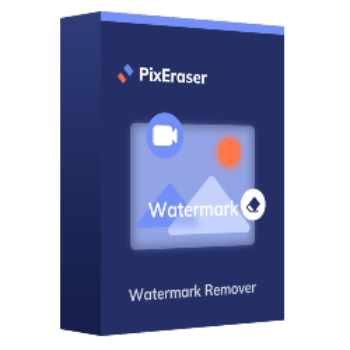
As a powerful watermark remover tool, PixEraser for Windows can easily remove any watermarks, like text, people, camera date stamps, graphic logos, and other unwanted objects, from your images and videos. Featured with advanced AI-powered technology, this tool is the best object remover that is suitable for both amateurs and professionals. This program is designed with an easy-to-use interface and with AI recognition to complete tasks and the result you get is clean and refined images/videos.
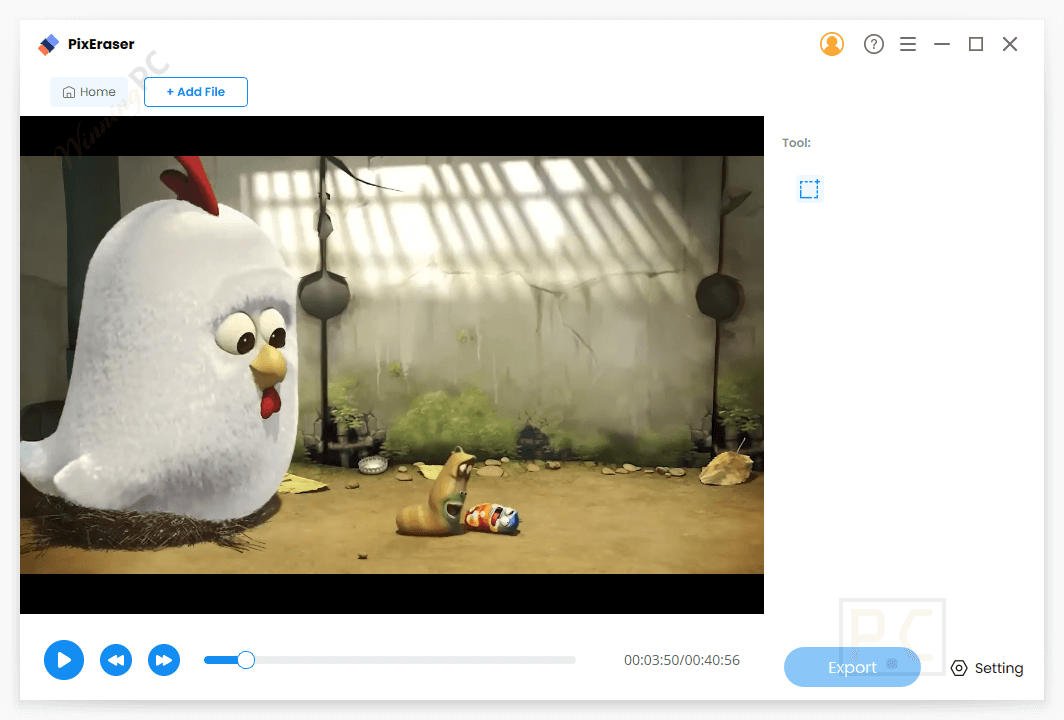
Powered by the latest AI algorithm, PixEraser for Windows analyzes the structure of the image and removes unwanted objects based on patterns and similarities in the surrounding areas. It helps you remove multiple watermarks that are placed on your photo or video at once. You are allowed to preview the result and continue removing other elements based on the changed photo/video. There is no limit to the input image formats – image formats such as PNG, JPG, JPEG, WebP, etc., or video formats including MP4, MOV, AVI, MKV, and many other formats are supported.
Top Watermark Remover Software Coupon Code Sep 2026

iMyFone MarkGo - Monthly License
52% promotion code: regular price $15.99, discounted price $7.15
iMyFone MarkGo - Yearly License
61% discount code: regular price $29.99, discounted price $11.69
iMyFone MarkGo - Lifetime License
55% off coupon code: regular price $59.99, discounted price $26.99

HitPaw Watermark Remover - 1 Month License
65% off coupon-code: regular price $19.99, discounted price $6.99
HitPaw Watermark Remover - 1 Year License
65% discount-code: regular price $39.99, discounted price $13.99
HitPaw Watermark Remover - Perpetual License
65% off promo-code: regular price $59.99, discounted price $20.99
PixEraser for Windows License Key Free Download
- Product name: PixEraser for Windows
- Website: https://pixeraser.com/pro-watermark-remover/
- License type: 6-month
- Platform: Windows
- Download: pixeraser-win.exe
- Giveaway link:
PixEraser for Windows giveaway link
How to get the license key?
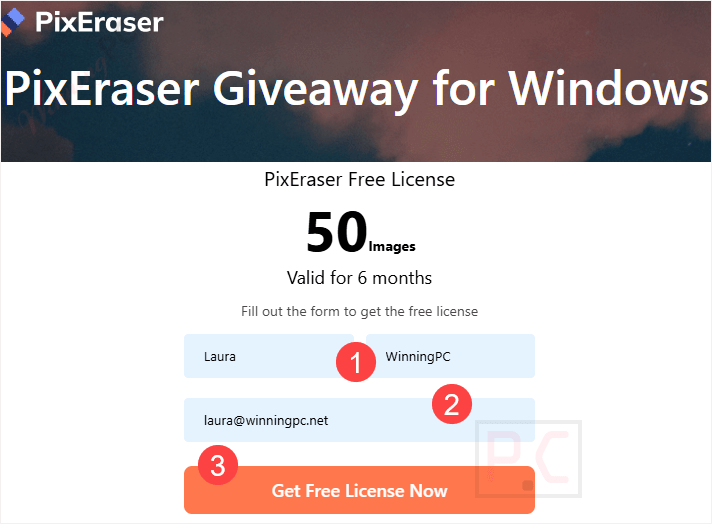
To obtain your free license code, please complete the form on the PixEraser giveaway page with your details and click the “Get Free License Now” button.
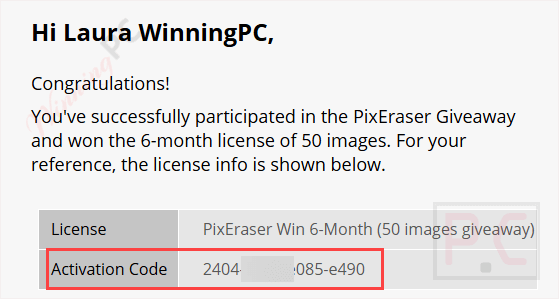
To download and install the software on your computer, click the download link above. To activate the software, please copy and paste the above license code that appears in your billing email.
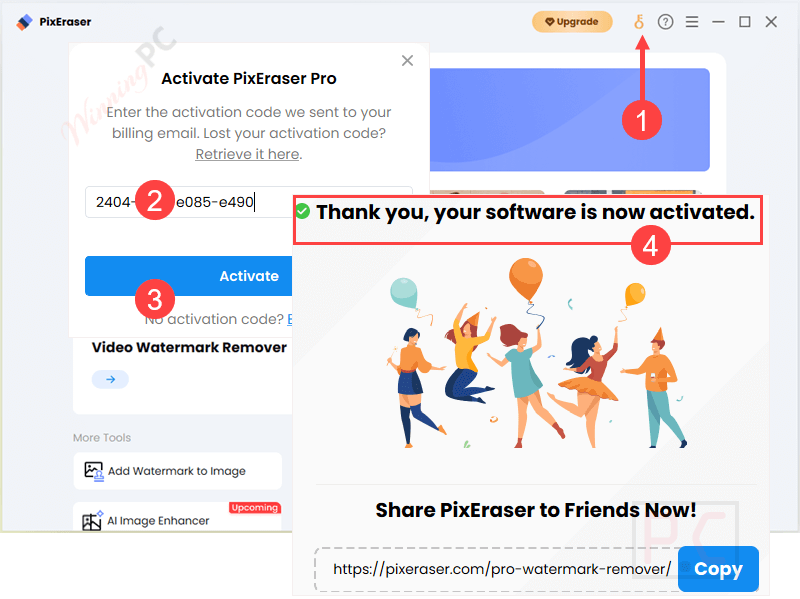
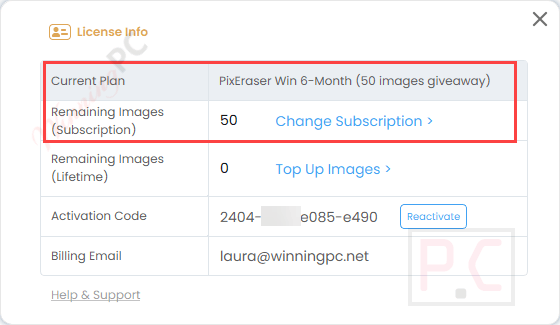
Got it for 6 months free!
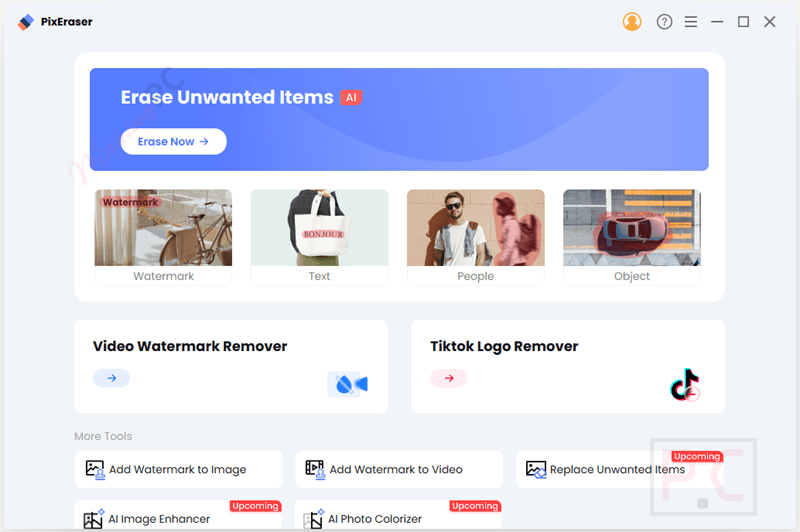
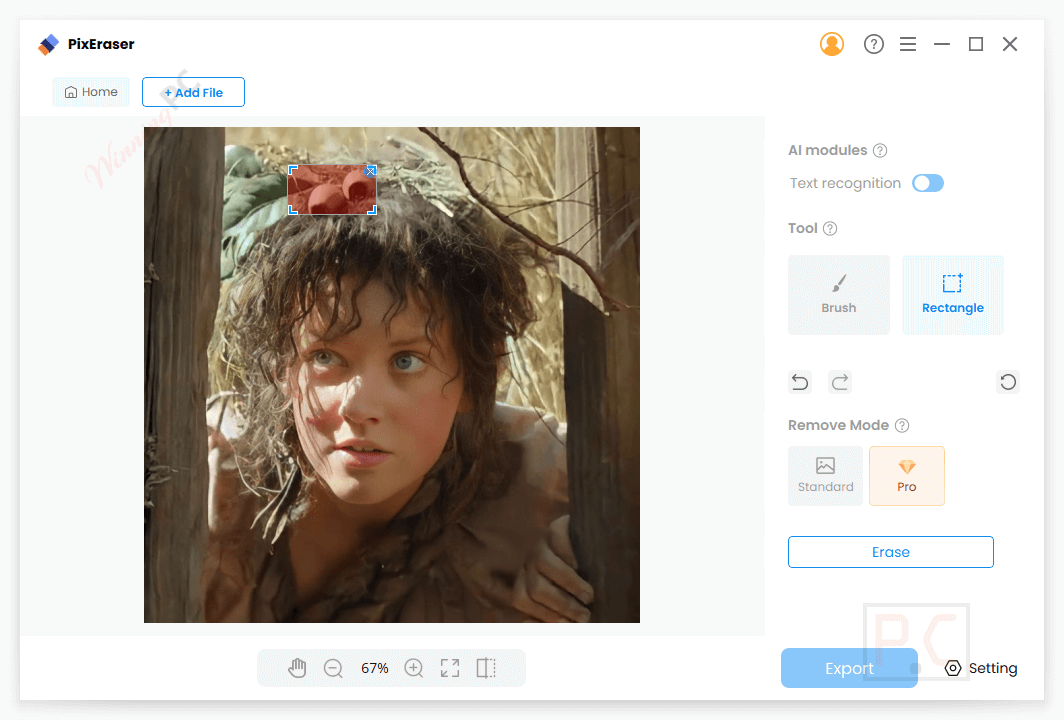
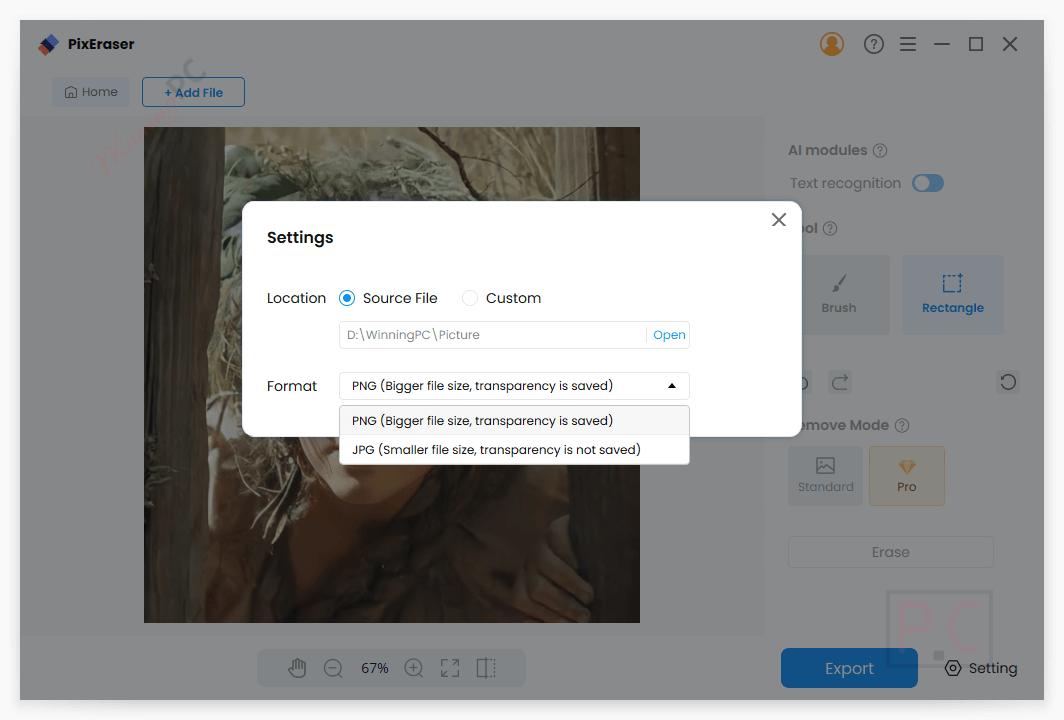
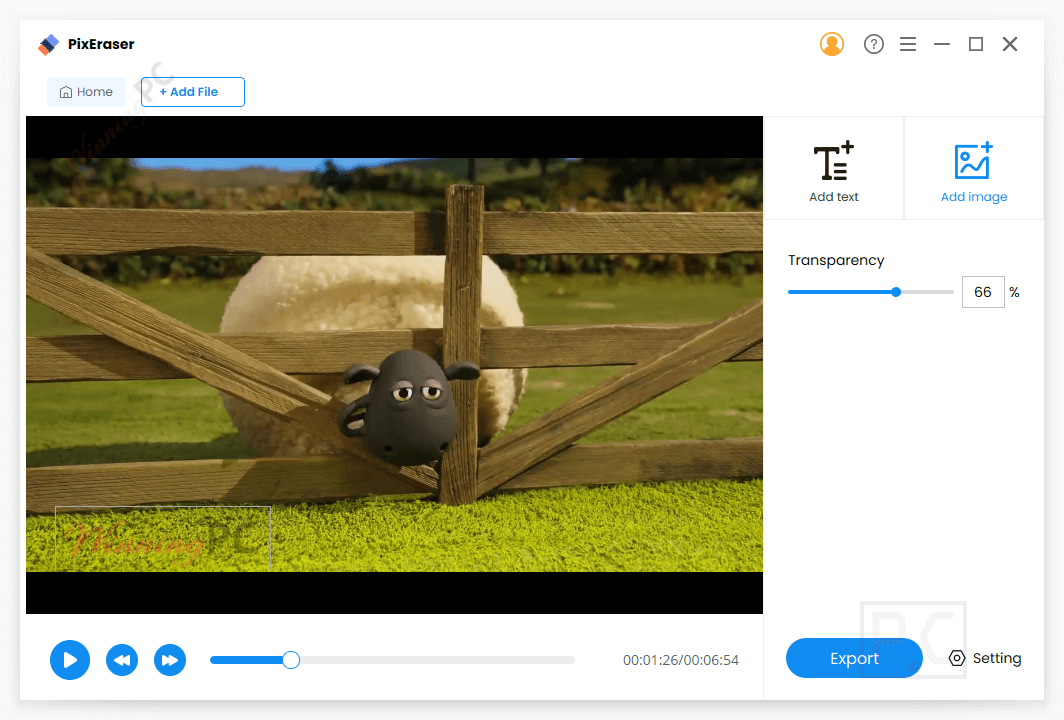
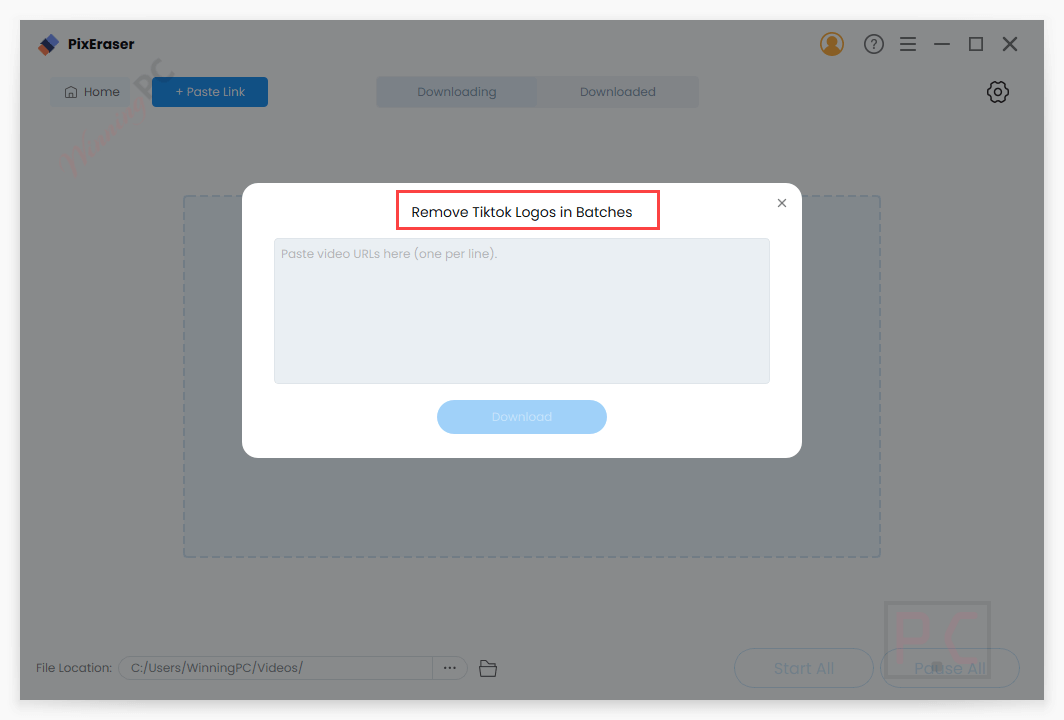
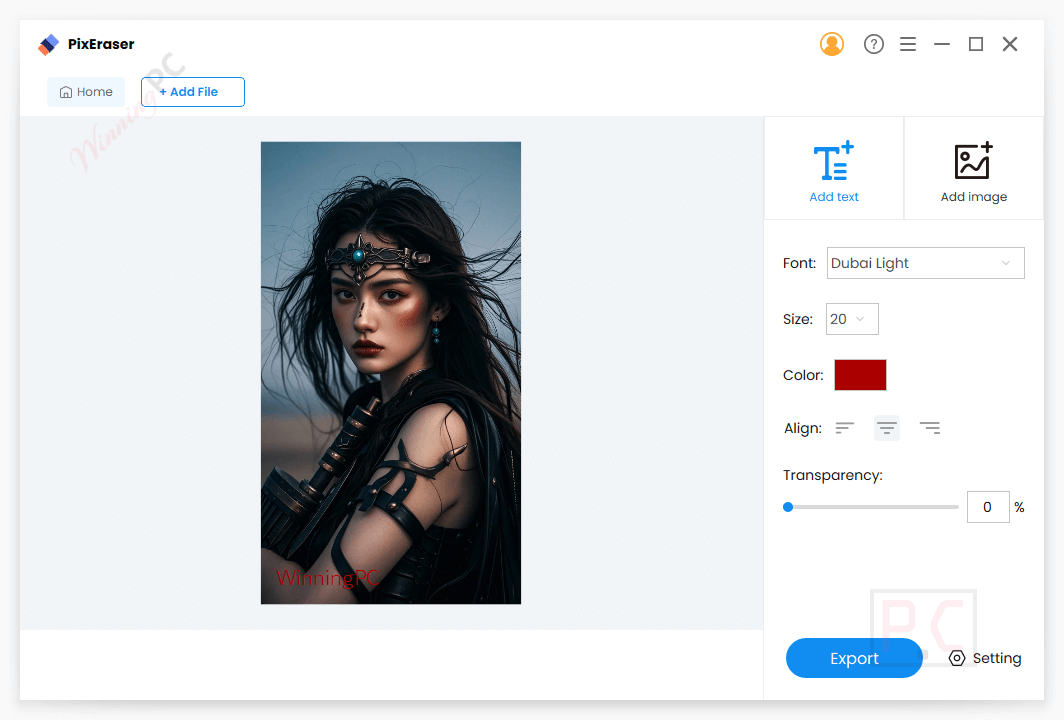
PixEraser for Windows main screenshot!
Main Features
- AI-Powered Precision: PixEraser utilizes state-of-the-art AI algorithms to intelligently detect and remove watermarks from your media with pinpoint accuracy. It can identify the watermark and seamlessly blend the surrounding pixels to ensure a natural look, free from any blurring or distortion.
- High-Quality Output: One of the standout features of PixEraser is its commitment to maintaining the original quality of your media. This tool ensures that the final output is of high resolution, with no blurring or distortion in the areas, preserving the details and clarity of your photos and videos.
- Batch Processing: It offers a batch processing feature for those with multiple files to edit. You are allowed to remove watermarks from several images or videos simultaneously, saving valuable time and effort to enhance the efficiency of work.
- Support for Multiple Formats: A wide range of image formats and video formats are supported, including PNG, JPG, JPEG, WebP, TIFF, BMP, MP4, MOV, AVI, MKV, etc., to help you work with various media types without compatibility issues.
- Additional Editing Tools: It provides options for adding watermarks, text, or logos to your media in addition to watermark removal. This function, which lets you alter your content right within the app, is especially helpful for branding.
- Fast Speed: provides 5X faster processing speed than other applications in the market to help you get a photo with no watermark in literally a few seconds.
Frequently asked questions
What types of watermarks can PixEraser remove?
It can remove all types of watermarks, including logos, text, stamps, and even complex objects, from both images and videos.
Which file formats does PixEraser for Windows support?
The software supports popular image formats like JPG, PNG, TIFF, BMP, and WebP, as well as video formats like MP4, MOV, AVI, and MKV.
Does PixEraser affect the quality of the images or videos?
No, it ensures that the quality of your media remains high after watermark removal, preserving its original resolution and clarity.
Can I remove watermarks from multiple files simultaneously?
Yes, it offers a batch-processing feature that allows users to remove watermarks from multiple images or videos at the same time.
Can this software also add watermarks to images or videos?
Yes, in addition to removing watermarks, it provides tools to add custom watermarks, logos, or text for branding purposes.
How can I get the best price on PixEraser?
Use the WinningPC coupon code PE*50 at checkout to receive a 50% discount on your PixEraser for Windows purchases.
Technical Details
| Language Support | English, Français, Italian, Spanish, Swedish, and more… |
| Money Back Guarantee | 7-Day |
| Operating System | Windows 11/10/8/7 |
| Shipping | Register code will be sent to your email in minutes |
| Subscription | 1-Month, Lifetime |
| Support Services |