Laura Marano
AutoDWG DWG to SVG Converter can batch convert DWG, DXF, and DWF CAD drawings into Scalable Vector Graphics (SVG) without requiring an AutoCAD installation.
- Status: ✅ Active & Verified
- Last Checked: August 2026
- Offer: 55% Off Lifetime license
- Code: Auto***42
AutoDWG DWG to SVG Converter
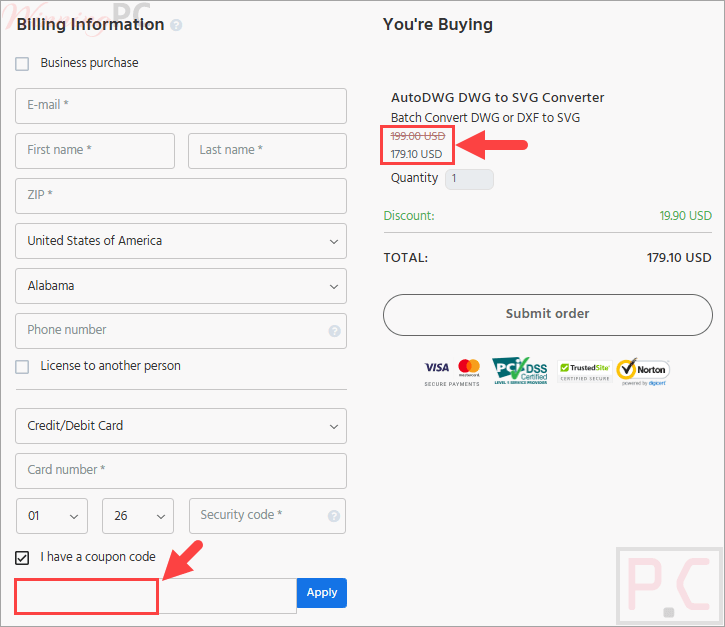
55% off coupon code: regular price $399, discounted price $179.1
📄 Licensing & Support Details
- License Type: Lifetime license.
- 1-year free updates
- Free technical support.
- Secure Payment.
- 30-day money-back guarantee.
📝 How to apply
Click the ‘Copy Code’ button in the coupon box above. The code will copy automatically, and you’ll be redirected to checkout to apply your savings.
AutoDWG DWG to SVG Converter: Review & Features
Key Features
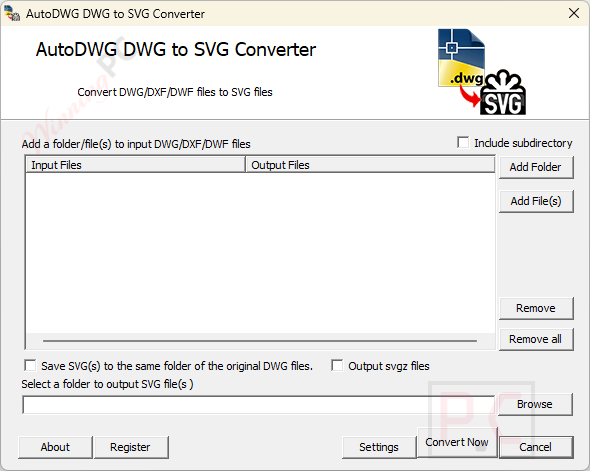
- Converts DWG, DXF, and DWF formats to SVG files independently of AutoCAD.
- Supports a broad range of AutoCAD versions, from R14 up to 2027.
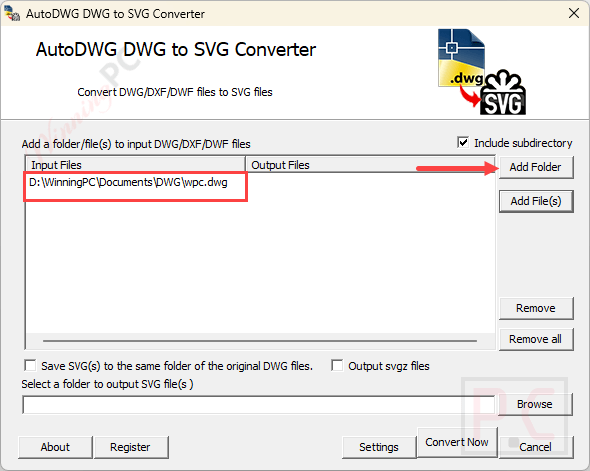
- Processes individual files or handles multiple files at once via batch conversion.
- Converts both model space and paper space layouts accurately.
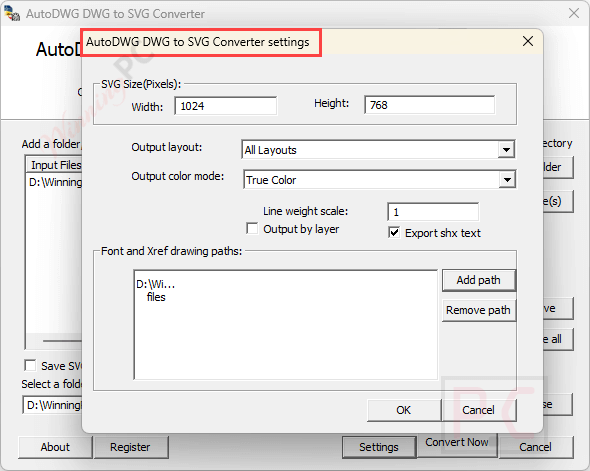
- Offers adjustable output sizes and configurable line weight settings.
- Provides versatile color modes, including true colors, grayscale, and black/white.
- Preserves original CAD layers and exports SHX text elements.
- Allows customization of font paths and XREF paths.
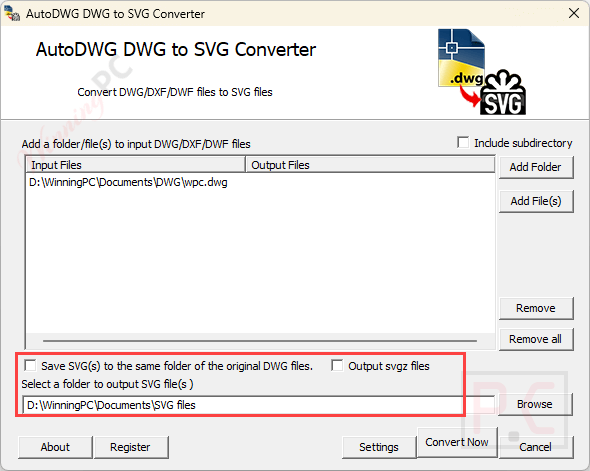
- Supports file size reduction by outputting as compressed SVGZ.
- Includes a developer-friendly SDK for integration into custom applications.
Pros & Cons
More Screenshot:
Frequently Asked Questions
Where can I find a coupon code or deal for AutoDWG DWG to SVG Converter?
The latest and best deals can be found on WinningPC, alongside the official software website or the developer’s social media channels.
What is the best discount currently available for AutoDWG DWG to SVG Converter?
The best current discount is 55% OFF, available directly on WinningPC.
Do I need AutoCAD installed to use this converter?
No, AutoDWG DWG to SVG Converter functions independently and processes files without an active AutoCAD installation.
Does the software preserve layers from the original CAD files?
Yes, it preserves the original layers from your DWG files and allows you to set the output by layer to maintain design accuracy.
Can this tool help reduce the output file size?
Yes, it includes a feature to output the converted graphics as compressed SVGZ files, which lowers the file size while keeping the vector quality intact.
System Requirements & Details
| Language Support | English, Français, Italian, Spanish, Swedish, and more… |
| Operating System | Windows 7, Windows 8/8.1, Windows 10/11 |
| RAM & Storage | 1024MB RAM or greater (more required depending on drawing size); 40MB free hard drive space |
| Supported Input | DWG, DXF, DWF |
| Supported Output | SVG, Compressed SVGZ |