Laura Marano

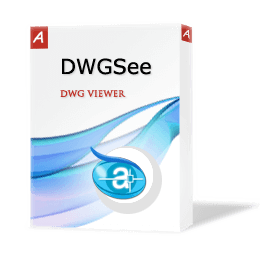
DWGSee DWG Viewer & Editor is a fast and lightweight tool built to browse, edit, measure, modify, and print AutoCAD DWG/DXF/DWF files ranging from version R14 up to the latest 2027 releases.
- Status: ✅ Active & Verified
- Last Checked: September 2026
- Offer: 10% Off
- Coupon code: Auto***42
📄 Licensing & Support Details
- Lifetime license with lifetime support and 1-year free upgrade.
- Free technical support.
- Secure payment.
- 15-day money-back guarantee in certain cases.
📝 How to apply
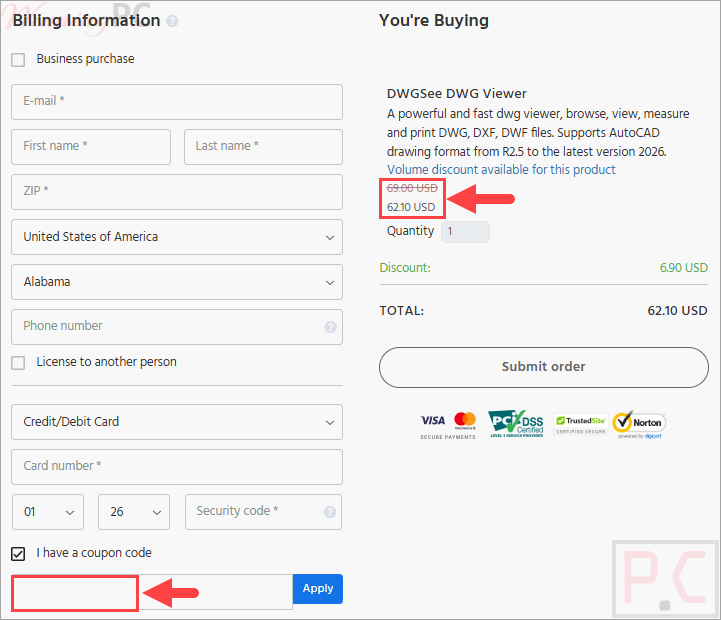
Simply click the ‘Copy Code’ button in the box above. You’ll be automatically redirected to the checkout page to apply your discount.
DWGSee DWG Viewer & Editor: Review & Features
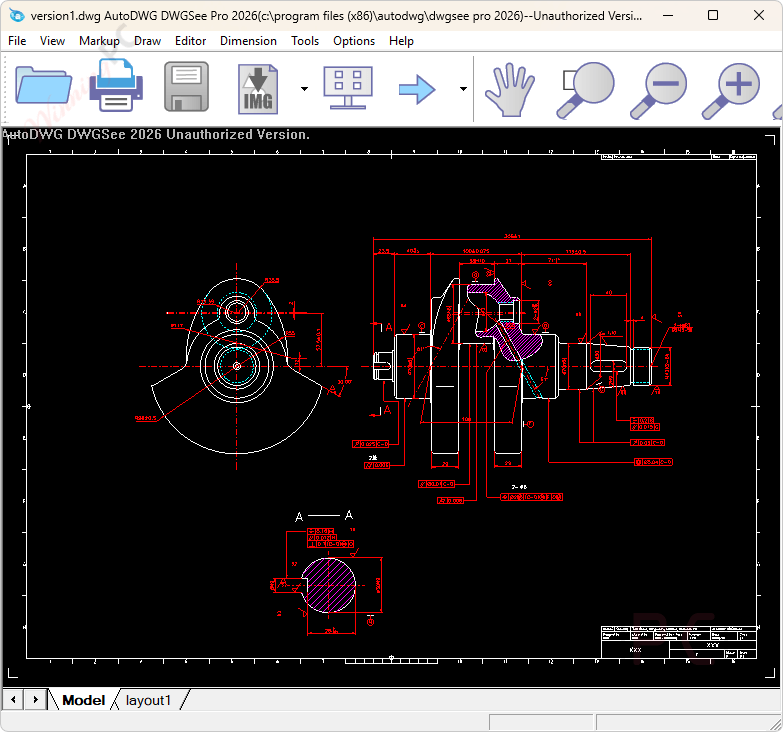
Key Features:
- Extensive Format Support: Open and view DWG, DXF, and DWF files (AutoCAD R14 to 2027 releases) alongside BMP, JPG, PNG, GIF, and TIF raster images.
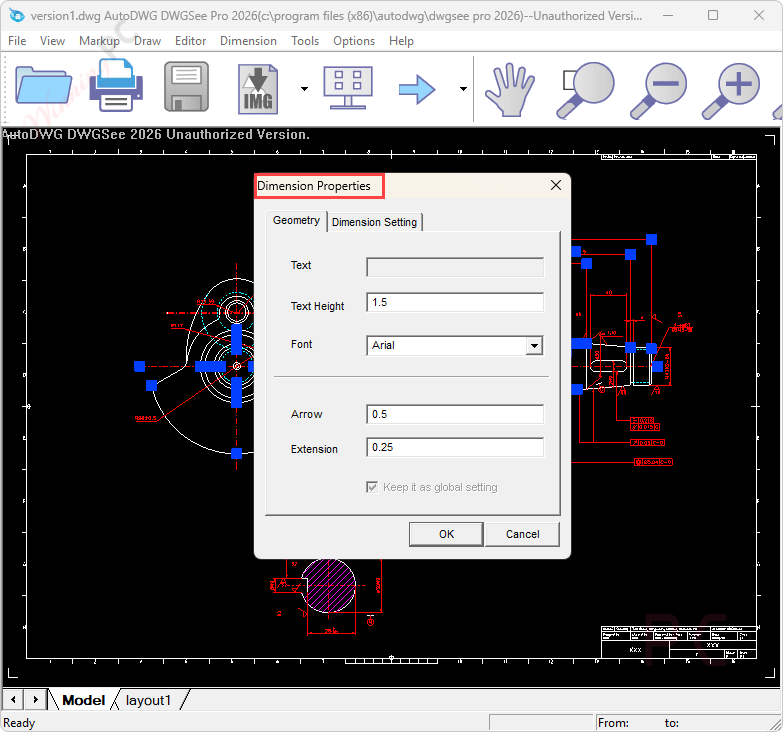
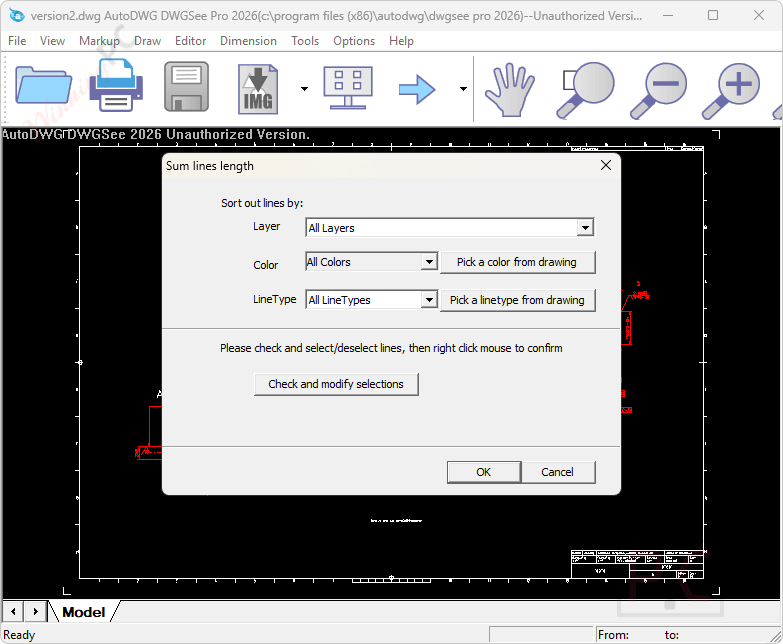
- Editing & Measurement: Modify objects like lines and text, calculate exact lengths, angles, radii, and areas, and insert custom dimensions or markups.
- Batch Printing: Print multiple DWG and DXF files simultaneously without opening each drawing individually.
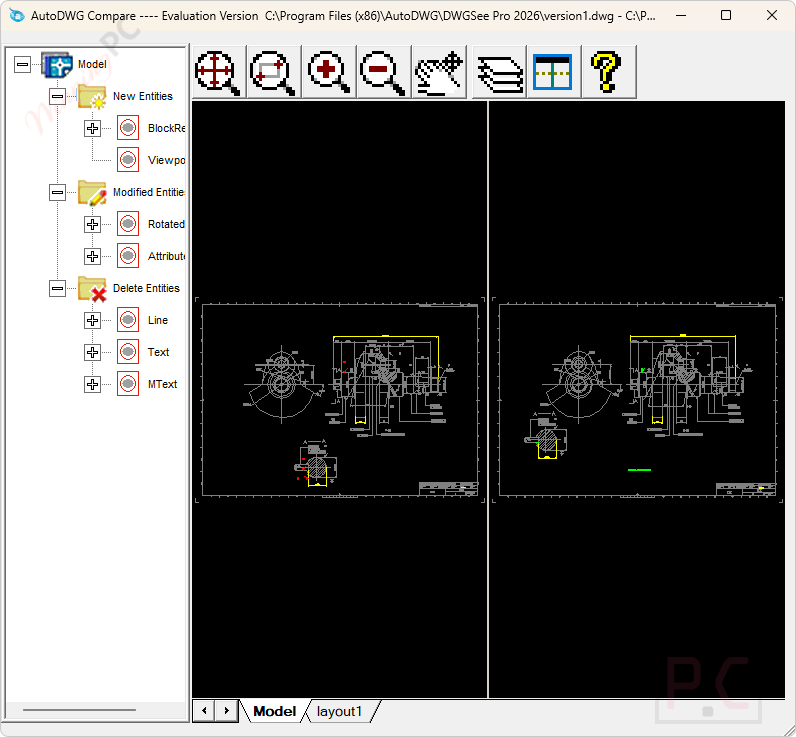
- Drawing Comparison: Compare two drawing versions side-by-side in split windows to instantly identify highlighted differences.
- Security & Navigation: Secure sensitive files with drawing encryption, save custom layouts, and locate specific data using the built-in text search.
Pros & Cons:
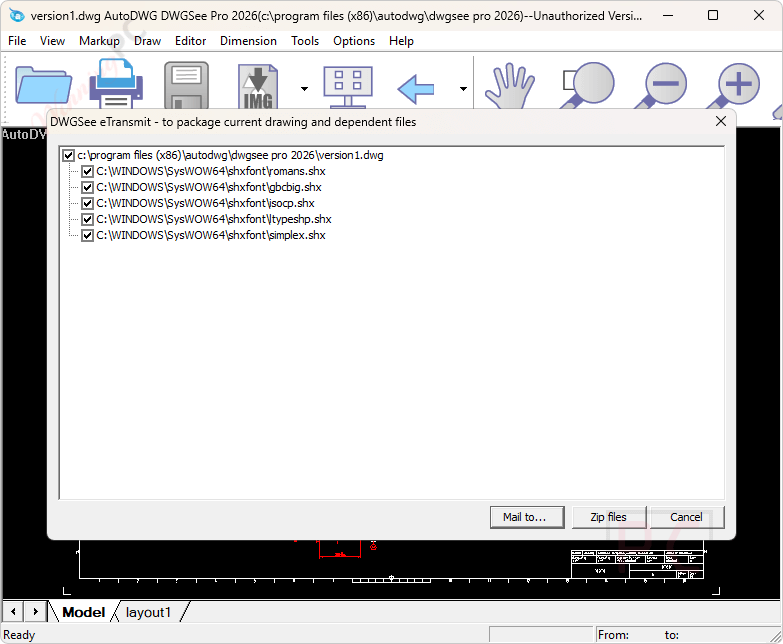
More screenshots:

Frequently Asked Questions
Where can I find a coupon code or deal for DWGSee DWG Viewer?
The latest and best deals can be found on WinningPC, alongside the official software website or the developer’s social media channels.
What is the best discount currently available for DWGSee DWG Viewer?
The best current discount is 10% OFF, available directly on WinningPC.
Does DWGSee support older AutoCAD files?
Yes, it can open, edit, and save .dwg, .dxf, and .dwf files ranging all the way from R14 up to the 2027 versions.
Can I use this software to convert my CAD files?
Yes, the software features a built-in AutoDWG converter that allows you to save your drawings into various older or newer DWG and DXF versions.
Can I extract data tables from my drawings?
Yes, you can edit and extract table objects from your drawing and save them as a separate CSV file for easy data management.
System Requirements & Details
| Language Support | English, Français, Italian, Spanish, Swedish, and more… |
| Operating System | Windows 7, Windows 8/8.1, Windows 10/11 |
| Supported Input | .dwg, .dxf, .dwf (R14-2027), .bmp, .jpg, .png, .gif, .tif |
| Supported Output | .dwg, .dxf (R14-2027), PDF , and raster images (Pro only) |