Cathryn Lee
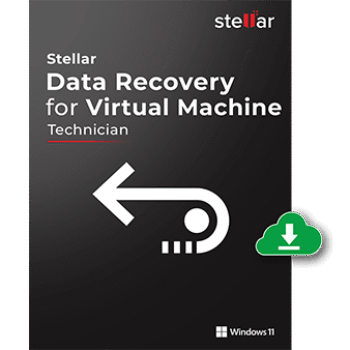
Stellar Data Recovery for Virtual Machine
1 Year License | Free Technical Support 24x5
Stellar Data Recovery for Virtual Machine is a professional recovery solution designed to retrieve lost or deleted data from VMware (.vmdk), ORACLE VirtualBox (.vdi), and Microsoft Virtual PC (.vhd) virtual image files. It helps recover documents, databases, multimedia, archives, and other files from formatted, corrupted, deleted, or inaccessible virtual machine volumes.
In-Depth Review & Features
Feature List
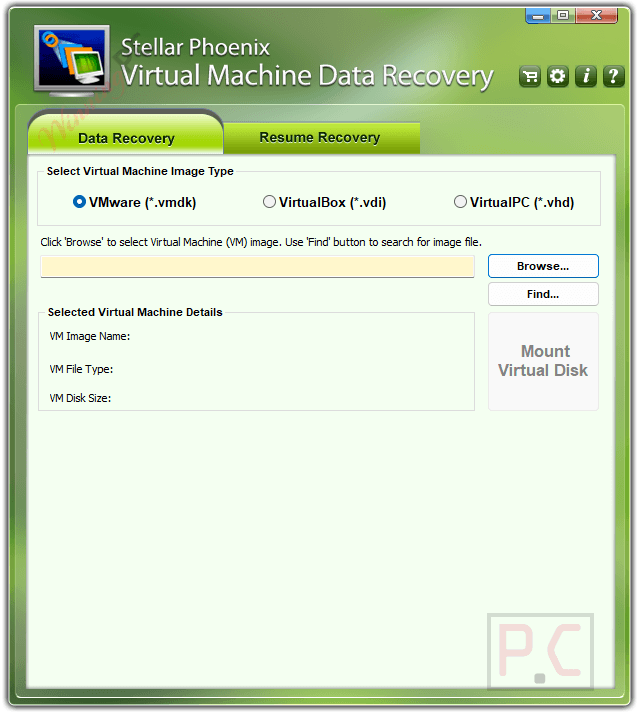
- Recovers data from VMware (.vmdk), VirtualBox (.vdi), and Virtual PC (.vhd) virtual image files.
- Supports recovery of Office documents, databases, images, videos, audio files, archives, backups, and other file types.
- Retrieves data from formatted, corrupted, deleted, or inaccessible virtual machine volumes.
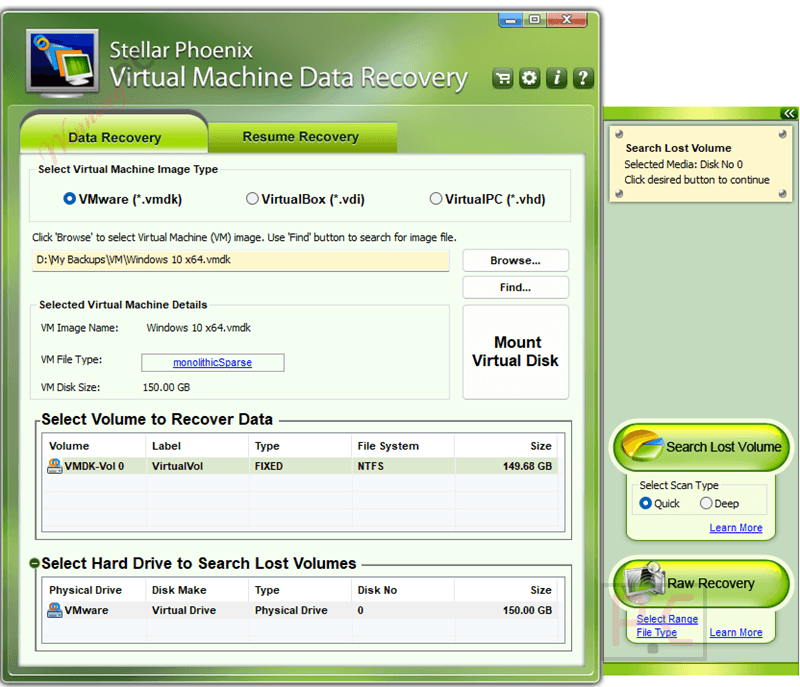
- Includes Raw Recovery for recovering data from damaged storage structures.
- Supports Quick Scan for fast recovery and Deep Scan for more thorough results.
- Compatible with FAT16, FAT32, NTFS, and exFAT virtual file systems.
- Supports VMware disk formats including Monolithic Flat, Monolithic Sparse, Two GB Max Extent Flat, and Two GB Max Extent Sparse.
- Supports Static and Dynamic VirtualBox disk images.
- Supports Fixed and Dynamic Microsoft Virtual PC disk images.
- Allows recovered files to be saved to local drives or FTP servers.
- Offers file compression and ZIP saving options after recovery.
- Works with virtual drives created on both Windows and Linux systems.
Pros & Cons
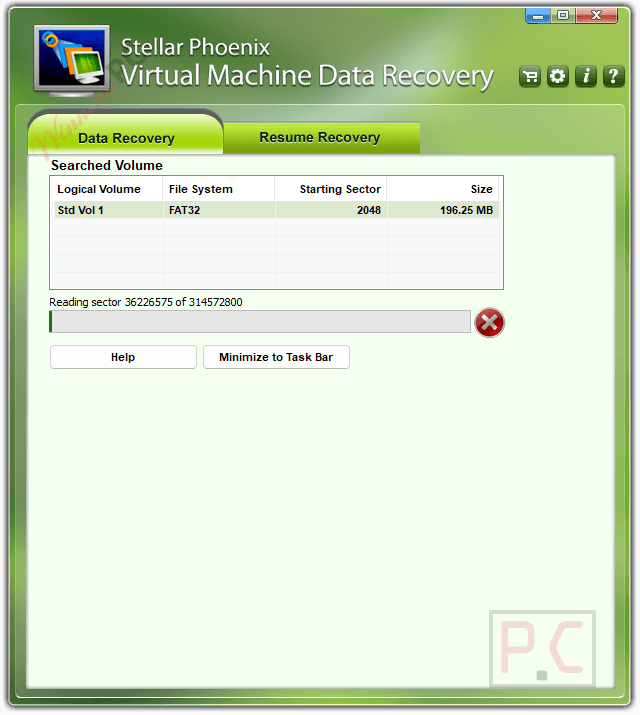
More Stellar Data Recovery for Virtual Machine Screenshots!
Frequently Asked Questions
Where can I find a promo code for this virtual machine recovery?
You can always check WinningPC for the most up-to-date promotional offers and working coupons, as well as the official Stellar website for seasonal discounts.
What is the lowest price for Stellar Data Recovery for Virtual Machine?
Currently, the best discount is a massive 46% off on WinningPC, dropping the regular price from $499 down to just $269.10.
Does this tool recover files if a virtual drive has been formatted?
Yes, it is built to retrieve data lost specifically due to the formatting of virtual drives.
Can I locate a virtual drive volume that I accidentally deleted?
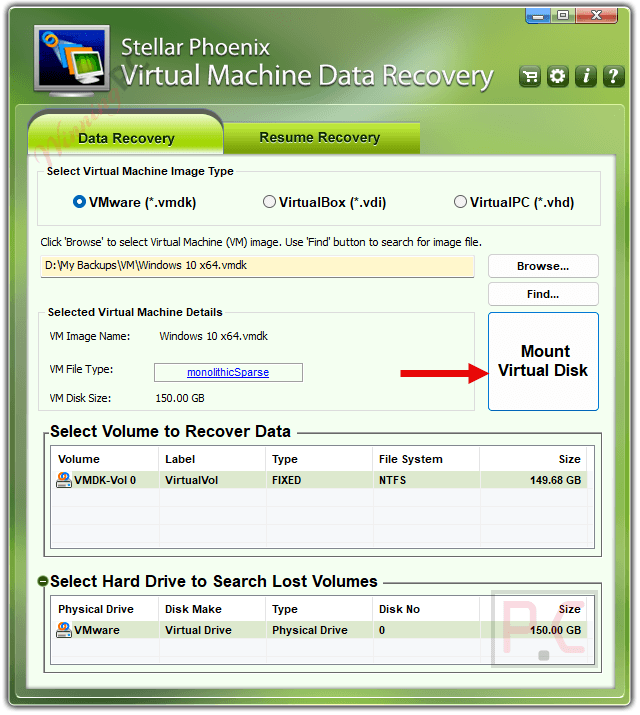
Yes, you can use the ‘Click Here to Search Lost Volume’ option under the Data Recovery settings to locate and extract data from deleted volumes.
What kinds of partition systems are supported by this recovery tool?
Stellar Data Recovery for Virtual Machine seamlessly handles virtual machine drives emulated on FAT16, FAT32, NTFS, and exFAT partition systems.
Can I choose to restore only specific documents rather than the whole drive?
Yes. After the scanning is complete, you can select individual files and click the ‘Recover’ button to save only the data you actually need.
Will this software work with Oracle VirtualBox?
Yes, Stellar Data Recovery for Virtual Machine recovers .vdi files from VirtualBox, supporting both “Static” and “Dynamic” virtual file types.
How can I save disk space when restoring a large amount of recovered data?
The software provides a suitable saving option that allows you to compress the data individually or zip it into a single file during the save process.
System Requirements & Details
| Feature | Specifications |
|---|---|
| Language Support | English |
| Operating System | Windows 11, 10, 8, Vista, XP, Windows Server 2008 (64-bit only) |
| Processor | Pentium Class |
| RAM & Storage | Minimum 1 GB RAM, 100 MB free disk space |
| Supported Input | VMware (.vmdk), ORACLE VirtualBox (.vdi), Microsoft Virtual PC (.vhd) virtual image files |
| Supported Output | Local hard disk, FTP server (with compression/zip options) |