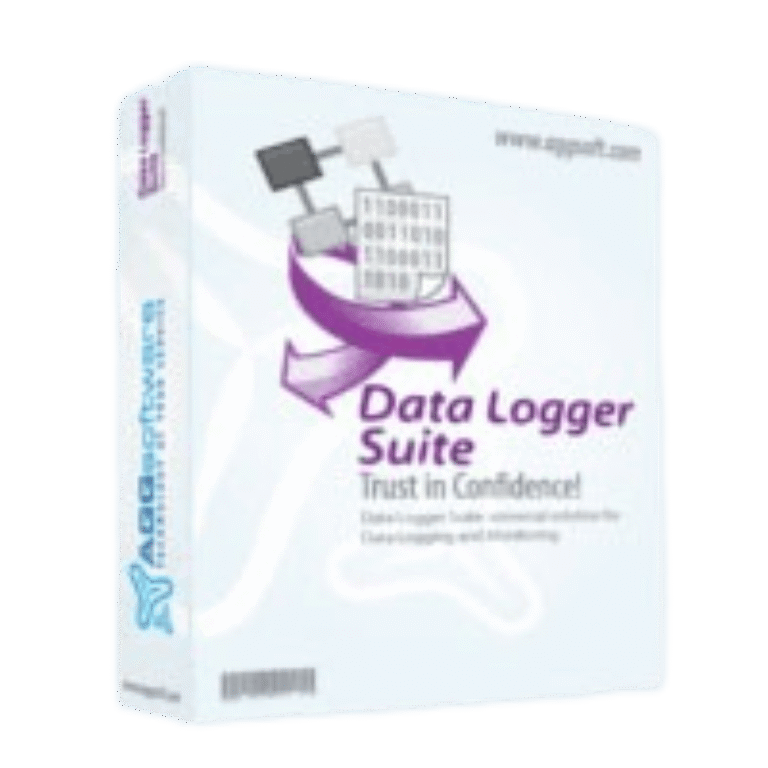

AGG Software Data Logger Suite comes in three tiers, and the gap between them is real money: Standard at $120, Professional at $210, Enterprise at $260 per computer. A 10% coupon takes those to $108, $189 and $234, with the license terms untouched. Perpetual, one machine, 12 months of updates included.
Status: ✅ Active & Verified
Last Checked: September 2026
Offer: 10% Off
Redemption Guide (Step-by-Step)
- Use the activation link: Click the “Copy Code” button above. This routes you to the official checkout with the WinningPC discount hard-coded.
- Review your cart: The 10% discount is auto-applied. You should see the total drop from $999.00 to $899.10 immediately.

- Finish your purchase: Enter your payment details and finalize the order.
What is Data Logger Suite?
Data Logger Suite is a software complex designed to monitor, log, and save serial data received via RS232, TCP/IP, UDP, OPC, SQL, SMS, Modem, or DDE interfaces. Think of it as a central hub for all your hardware data. Instead of juggling multiple programs, this tool queries any number of serial interfaces simultaneously and writes the data directly to a database or file in real time. It’s built for engineers and IT professionals who need to capture continuous data flows without constantly reconfiguring their setup. If you need a versatile solution that logs data concurrently and formats it on the fly, this is your tool.
In-Depth Review & Features
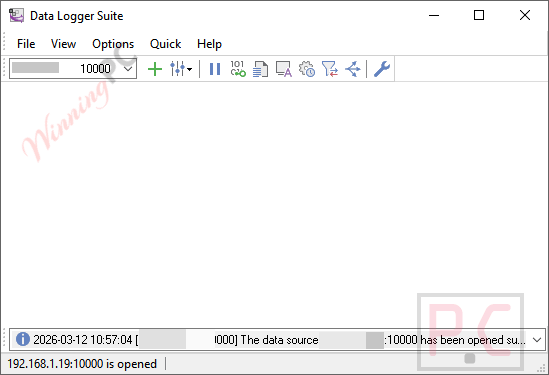
- True Parallel Logging: You aren’t limited to one stream. The software natively supports RS232, TCP/IP, UDP, and OPC protocols simultaneously. It treats all of them transparently, meaning you can pull data from a legacy COM port and a modern TCP/IP sensor at the exact same time without specific setup tweaks.
- Real-Time Database Piping: It doesn’t just write to plain text files (though it can). It grabs chunks of data and immediately stores them in MSSQL, MySQL, Oracle, Access, dBase, or any ODBC-compatible database. You can even pipe data straight into an active Excel spreadsheet via DDE.
- Parser & Query Plugins: You don’t have to log every piece of garbage data that comes through the port. The parser plugins extract only the specific values you need, filtering the noise out of a common data flow.
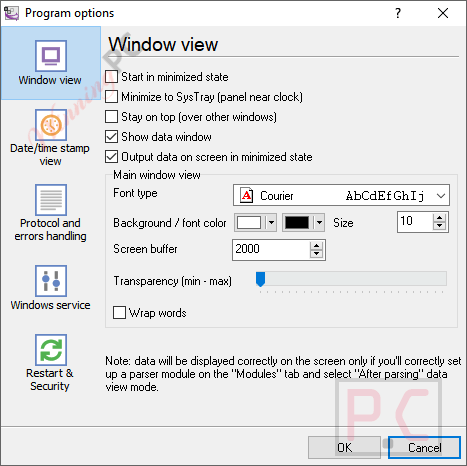
- Runs as a Windows Service: This is crucial for professional environments. The logger can run as a background service, meaning it continues logging data even if a user logs off the workstation.
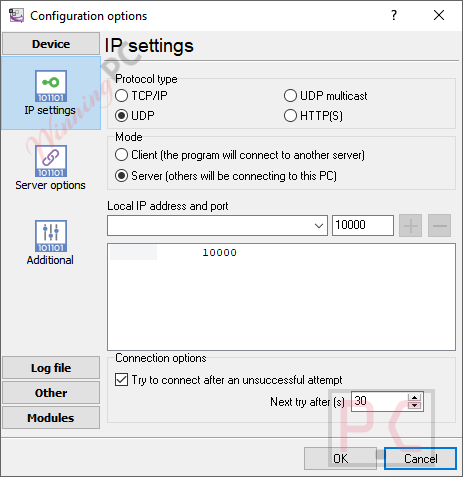
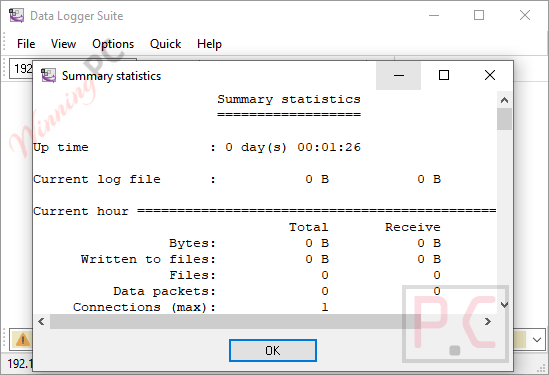
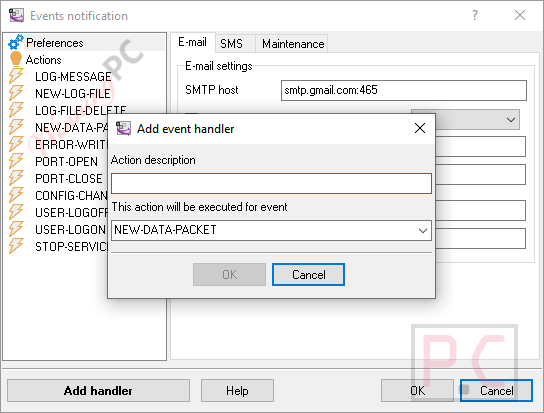
More Data Logger Suite screenshots!
Frequently Asked Questions
Is this the best coupon for Data Logger Suite?
Yes. WinningPC currently offers the highest discount rate available on the market for this software. Activating through our link guarantees you the lowest price.
Can it log to multiple ports at the exact same time?
Yes. Parallel data logging is a core feature. You can log multiple RS232, TCP/IP, UDP, and OPC interfaces concurrently.
What happens if I log out of my Windows account?
If you configure it in “Service Mode,” the software continues to log data seamlessly in the background regardless of whether a user is logged into the workstation.
Can I export the data directly to Excel?
Yes. The program can export data directly into Excel spreadsheets on the fly using the DDE interface.
Do I have to log all the data coming through the port?
No. You can use data parser plugins to extract only the necessary information from the data flow, ignoring the rest.
Does it support modern databases?
Yes, it stores extracted data into MSSQL, MySQL, Oracle, Access, dBase, and other ODBC-compatible databases.
Are there cheaper options available?
The developer offers cut-down versions that omit advanced Enterprise features. Those are ideal if you want a low-cost solution and don’t need parallel logging or database exports.
Technical Details
| Supported OS | Windows 9x up to Windows 10. |
| Supported Interfaces | RS232, COM, RS485, RS422, TCP/IP, UDP, OPC DA1/DA2, SNMP, SMS, Modems. |
| Output Formats | Text files, raw binary files, Excel (DDE), MSSQL, MySQL, Oracle, Access, dBase, ODBC. |