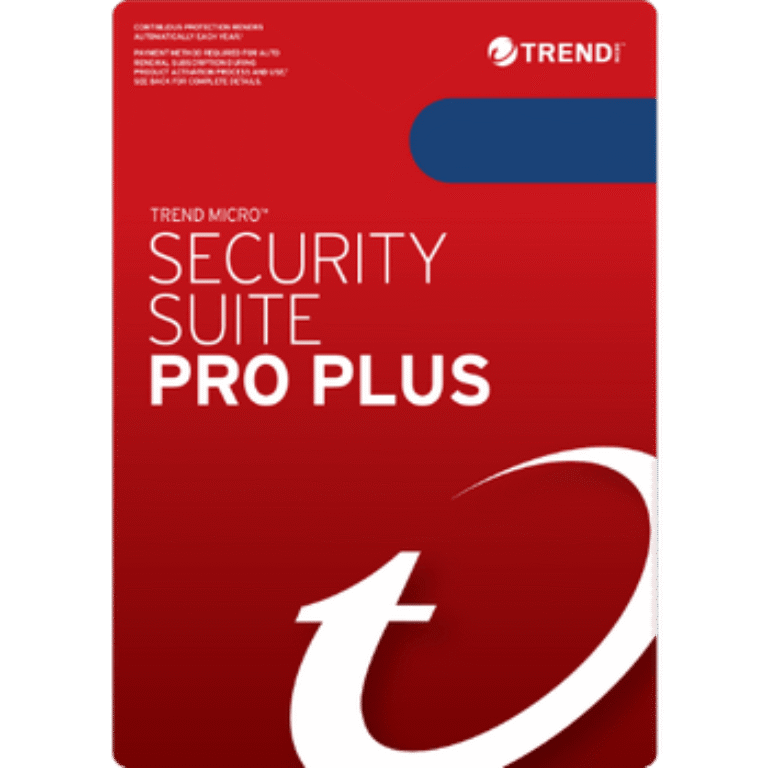
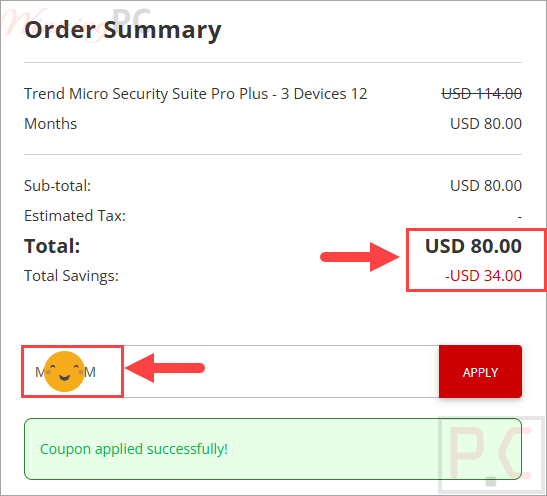
Trend Micro Security Suite Pro Plus drops to $80.00 for 3 devices over 12 months, down from $114.00, once you apply the 30% coupon code. Checked and working Oct 2026 by Chris. Protection covers Windows, Mac, Android, iOS and Chromebook. Copy the code below and paste it at checkout.
For 12 Months:
For 24 Months:
📄 Licensing & Support Details
- License types: 12-month and 24-month licenses
- 30-day money-back satisfaction guarantee
- Online support available 24/7 via email or live chat.
📝 How to apply
Click the ‘Copy Code’ button in the coupon box above. The code will be copied, and you will be redirected to the checkout page, where you can apply it to secure your discounted price.
Trend Micro Security Suite Pro Plus: Review & Features
Key Features
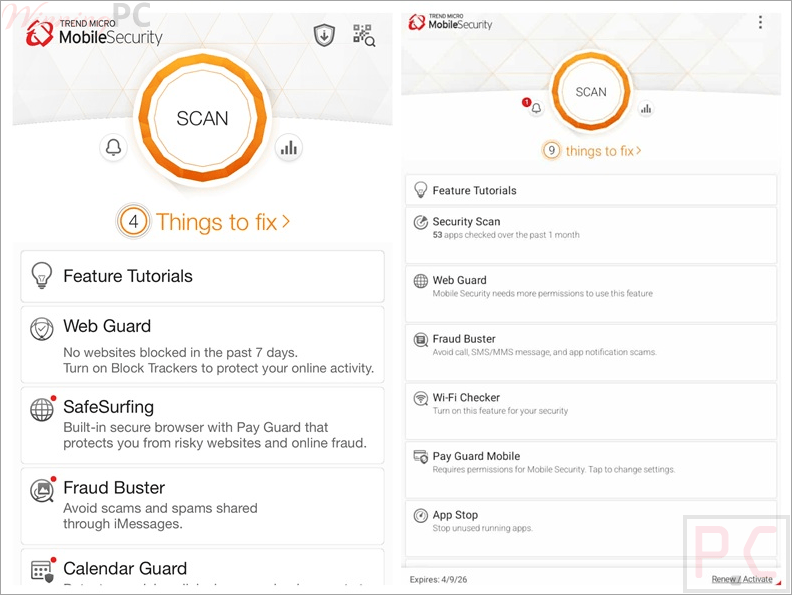
- Multi-Device Coverage: Provides equal security layers across PC, Mac, iOS, and Android devices.
- Dark Web Monitoring: Scans the dark web for your email, credit card numbers, and passwords, sending alerts if your data is found.
- ScamCheck: Uses AI to verify if video calls are real and checks if messages or links are fraudulent.
- Secure VPN: Turns public WiFi hotspots into encrypted connections to keep your browsing private.
- Fraud Buster: Specifically protects Gmail and Outlook webmail from phishing attempts and scams.
- Pay Guard: Adds an extra layer of security when you are shopping or banking online to protect your financial details.
- Device Optimizer: Fixes common system issues to help your hardware run at peak speed.
- Mute Mode: Automatically silences non-essential notifications while you are gaming or working on important tasks.
Pros & Cons
Frequently Asked Questions
What is the best discount currently available for Trend Micro Security Suite Pro Plus?
The best current Trend Micro Security Suite Pro Plus discount is 30% OFF, available directly on WinningPC.
Does this suite include a password manager?
Yes, the ID Protection component helps manage your passwords and identifies weak ones that need to be changed.
Can I use the VPN on my mobile phone?
Yes, the included VPN works on PC, Mac, iOS, and Android devices.
Will the software interrupt my gaming sessions?
No, you can use the Gamer-Friendly Mute Mode to stop non-critical notifications from popping up while you play.
System Requirements & Details
| Feature | Specifications |
|---|---|
| Operating System | Windows, macOS, iOS, Android |
| Supported Input | PC, Mac, Mobile Phones, Tablets |
| Supported Output | Browsers (Chrome, Edge), Email (Gmail, Outlook) |