Vovsoft Audio to Lyrics Converter can automatically convert audio files into text transcripts, lyrics, and subtitle files using offline AI models. It supports multiple audio formats and generates synchronized timestamps for lyrics and subtitles without requiring an internet connection.
Vovsoft Audio to Lyrics Converter
Uses offline Whisper AI models to securely transcribe audio into synchronized lyrics and subtitles LRC, SRT, & VTT.
- Product
- Audio to Lyrics Converter
- Product website
- vovsoft.com
- License
- Lifetime
- Platform
- Windows 11, Windows 10 (64-bit)
- Usage
- Non-commercial only
- Updates
- No future upgrades
- Support
- No support
- Updated
- 2026-06-22
Continue on vovsoft.com
The publisher handles registration and license delivery on its official website.
This giveaway ended on .
30% Off Vovsoft Audio to Lyrics Converter
Vovsoft Audio to Lyrics Converter Coupon Codes & Deals (100% Working)
Vovsoft Universal License
115+ programs | Lifetime license | All future updates
How to get the Vovsoft Audio to Lyrics Converter for free?
1. Download and install the software.
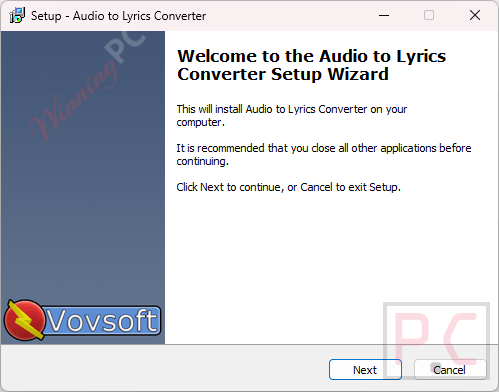
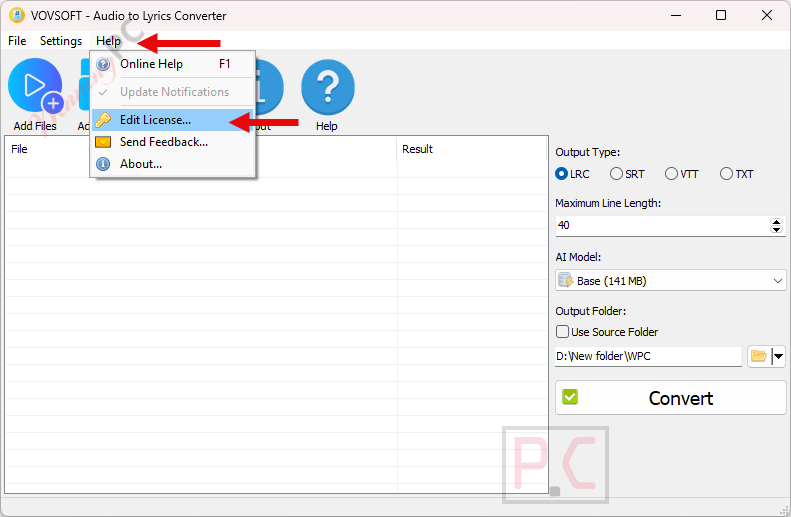
2. Open the program, click “Help” —> “Edit License”
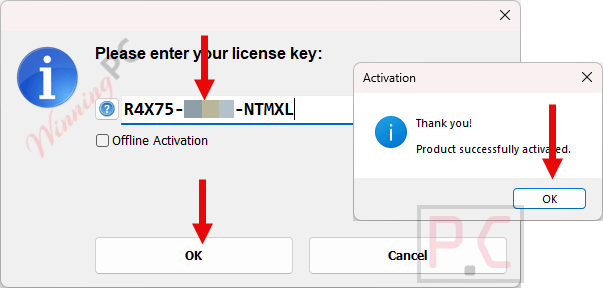
3. Copy the key from the box above and paste it.
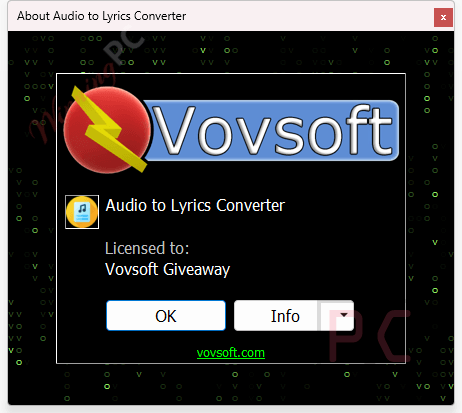
4. Enjoy the full features.
In-Depth Review & Features
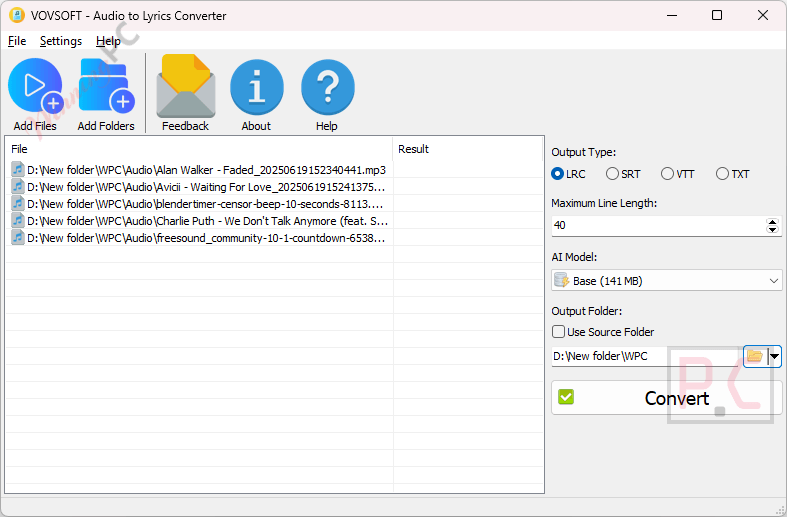
Main Features
- Offline AI Transcription: Uses OpenAI Whisper models locally on your PC, meaning you do not need an internet connection or any cloud API subscriptions to transcribe your media.
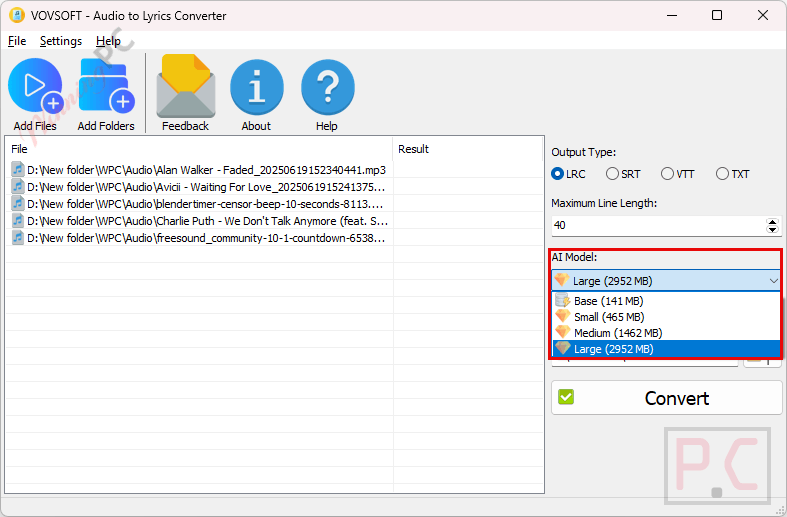
- Flexible Model Selection: Allows you to choose between different local model sizes (Base, Small, Medium, Large) and utilizes multi-thread CPU performance to let you find your preferred balance of speed and text accuracy.
- Format Flexibility: Reads popular audio formats like MP3, WAV, OGG, and FLAC, and exports the results to LRC, SRT, VTT, or plain TXT files.
- Folder Batching: Supports queuing multiple tracks or entire directories at once to convert your files in a single run.
- Time-Synced Outputs: Automatically embeds precise timestamps into the output text so the lyrics align perfectly with the audio pacing.
- Screen Layout Controls: Lets you set a maximum character count per line to keep subtitles neat and readable on various screen sizes.
- Workflow Enhancements: Built with a simple interface that lets you drag and drop files or folders directly into the conversion window.
Pros & Cons
More Vovsoft Audio to Lyrics Converter screenshots!
Frequently Asked Questions
Are there any promo codes for Vovsoft Audio to Lyrics Converter?
Yes, you can secure authentic promo codes and special deals for Vovsoft Audio to Lyrics Converter right here on WinningPC, as well as through Vovsoft’s official seasonal distribution updates.
Does this software require an internet connection to transcribe audio?
No, it works completely offline because the AI models run directly on your local computer hardware.
Can I make subtitles for videos with this program?
Yes, it exports directly to SRT and VTT formats, which are the standard files used for video captions on platforms like YouTube.
What are LRC files used for?
LRC files store lyrics along with precise timestamps, allowing media players to display synchronized words during music playback or karaoke.
How does changing the AI model size affect the performance?
Smaller models (like Base) process your tracks very quickly but might miss complex words, while larger models provide superior text accuracy at the cost of longer processing times and higher CPU usage.
Can I convert an entire album at the same time?
Yes, the batch processing feature allows you to drag an entire folder of audio tracks into the window to process them sequentially.
System Requirements & Details
| Feature | Specifications |
|---|---|
| Language Support | English, Français, Italian, Spanish, Swedish, and more… |
| Operating System | Windows 11, Windows 10 (64-bit) |
| Processor | Multi-thread CPU recommended |
| Supported Input | MP3, WAV, OGG, FLAC |
| Supported Output | LRC, SRT, VTT, TXT |