
Apeaksoft iOS Screen Recorder Coupons & Pricing
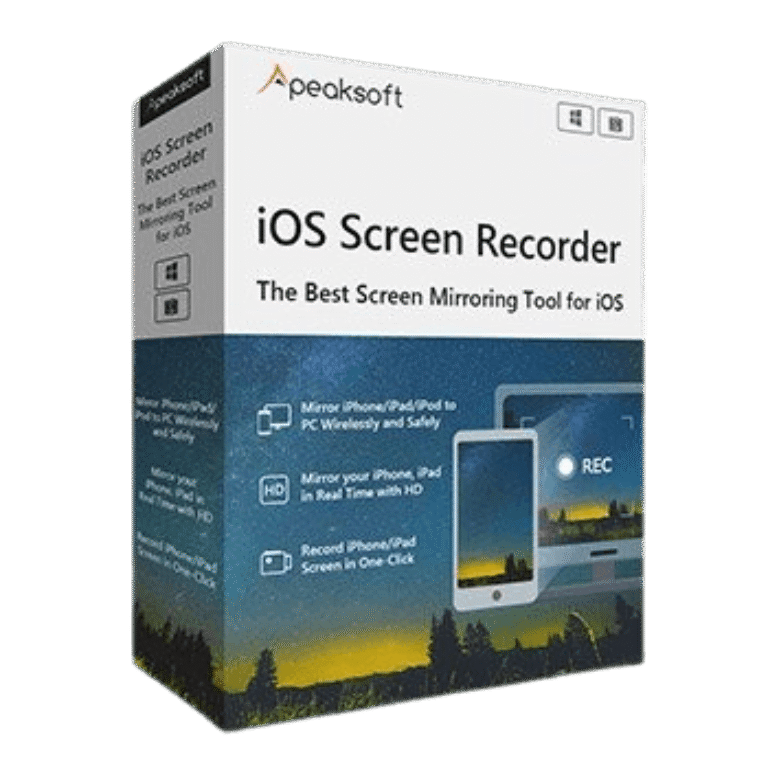
Apeaksoft iOS Screen Recorder
2 plans · best save 30%
Lifetime License ★ Best Deal
Use it on 1 PC | lifetime access | free updates & support for lifetime
Lifetime License /3 PCs
Use it on 3 PCs | lifetime access | free updates & support for lifetime
Apeaksoft iOS Screen Recorder Review & Features
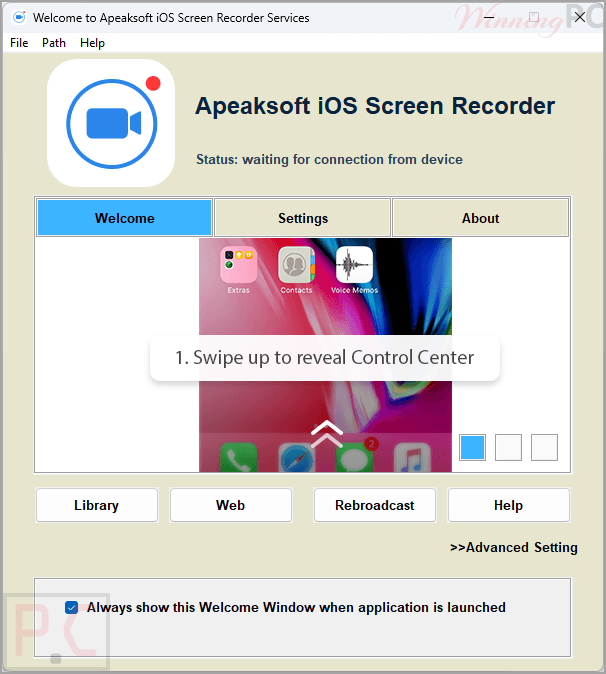
Apeaksoft iOS Screen Recorder lets you wirelessly mirror and record your iPhone, iPad, or iPod screen on a Windows computer via AirPlay. It supports real-time HD screen mirroring, one-click recording, customizable output quality up to 1080p, and password protection for secure connections. It’s an ideal solution for recording gameplay, presentations, tutorials, online classes, and demonstrations without cables.
Key features
- Wirelessly mirror iPhone, iPad, and iPod screens to a Windows PC.
- Connect through AirPlay without a USB cable.
- Record iOS screen activity directly on a computer.
- Stream audio and video from iOS devices to PC.
- Support HD screen mirroring and playback.
- Real-time gameplay recording from iPhone and iPad.
- Create tutorial videos and software demonstrations.
- Use for classroom presentations and educational assignments.
- Display content through projectors and large screens.
- Support business meetings and product showcases.
- One-click screen mirroring setup.
- Select recording quality from SD up to 1080p HD.
- Password protection to prevent unauthorized connections.
- Full-screen and freestyle recording modes.
- Compatible with Windows 11/10/8/7 and older Windows versions.
- Supports modern iOS and iPadOS releases, including beta versions.
What we think
Screenshots
Frequently Asked Questions
Where can I find a discount for Apeaksoft iOS Screen Recorder?
If you are looking to secure a discount on this mirroring software, WinningPC is the top place to find verified promo codes, alongside any deals listed on the official Apeaksoft store.
What is the lowest price I can get for this iOS recording tool?
The most substantial savings currently available is a 30% OFF deal on the lifetime license, dropping your cost from $31.20 down to just $21.84 right here on WinningPC.
Do I need to plug my iPhone into my computer to use this?
No, the software operates completely wirelessly by utilizing your local Wi-Fi network and Apple’s AirPlay function.
Will the recording quality be clear enough for tutorials?
Yes, you can customize the recording settings to output your video in high quality, all the way up to 1080p HD.
Is there a delay when mirroring fast-paced games?
The software mirrors your content in real-time with no lag, making it highly effective for live gameplay.
Can I stop other people on my Wi-Fi from casting to my screen?
Yes, you have the option to set a custom password, which protects your privacy and stops others from connecting to your session.
Does this program work on older Windows computers?
It is highly compatible and supports Windows 11, 10, 8.1, 8, 7, Vista, and even Windows XP (as long as it runs SP2 or later).
Are there any other software requirements to make this run?
You do need to have iTunes installed on your Windows PC. Version 10.7 or above is required, though the latest version is recommended.
Do I have to record my whole monitor?
You are not forced into one view; the tool allows you to switch between full-screen mode or a freestyle mode depending on your preference.
System Requirements & Details
| Feature | Specifications |
|---|---|
| Operating System | Windows 11/10/8.1/8/7/Vista/XP (SP2+) iOS 7.1 or above |
| Processor | 1GHz Intel/AMD CPU or above |
| RAM & Storage | 1G RAM or more |
| Supported Input | iPhone, iPad, iPod |
| Supported Output | PC Screen, SD to 1080p HD video |