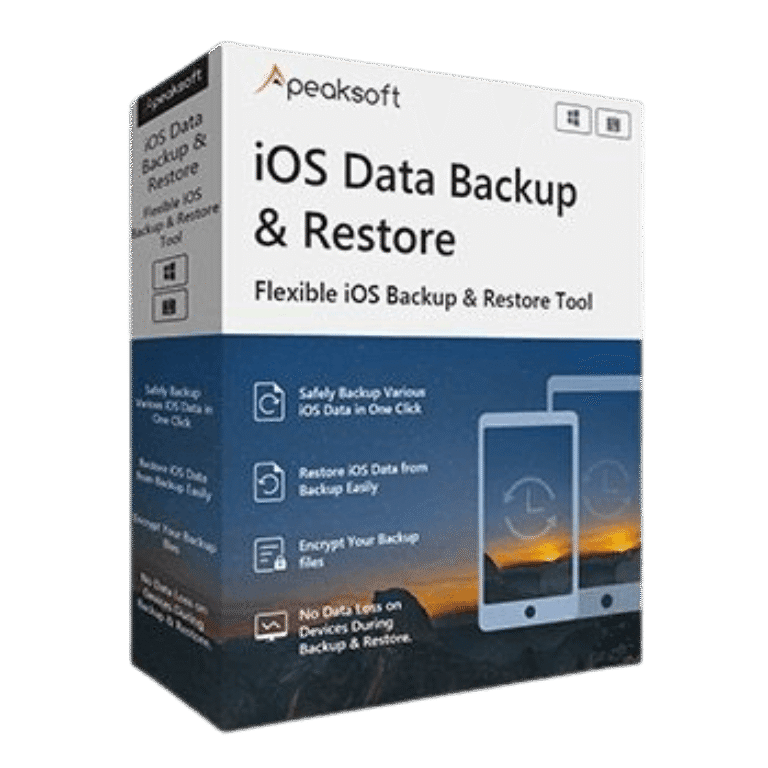

Apeaksoft iOS Data Backup & Restore Coupons & Pricing
Apeaksoft iOS Data Backup & Restore
8 plans · best save 50%
1 Month ★ Best Deal
Use for 1 iOS device on 1 PC | 1 month access | free updates & support for 1 month
1 Month/2 Devices
Use for 2 iOS device | 1 month access | free updates & support for 1 month
Lifetime License
Use for 6 iOS devices on 1 PC | lifetime access | free updates & support for lifetime
Lifetime License / 3 PCs
Use it on 3 PCs | lifetime access | free updates & support for lifetime
Apeaksoft iOS Data Backup & Restore for Mac
8 plans · best save 50%1 Month/1 Device ★ Best Deal
Use for 1 iOS device on 1 Mac | 1 month access | free updates & support for 1 month
1 Month/2 Devices
Use for 2 iOS device on 1 Mac | 1 month access | free updates & support for 1 month
Lifetime License
Use for 6 iOS devices on 1 Mac | lifetime access | free updates & support for lifetime
Lifetime License / 3 Macs
Use it on 3 Macs | lifetime access | free updates & support for lifetime
In-Depth Review & Features
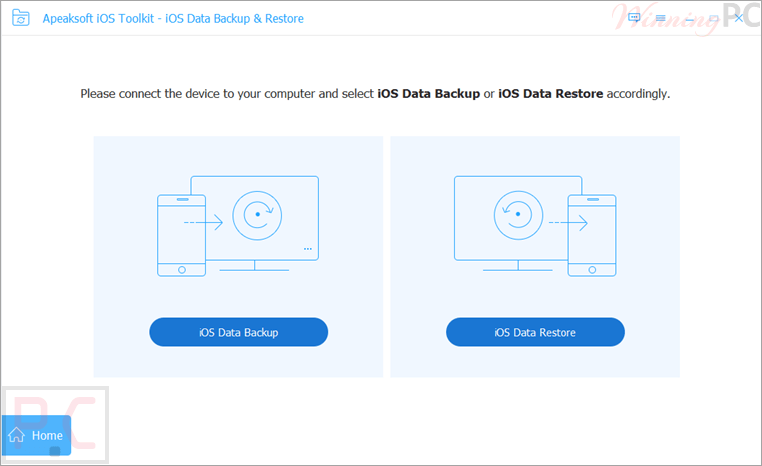
Apeaksoft iOS Data Backup & Restore is a simple and reliable tool for backing up and restoring iPhone, iPad, and iPod data without overwriting existing files. It supports contacts, messages, photos, videos, notes, call logs, and more, with selective backup, encrypted backup, preview before restoration, and flexible restore options to your iOS device or computer.
Key features
- One-click backup for iPhone, iPad, and iPod data.
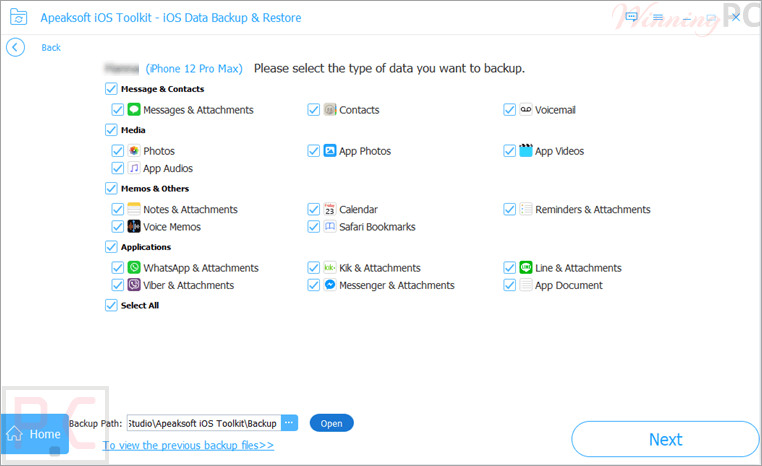
- Supports photos, contacts, messages, notes, call logs, reminders, videos, audio files, and documents.
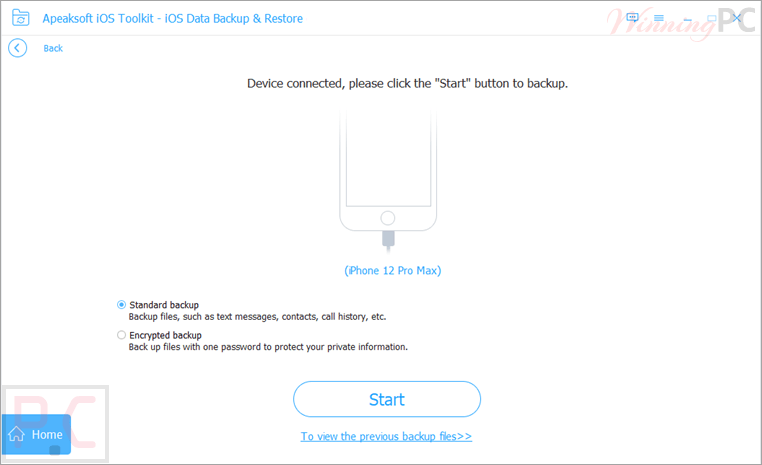
- Standard Backup and Encrypted Backup modes.
- Password-protected backup files for additional privacy.
- Preview backup content before restoring.
- Restore selected files instead of the entire backup.
- Restore data directly to an iOS device.
- Export backup files to a computer.
- Supports HTML, CSV, and vCard export formats.
- Works with iPhone, iPad, iPad Pro, iPad Air, iPad mini, and iPod touch devices.
- Compatible with a wide range of iOS and iPadOS versions.
What we think
Screenshots
Frequently Asked Questions
Where can I find valid promo codes for Apeaksoft iOS Data Backup & Restore?
WinningPC is the top spot to check for active deals, verified discounts, and promotional offers on this utility, alongside Apeaksoft’s official website.
What is the biggest price drop currently available?
Right now, you can lock in a 50% discount on the 1-Month plan or a 30% reduction on the Lifetime license directly through the WinningPC deal box above.
Does this software overwrite my existing iPhone files when restoring?
No, the recovery process is designed to bring back your files safely without erasing or altering the data currently stored on your iOS device.
Can I pick and choose what gets backed up?
Yes, you can select specific data types—like just your contacts or photos—before initiating the backup process.
Is there a way to keep my local backups private?
Yes, you can use the “Encrypted backup” option to set a custom password for your files.
Does it work with the latest iPhone models?
It supports all popular iOS devices, including the iPhone 16, 15, and 14 series, down to older hardware.
Can I view my backup files before putting them back on my phone?
Yes, the utility allows you to preview your data so you can select the exact items you want to recover.
What file formats can I use to export my contacts or notes to my computer?
If you choose to restore files to your PC, you can export them in HTML, CSV, or vCard formats.
Do I need an internet connection to back up my phone with this tool?
No, this is a local utility that saves files directly from your iOS device to your computer via a wired connection.
System Requirements & Details
| Feature | Specifications |
|---|---|
| Operating System | Windows 11/10/8.1/8/7/Vista/XP Mac OS X 10.7 or above |
| Processor | 1GHz Intel/AMD CPU or Apple M1/M2/M3/M4/M5 chip |
| RAM & Storage | 1 GB RAM or more |
| Supported Input | iOS 5 and above (requires iTunes 10.7 or higher) |
| Supported Output | Direct to iOS device, or to PC (HTML, CSV, vCard) |