
Designs.ai Coupons & Pricing
Designs.ai
3 plans · best save 36%
Plus Plan ★ Best Deal
Perfect for individuals getting started | 2,500 credits per month | 2 user accounts
Pro Plan
Ideal for growing teams and businesses | 10,000 credits per month | 5 user accounts
Enterprise Plan
For large organizations with advanced needs | 25,000 credits per month | Unlimited user accounts
How to Use the Coupon
- Copy coupon code DS***AN20 above.
- Open Designs.ai’s official pricing page in your browser; it’s browser-based, so no download is needed.
- Pick your plan (Plus, Pro, or Enterprise) and select Yearly billing.
- Paste DS***AN20 into the coupon/promo field at checkout.
- Confirm that the discounted price is shown before you pay.
Designs.ai Review & Features
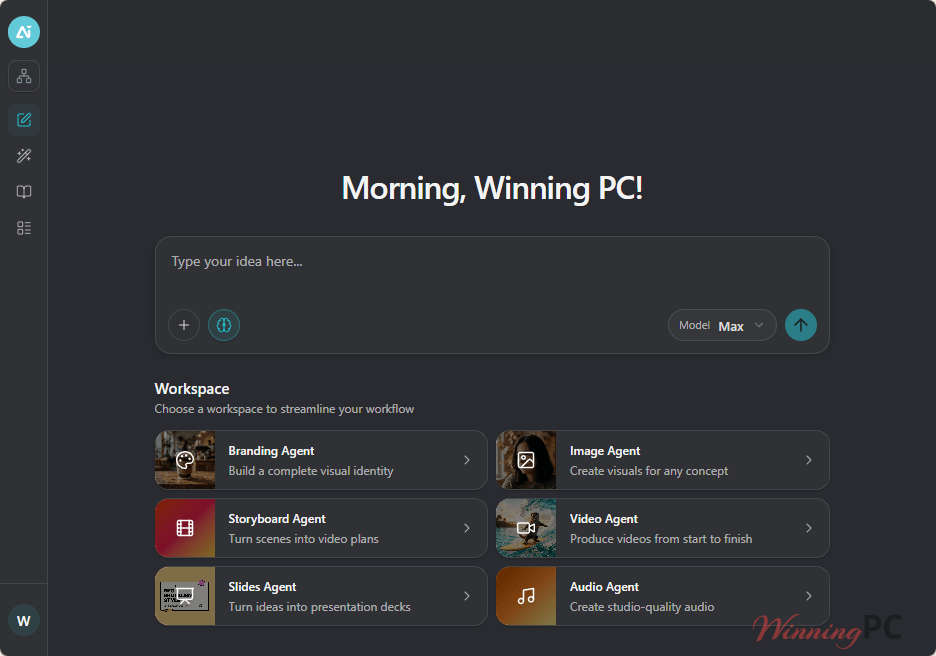
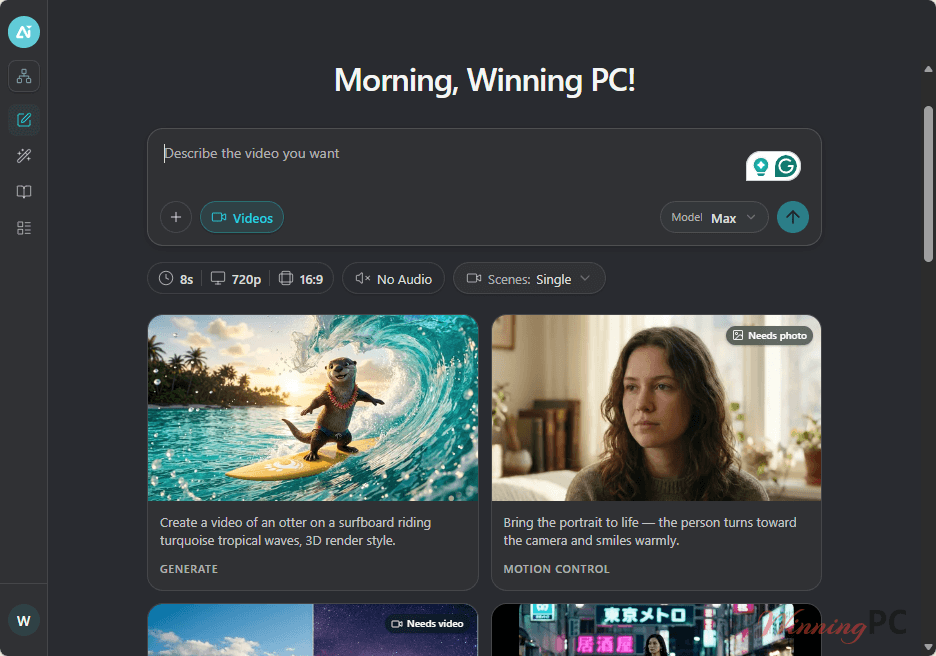
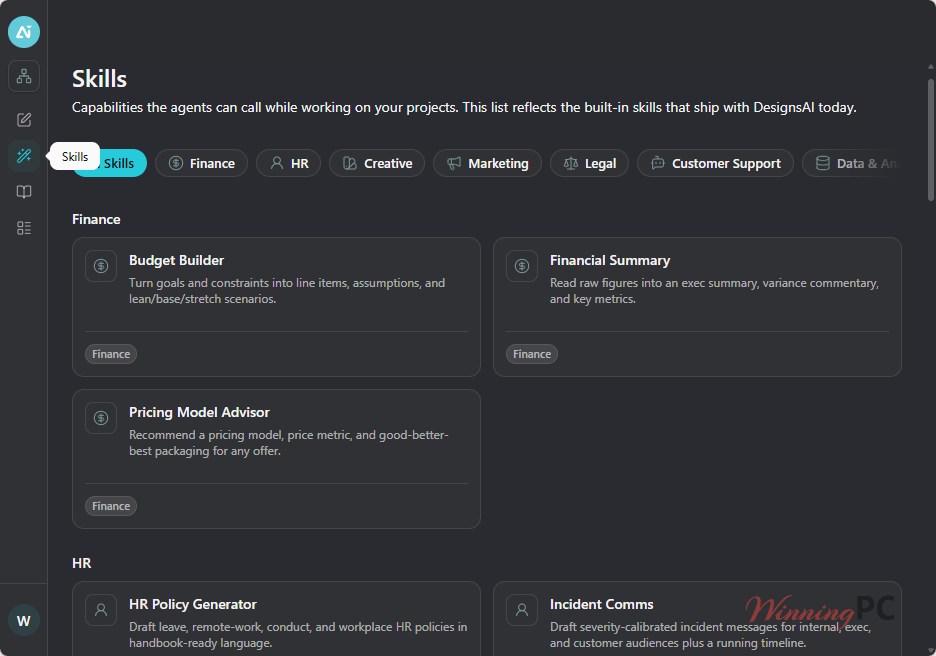
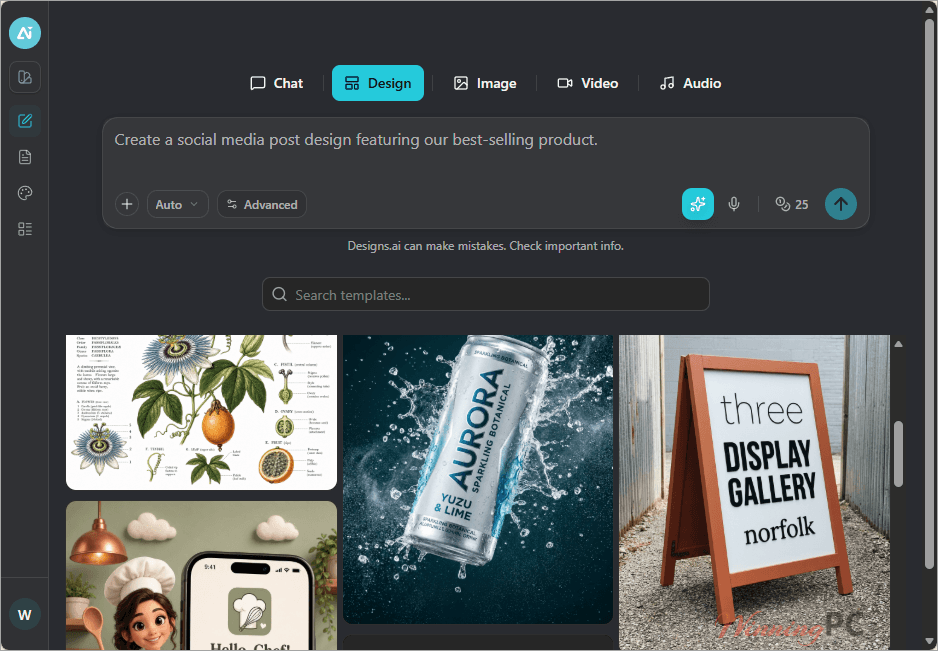
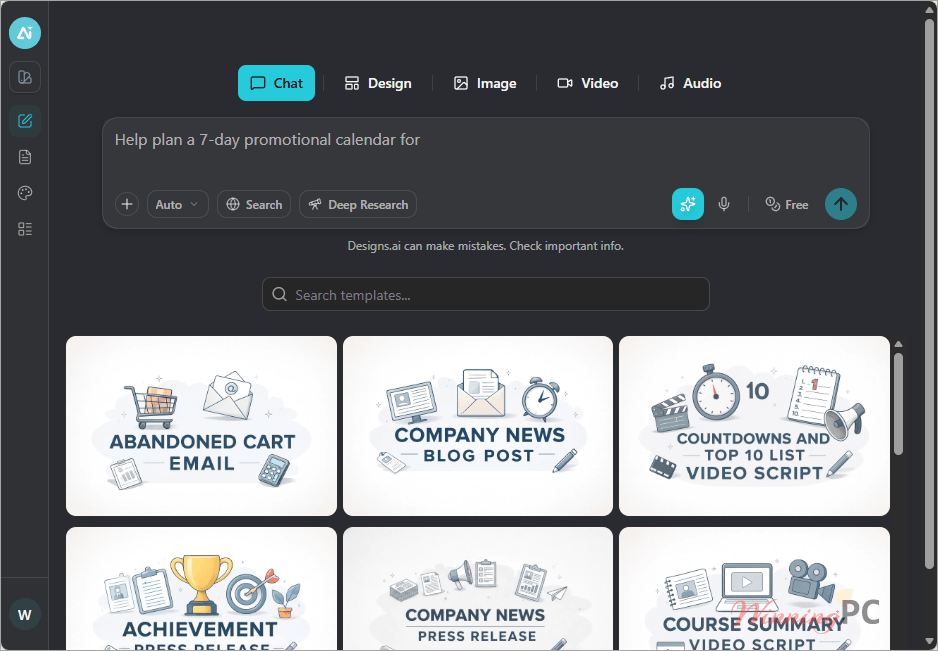
Designs.ai earns its “all-in-one” label mostly through its agent system; instead of hunting down a separate video tool and a separate slide tool, you brief one agent per task (Brand, Image, Storyboard, Video, Slides, Audio) and each one pulls from the same brand assets. That consistency is the real selling point, not any single standalone feature. The catch is the credit model: heavier users will want to watch monthly credit burn, since 2,500–25,000 credits per month (depending on plan) is what actually gates how much you can generate before hitting a ceiling.
Key features
- Brand Agent builds and maintains a full visual identity, applied automatically across every asset
- Video, Storyboard, and Slides agents turn one brief into finished video plans and presentation decks
- Centralized asset storage keeps every generated file reusable in one place instead of scattered across tools
- Built-in brand consistency tools auto-apply your colors, fonts, and logo without manual re-uploading
- A template-driven content library speeds up marketing and brand content production
What we think
Screenshots
Which Designs.ai Plan Should You Buy?
Included 3 plans differ beyond price (credits, seats, support)
Designs.ai vs Others
| Tool | Price | Key angle | Best for |
|---|---|---|---|
| Designs.ai | Free tier; Plus $299/yr+ (with code) | Agents cover design, video, audio & slides in one brief | Teams wanting one AI workspace for many asset types |
| Canva | Free tier; Pro ~$15/mo | Large template library, design-first focus | Solo creators wanting a free/cheap design-only tool |
| Adobe Express | Free tier; paid ~$9.99/mo | Deep integration with Adobe’s ecosystem | Users already inside Adobe Creative Cloud |
Frequently Asked Questions
Is the Designs.ai coupon code legit?
Yes. DS***AN20 applies directly at Designs.ai’s own checkout on the Yearly Plus, Pro, and Enterprise plans, cutting the price by 15–36% depending on plan. It’s not a third-party reseller code, so there’s no key-authenticity risk. Just confirm the discounted total on the payment page before you pay.
Is Designs.ai worth it?
It’s worth it mainly if you’d rather run one subscription than five separate AI tools; independent reviews consistently call out the all-in-one workflow as the strongest selling point. Output on some tools, like the Logomaker, is described as more template-driven than fully custom.
Does it auto-renew, and how do I cancel?
Designs.ai plans are subscriptions, so the Monthly/Yearly plan is expected to auto-renew unless canceled beforehand, this isn’t stated explicitly in the official pricing data we reviewed.
How many users can access a Designs.ai plan?
It depends on the plan: Plus includes 2 user accounts, Pro includes 5, and Enterprise offers unlimited user accounts. Teams needing more than 5 seats should go straight to Enterprise. Credits are shared across the whole plan regardless of user count.
What’s the difference between the Plus, Pro, and Enterprise plans?
The core difference is monthly credits and support: Plus gets 2,500 credits with email/chat support, Pro gets 10,000 credits with priority support, and Enterprise gets 25,000 credits plus 24/7 support and a dedicated account manager. Indemnity coverage also scales from $5,000 to $25,000.
Do I need to install anything to use Designs.ai?
No. Designs.ai is fully browser-based, so you create and manage every asset (design, video, audio, slides) directly in your browser across devices. There’s no desktop app to download. You just need a modern browser and an internet connection.
Is there a free trial or free plan for Designs.ai?
They provide a free plan for all users.
System Requirements & Details
| Feature | Specifications |
|---|---|
| Language Support | English and more… |
| Operating System | Browser-based; no installation required. Works directly in a modern web browser across devices. |