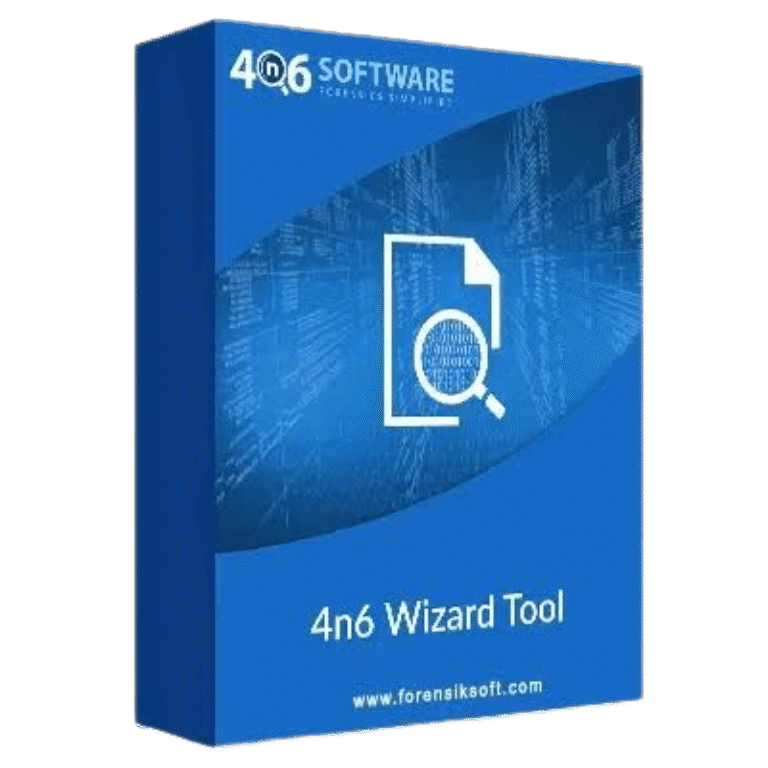

Xtraxtor Coupons & Pricing
Xtraxtor
3 plans · best save 89%
Enterprise Edition ★ Best Deal
For 100 machines | 24/7 customer support
How to Use the Xtraxtor Coupon Code
- Copy
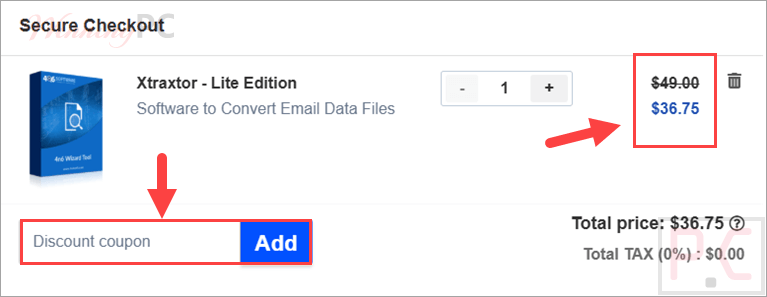
WINNINGPC25from the code box on this page. - Decide which edition you need first (Lite for one PC, Pro for up to ten, Enterprise for up to 100), then open 4n6 Software’s checkout through the link above.
- Apply it and watch the total change before you pay. Lite should read $36.74 instead of $98, Pro $74.25 instead of $300, Enterprise $224.25 instead of $1,998.
- Complete the payment. 4n6 Software sends the license key and the invoice by email immediately after a successful purchase, so you can activate the same day.
Is this Xtraxtor coupon legit?
Yes. WINNINGPC25 is a WinningPC’s exclusive discount applied at Xtraxtor.com’s own checkout, not a cracked key or a leaked internal code.
Licensed software, no crack or keygen
You download Xtraxtor’s own installer and activate it with a genuine key. Nothing is patched, repacked, or bundled by us.
The purchase happens on the publisher’s store
The code is applied on Xtraxtor’s checkout rather than a grey-market key reseller, so the license is registered to you and eligible for support.
Your card details never touch WinningPC
Payment is handled entirely on the publisher’s encrypted checkout page. We supply the code and nothing else.
Proof of purchase arrives instantly
Xtraxtor emails the license key and the invoice straight after payment, which is what you’ll need if you ever have to open a support ticket or request a refund.
Xtraxtor Review & Features
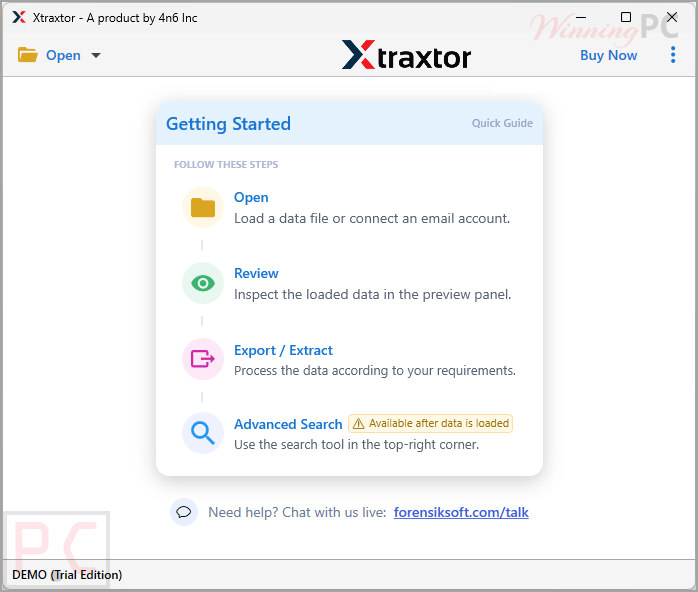
Xtraxtor combines email extraction, conversion, and viewing in a single application, making it easy to manage mailbox data without switching between multiple tools. It can extract email addresses, attachments, contacts, and other mailbox content while converting email files to formats such as PST, MBOX, EML, and more. The built-in viewer lets you inspect emails and their metadata before starting a conversion, helping you verify mailbox contents quickly. Xtraxtor also supports large mailbox files without stated size limits, although advanced features such as direct email server access and cloud migration to Office 365, Gmail, and IMAP are available only in the higher-tier editions.
Screenshots
Key features
- Batch extraction of four data types: email addresses, phone numbers, attachments and contact photos, run across a whole folder rather than one message at a time.
- Free email viewer before conversion: the preview loads mail with its metadata (to, cc, bcc, subject, date, time) so you can check what you’re working with first.
- 11 saving targets on the entry-level Lite edition: EML, PST, MBOX, PDF, HTML, Text, CSV, vCard, ICS, Windows Live Mail, and Thunderbird.
- Direct migration to cloud mailboxes (Pro and Enterprise): Office 365, Gmail / G Suite, Yahoo, Outlook.com, and generic IMAP, with Zoho Mail and Yandex also listed by the publisher.
- Folder hierarchy preserved: subfolders come out in the order they went in, including after a full mailbox conversion.
What we think
Which Xtraxtor Plan Should You Buy?
Frequently Asked Questions
Does WINNINGPC25 work on all three Xtraxtor editions?
Yes. It takes 63% off Lite, 75% off Pro, and 89% off Enterprise.
Can I get a refund if it doesn’t do what I need?
Third-party listings report that 4n6 Software refunds digital products within 30 days of purchase, but that window isn’t stated on the product’s own pricing page, so treat it as unconfirmed. The safer route is the free demo version: run it against your actual mailbox first, then buy the edition that handled it.
How many computers does each licence cover?
Lite covers one machine, Pro up to ten, Enterprise up to 100. Choose on machine count first and features second, because the source options widen as you go up: email servers only become available from Pro.
Does Xtraxtor run on Windows 11?
Yes. 4n6 states the software is compatible with all Windows versions, and its own FAQ confirms both Windows 10 and Windows 11. There is no Mac or Linux build. Minimum hardware requirements aren’t published.
Which email file formats can it open?
The publisher’s own converter list covers MBOX, OST, OFT, and EML, plus data pulled directly from desktop clients and configured email accounts.
Is there a free way to do this instead?
Sometimes. If you only need to export one mailbox to EML or MBOX, Thunderbird with the free ImportExportTools NG add-on will do it, and Outlook can export to PST on its own. Where the free route runs out is bulk extraction of addresses, phone numbers, and attachments across many files at once, and pushing mail directly into Office 365 or Gmail. If your job is a single archive, be honest with yourself before you spend anything.
System Requirements & Details
| Feature | Specifications |
|---|---|
| Operating System | Windows 11, 10, 8.1, 8, 7 |
| Processor | Pentium Class or higher |
| Memory | 512 MB Minimum (1 GB recommended) |
| Hard Disk | 100 MB of free space |