
Pacdora Coupons & Pricing

Pacdora Business - Monthly Plan
10,000 AI credits, updated monthly | Commercial use and resale license
Pacdora Business - Yearly Plan
10,000 AI credits, updated monthly | Commercial use and resale license
How to redeem your Pacdora discount
- Pick the subscription you want in the coupon block above and click its Copy button.
- The code copies to your clipboard automatically and Pacdora’s checkout opens in a new tab.
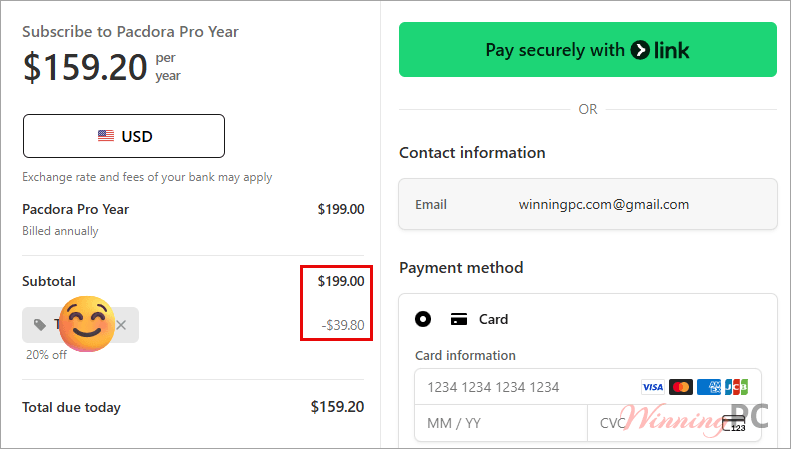
- On the payment page, click “Have a promotion code?” and paste TIC***20. The field sits collapsed by default, so it’s easy to scroll straight past it.
- Check the total before you pay. Then complete the order.
How well does Pacdora work?
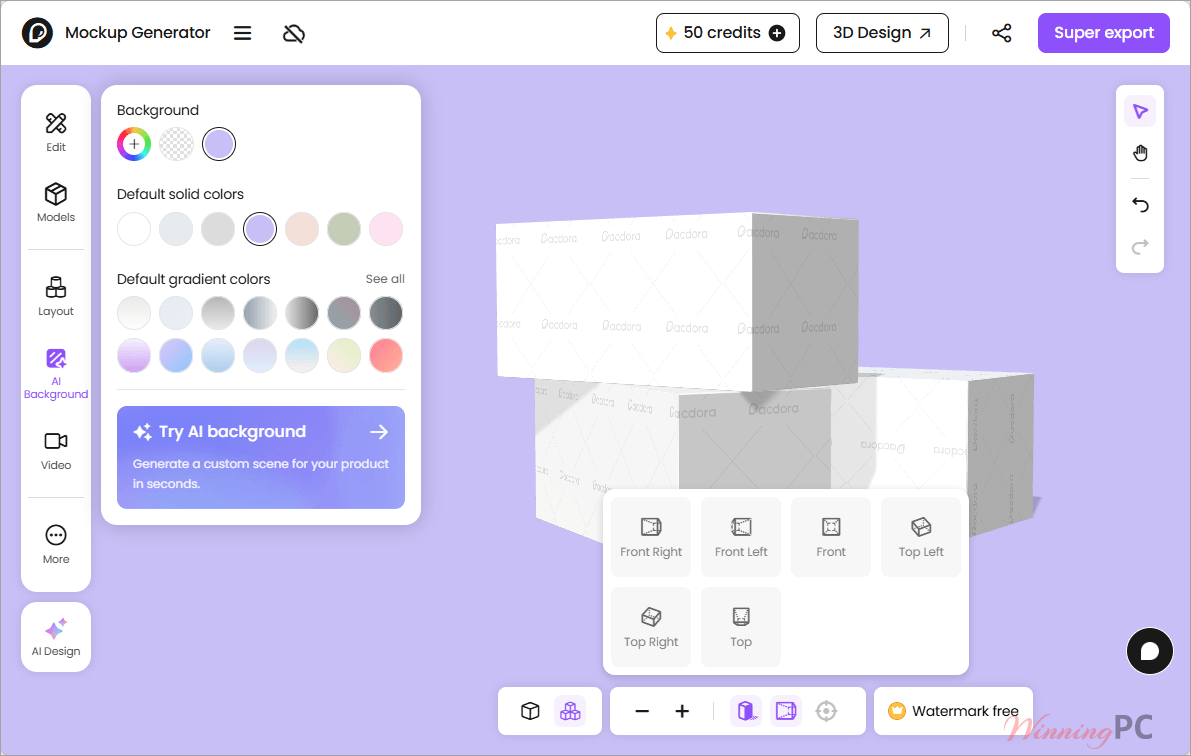
What Pacdora gets right is the loop between structure and presentation. You set a box’s real dimensions, material and paper thickness once, and that single file gives you both a print-ready dieline in AI, PDF or DXF and a 3D render you can send to a client. In most workflows those are two jobs in two different applications, and keeping them in sync is where mistakes creep in. Real-time 3D is the other genuine strength: artwork placement, lighting and camera angle update as you drag them, which shortens approval rounds more than any single feature here.
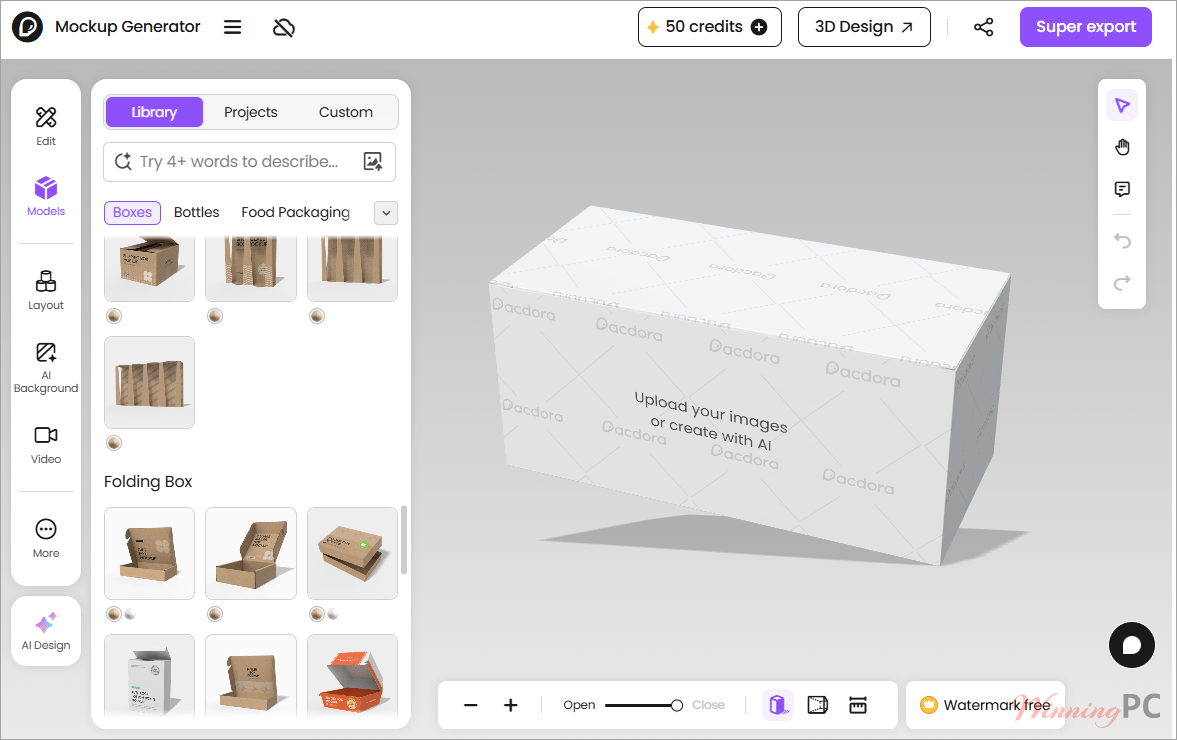
Where it thins out is depth of control. Not every mockup accepts custom dimensions, render speed is deliberately throttled on the cheaper tiers, and the AI tools run on a monthly credit allowance rather than being unlimited.
Key features
- Dieline generator built for print: 3,000+ box templates with proper flaps, tabs and perforations, customisable by dimension, material and thickness, exporting to AI, PDF or DXF.
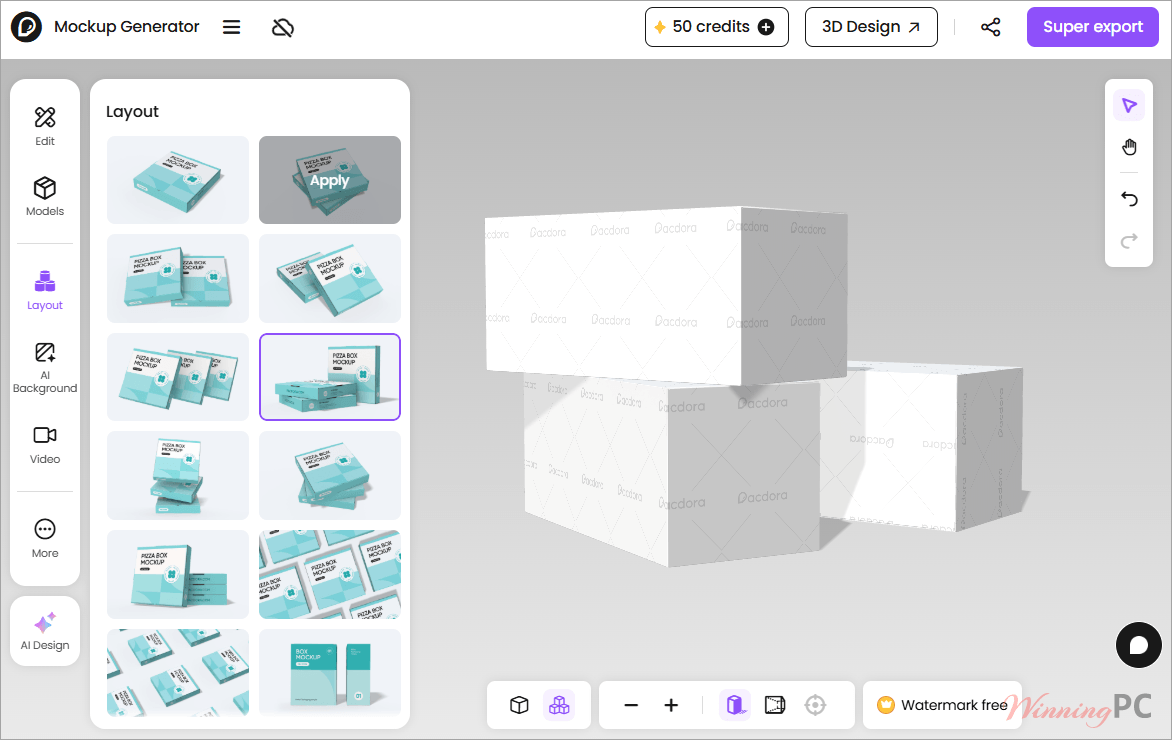
- Real-time 3D mockups: 5,000+ packaging and product mockups that update live as you edit, exported as PNG/JPG up to 8K, MP4 video, or an embeddable HTML viewer.
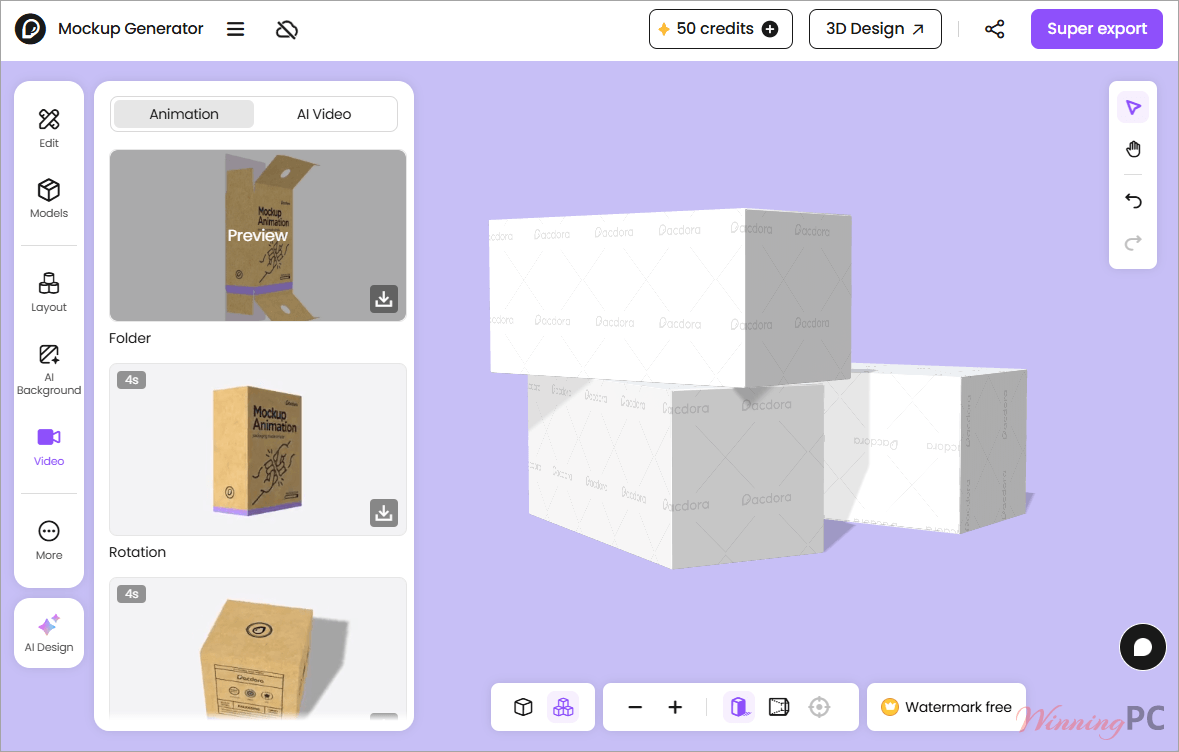
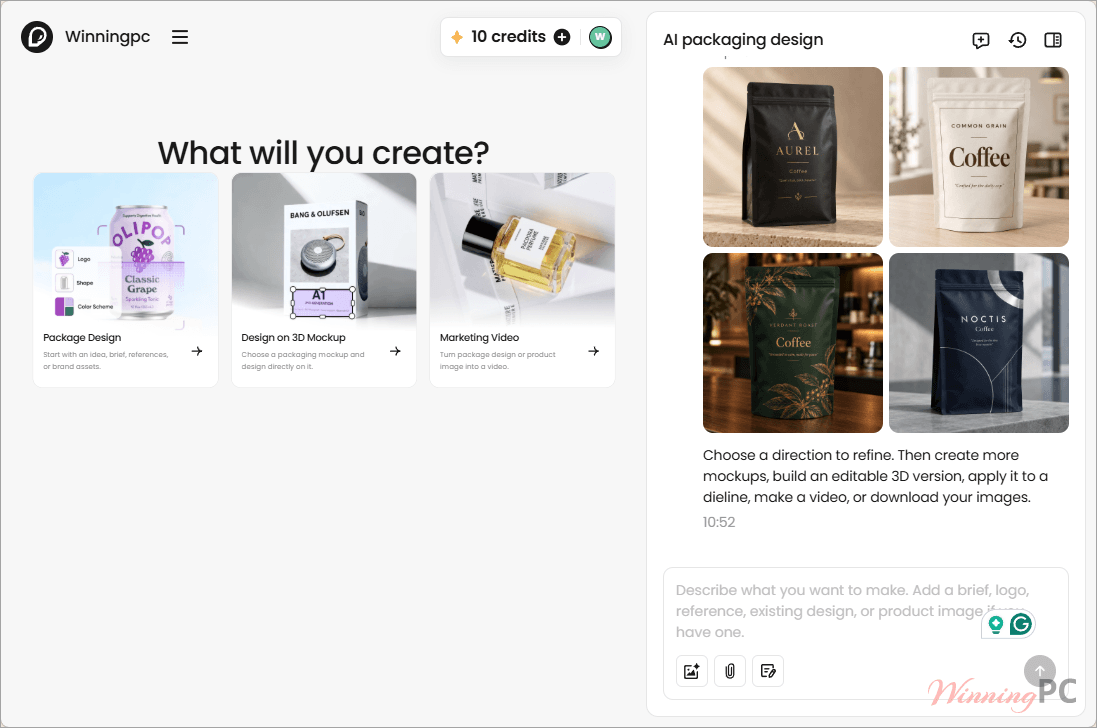
- AI tools on a credit system: background generation, logo generation, AI packaging design and AI video, drawing on monthly credits (50 on Free, 300 on Lite, 3,000 on Pro, 10,000 on Business).
- Illustrator plugin: browse dielines, preview in 3D and push files to Pacdora without leaving Illustrator 2021 or later. Pro and Business subscribers only.
- Design Canvas: an infinite canvas for building packaging concepts, generating AI mockups and exporting print-ready dielines from the same board.
What we think
More screenshots
Which Pacdora plan should you buy?
| Plan | Price with TIC***20 | Use rights | Highest export | AI credits | Best for |
|---|---|---|---|---|---|
| Free | $0 | Watermarked output | Watermark cannot be removed; no HD image export; 480p AI video | 50 credits | Testing the editor and internal drafts |
| Lite | 20% off with code | Personal use only | 2K images, 720p video; no AI/PDF/DXF dieline export | 300 / month | Occasional personal projects |
| Pro | $23.20 / mo or $159.20 / yr | Personal use only | 4K images, 1080p video, AI/PDF/DXF dielines | 3,000 / month | Solo designers and in-house teams |
| Business | $79.20 / mo or $566.40 / yr | Commercial use + reseller licence | 8K images, 2K video, advanced dieline features | 10,000 / month | Agencies and anyone billing clients |
Questions people ask about Pacdora
How do you get the full 54% off Pacdora?
Choose Pro on yearly billing and apply TIC***20. That combination brings the year down to $159.20, against $348 for twelve months at the $29 monthly rate, which is the 54% saving.
Does the coupon work on every Pacdora plan?
Yes. TIC***20 applies to all paid tiers on both billing cycles. On monthly plans it works out to a flat 20%, so $23.20 for Pro and $79.20 for Business.
Can I use Pacdora Pro for paid client work?
No. Pacdora’s plan comparison lists Pro as personal use only. Commercial use and the reseller licence sit on Business, at $566.40 a year with the code.
Is there a free version or a free trial?
There’s a permanent Free tier: unlimited projects, unlimited uploads, full access to the mockup and dieline editors, and 50 AI credits.
Do unused AI credits carry over to the next month?
No. Credits are allocated monthly, including on yearly plans, and they reset at the start of each billing cycle. Anything you haven’t spent is gone.
Requirements and supported formats
| Operating system | Web app runs in any modern browser. Illustrator plugin: macOS 12 (Monterey) or later, or Windows 10 or later |
| Processor / RAM / disk | Not specified by the publisher |
| Supported input formats | Not specified by the publisher (artwork, logos and pattern images are uploaded, but no format list is published) |
| Supported output formats | Mockups: PNG, JPG (2K / 4K / 8K by plan), MP4 video (720p / 1080p / 2K by plan), embeddable HTML. Dielines: AI, PDF, DXF, JPG |
| Other requirements | Active internet connection and a Pacdora account. The Illustrator plugin additionally needs Adobe Illustrator 2021 or later and a Pro or Business subscription |