
Hyper3D Promo Codes & Pricing

Free 14-Day Rodin Gen-2.5 Trial
Enter this code when you register a new Hyper3D account to unlock a 14-day free trial of Rodin Gen-2.5, twice the standard 7-day trial. Shared through Hyper3D's partnership with 3Dnatives. Cancel before day 14 if you don't want a paid plan.
Free 14-Day Hyper3D WorldGen Trial
Unlocks a 14-day free trial of WorldGen, Hyper3D's tool that builds a full 3D scene from one image with separate, movable objects. Enter the code at sign-up and set a reminder before the trial ends.
Save 20% on Creator with Yearly Billing
Switch the pricing toggle to Yearly and Creator drops to $24 a month ($288 billed once) instead of $30 a month. Includes multi-image to 3D, Smart Low-Poly, HD textures and unlimited exports. No code needed.
Save 20% on Business with Yearly Billing
Yearly billing takes Business from $120 to $96 a month. Adds full API access, High-Poly Quads, higher redo limits and the ChatAvatar commercial license on top of everything in Creator. No code needed.
Education: Creator Benefits at Student Pricing
Verified students, educators, classrooms and learning programs get Creator-tier benefits at education pricing. Hyper3D doesn't publish the education price, so you'll see it after verifying your status on the subscribe page.
How to activate a Hyper3D trial code
- Open Hyper3D through the button above and create a new account. The welcome offers are aimed at first-time subscribers.
- Go to the Hyper3D subscribe page, leave the billing toggle on Monthly, and pick Creator or Business.
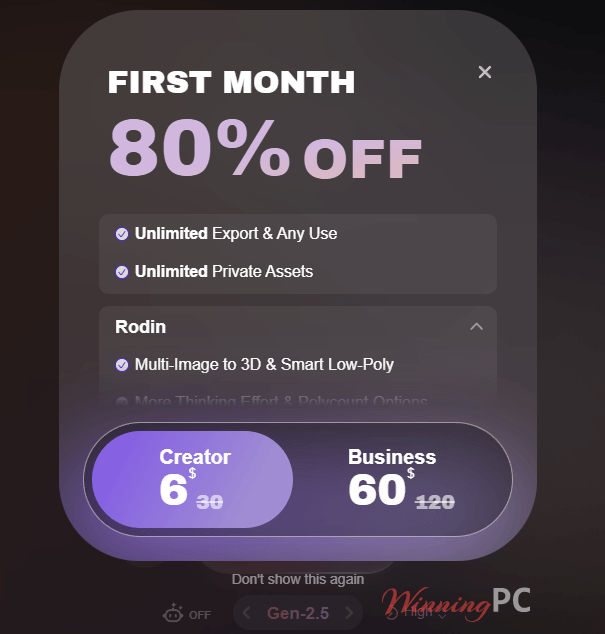
- Check the total before paying. It should read $6 for Creator or $60 for Business.
What Hyper3D Rodin is good at
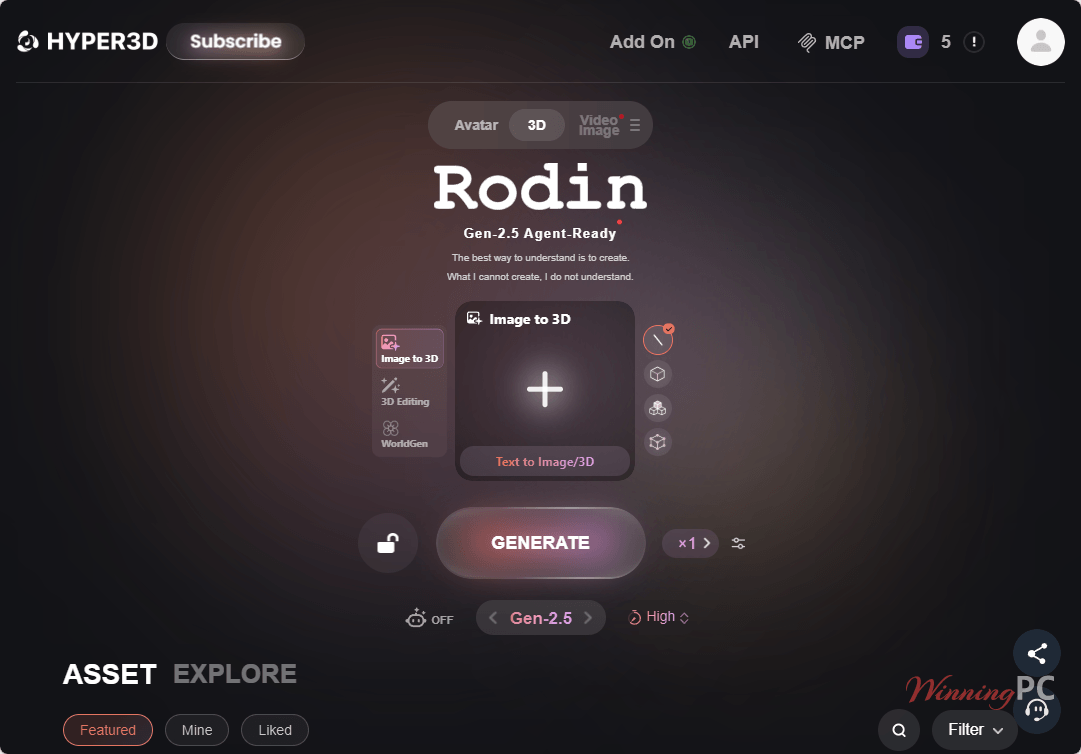
The reason people pick Rodin over quicker, flashier generators is control. Instead of re-rolling a prompt until you get lucky, you can lock the rough shape first and fix one region later without regenerating the whole asset, which saves both time and credits. The pay-by-result model helps too: you see the preview before any credits leave your balance, so a bad attempt costs you nothing but a minute. It isn’t magic, though.
Key features
- Image-to-3D from one photo, or up to five views of the same object when you want more accuracy
- Text-to-3D with 21 style presets, from Low Poly and Voxel to Photorealistic
- 3D ControlNet (bounding box, voxel, point cloud) plus BANG partial edit for changing just one part of a model
- Smart Low-Poly, which turns a dense mesh into a cleaner game-ready one (Creator and up)
- Plugins for Blender, Unity, Unreal Engine, 3ds Max, Cinema 4D, Maya, Godot and Omniverse, so assets land straight in your scene
What we think
Screenshots
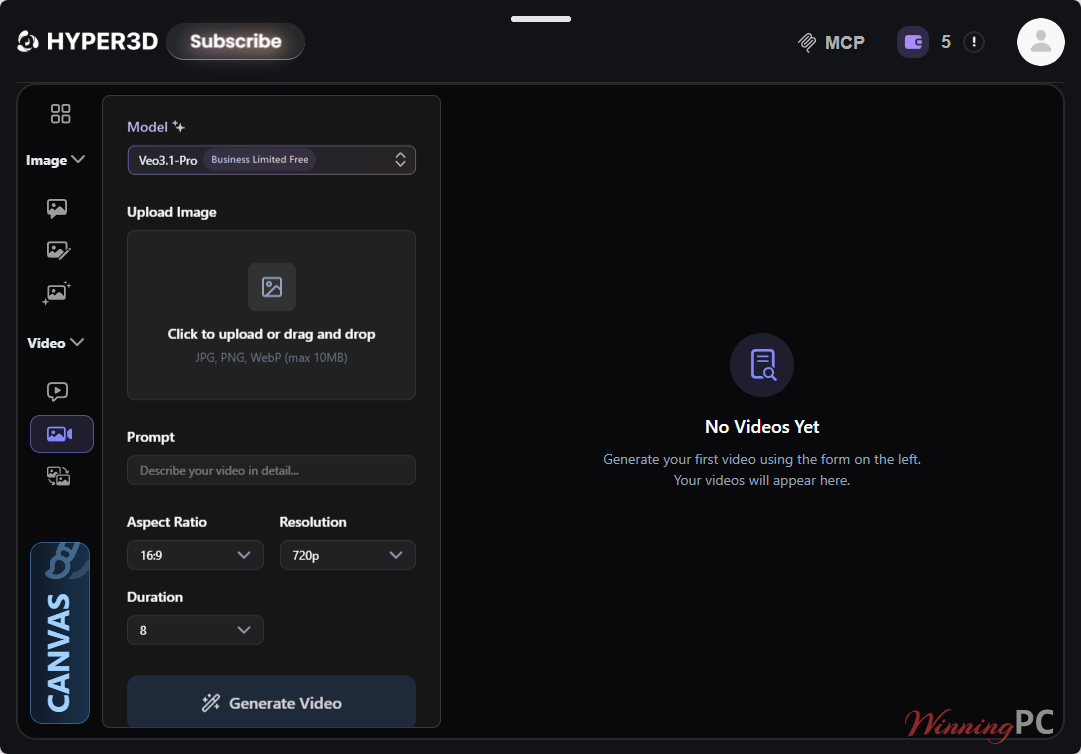
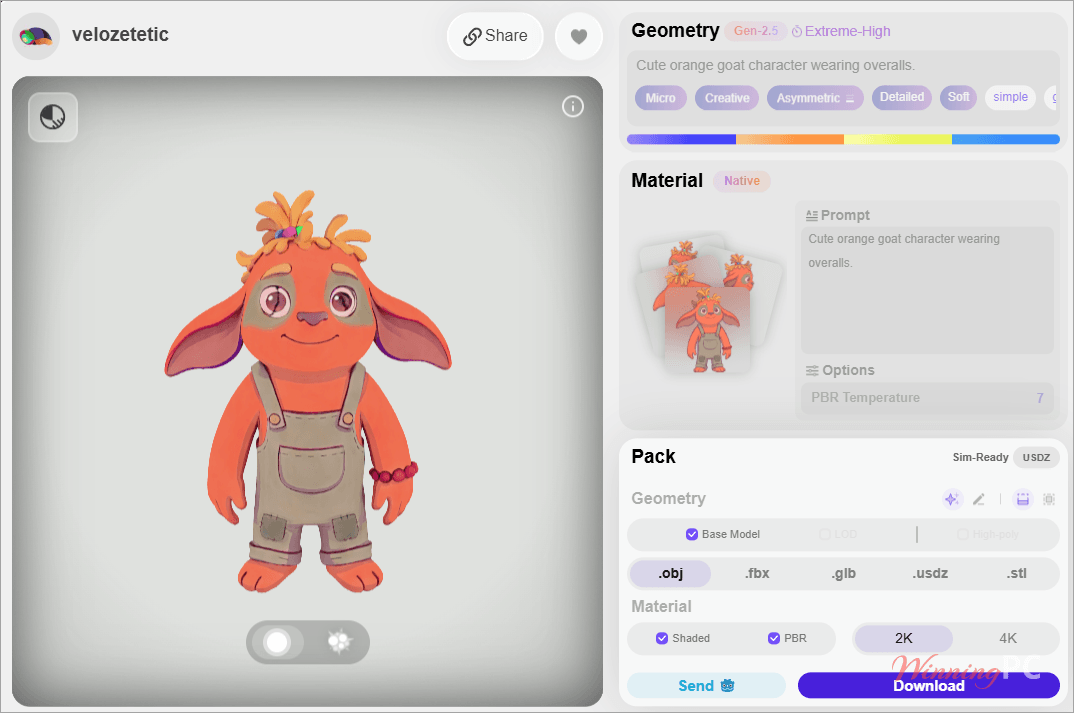
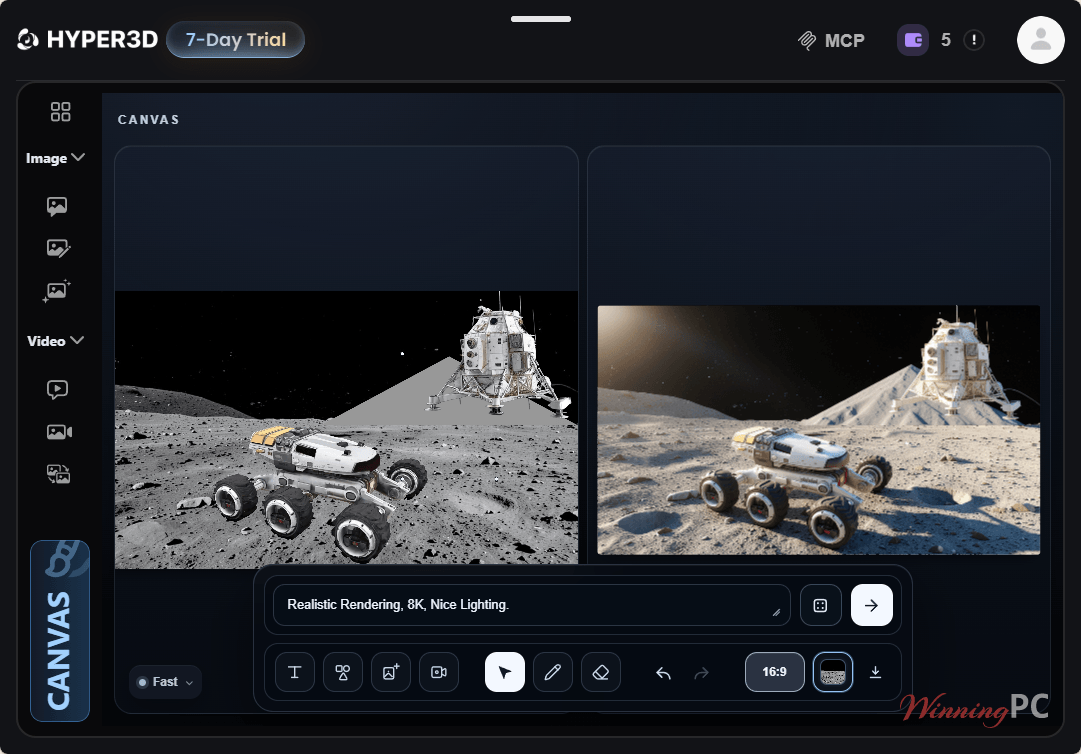
Which Hyper3D Plan Should You Buy?
| Plan | Monthly | Yearly (per month) | Est. models | Cost per model* | API | Best for |
|---|---|---|---|---|---|---|
| Free | $0 | $0 | Pay per result ($1.50/credit) | n/a | No | Trying Rodin before paying |
| Creator | $30 | $24 ($288/yr) | About 60 | ~$0.50 monthly / ~$0.40 yearly | No | Solo artists, indie devs, 3D printing |
| Business | $120 | $96 ($1,152/yr) | About 416 | ~$0.29 monthly / ~$0.23 yearly | Yes, 120 to 240 RPM | Studios and API workflows |
| Enterprise | Custom | Custom | Custom | Custom | Custom | On-premise, fine-tuning, team admin |
| Education | Not published | Not published | Creator-tier | n/a | No | Verified students and educators |
*Plan price divided by Hyper3D’s own estimated output. Real cost depends on the model tier and add-ons you choose.
Questions people ask about Hyper3D AI
Is the Hyper3D coupon legit, and what’s the catch?
Yes. The 80% and 50% welcome offers are Hyper3D’s own new-subscriber discounts, applied on its official checkout. The catch is what happens after month one, not the offer itself.
Will I be charged when the 14-day trial ends?
Assume yes, unless you cancel. Trials on subscription platforms usually roll into a paid plan, and several Hyper3D users say they were billed after their trial, in one case for a full year
Can I get a refund from Hyper3D?
Officially, no. The Terms say payments are final and non-refundable except where the law requires otherwise.
Can I use Rodin models commercially?
Yes, on paid plans. Hyper3D’s Terms don’t restrict how you use Rodin output beyond its own rules and the law, and paid plans include unlimited export and use. ChatAvatar is different: free-tier avatars are personal use only, and the commercial license comes with Business.
Which Hyper3D plan includes API access?
Business is the lowest plan with the API. It allows 120 requests per minute on the first three tiers and 240 on higher ones. Enterprise adds custom limits, deployment and support terms.
What is Hyper3D WorldGen?
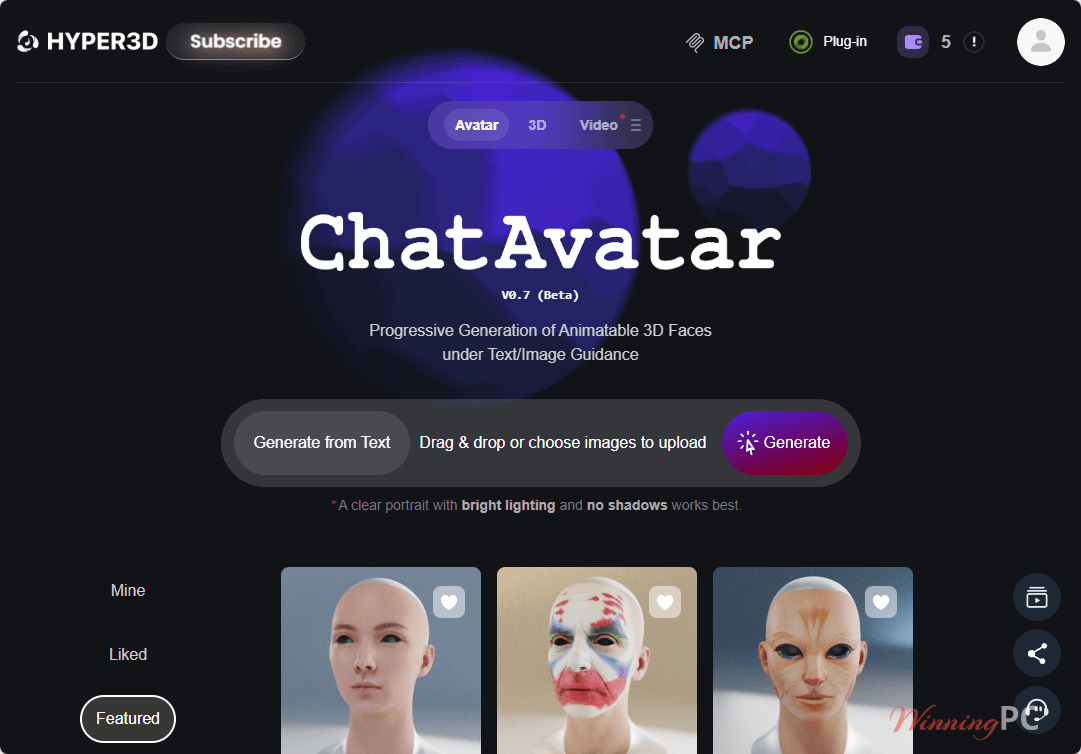
WorldGen is Hyper3D’s newer scene tool. You give it one image and it builds a whole 3D scene with separate objects you can move individually, then export it to Blender, Unity or Unreal. The B5V**ULP code gives you 14 days to try it.
Requirements & supported formats
| Field | Value |
|---|---|
| Operating system | Web-based (runs in the browser); plugins for Blender 4.0+, Unity 2023.x+, Unreal Engine 5.1 to 5.6, 3ds Max 2021 to 2025, Cinema 4D 2024, Omniverse, Maya, Godot |
| Browser | Google Chrome 116 or later required for the Blender add-on; other setups not verified by Hyper3D |
| Supported input formats | Text prompts (up to 1,024 characters via API), 1 to 5 reference images, sketches and product photos, SVG files (via SVG-to-3D converter) |
| Supported output formats | STL, FBX, OBJ, GLB, GLTF, USDZ |
| Other requirements | Hyper3D account; age 18+ (or local minimum age); API access needs the Business plan and an API key |