
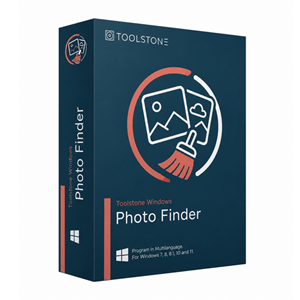

Toolstone Photo Finder Giveaway
Toolstone Photo Finder
Find duplicate & similar photos
- Product
- Toolstone Photo Finder
- Product website
- toolstonesoftware.com
- License
- 1-Year
- Platform
- Windows 11/10/8.1/8/7
- Usage
- Non-commercial only
- Updates
- Free future upgrades
- Support
- No support
- Updated
- 2026-09-30
Continue on reg.softwarezirkel.de
The publisher handles registration and license delivery on its official website.
The limited-time giveaway!
The free license is no longer available.
Special Discount for WinningPC Readers

4DDiG Duplicate File Deleter
1 License for 1 PC | 1-month free upgrades
EaseUS DupFiles Cleaner - Perpetual use
No free updates but lifetime usage

SORCIM Clone Files Checker - 1 Year License
Single Solution Up to 1 Year
Kernel Duplicate File Finder - Personal License
Two Computer | Home User | Lifetime license & updates

Is this Toolstone Photo Finder giveaway safe and legit?
Yes. This giveaway is authorized by Toolstone Software and delivers a genuine 1-Year license key through the publisher’s own registration page.
No crack or keygen
You install the official Toolstone build and activate it with a real key issued directly by the publisher. Nothing is patched or repackaged.
Official authorized source
The key comes through Toolstone Software’s own giveaway page, not a grey-market key reseller.
Secure sign-up
The registration form is hosted on Toolstone’s site over HTTPS. WinningPC links to it but does not handle your data.
Paid plan refund
If you later decide to buy, the paid subscription carries a 60-day money-back guarantee.
How to claim your free Toolstone Photo Finder license
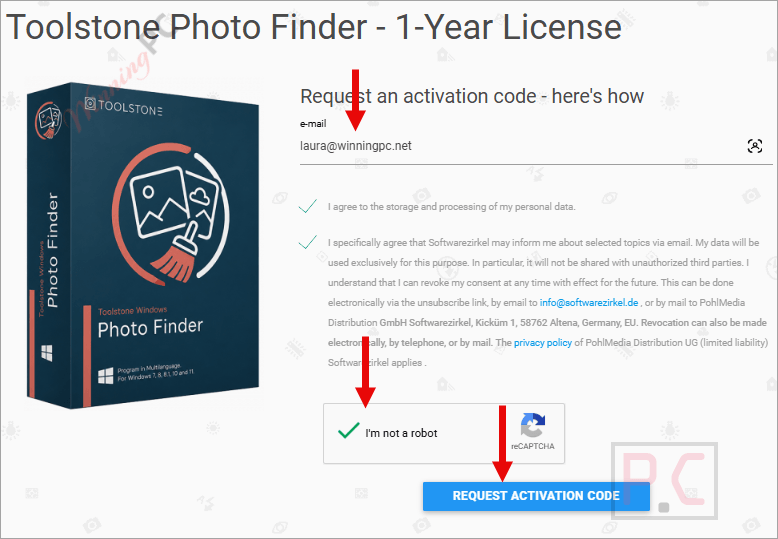
- Click the giveaway button to open the official Toolstone Software giveaway page.
- Enter your email address in the registration form and submit it.
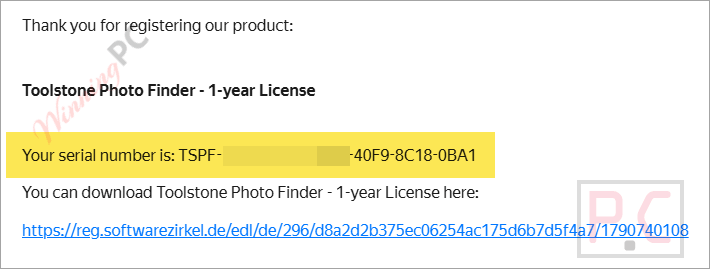
- Check your inbox for an email from Toolstone containing your 1-Year license code.
- Download the Toolstone Photo Finder installer from the link provided in that email.
- Install the software on your Windows PC.
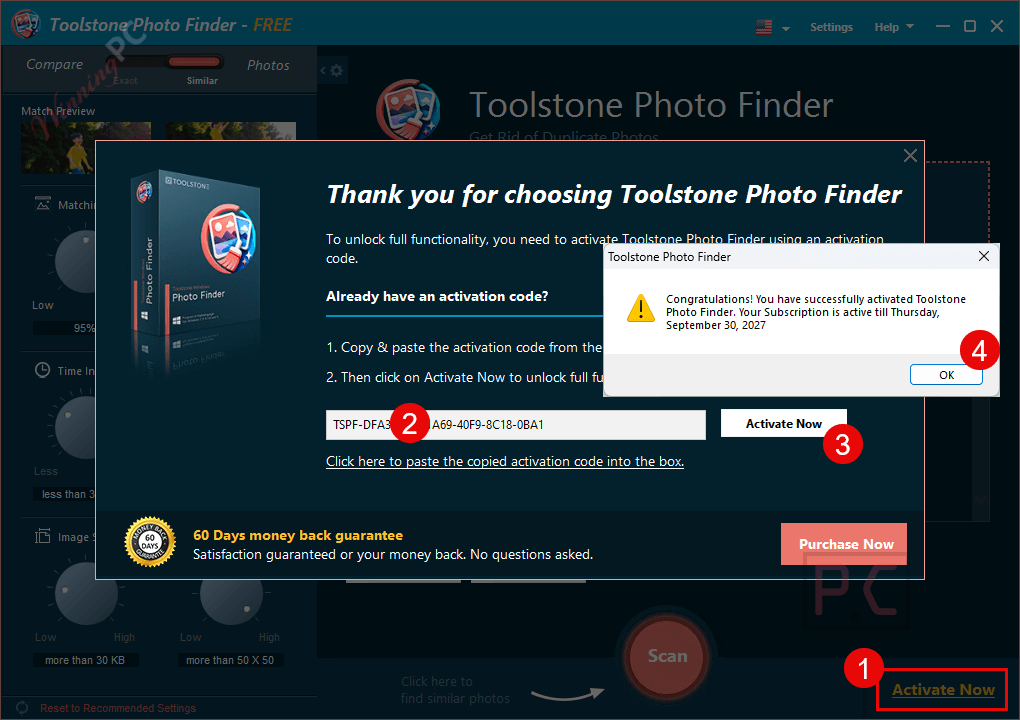
- Launch Toolstone Photo Finder, open the activation dialog, and paste your license code to activate.
What Toolstone Photo Finder is good at
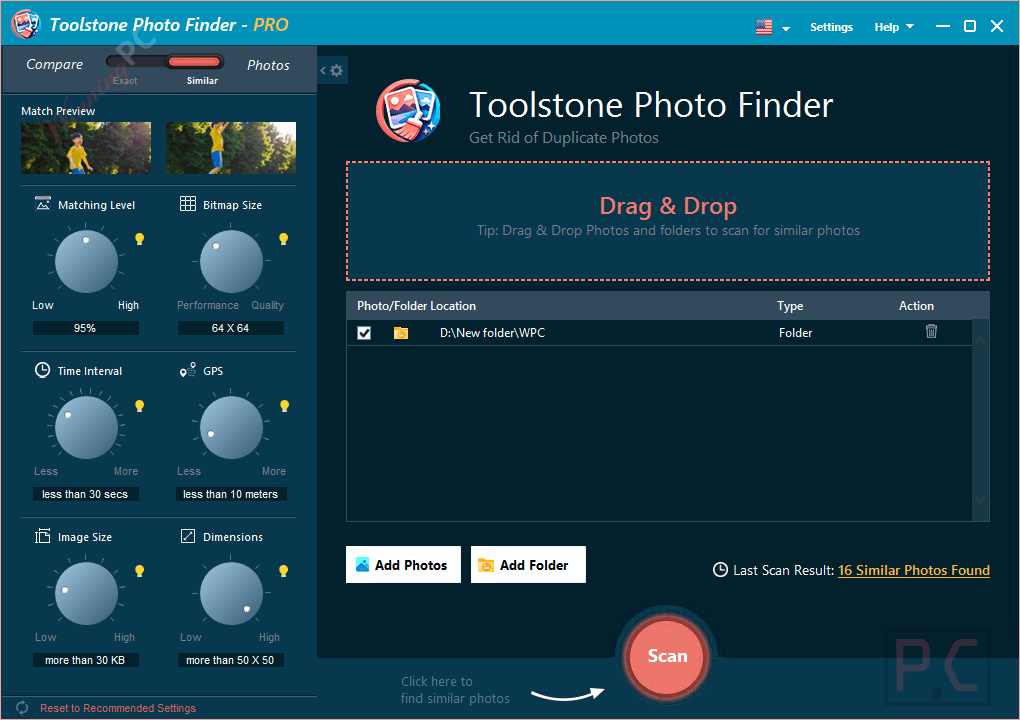
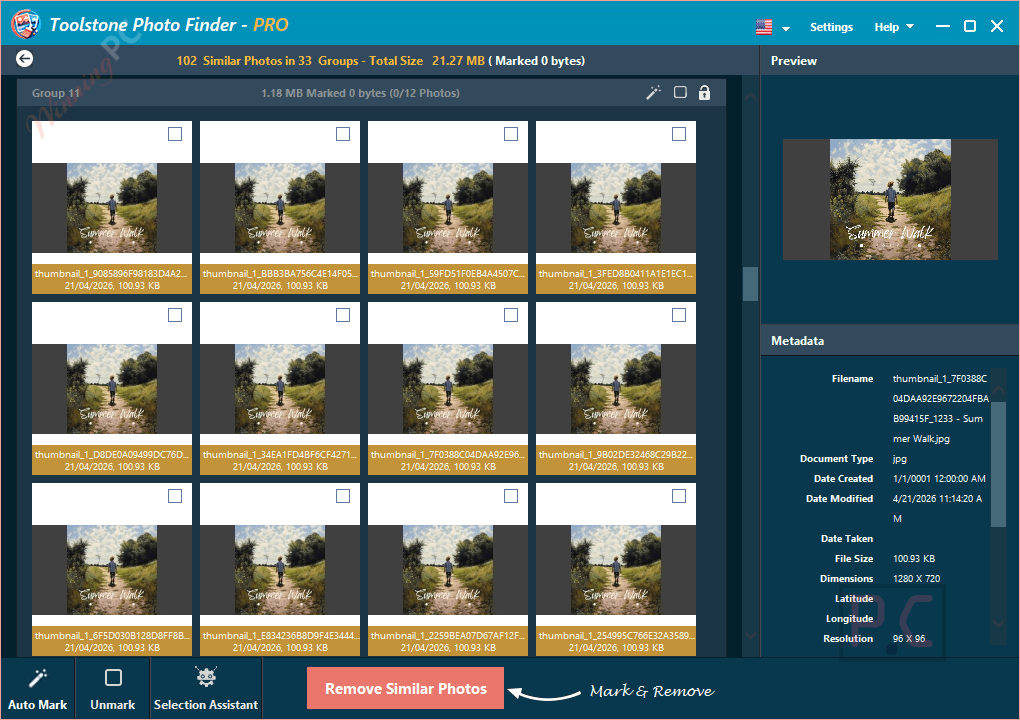
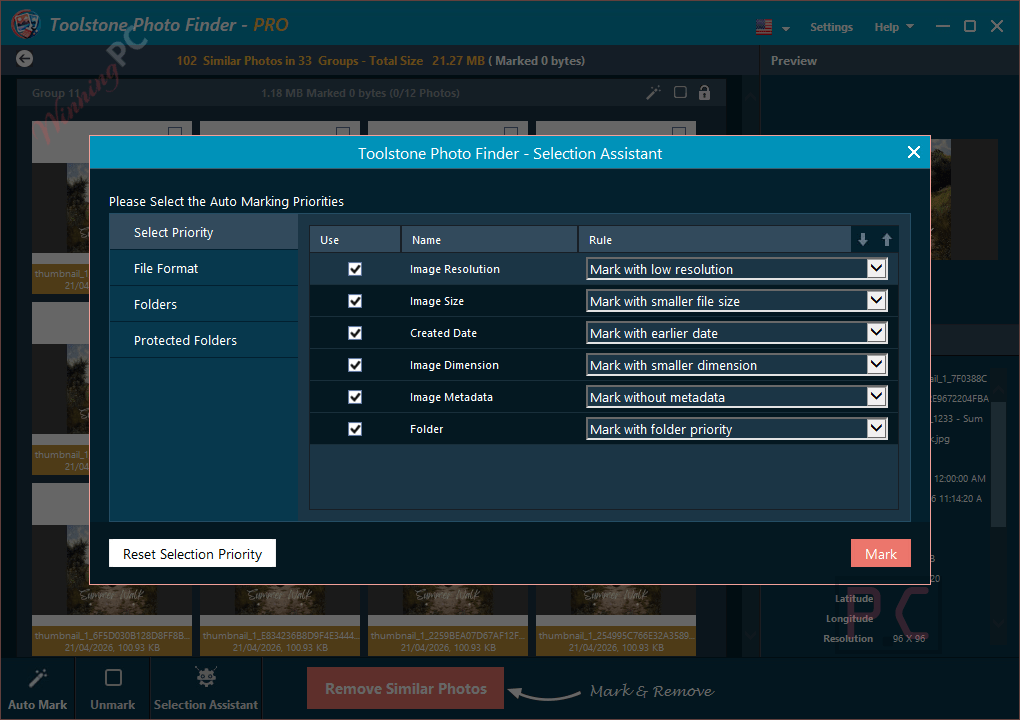
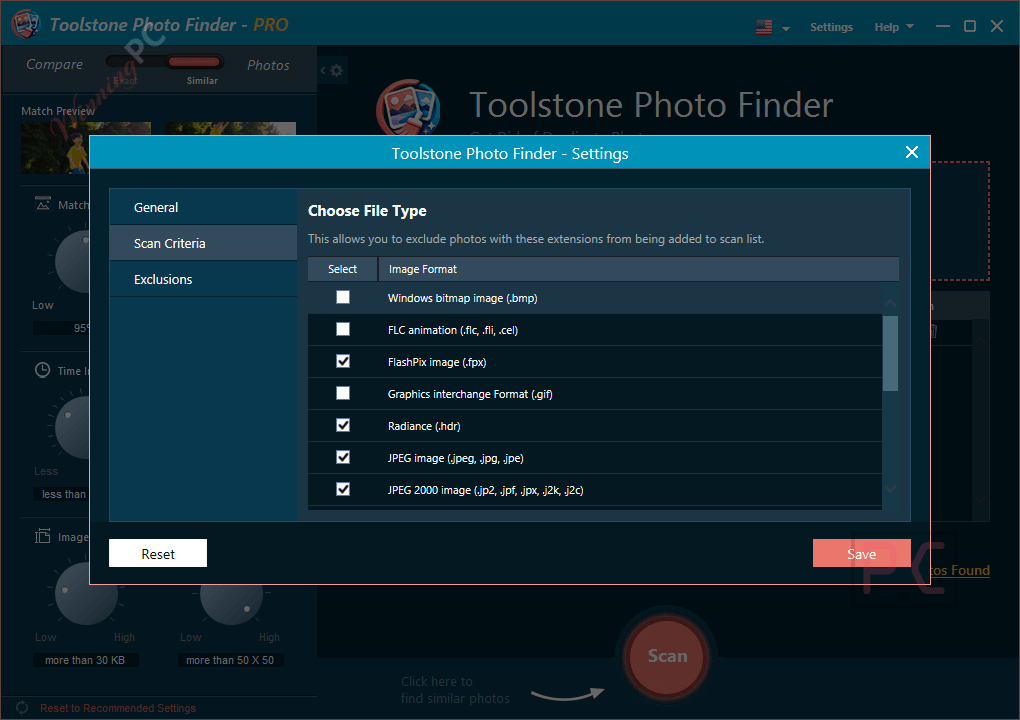
Toolstone Photo Finder uses content-based comparison, which is the main reason to choose it over a basic duplicate file finder. Instead of matching filenames, it reads the image content itself, grouping burst shots taken in rapid succession and near-identical photos that a name check would not catch. Setup is simple: point it at a folder, let it scan, and the results come back grouped so you can compare similar images side by side before deciding what to delete. The preview-before-delete step is a practical safeguard, not just a checkbox. The main unknown is format coverage: the official page says “numerous image formats” without listing them, so it is worth running a quick test on your own library before clearing anything irreplaceable.
Key features
- Content-based image detection: compares visual similarity rather than file names or sizes, identifying near-duplicates that standard tools overlook.
- Grouped results view: clusters similar photos together so you can compare and decide at a glance.
- Preview before deletion: see each image full-size before removing it, keeping you in control at every step.
- Burst shot recognition: identifies multiple near-identical shots taken in rapid succession and flags them for review.
- Multi-PC coverage: one license covers up to three Windows PCs.
What we think
Screenshots
Frequently Asked Questions
Does Toolstone Photo Finder run on Windows 11?
Yes. The software is listed as compatible with Windows 11, 10, 8.1, 8, and 7. No Mac or Linux version is currently available.
Is there a free version or a free trial?
There is no permanent free version or listed free trial. The giveaway here is the free-access option while it lasts. If the giveaway ends, the paid plan comes with a 60-day money-back window so you can try it at low risk.
How many PCs can I install it on?
Up to 3 Windows PCs, matching the device limit on the paid subscription plan.
System Requirements & Details
| Field | Value |
|---|---|
| Operating system | Windows 11, 10, 8.1, 8, 7 |
| Supported output formats | N/A – duplicate finder and deletion tool, not a converter |
| Internet connection | Required for activation |
| Device limit | Up to 3 PCs |



çöp. Dil gelmiyor. Ekranda N-A yazıyor her yerde. Lisansı kabul etmiyor.