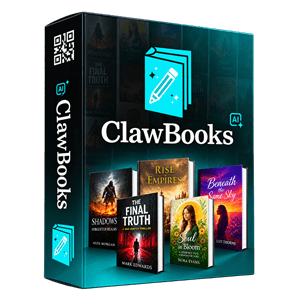

ClawBooks AI Coupons & Pricing
ClawBooks AI Commercial
Core app, commercial license, 10 workspaces, 100 books
ClawBooks AI FastPass
All five upgrades + VIP training + bonuses, offered right after you buy Commercial
How to apply the ClawBooks AI coupon
- Click the deal button above to open the ClawBooks AI sales page.
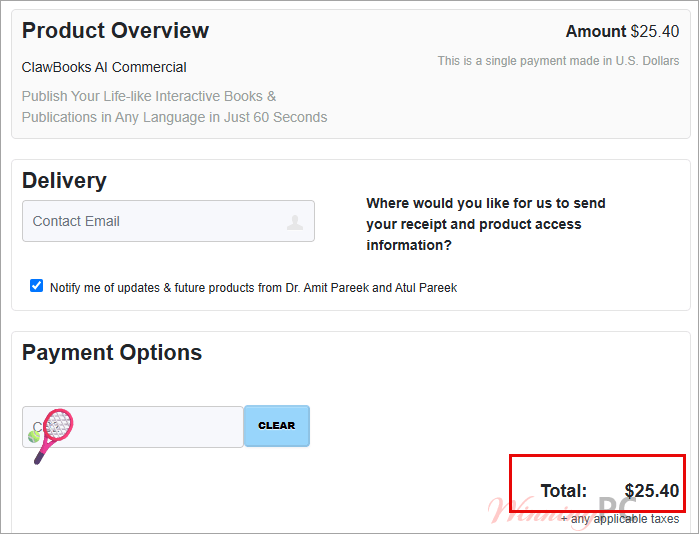
- On the JVZoo checkout page, paste the coupon code into the coupon field.
- Confirm the total before you pay.
- Watch your inbox for login details.
How well does ClawBooks AI work?
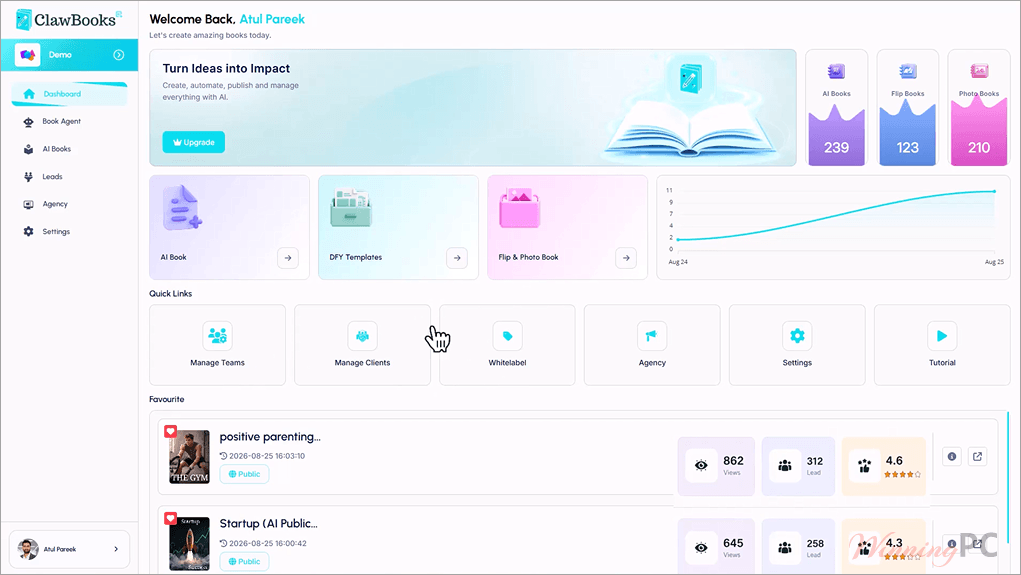
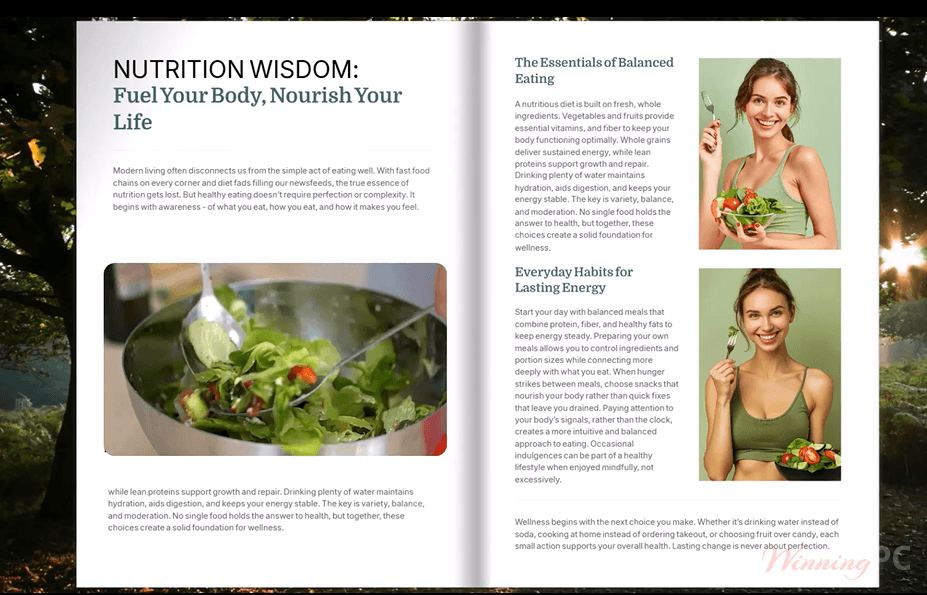
The interesting part of ClawBooks AI isn’t the AI writing. Plenty of tools can draft an ebook. It’s the output. Instead of a static PDF, you get a flipbook you can embed on a site or hand out by QR code, with a lead form sitting inside it. For a real estate brochure or a gym’s class guide, that form is what actually justifies the price. The limits are real, though.
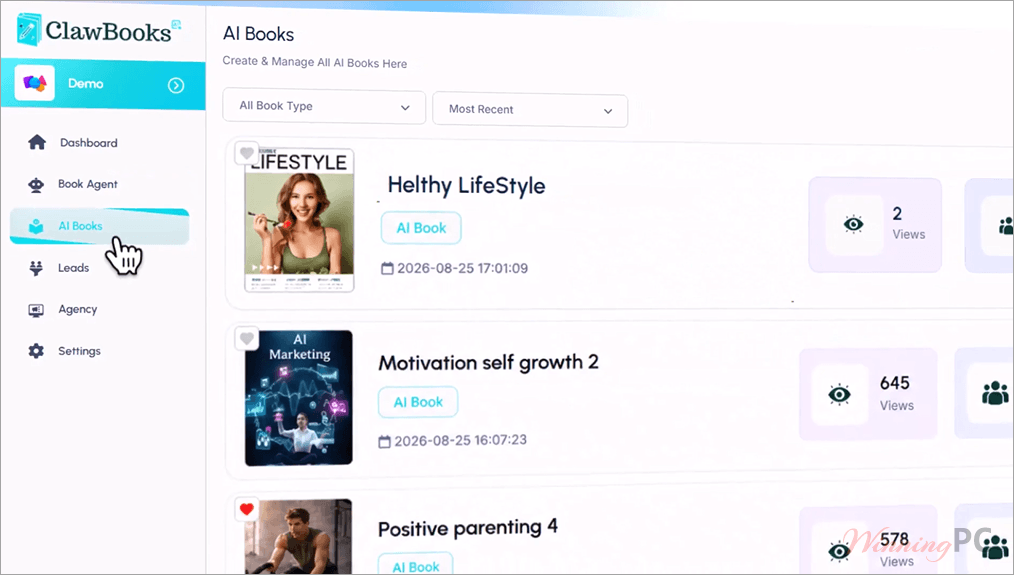
The Commercial plan stops at 100 books, and the vendor’s own FAQ describes that cap two different ways (one page adds a 5,000-character limit per book). This is also a brand-new launch, and we found no independent user reports yet. So treat the “book in 60 seconds” promise as marketing until you’ve tried it inside the refund window.
Key features
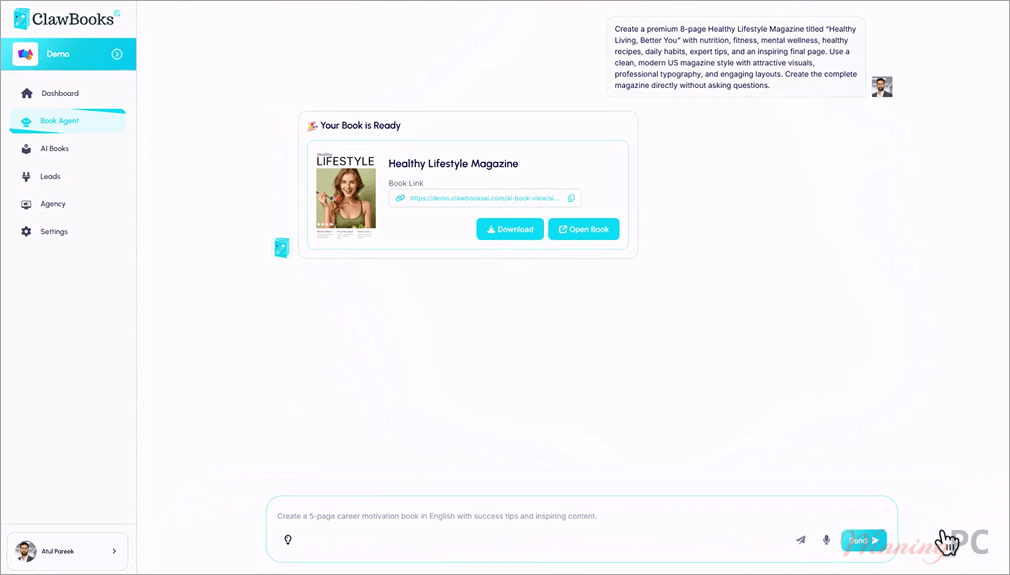
- Start from whatever you already have: a keyword, a URL, a PDF, a few images, or a voice or text message sent from your phone.
- Pick the AI model behind the writing (the vendor names Claude, ChatGPT and Gemini). A “self-learning memory” is meant to pick up your style over time.
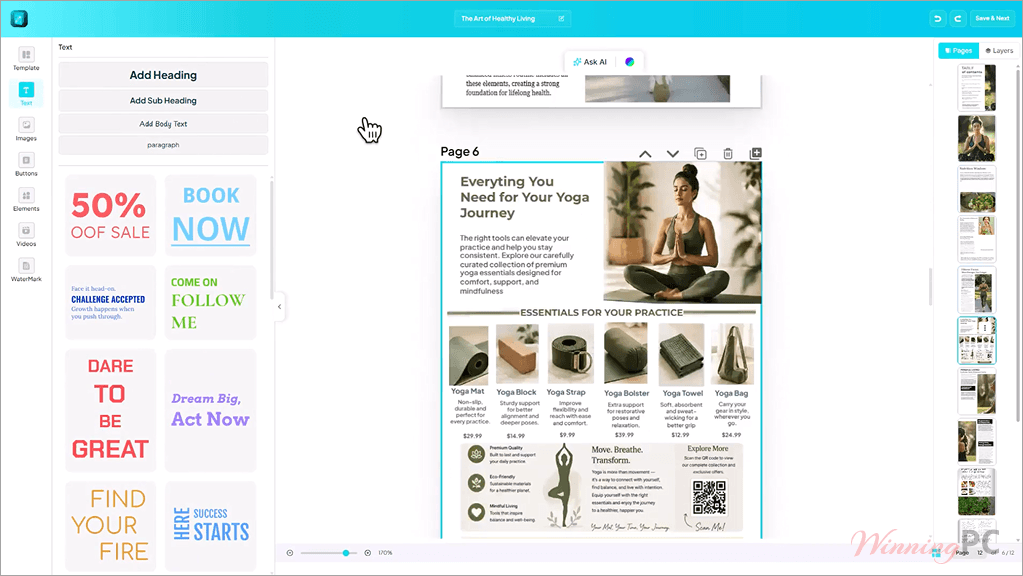
- Edit in a drag-and-drop editor with 100+ templates and a library of 15 million+ stock images, videos and vectors.
- Add YouTube videos, GIFs, CTA buttons and lead forms, then send captured leads to 20+ autoresponders.
- Publish publicly, behind a password, or as an embed. The commercial license lets you sell the results to clients.
What we think
Screenshots
Questions people ask about ClawBooks AI
Is ClawBooks AI really a lifetime deal?
Not in the everyday sense. The vendor defines “lifetime” as the lifetime of the product, which it puts at roughly five years. You pay once, but plan around that horizon.
What’s the difference between FastPass and the Bundle?
They contain the same upgrades. FastPass is a $230 add-on offered only right after you buy Commercial, so that route totals $255.40. The Bundle is a single $267 order with code CB**00.
How many books can I make on the Commercial plan?
Up to 100 ebooks across 10 workspaces. One version of the vendor FAQ also mentions 5,000 characters per book.
Can I sell the books I create?
Yes. The Commercial plan includes a commercial license, so you can create publications for clients and charge for them. Reselling the platform itself under your own brand is a separate Whitelabel upgrade. That upgrade also lists watermark removal, so check whether lower plans add ClawBooks AI branding to your books.
What kind of video can I add to a book?
YouTube only, according to the vendor. If your videos live on Vimeo or your own server, you’d need to upload them to YouTube first.
What you need to run ClawBooks AI
| Field | Value |
|---|---|
| Operating system | Any device with a modern web browser (vendor confirms Windows and Mac); phone for voice/text input |
| Processor / RAM / disk | Not specified (cloud-based, nothing to install) |
| Supported input formats | Keyword, website URL, PDF, images, voice or text message; Doc files via the Enterprise upgrade |
| Supported output formats | Interactive flipbook (public, password-protected, embed, QR code), downloadable PDF with clickable links, social media images, eCovers, mock-ups |
| Video sources | YouTube only |
| Other requirements | Internet connection; ClawBooks AI account; AI usage credits (rechargeable) |