On this page
MyCleanPC Coupons & Pricing
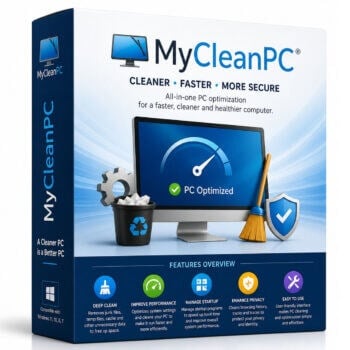
MyCleanPC - 1 Year License for 1 PC
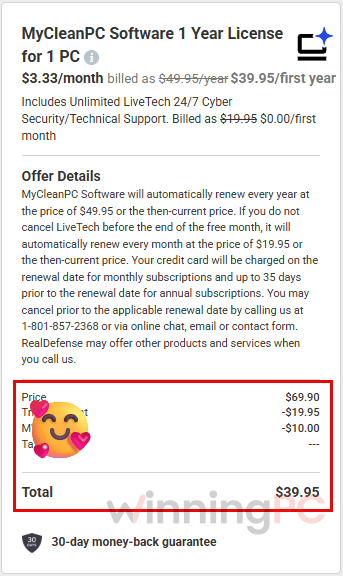
Includes Unlimited LiveTech 24/7 Cyber
Is the MyCleanPC coupon legit, and is the software safe?
Yes, the coupon is legit. Whether MyCleanPC belongs on your PC is a separate question, so here’s the full picture.
Official checkout, not a reseller
The code works on MyCleanPC’s own store, run by RealDefense LLC, so you get the official build and a genuine activation code.
AppEsteem certification
MyCleanPC says it’s certified by AppEsteem and meets over 150 consumer-protection requirements.
Some security tools have flagged it
Third-party removal guides report that Microsoft Defender and Malwarebytes have detected MyCleanPC as a potentially unwanted program (PUA/PUP). If you see a warning during install, that’s the reason.
Refunds, and the billing catch
Backups let you roll a driver back, and paid plans carry a 30-day money-back guarantee.
How to Use the MyCleanPC Coupon Code
Visit the official MyCleanPC website (mycleanpc.com) using the link on this page.
Download, install, and launch the software. Click “Activate Now” → “Upgrade Now.”
You will be redirected to the MyCleanPC checkout page. The coupon code MWO2*** will be applied automatically, showing a $10.00 discount and a total of $39.95.
Complete your payment to receive your license code. Use it to activate the full version of MyCleanPC and access all its features.
MyCleanPC Review & Features
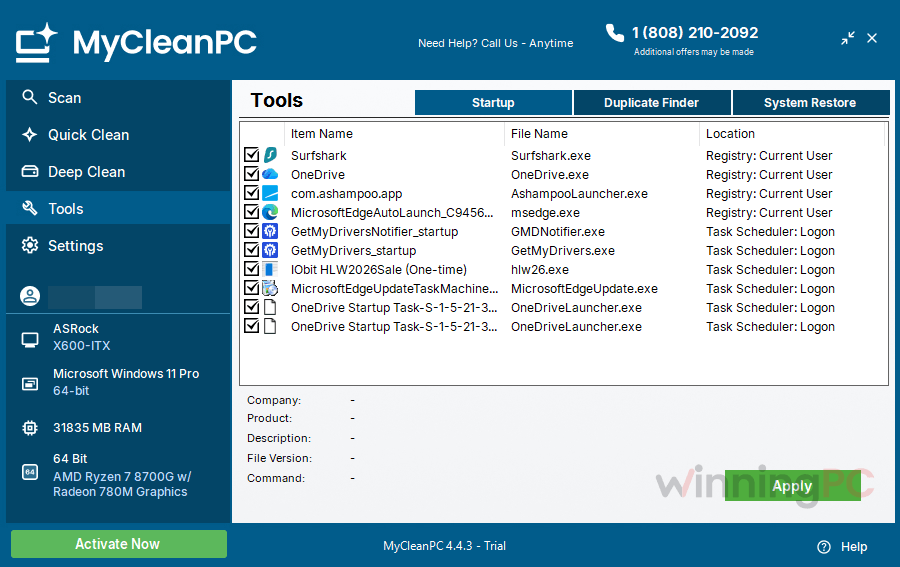
The most useful parts of MyCleanPC are the least flashy ones. The start-up manager lets you stop apps from launching at boot in a few clicks, and scheduled scans (daily, weekly or at a set time) mean you never have to remember to run it. The registry cleaner is where I’d be more careful. Microsoft’s own support policy says it doesn’t support registry cleaners and warns they can cause problems that need a Windows reinstall, and on a modern PC a tidier registry rarely makes anything measurably faster.
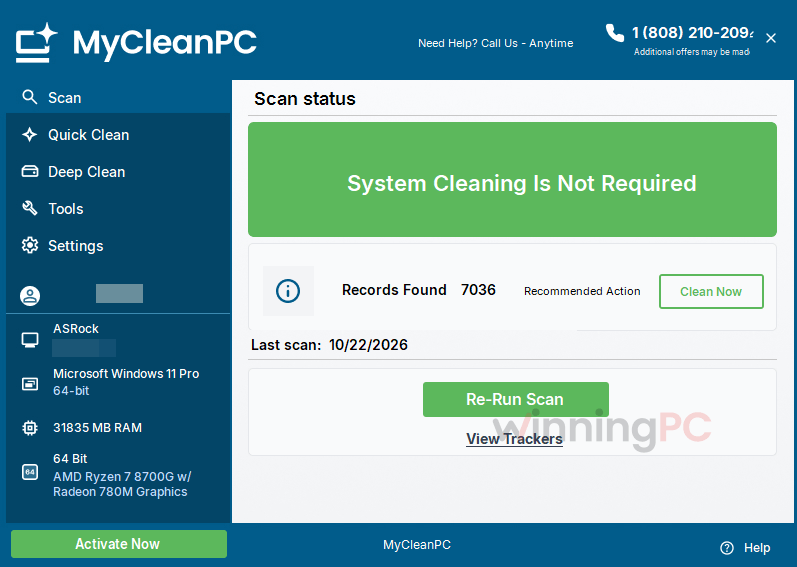
The free scan also doubles as a sales funnel: it finds “issues”, and fixing them is what the license pays for. Where MyCleanPC does stand out is the human side. Nearly every review on its own site is about a phone technician sorting something out, which tells you who it’s really built for.
Key features
- Junk and temporary file cleanup aimed at the files that slow down Windows and your browsers.
- Adware and pop-up cleanup for the leftovers behind annoying warnings and crashes.
- Registry repair plus fixes for corrupt system files and missing DLLs.
- A start-up manager so you decide what opens when your PC boots.
- Automatic scheduled scans, daily, weekly or at a time you pick.
What we think
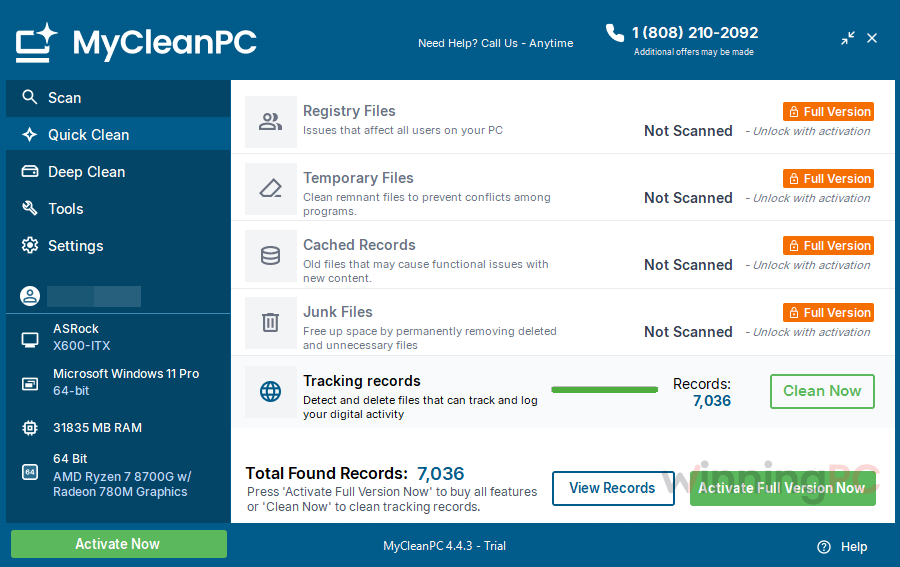
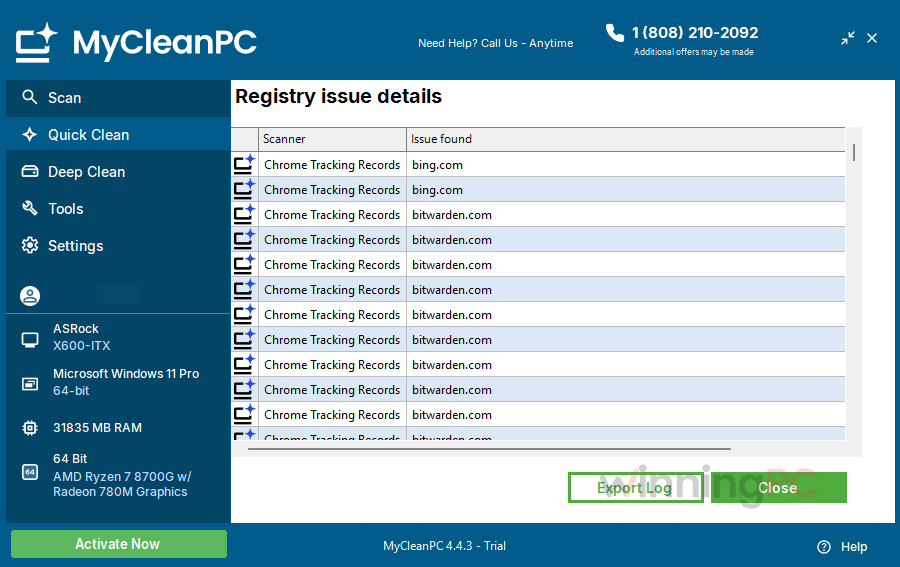
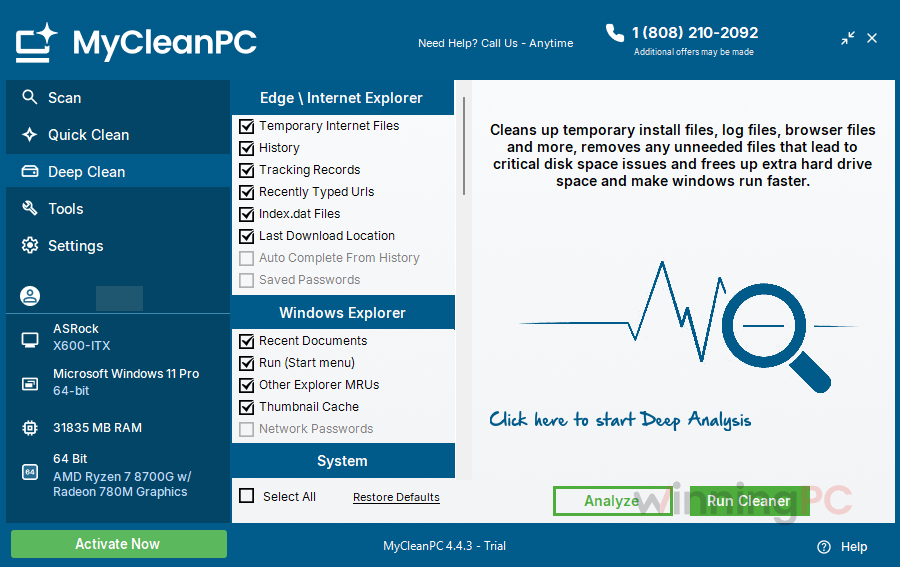
Screenshots
MyCleanPC vs the alternatives
| Tool | Price | Free version | Junk file cleanup | Registry cleaner | Malware/adware removal | Best for |
|---|---|---|---|---|---|---|
| MyCleanPC | $39.95 first year with MWO2***, then $49.95/yr | Scan only | Yes | Yes | Adware only | Users who want a US support line to call |
| CCleaner | $35.72/yr/3PCs | Yes | Yes | Yes | No | All-round cleanup from a familiar name |
| Malwarebytes | $26.99/yr/PC | Yes (on-demand scans) | No | No | Yes | Removing adware, pop-ups and malware (it’s a security tool, not a PC cleaner) |
| Wise Registry Cleaner Pro | $11.98/yr/3PCs | Yes | No | Yes, with registry backup | No | Registry-only cleanup with scheduling and an undo option |
| Auslogics Registry Cleaner | $20.07/yr/3PCs | Yes | No | Yes, backs up before changes | No | Registry cleaning on Windows 7 to 11 |
| Windows built-in (Storage Sense + Microsoft Defender) | Free | Built in | Yes | No | Yes | Most people; it’s already on your PC |
If your PC isn’t misbehaving, Windows’ own tools cover cleanup and malware scanning for free, and BleachBit (free, open source) goes further if you want more control. MyCleanPC’s real advantage is the support line, not the scanner.
Frequently Asked Questions
Is MyCleanPC free?
No. The diagnostic scan is free and removes some files at no cost, but full repairs need a paid activation code. With GMD2025 that’s $39.95 for the first year on one PC.
Does MyCleanPC auto-renew, and how do I cancel?
Yes, and there are two renewals to watch. The software renews at $49.95 a year (or the then-current price), with the charge landing up to 35 days before the renewal date. The bundled LiveTech support switches to $19.95 a month if you don’t cancel it before the free first month ends. To cancel either, call (801) 857-2368 or use online chat, email or the contact form before the renewal date. The terms also say you may be offered other products when you call, so be ready to say no.
What’s the difference between MyCleanPC and LiveTech?
MyCleanPC is the cleaning software. LiveTech is a separate remote tech-support subscription (unlimited, 24/7 per the offer terms) that’s added to your order with the first month free. Cancelling LiveTech doesn’t cancel the software, and vice versa.
Can I get a refund?
Yes. MyCleanPC has a 30-day money-back guarantee: call (801) 857-2368 within 30 days of purchase for a full refund.
Is it safe to let MyCleanPC clean the registry?
It’s a risk worth taking seriously. Microsoft doesn’t support registry cleaners and warns that bad registry changes can require reinstalling Windows. If you use that feature, create a System Restore point first, and skip it if your PC is running fine.
Does MyCleanPC work on Windows 11 or Mac?
It works on Windows 11, and the official FAQ lists support back to Windows XP. There’s no Mac version on the official site.
How do I activate MyCleanPC after buying?
Open MyCleanPC, click “Activate Now” in the bottom-left corner, paste your activation code and press “Activate Now” again. It usually goes through in a few seconds.
System Requirements & Details
| Field | Value |
|---|---|
| Operating system | Windows Vista, 7, 8, 10 |
| Processor | 1 GHz, 32-bit (x86) or 64-bit (x64) |
| RAM | 1 GB minimum |
| Disk space | 128 MB free minimum |
| Other requirements | Broadband internet connection (not dial-up); license covers 1 PC |