
Normally $0.99 on the US Play Store, Limit App Usage – Screen Time costs nothing until November 12 (3:59 PM PT). Its Data safety label declares no data collected or shared, even though it needs Usage Access to work.
On this page
What Limit App Usage – Screen Time asks of your phone
Price & specs
| App | Limit app usage – screen time |
| Developer | Neelam Govind Bhanushali |
| Store | Google Play App Giveaway |
| Regular price | $0.99 (US Play Store) |
| Price now | $0.00 (US Play Store) |
| Offer ends | November 12, 2026, 3:59 PM PT |
| Data safety | No data collected, none shared with third parties |
| Requires | Usage Access and display-over-other-apps permissions |
| Rating | 3.7★ (23 reviews) |
| Installs | 1K+ |
| Last updated | November 21, 2025 |
| Price checked | November 08, 2026 |
Limit App Usage has a YouTube-shaped loophole
Review & features
Its best idea is pairing a daily time cap or open-count limit with a PIN or fingerprint lock, so a limit behaves like a wall rather than a reminder you swipe away. The wall has gaps, though: a reviewer in August 2026 said they could still watch some YouTube videos and use Chrome after hitting their daily limit, and another in January 2026 found limits only held while the app itself was left open. The developer’s own listing also warns that on Xiaomi, OnePlus, Huawei and Meizu phones you may need to whitelist it, or the system will kill it in the background.
Key features
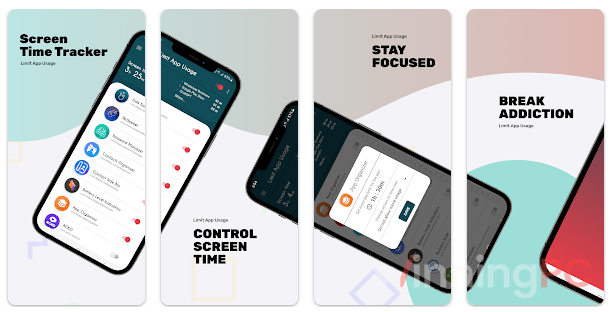
- Cap any app by minutes per day or by number of opens
- Lock limited apps behind a PIN or your fingerprint
- Grant yourself a short emergency extension instead of switching limits off entirely
- Check per-app usage stats and trends over time
Fine for gentle limits, too leaky for hard ones
Verdict


