
 Cathryn Lee

Reg Organizer allows you to remove unwanted programs from the system and search for traces of the uninstalled program. If there are “heavy” programs that run automatically on start-up in your Windows operating system, disabling them in an advanced startup manager can in some cases speed up the boot time and operation of your operating system.
Chemtable Reg Organizer Coupon Code
Verified for Sep 2026: Don’t forget to use the Chemtable Reg Organizer coupon code CHT**75 at checkout to enjoy a 38% discount!
Reg Organizer
2 plans · best save 38%
Giveaway: Reg Organizer PRO License Key Download
Giveaway Details
The giveaway has ended!
- Product name: Reg Organizer 9.80
- Website: https://www.chemtable.com
- License type: lifetime
- Platform: Windows
- License code – last updated: Nov 15, 2025
Click here...
- License Key:
AAGKVJ-FFTV5N-2V8N2A-B89BUY-V446QD-TFFKQK-CNZVR8-ZN92L3-HPZS
Download: https://files.chemtable.com/older/RO/RO980.exe
- License Key:
How to get the license key?
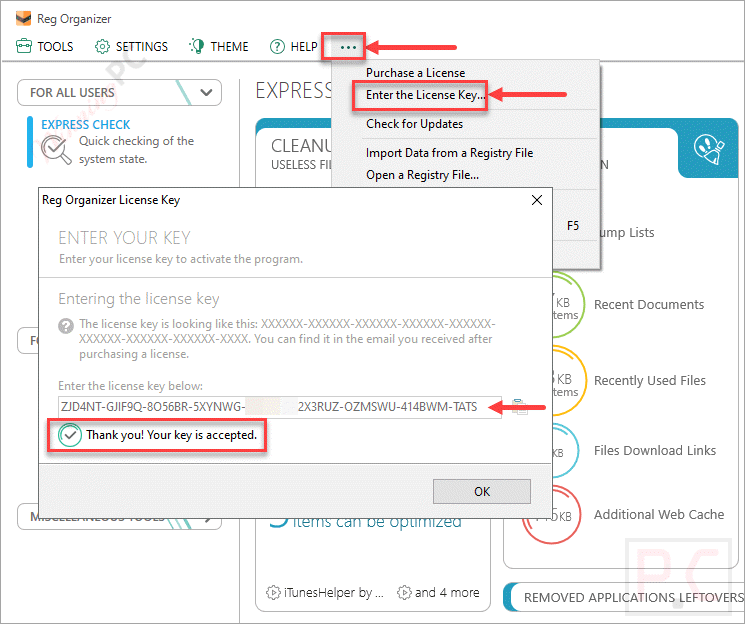
Install on your computer by the installer from the homepage (choose the correct version for each license key) or from our download link. Activate the Reg Organizer full version with the license key above.
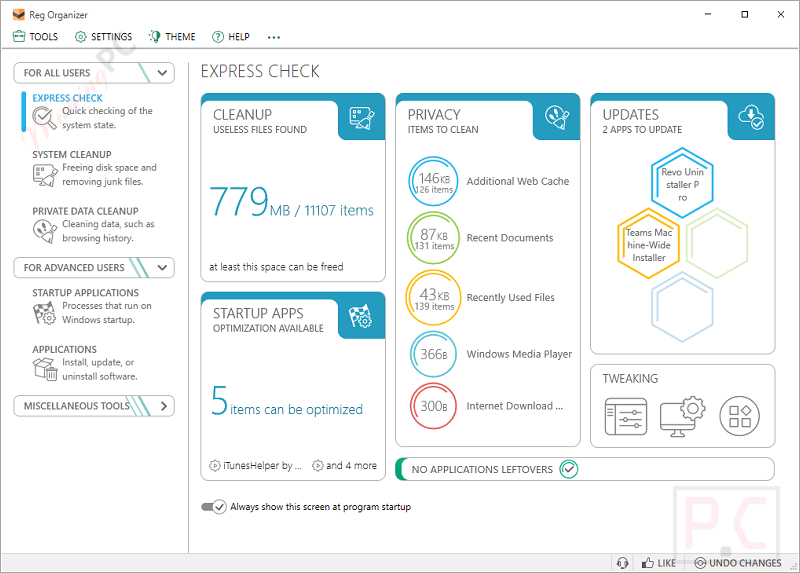
Reg Organizer – Main screenshot:
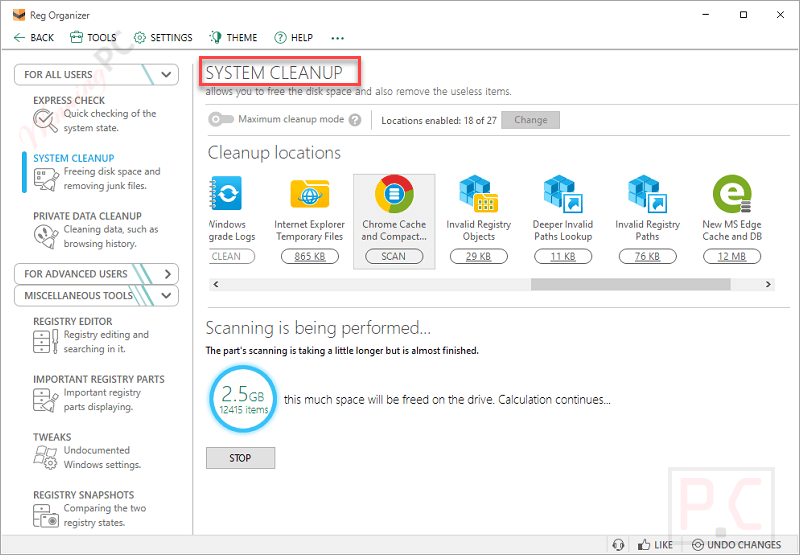
System Cleanup
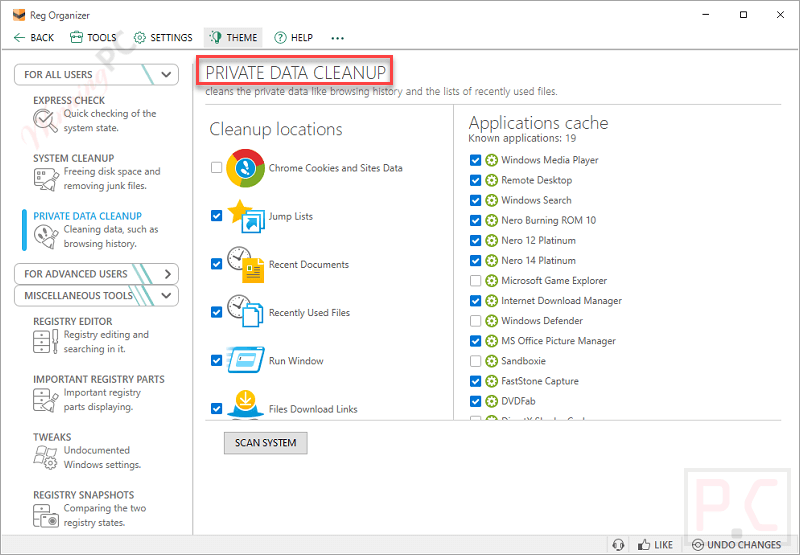
Private Data Cleanup
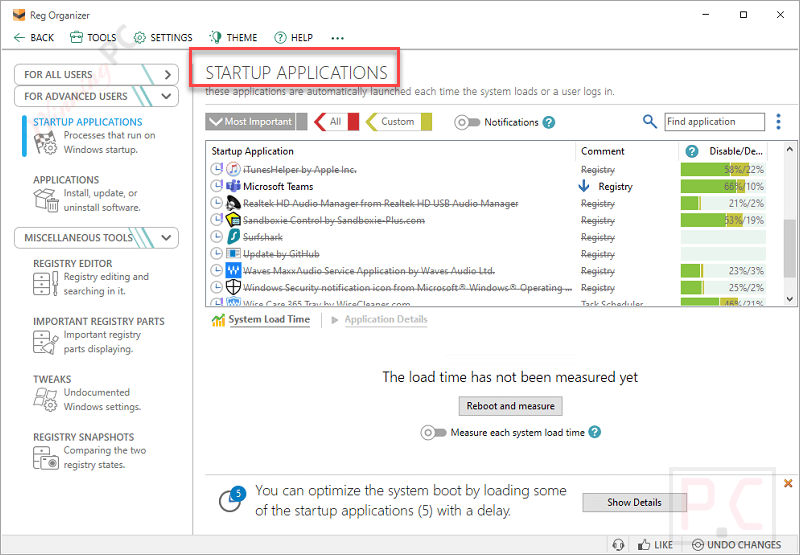
Startup Applications
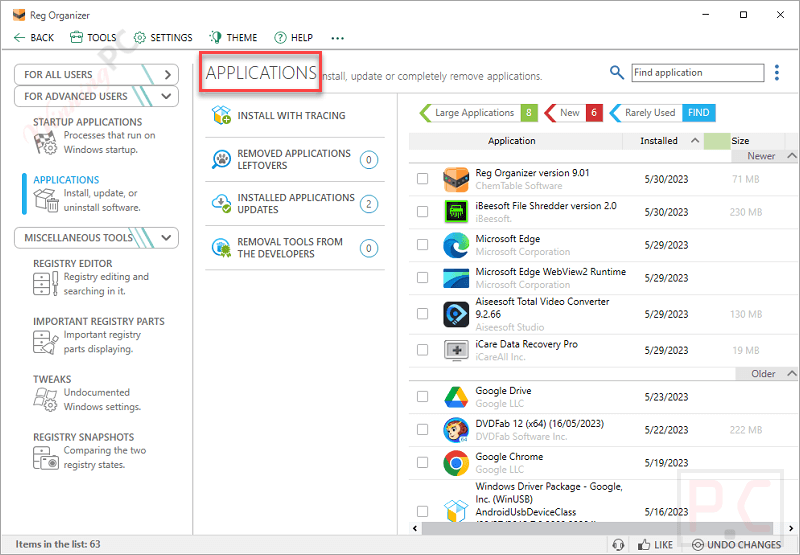
Applications:
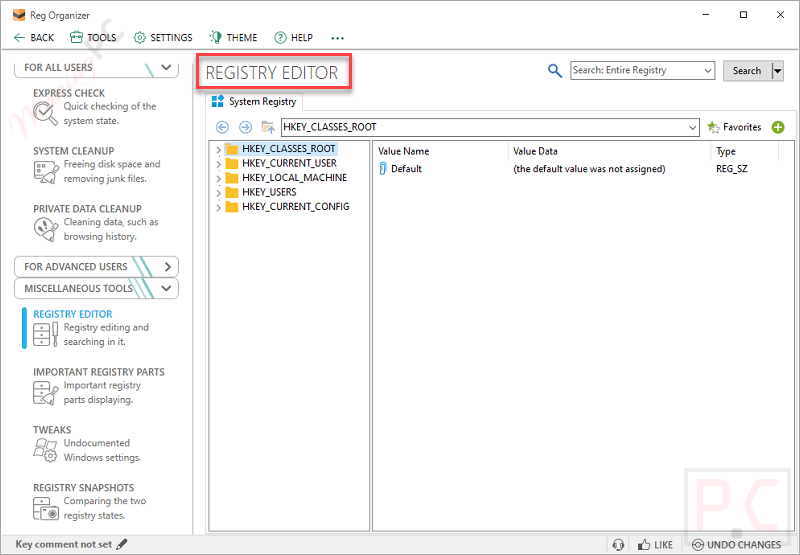
Registry Editor
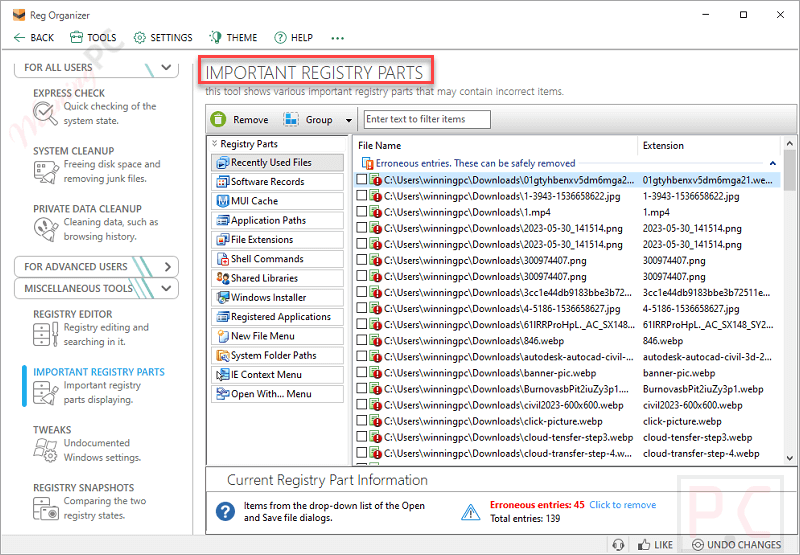
Important Registry Parts
Key Features
- Uninstall programs and remove their traces
- Control applications that automatically run with Windows
- Delete a large amount of unnecessary information and free up space
- Advanced Registry Editor
- Search & Replace in the registry
- Increase the performance of the registry
- Registry file editor
- Viewing registry files
- Tracking registry keys
Technical Details
| Language Support | English, Français, Italian, Spanish, Swedish, and more… |
| Money Back Guarantee | 30-Day |
| Operating System | Windows |
| Shipping | Instantly receive the latest Full Version download link and license code |
| Subscription | Lifetime |
| Support Services | Tickets |





Previously I coplained about Reg Organizer automatically updating itself voiding my giveway license. Turns out that ChemTable was not responsible but a component of my IObit Uninstaller program. I caught the program automatically updating Reg Organizer and I had to diable to automatic updating option. I also have 2 other IObit programs which also automatically update programs. Iclicked on “ignolre” when Reg Organizer came up for updating.
It’s not a good thing to allow automatic updating of software because we may wind up voiding licenses of giveaway programs. So, be careful.
Thanks for sharing your experience!
Are you sure it was IObit Uninstaller? It sounds more like something IObit Software Updater would do, since that program is designed specifically to auto-update installed software.
To help prevent this kind of issue in the future, I recommend taking these two steps:
1. Open the program you don’t want updated (like Reg Organizer), go to its settings, and disable auto-update or “check for updates” options.
2. In any software updater tools (like IObit Updater, Glarysoft, WiseCare 365,…), make sure to mark the program as “ignored” so it won’t be included in future update scans.
That’s good advice, Peter. I once used a registry cleaner and it trashed my windows system. Avoid doing deep registry cleaning.
I know better than to update a giveaway version of any software because I know my license will get voided. Well, guess what. My program updated itself without my knowledge or consent and I lost the license. Thanbks a lot, ChemTable.
It’s not a lifetime license if setting the year to 2029. It says no more free updates after a year.
As far as I know, the giveaway version does not support free updates to new versions.
Before I even started to scan with Reg Organizer, I got a message from my anti spyware program that Reg Organizer was attempting to access the Chrome passwords and then the Edge passwords… I immediately closed and uninstalled Reg Organizer. Shame on you!
Thanks for your comment and for sharing your experience.
I haven’t personally tested this specific behavior with Reg Organizer, but I do want to share a general tip: it’s much safer to use a dedicated password manager like Bitwarden to store and protect your passwords, rather than saving them directly in browsers like Chrome or Edge.
Browser-stored passwords can often be accessed easily by third-party apps — sometimes with just a single click — which can expose all your sensitive data without you realizing it.