


Wise Video Converter Pro Giveaway
- Product name: Wise Video Converter Pro 3.1.5.270
- Publisher: WiseCleaner
- Homepage: https://www.wisecleaner.com
- License type: lifetime
- Price:
$29.95$0.0 - Platform: Windows 7, 8, 10, 11, only 64-bit.
- VirusTotal: link
- License code – last updated: Apr 17, 2025
The giveaway has ended!
📝 Note: Please follow the Activation Guide to successfully claim your license.
Wise Video Converter Pro Coupon Code Oct 2026

Wise Video Converter Pro
1 year subscription / 3PCs | 7x24 support service
Is this Wise Video Converter Pro giveaway safe and legit?
No crack or keygen involved
You’re downloading the official WiseCleaner build, pre-activated with a genuine license. Nothing is patched, repackaged, or modified.
Direct from the developer
This giveaway is run by WiseCleaner itself — not a reseller, not a grey-market key site. You’re dealing with the software’s actual publisher.
Secure paid checkout
If you go for the discounted license instead, payment is handled through WiseCleaner’s own encrypted store. Your card details never touch WinningPC.
60-day money-back guarantee
The giveaway key costs nothing, so there’s zero financial risk either way. If you buy the paid version and change your mind, WiseCleaner’s 60-day refund policy has you covered.
How to get the Wise Video Converter Pro License Code for Free?
- Download the giveaway installer for Wise Video Converter using the above link (please check the giveaway section).
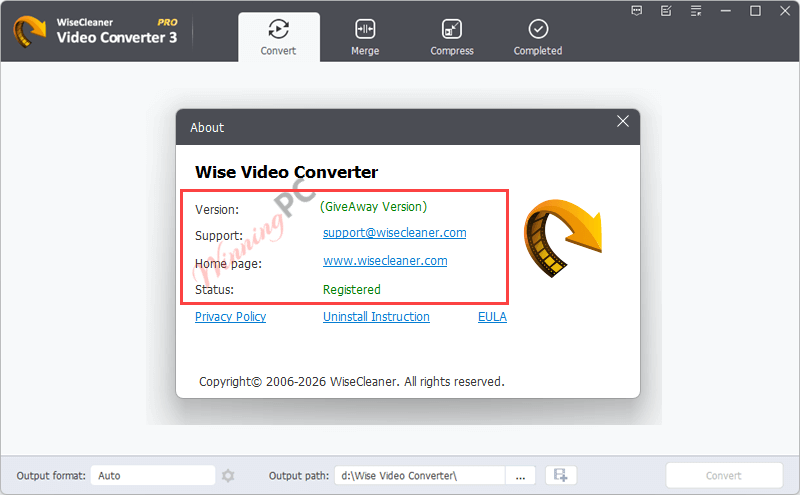
- The program is pre-activated and does not require manual license registration. After installation, launch, and enjoy it!
Hands-on with Wise Video Converter PRO
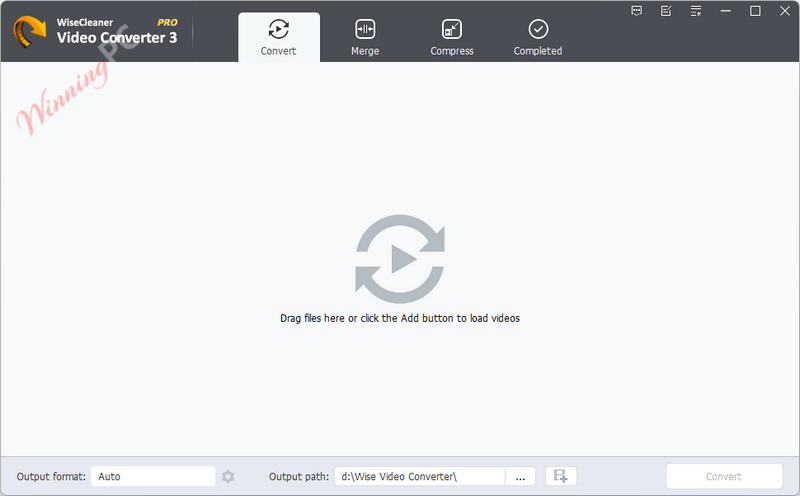
Wise Video Converter Pro does the core job well. Format conversion covers the most common problem cases – M4V files that choke Windows Media Player, MOV clips that won’t play on Android, MKV files that need to become MP4 for a TV stick. The audio extraction to MP3 is a small but useful addition; if you’re downloading music videos and only want the audio, this handles it cleanly without a separate tool. Batch conversion is the standout for practical use: add a folder, pick your output format, and the tool works through the queue on its own. The 16 filters and watermarking options feel like extras rather than selling points, but they’re genuinely there if you need them. The interface stays simple and doesn’t bury its options, which matters when you only open a converter once a month and don’t want to relearn it each time.
Key features
- Universal Video Conversion: Seamlessly convert between all popular video formats (MP4, AVI, MOV, MKV, WebM, M4V) to resolve any playback compatibility issues.
- Video to Audio Extraction: Quickly extract high-quality MP3 audio tracks directly from your video files to save device storage space.
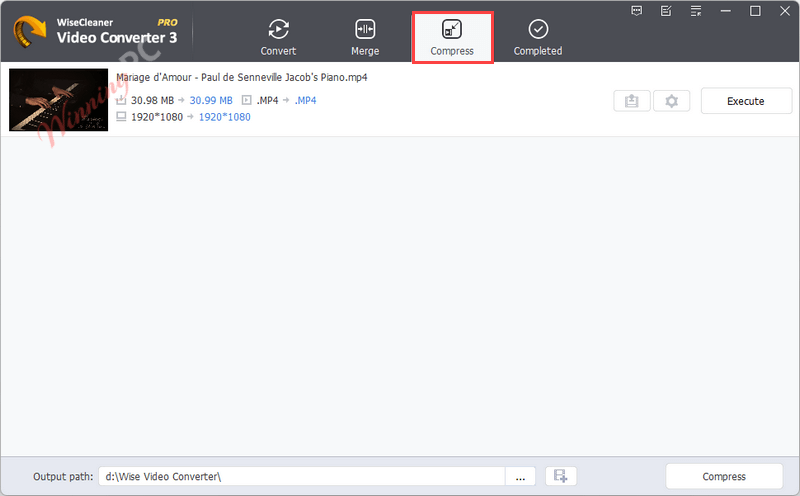
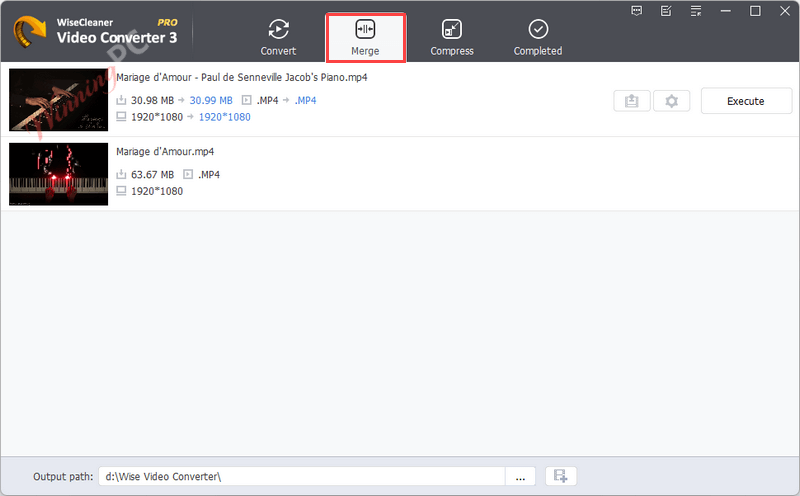
- Compression & Merging: Reduce file sizes without losing quality by adjusting encoding settings, or easily merge multiple video clips into one seamless file.
- Watermarks & Visual Filters: Protect your content using custom text or image watermarks, and enhance your video’s look with 16 built-in visual effects.
- Automated Batch Processing: Convert multiple videos simultaneously for guaranteed playback across all major platforms and devices (Windows, macOS, Linux, iOS, Android).
pros & cons
more screenshots


System Requirements & Details
| Language Support | English, Arabic, Azerbaijan, Belarusian, Bengali, Catalan, Chinese (Simplified), Chinese (Traditional), Czech, Danish, Dutch, Finnish, French, Georgian, German, Greek, Hungarian, Italian, Japanese, Korean, Kurdish, Norwegian, Persian, Polish, Portuguese (Brazil), Portuguese (Portugal), Romanian, Russian, Serbian, Slovenian, Spanish, Swedish, Thai, Turkish, Ukrainian, Vietnamese |
| Money Back Guarantee | 60-Day |
| Operating System | Windows 7, Windows 8, Windows 10, Windows 11, only 64-bit. |
| Hardware Requirements | CPU: Pentium 1 GHz or above RAM: 4 GB or above Disk Space: the minimum of the space for installing Wise Video Converter is 80 MB. |
| Shipping | Instant Delivery by Email |
| Subscription | Lifetime |
| Support Services | Forums, Tickets |




Why is a Tutamail e-mail address not accepted?
Just another Chinese illegal closed source user interface pirating a GPLv3 or undistributeable build of FFMPEG to do the actual conversion. I prefer to give my patronage to LEGAL user interfaces that correctly attribute the FFMPEG project and abide by their license terms like xmedia recode or handbrake. I certainly would NEVER PAY Chinese software pirates for their illegal GUIs.
This converter converts very slow and has no options at all to use subtitles. It does support most important video and audio codecs.