Cathryn Lee
The current Aiseesoft iKnockin for Mac coupon is AIS***NTH, giving 50% off — that drops the price from $39.9 to $19.95. ✅ Verified Oct 2026 by Cathryn, with a 30-day money-back guarantee. Click “Copy” below, then paste the code at checkout on Aiseesoft’s site.
Aiseesoft iKnockin for Mac (Aiseesoft iPhone Unlocker for Mac) is an iOS unlocking tool designed to bypass various screen passcodes, remove forgotten Apple IDs, and recover Screen Time restrictions. It also helps Mac users quickly disable MDM profiles and clear encrypted iTunes backup passwords without needing deep technical skills.
Aiseesoft iKnockin for Mac
3 plans · best save 50%
1 Month/6 iOS Devices ★ Best Deal
Free updates and 24/7 customer support
Aiseesoft iKnockin for Windows
3 plans · best save 50%1 Month/6 iOS Devices ★ Best Deal
Free updates and 24/7 customer support
In-Depth Review & Features
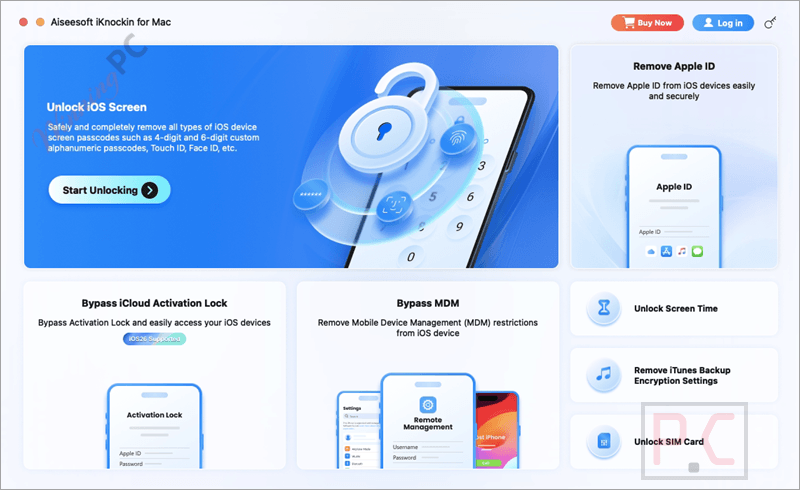
Main Features
- Remove 4-digit and 6-digit iPhone passcodes.
- Unlock devices protected by Touch ID or Face ID.
- Remove Apple ID from supported iPhone and iPad devices.
- Recover or remove Screen Time passcodes without data loss.
- Remove Mobile Device Management (MDM) profiles.
- Clear iTunes encrypted backup password settings.
- Unlock iPhone SIM restrictions.
- Supports iPhone, iPad, and iPod touch.
- Compatible with Intel Macs and Apple Silicon (including M-series chips).
- Supports the latest iOS 26 and earlier iOS versions.
- Simple three-step unlocking process.
- Downloads required firmware automatically before unlocking.
Pros & Cons
More Aiseesoft iKnockin for Mac Screenshots!
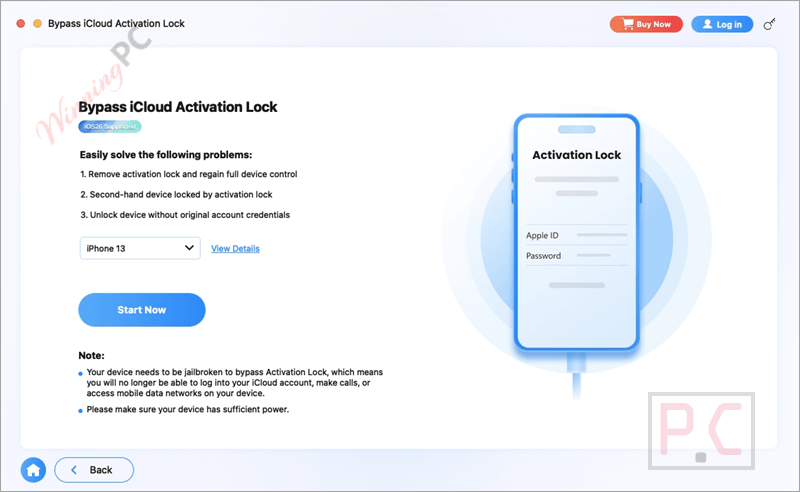
Bypass iCloud Activation Lock
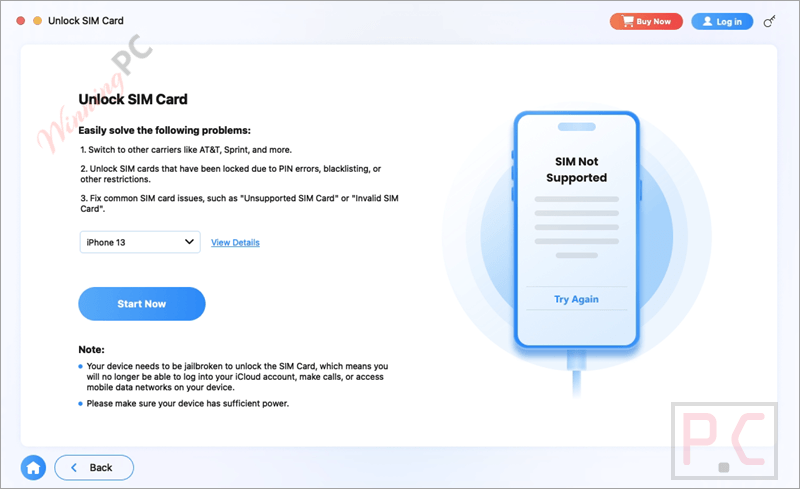
Unlock SIM Card
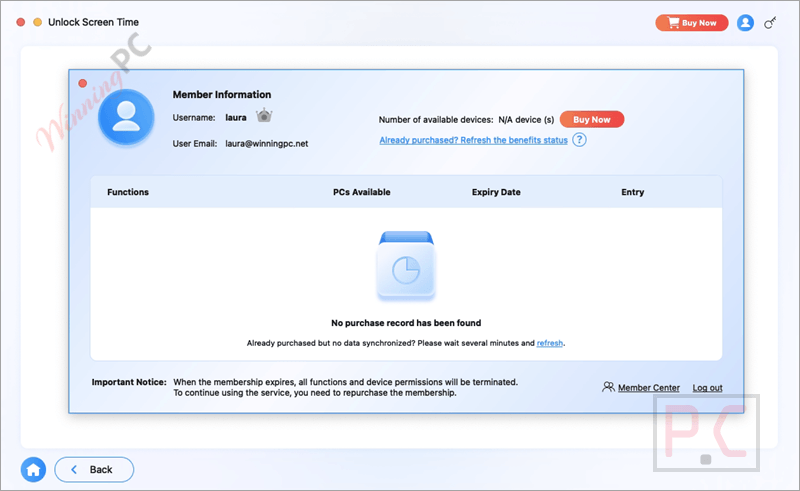
Unlock Screen Time
Frequently asked questions
Where can I find legitimate promo codes for Aiseesoft iKnockin for Mac?
You can always find the most recent promotions directly on the official Aiseesoft website or grab exclusive, verified discount codes here at WinningPC.
What is the absolute lowest price I can get right now for this Mac unlocker?
Currently, WinningPC is offering a massive 50% OFF deal for the 1-month plan, along with strong discounts on yearly and lifetime licenses.
Is Aiseesoft iKnockin for Mac possible to unlock an iPhone if the screen is completely shattered?
Yes, as long as you can connect the broken iPhone to your Mac, the software can bypass the lock screen so you can access the system.
How do I recover my iPhone passcode?
There’s no way to recover a forgotten iPhone lock screen passcode. However, you can restore your iPhone to factory settings using the method mentioned earlier or use a tool like Aiseesoft iKnockin for Mac to remove the passcode and set a new one.
How do I disable the lock screen on iPhone?
If you don’t want to use a lock screen passcode, you can easily disable it. Go to Settings, select Face ID & Passcode (or Touch ID & Passcode), then tap Turn Passcode Off. Keep in mind that turning off the passcode may make your iPhone less secure, so be cautious with your data if you disable it.
Can I remove my Apple ID if I forgot the iPhone lock screen passcode?
If you’ve forgotten your iPhone lock screen passcode, you can’t remove the Apple ID directly because you’ll need to unlock the device first. To resolve this, you can use Aiseesoft iKnockin for Mac to unlock your iPhone and then use the same program to remove the Apple ID afterward.
Will removing the lock screen passcode delete my photos and apps?
Yes, removing the lock screen password requires the software to wipe the device, meaning your data will be erased unless you have a recent backup.
Do I lose my data when taking off the Screen Time restriction?
No, Aiseesoft iKnockin is designed to recover or remove the Screen Time passcode without causing any data loss on your iPhone or iPad.
What happens if I use “Erase All Content” after getting rid of the Apple ID?
You should never use “Erase All Content and Settings” or restore via iTunes after removal, as this will link the phone back to the old Apple ID and trap you in iCloud activation.
System Requirements & Details
| Operating System | Mac OS X 10.10 or higher iOS up to 26; iPadOS up to 26 |
| Processor | 1GHz Intel/AMD CPU or above and Apple M-series chips (including M5) |
| RAM & Storage | 1GB RAM or more; 200 MB and above free space |
| Supported Input | iPhone, iPad and iPod touch connected via USB |
| Supported Output | Removed screen passcode, Apple ID removal, Screen Time removal, MDM removal, backup encryption removal, SIM unlock support |