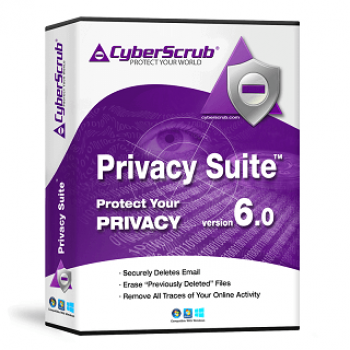
There is no douted that every picture, video clip, chat room conversation, and website address is written to your hard drive, and it can be restored although you deleted it. This is the reason why you need Cyberscrub Privacy Suite. It is well-known for all-around privacy suite which offers a huge range of features to stop being accessed and leaked. CyberScrub Privacy Suite works well as the privacy guard to erase all sensitive areas, including browsers, system traces, application and software logs, computer history, temp files, etc.
In addition, the software is capable of completely wiping selected files and folders, or erasing deleted data from drive beyond recovery. Another aspect worth mentioning of Cyberscrub Privacy Suite is that CyberScrub Infinity Safe. This feature enables you to encrypt your files, pictures and documents and then sync your encrypted data to cloud services like Dropbox, OneDrive, iCloud, GoogleDrive, and many more.
Key Features & Screenshots
- Completely remove sensitive data from your computer
- Protect your privacy while you are online
- Permanently delete selected files and folders
- Erase deleted data from disks, drivers, and recycle bin
- Wipe the free disk space
- Wipe the slack of existing files
- Scramble deleted files and folders properties
- Scramble system transactions log file (on NTFS drives only)
- Secure Files with AES 256 Encryption
- Stealth mode is available
- Robust Scheduler
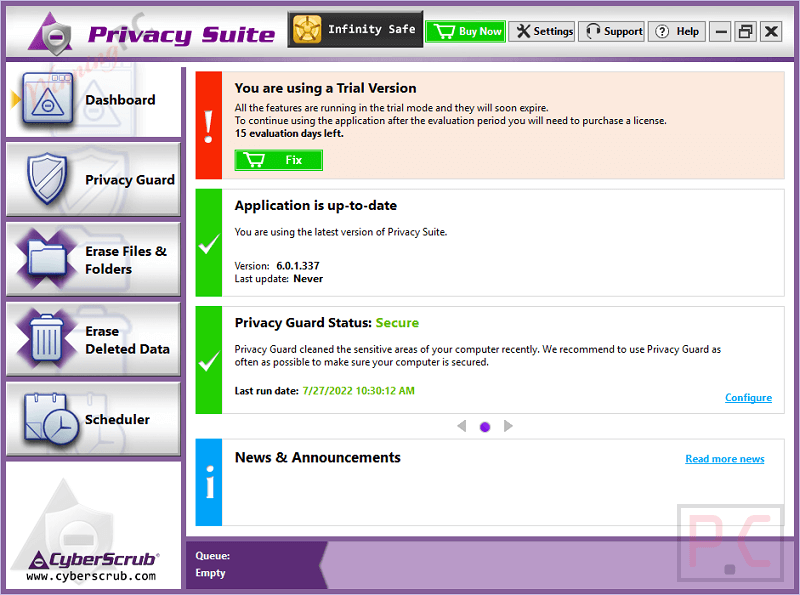
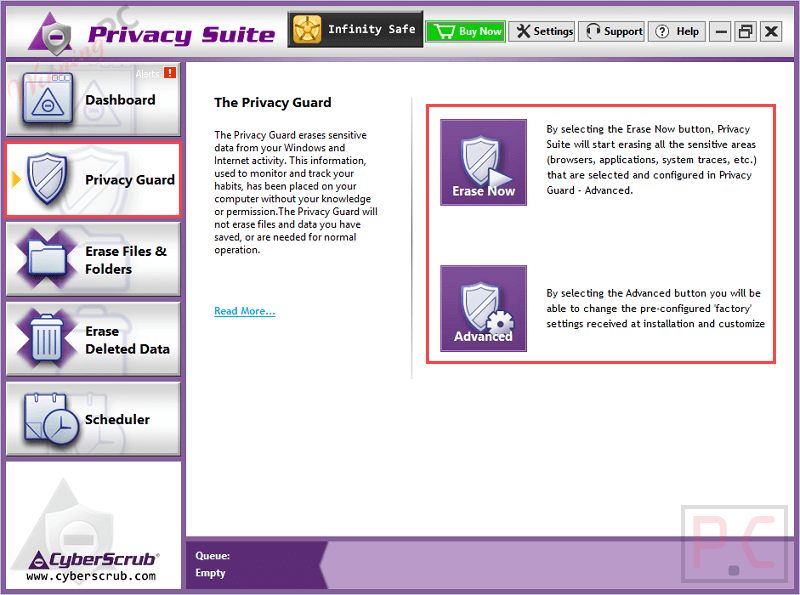
Privacy guard: The Privacy Guard erases sensitive data from your Windows and
Internet activity. This information, used to monitor and track your habits, has been placed on your computer without your knowledge or permission. The CyberScrub Privacy Suite – Privacy Guard will not erase files and data you have saved, or are needed for normal operation. This feature comes with 2 options including Ease Now and Advanced.
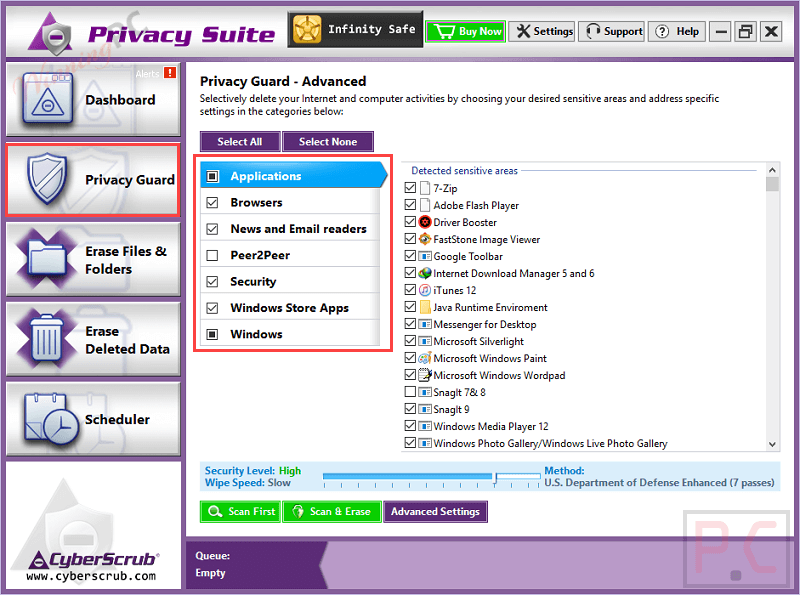
Ease Files and Folders: This feature is combined secure data erasing methods and complex algorithms that completely delete files and every bit of confidential information that is targeted.


Erase Deleted Data: The Erase Deleted Data feature ensures that previously deleted files are removed from your computer beyond recovery, destroying any information that these files contained and all the sensitive areas that may contain information about this file like Recycle Bin Area, Files Slack, File/Folder names and properties.


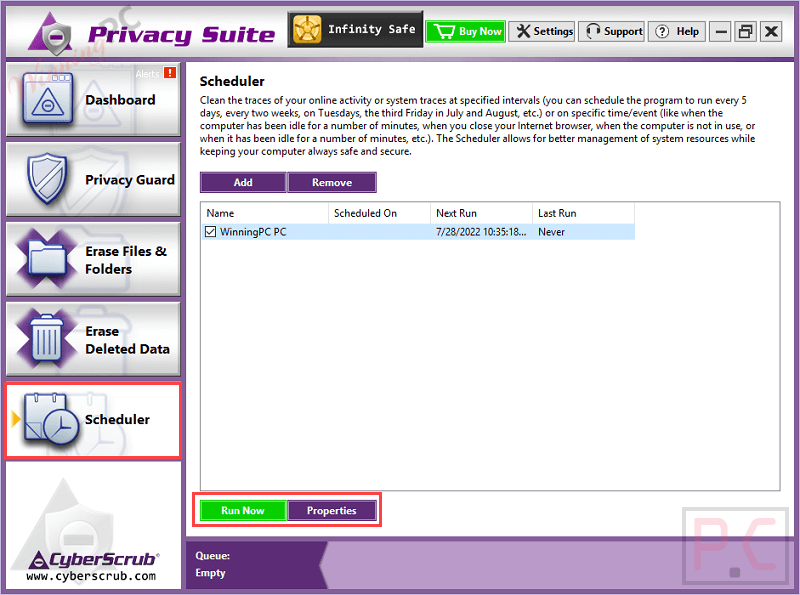
Scheduler: Clean the traces of your online activity or system traces at specified intervals (you can schedule the program to run every 5 days, every two weeks, on Tuesdays, the third Friday in July and August, etc.) or at a specific time/event (like when the computer has been idle for a number of minutes, when you close your Internet browser, when the computer is not in use, or when it has been idle for a number of minutes, etc.). The CyberScrub Privacy Suite Scheduler allows for better management of system resources while keeping your computer always safe and secure.

All in all, Cyberscrub Privacy Suite is a must-have software you should have on your computer. It gives you the ability to protect your sensitive data and delete files&folders permanently from your PC or laptop without recovery.
Technical Details
| Language Support | English, Français, Italian, Spanish, Swedish, and more… |
| Money Back Guarantee | 30-Day |
| Operating System | Windows XP, Windows Vista, Windows 7, Windows 8, Windows 10/11 Windows Server 2003, Windows Server 2008, Windows Server 2012 |
| Shipping | Register code will be sent to your email in minutes |
| Subscription | 1-Year |
| Support Services | Ticket |