Laura Marano
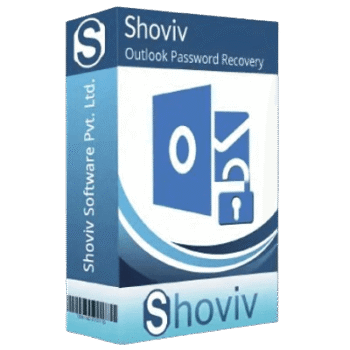
Shoviv Outlook Password Recovery can recover, remove, or set passwords on protected Outlook PST files. It supports multiple PST files, ANSI and Unicode PST formats, and Outlook versions from 2003 through Outlook 2024.
Shoviv Outlook Password Recovery
4 plans · best save 56%
Personal License ★ Best Deal
For Home Users | Up to 2 Systems/PCs | 1 Year
Standard License
For Small Organizations | Up to 10 Systems/PCs | 5 Years
Technical/Corporate License
For Organizations in Multiple Locations | Up to 100 Systems/PCs | Lifetime
Enterprise License
For Consultants/Organizations in Multiple Locations | Unlimited Systems | Lifetime
📄 Licensing & Support Details
- Instant Delivery by Email.
- 100% Safe and Secure.
- 30-Day Money Back Guarantee.
- No File Size Limitation.
- 24×7 Free Technical Support (By – Live Chat, Emails, Contact-Us Form)
- Software updates and license validity (depending on the license you purchased)
📝 How to apply
Click the ‘Copy Code’ button in the coupon box above. The code will copy automatically, and you’ll be redirected to the checkout page to apply your discount.
Shoviv Outlook Password Recovery: In-Depth Review & Features
Key Features:
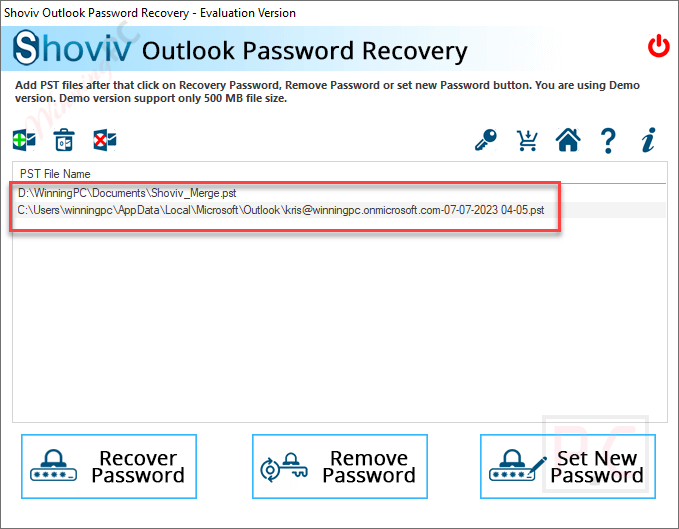
- Add multiple PST files at once.
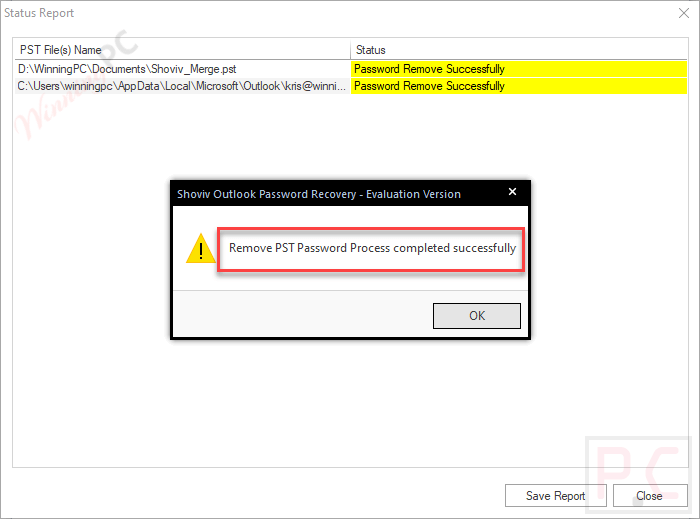
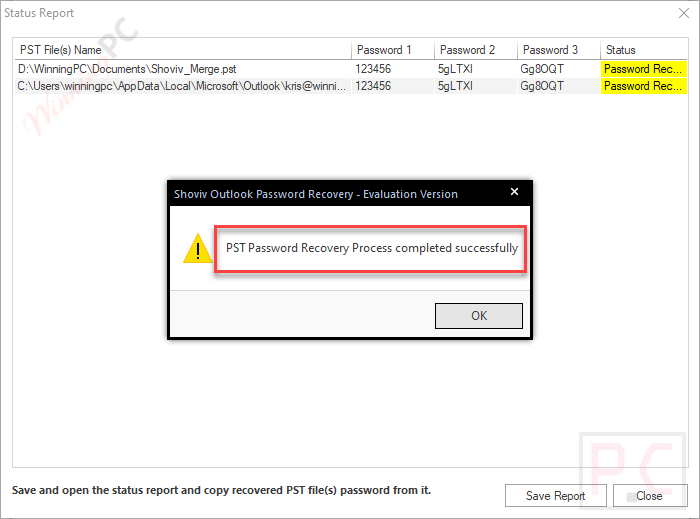
- Recover, remove, or reset passwords from selected PST files.
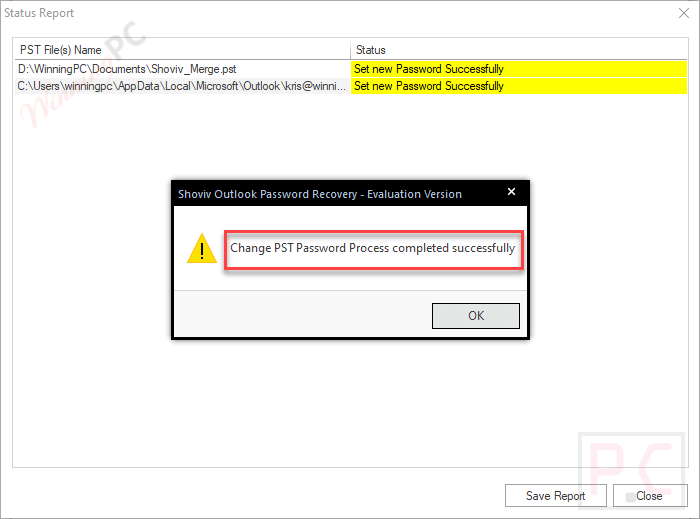
- Set a new password for unprotected PST files.
- Handle oversized PST files.
- Work with lengthy, multilingual, symbol-based, number-based, and special-character passwords.
- Show recovered passwords after the unlocking process.
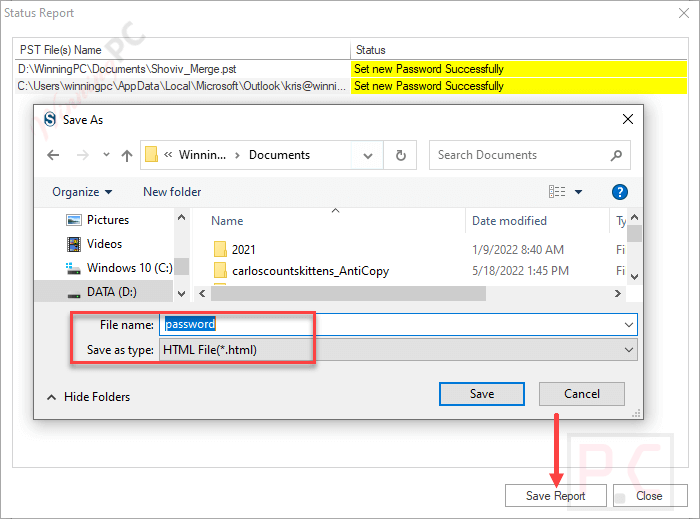
- Save task status reports in HTML format.
- Support PST files created in older and newer Outlook editions.
- Run on both 32-bit and 64-bit Windows systems.
- Support virtual environments, including VMware, Hyper-V, and VirtualBox.
Pros & Cons
More screenshots:
Frequently Asked Questions
Are there any promo codes for Shoviv Outlook Password Recovery?
Yes. WinningPC is a good place to check for active Shoviv Outlook Password Recovery coupons, along with Shoviv’s official website and product pages.
What is the best current discount for Shoviv Outlook Password Recovery?
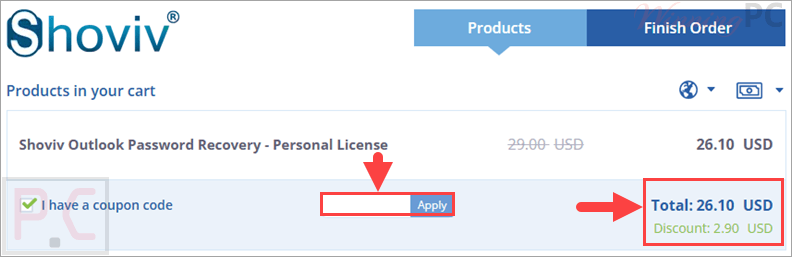
The highest deal listed on WinningPC is 56% OFF for the Personal License, reducing the price from $59 to $26.10.
What does Shoviv Outlook Password Recovery do?
It helps recover, remove, or reset passwords from protected Outlook PST files so the data can be accessed again in Microsoft Outlook.
Can it process more than one PST file?
Yes. The tool supports adding multiple PST files at once, and the provided data says the number of PST files does not affect performance.
Does it support oversized PST files?
Yes. It can remove or reset passwords from PST files described as heavy or oversized.
Can I set a new password on a PST file?
Yes. The software can set a new password for added PST files, including files that were previously unprotected.
Is technical support available?
Yes. The provided data says users can contact 24/7 technical support.
System Requirements & Details
| Language Support | Multilingual PST passwords supported. |
| Operating System | Windows 7 / 8 / 8.1 / 10, Windows 11, Windows Server 2008 / 2012 R2 / 2016 / 2019 / 2022 / 2025 |
| Processor | Minimum 1.0 GHz, 2.0 GHz recommended. |
| RAM & Storage | Minimum 1 GB RAM; 250 MB free hard disk space. |
| Supported Input | Outlook PST files, ANSI PST, Unicode PST, protected PST files, oversized PST files. |
| Supported Output | Recovered password, removed password, reset password, newly protected PST file, HTML status report. |