Laura Marano
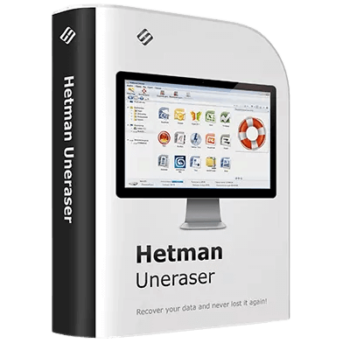
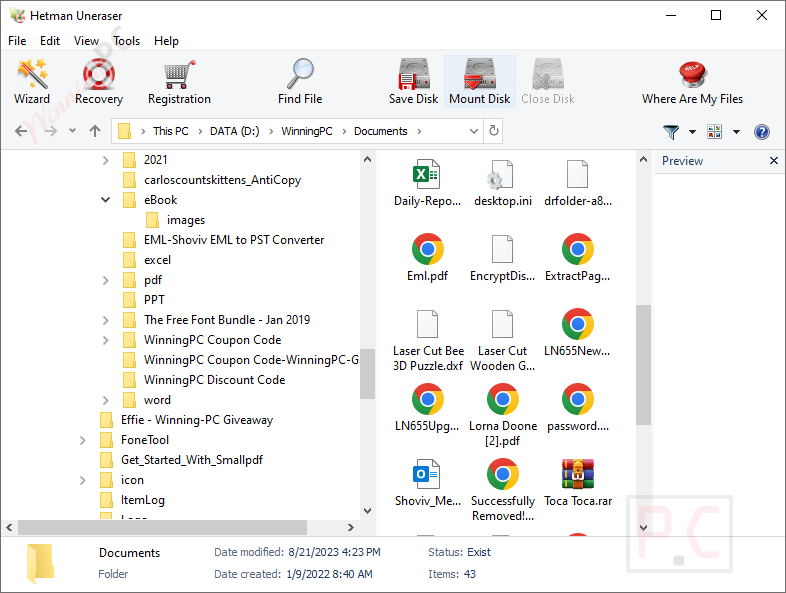
Hetman Uneraser restores deleted files and folders from hard drives, memory cards, and USB flash drives. It helps you easily locate and recover missing data, even if it was permanently removed from the Recycle Bin, lost due to a quick format, or locked by a virus attack.
- Status: ✅ Active & Verified
- Last checked: September 2026
- Offer: 60% Off
- Coupon code: 50***COUNT

Hetman Uneraser
Home version use the program for personal purposes only
📄 Licensing & Support Details
- License Type: Home version for 1 PC
- 30-day money-back guarantee.
- Provides 24/7 technical support via email, live chat, and phone.
- Secure Payment.
- The registration code is sent to your payment instantly.
📝 How to apply
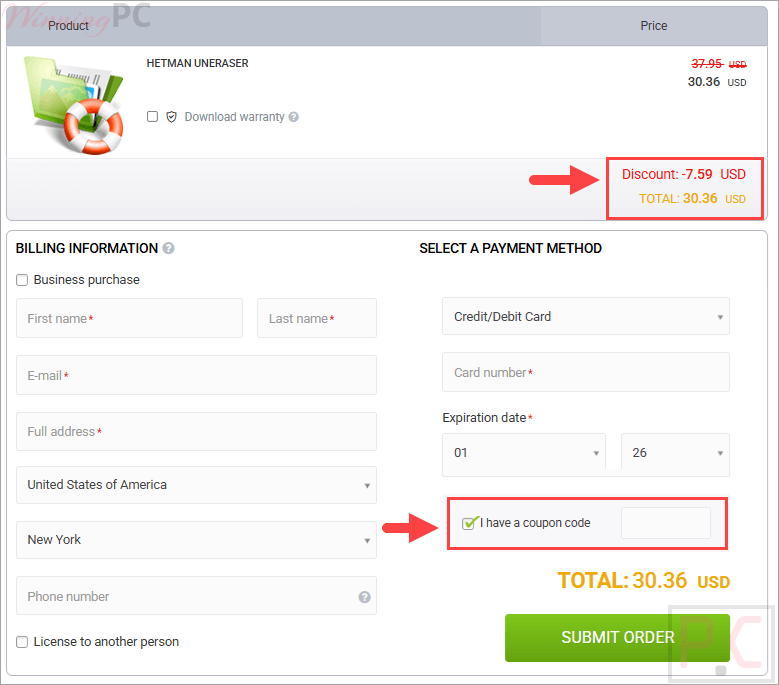
To get this deal, just click the ‘Copy Code’ button above. You’ll be taken straight to checkout, where you can paste the code to get your discount.
Hetman Uneraser: Review & Features
Key Features:
- Format Flexibility: Recovers exact files for Office documents, PDFs, pictures, raw videos, and archives, among many other formats.
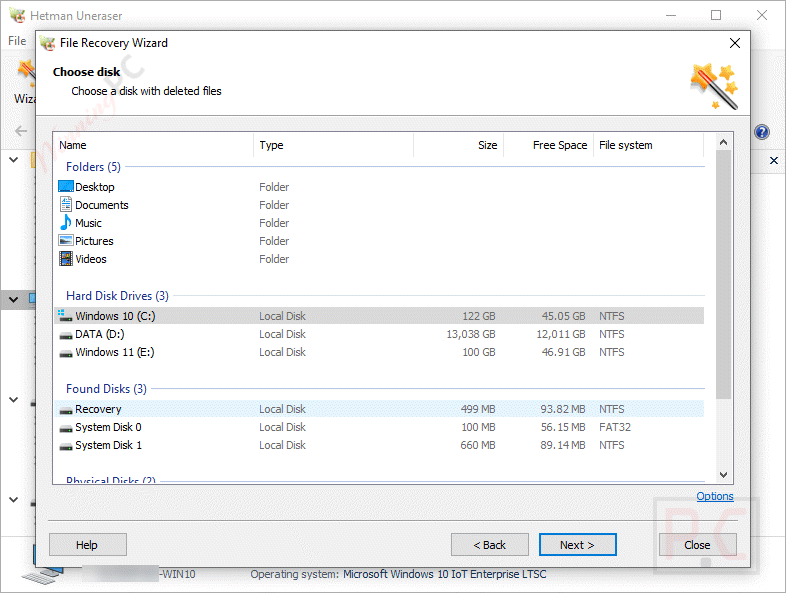
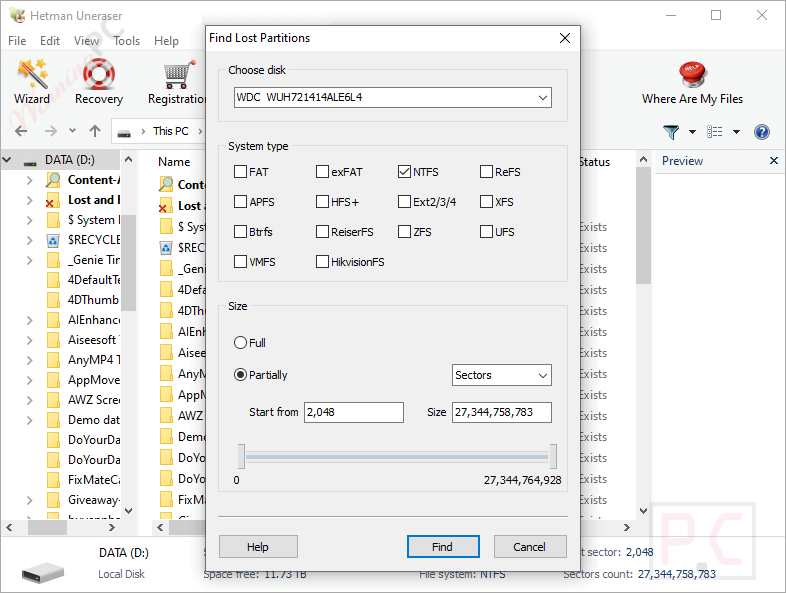
- Formatted Disk Recovery: Reads the disk at a low level to identify and restore files stored on drives that have undergone a quick or full format.
- Malware Recovery: Bypasses damaged file systems to restore information locked or destroyed by virus attacks, system crashes, and power outages.
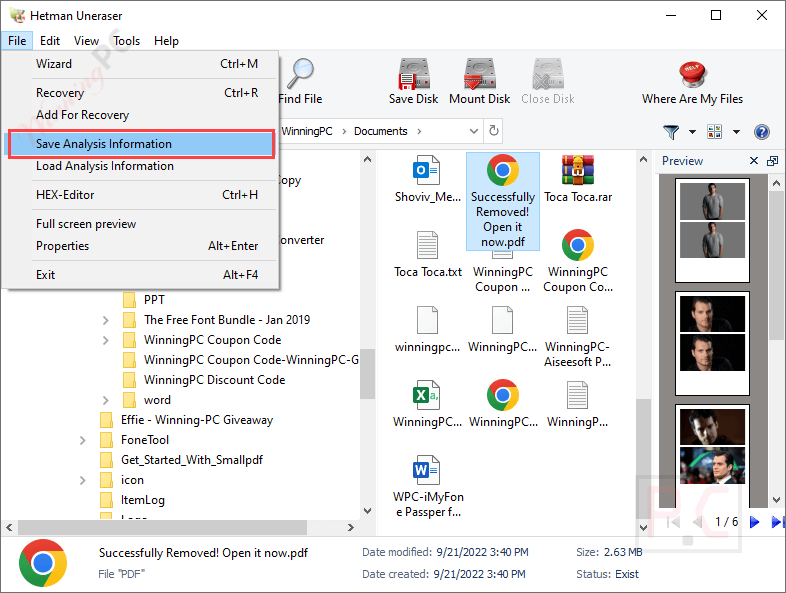
- Save Analysis Information: Allows you to pause scanning on large-capacity drives (like a 16TB disk) and resume the file recovery process later without starting over.
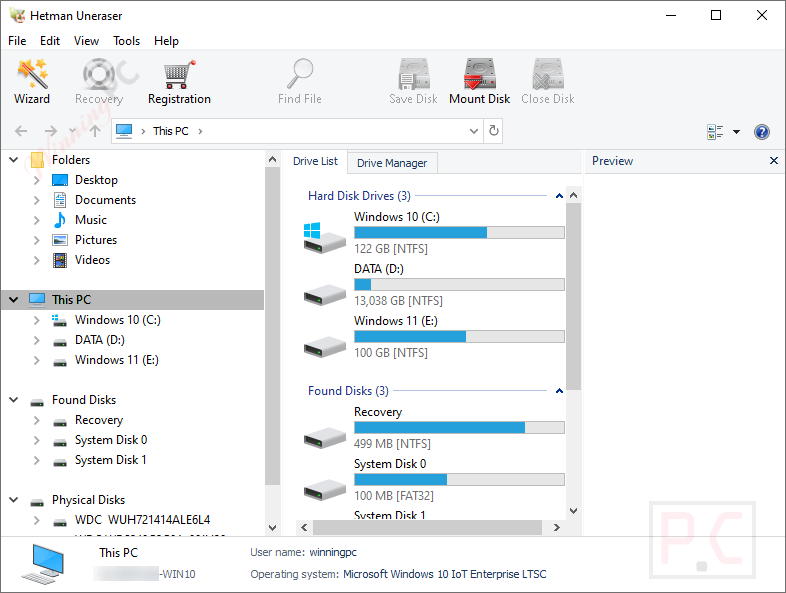
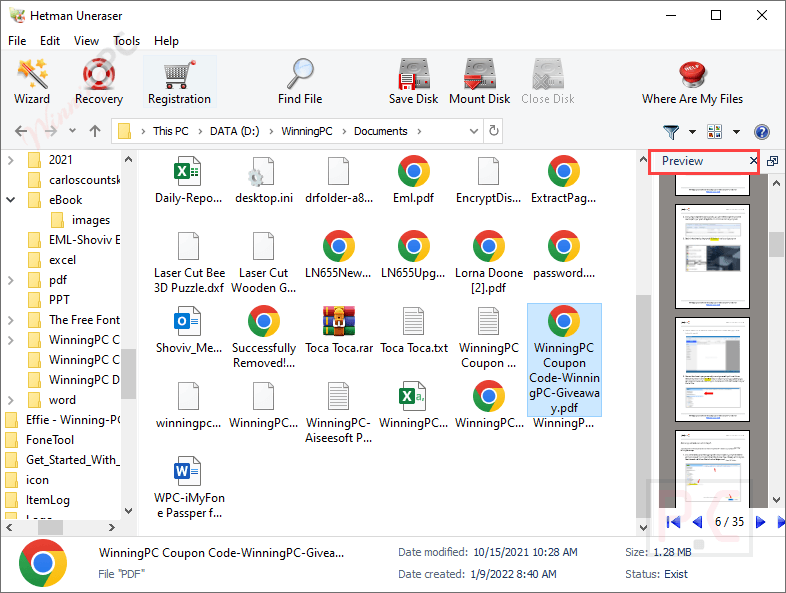
- Pre-Recovery Preview: Lets you peek inside hundreds of file formats or use a built-in HEX editor before you decide to recover the missing data.
- Read-Only Safety: Uses strict read-only access to storage media during analysis, ensuring it will not overwrite or damage existing data.
- Virtual Disk Images: Can create and analyze a bit-precise image of a volume, minimizing read operations on failing hardware.
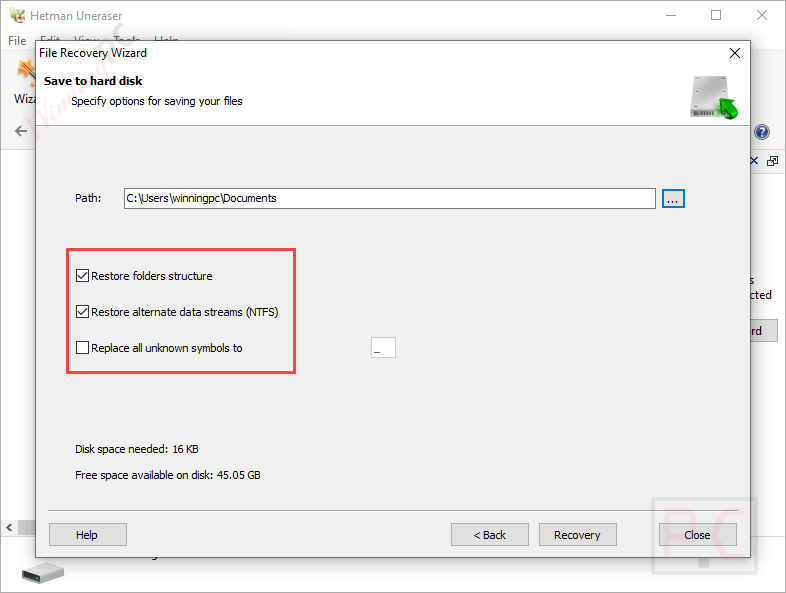
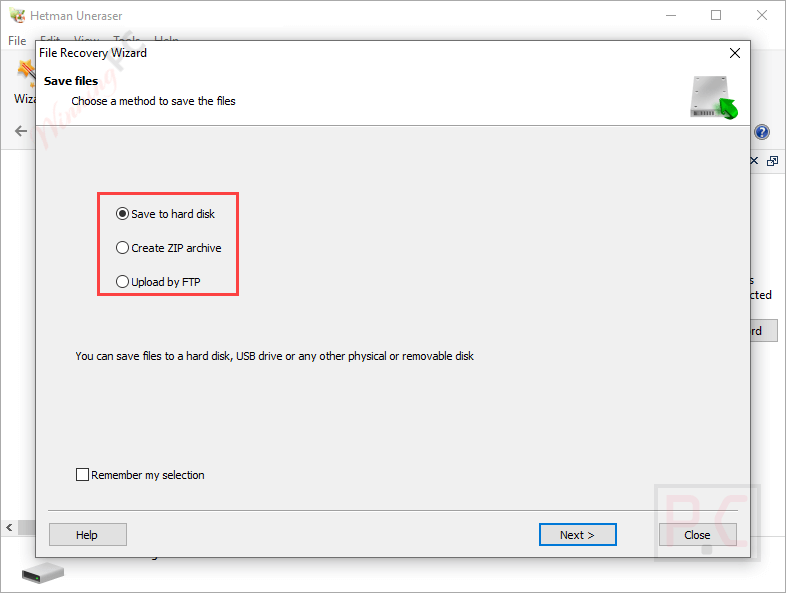
- Flexible Saving Options: Save recovered files to a different hard drive, burn them directly to a CD/DVD, or upload them to a remote server over FTP.
Pros & Cons
More screenshots:
Frequently Asked Questions
Where can I find a coupon or deal for Hetman Uneraser?
The latest and best deals can be found on WinningPC, alongside the official software website or the developer’s social media channels.
What is the best discount currently available for Hetman Uneraser?
The best current discount is 60% OFF, available directly on WinningPC.
Are there any file size limits when recovering data?
The software does not restrict file size, but limitations can occur based on your file system (such as FAT32’s 4 GB limit) or if the file is highly fragmented on the disk.
My USB flash drive only shows a few megabytes of space. Can this be fixed?
This usually points to a microcontroller issue rather than a standard deletion. You can try using the manufacturer’s diagnostic utilities, formatting via the diskpart command, or applying a low-level format tool.
Can I recover files from a drive that won’t show up in Windows Explorer?
Yes. As long as the drive does not have heavy physical damage, the tool performs a deep scan to find files on devices suffering from logical damage or missing file systems.
What operating systems does this software support?
Hetman Uneraser is designed to work on Windows, MacOS, and Linux environments.
Can I save my scan progress on a massive hard drive?
Yes, you can use the Save Analysis Information feature. This allows you to scan a large disk one day, save the results, and actually recover the files the next day.
System Requirements & Details
| Language Support | English, and more… |
| Operating System | Windows (XP to 11), macOS (10.12 to 15), Linux (Ubuntu, Debian, Fedora, etc.) |
| Supported Input | FAT / exFAT, NTFS / ReFS, APFS / HFS+, Ext2 / 3 / 4 / ReiserFS, XFS / UFS |
| Supported Output | Local/Remote hard drives, CD/DVD burning, FTP upload |