Chris Bruner
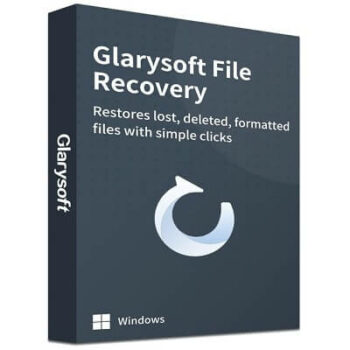
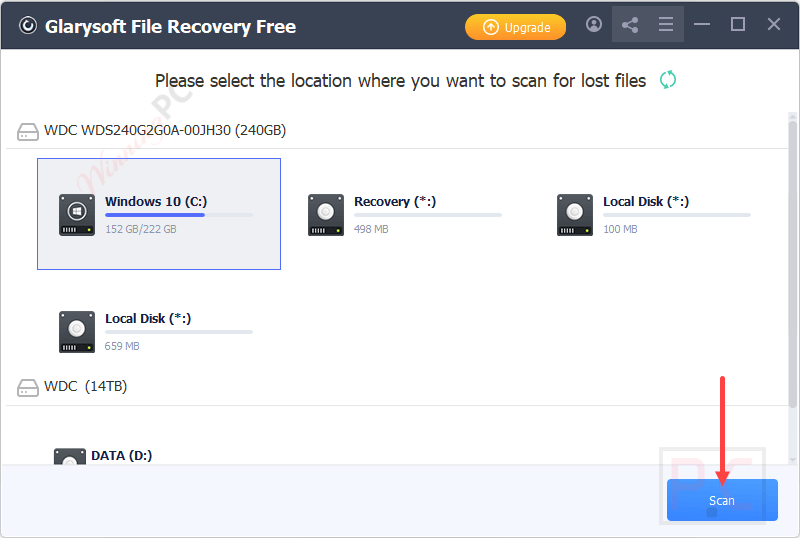
Recovering vital data after accidental deletions or data loss is essential, and Glarysoft File Recovery Pro stands out as an effective solution for such tasks. This tool features an intuitive and user-friendly interface, making it accessible for both novices and professionals. It comes with a scan feature that efficiently retrieves missing or erased files from various storage mediums, including Recycle Bins, HDDs, SSDs, USB drives, and SD cards. Furthermore, it is equipped to scan across multiple file systems such as FAT, NTFS, and NTFS + EFS, ensuring a thorough data recovery process.
With the help of Glarysoft File Recovery Pro, you can recover data from hard drives that you have lost due to accidental deletion, hard drive problems, system failures, hard drive issues, a virus attack, or some other grave misfortune. It enables the restoration of a variety of file types, including documents, images, music, and videos, from your computer or other external devices such as digital camera memory cards.
Glarysoft File Recovery Pro Coupon Codes

Glarysoft File Recovery Pro One-week License
40% off coupon code: regular price $19.95, discounted price $11.97
Glarysoft File Recovery Pro Annually License
50% off promo code: regular price $49.95, discounted price $24.97
Glarysoft File Recovery Pro Lifetime License
40% discount code: regular price $99.95, discounted price $59.97
Glarysoft File Recovery Main Features
- Glarysoft File Recovery Pro is an all-in-one data recovery solution aimed at professional and home users alike. It is possible to solve many loss data problems and bring back files emptied from the Recycle Bin, a DOS window, Windows Explorer, and external devices.
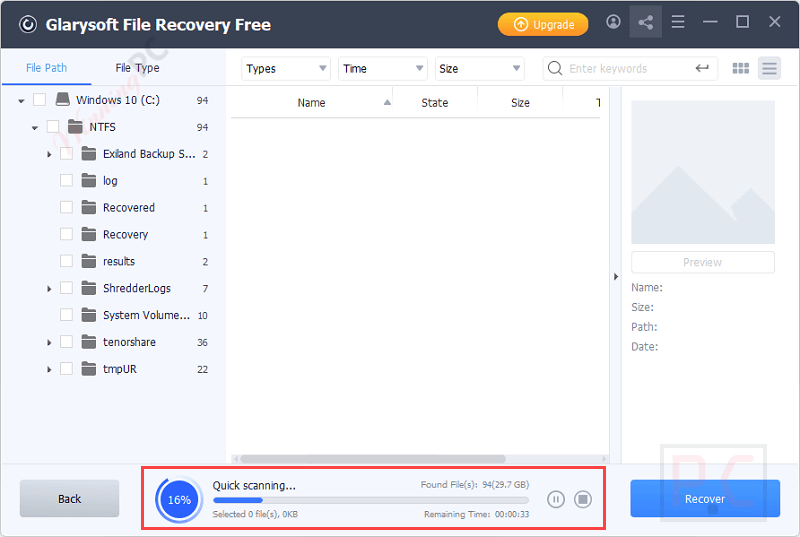
- This program is made to enable users to perform a thorough scan in order to locate and retrieve deleted files. This utility can also scan and recover files even in situations when the file names or locations are unclear.
- Data loss issues often come with big problems, which is why the people behind Glarysoft File Recovery decided to create an all-in-one data recovery solution that lets you recover lost data from accidental deletion, formatting, corruption, partition loss, OS crashes, and many other data loss situations.
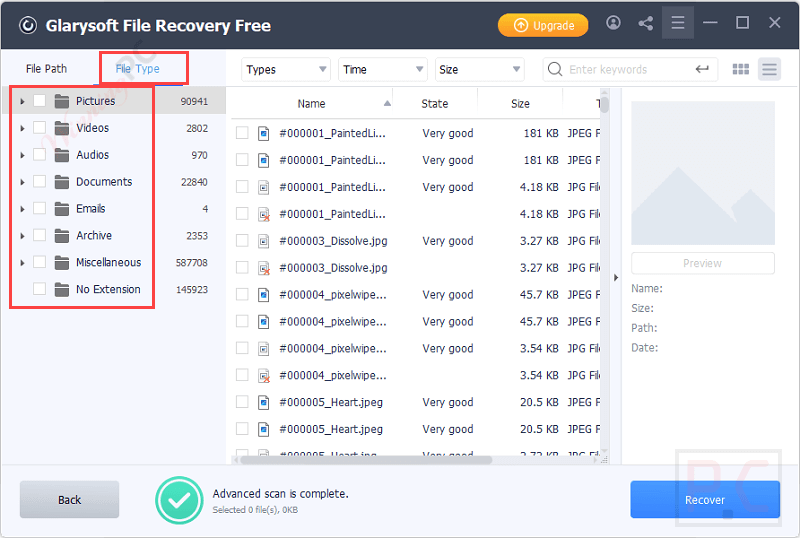
- The great thing about Glarysoft File Recovery Pro is the ability to scan for specific file types at the launch of the program, like pictures, videos, audio, documents, email, archives, or a custom file type. It also allows you to scan the entire drive to search for all file types.
- During the use, you will find that Glarysoft File Recovery Pro was able to recover files that had been deleted from both internal drives and USB devices, as well as easily undelete data from the desktop, Recycle Bin, SD cards, or a specific folder without any issue whatsoever.
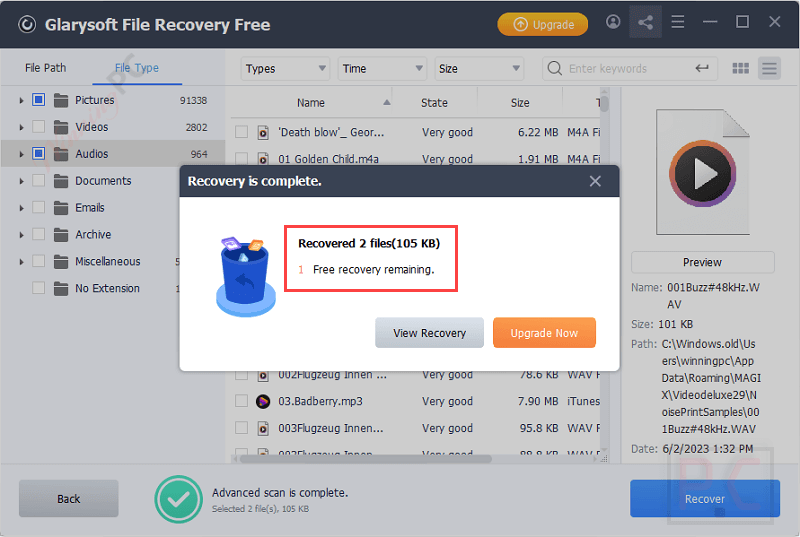
- There is a feature all good data recovery applications should have, which is the “Preview” feature to preview deleted files before recovery. That means you can check to see which files are recoverable to make sure it is the correct file and to ensure that it is not damaged.
- Since this is a powerful recovery application with multiple useful functions to help you get back your lost data, therefore it provides the Multiple file recovery function to recover plenty of files simultaneously, which speeds up and improves the efficiency of the process.
Glarysoft File Recovery Pro Screenshots



Frequently asked questions
What file systems does Glarysoft File Recovery Pro support?
Glarysoft File Recovery Pro supports recovery from FAT, NTFS, and EFS file systems, making it versatile for use with a variety of storage devices.
How does Glarysoft File Recovery Pro handle recovered file organization?
The software automatically organizes recovered files by parameters like file type, name, size, and creation date, which helps in quickly locating specific files after the recovery process.
Is Glarysoft File Recovery Pro easy to use for beginners?
The software is designed with a user-friendly interface that makes it accessible for beginners. It guides users through the recovery process step-by-step, making it easy to use even for those with little technical knowledge.
Technical Details
| Language Support | English, Français, Italian, Spanish, Swedish, and more… |
| Money Back Guarantee | 90-Day |
| Operating System | Windows Vista, Windows 7, Windows 8/8.1, Windows 10/11 |
| Shipping | Register code will be sent to your email in minutes |
| Subscription | 1-Week, 1-Year, Lifetime |
| Support Services | Email, Tickets |