Cathryn Lee
Quick Answer: The current Stellar Password Recovery for Windows Server coupon is AP**UR, giving 40% off — that drops the price from $299.0 to $179.1. ✅ Verified Aug 2026 by Cathryn, with a 30-day money-back guarantee. Click “Copy” below, then paste the code at checkout on the 2Checkout site.
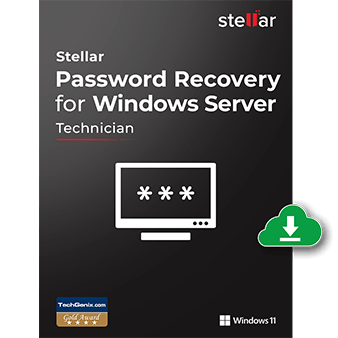
Stellar Password Recovery for Windows Server
1 Year License | Free Technical Support 24x5
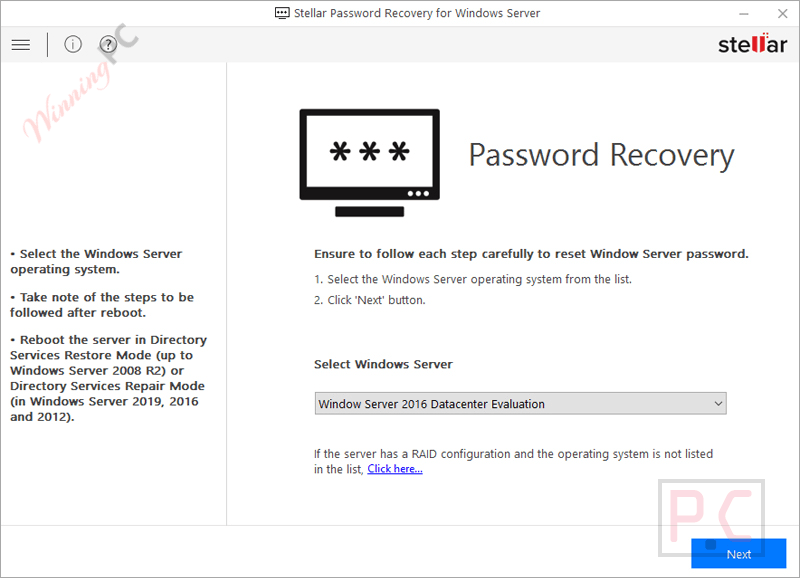
Stellar Password Recovery for Windows Server is a dedicated password reset solution that helps administrators regain access to Windows Server accounts when login credentials are lost or forgotten. It supports local users, local administrators, domain administrators, RAID-based servers, and UEFI installations through a bootable recovery disk.
In-Depth Review & Features
Feature List
- Resets lost or forgotten Windows Server login passwords.
- Supports local user, local administrator, and domain administrator accounts.
- Creates new passwords that follow existing server password policies.
- Works through a bootable ISO-based recovery disk.
- Supports Windows Server configured as a Domain Controller.
- Resets passwords on RAID-based Windows Server systems.
- Supports both UEFI and Legacy BIOS environments.
- Compatible with Windows Server 2022, 2019, 2016, 2012, 2008, 2003, and 2000.
- Allows installation of RAID card drivers when required.
- Includes multilingual support (English, German, French, Italian, and Spanish).
- Guided interface designed for straightforward password recovery.
Pros & Cons
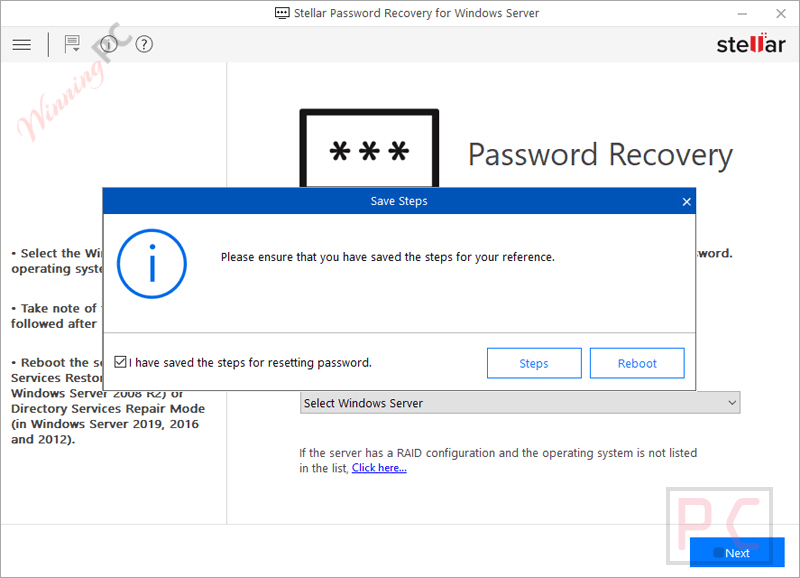
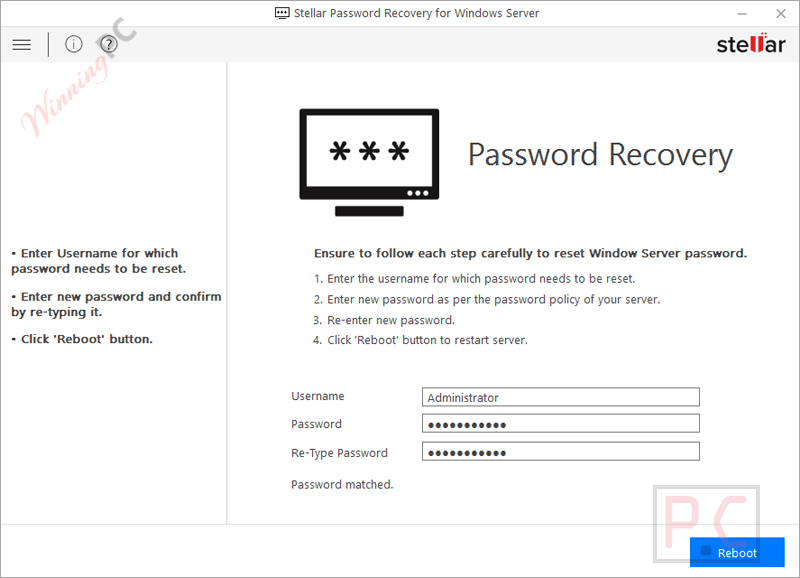
More Stellar Password Recovery for Windows Server screenshots:
Frequently Asked Questions
Where can I find a code for Stellar Password Recovery for Windows Server?
You can always find the most up-to-date deals and verified coupons directly on WinningPC, alongside any current official promotions.
What is the biggest price drop currently active for this server password tool?
Right now, WinningPC is featuring an exclusive 40% off mark-down, bringing the regular price of $299 down to just $179.10.
Can I install this directly on the locked server?
No, Stellar Password Recovery for Windows Server cannot be installed on the locked system. You must generate a bootable disk on a different, working machine first.
How do I recover a domain controller password?
You download the ISO file, burn it to a CD/DVD or USB, boot the domain controller from that drive via BIOS settings, and follow the on-screen prompts to execute the reset.
What do I need to make the bootable disk?
You need a separate working Windows PC, a CD drive or USB mounting software, a blank CD or USB stick, and the downloaded ISO image.
What if my RAID system isn’t showing up in the server list?
If your specific RAID array is missing, Stellar Password Recovery for Windows Server allows you to manually install the RAID card driver from a CD or DVD to make the operating system visible.
Do I need to be a tech expert to use it?
While it involves booting from external media and changing BIOS settings, the provided PDF manual and the straightforward interface guide you through the process step-by-step.
System Requirements & Details
| Feature | Specifications |
|---|---|
| Language Support | English, German, French, Italian & Spanish |
| Operating System | 64-bit only, run on any Windows Machine (Supports Server 2022 – 2000) |
| Processor | Intel compatible (x64-based processor) |
| Memory | 4 GB minimum (8 GB recommended) |
| Hard Disk | 250 MB |