Laura Marano
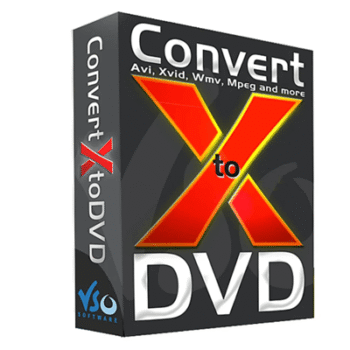
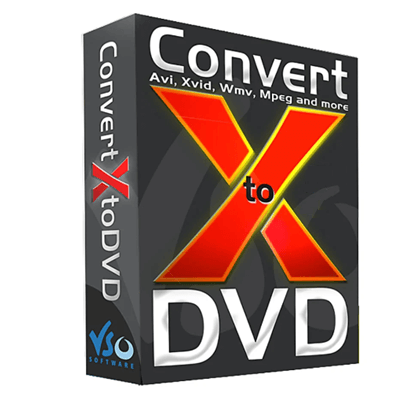
ConvertXtoDVD is a video converter that helps you convert and burn almost any video from your local disk to a DVD in one click, so you can play it on standard DVD players. It includes a DVD menu editor that lets you create a simple menu instead of using a plain, auto-generated layout. You can manage subtitles and audio tracks, add text or watermarks, and fine-tune quality with built-in tools. ConvertXtoDVD also supports basic video editing, allowing you to merge, cut, rotate, crop, and pad videos.
ConvertXtoDVD Pricing Plan & Coupon Code (100% Working)
Key Features and Screenshots
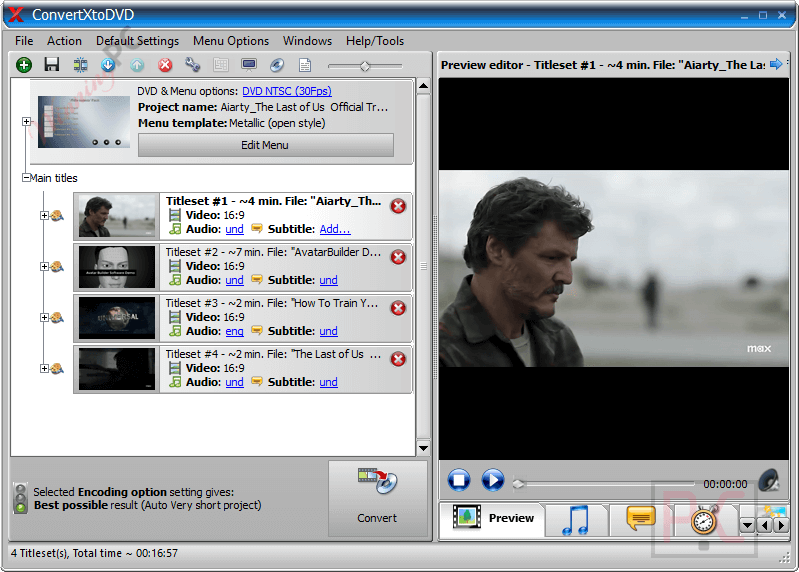
- Convert and burn videos to DVD: Turns video files into DVDs that work on standard home DVD players.
- 64-bit version support: Runs as a native 64-bit app for better performance on modern Windows systems.
- One-click conversion: Lets you start converting a video with a single click, no setup needed.
- DVD menu editor: Allows you to create and customize DVD menus instead of using a plain layout.
- Subtitle and audio track management: Makes it easy to add, select, and manage subtitles and audio tracks.
- Built-in video editing tools: Supports merging clips and cutting, rotating, padding, or cropping videos.
- Image quality tools: Includes an image enhancer wizard and a quality advisor to help keep output clear.
- Menu creation options: Lets you choose between ready-made menus or fully custom designs.
- Text and watermark editing: Provides a text editor to add custom text, copyright notes, or watermarks.
- Fast conversion performance: Uses hardware decoding, multi-core CPUs, and simultaneous processing to save time.
- Advanced output settings: Supports audio normalization, fullscreen or widescreen video, and two-pass encoding.
- Flexible save and burn options: Allows saving to PC, transferring to USB, or burning Blu-ray content as AVCHD DVDs or ISO files.
- Wide input format support: Accepts a large range of video, audio, subtitle, and codec formats.
- Standard DVD output structure: Creates DVD folders or ISO images compatible with all DVD players.
- DVD disc compatibility: Burns to DVD±R, DVD±RW, and DVD±DL using the built-in burning engine.
- Legal content limitation: Does not support protected commercial DVDs or Blu-ray discs due to DMCA rules.
How to Use (Step-by-Step Guide)
Step 1. Install and open ConvertXtoDVD on your Windows PC.
Step 2. Add the video files you want to convert.
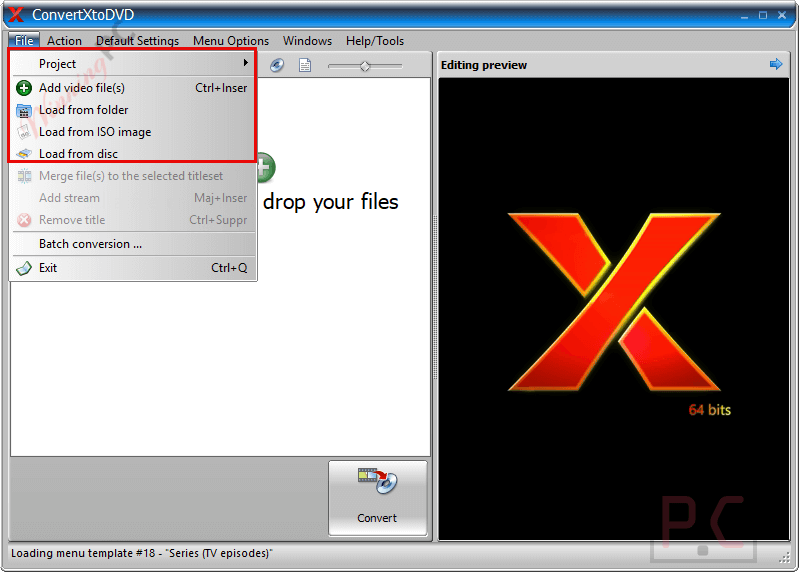
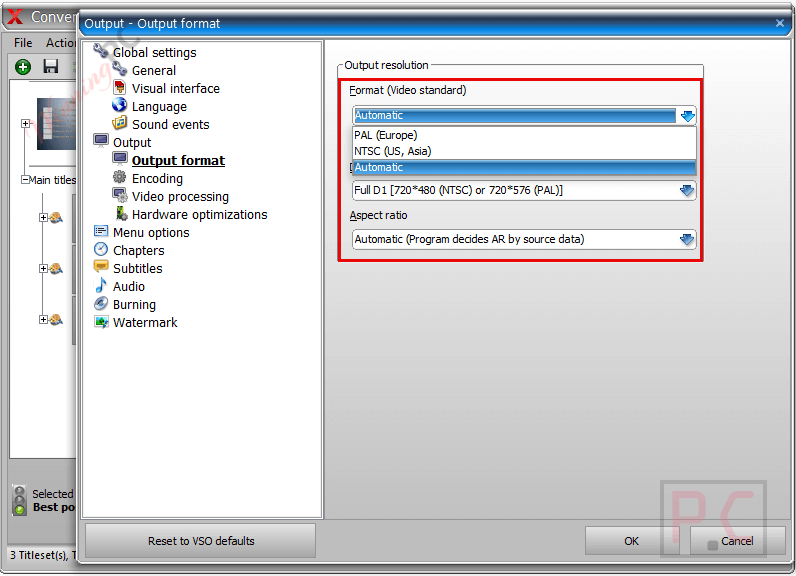
Step 3. Choose DVD settings like format and screen ratio.
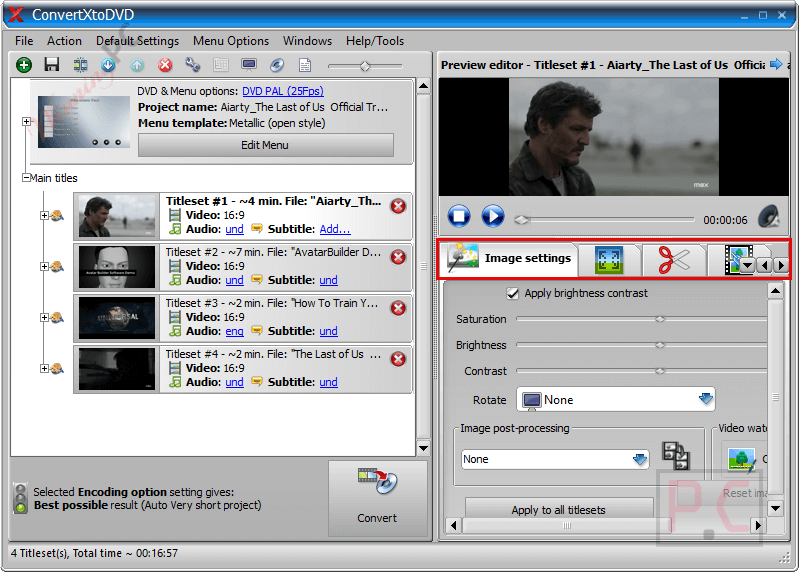
Step 4. Edit videos, menus, subtitles, or audio if needed.
Step 5. Click Convert to start the process.
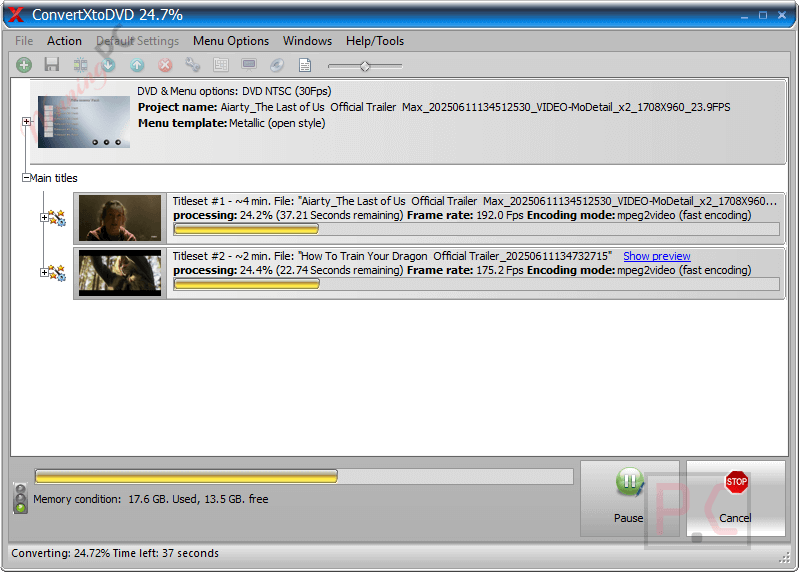
Step 6. Burn to a DVD or save the DVD files or ISO to your computer or USB.
Frequently Asked Questions
Does ConvertXtoDVD support modern video formats?
It supports a wide range of video formats, including MP4, MKV, AVI, MOV, and many others.
Can I create custom DVD menus with this tool?
Yes, you can use pre-made menus or design your own custom DVD menu layouts.
Can I edit videos before burning them to DVD?
The built-in editor lets you cut, merge, rotate, crop, and pad videos before conversion.
Does the software work with copy-protected videos?
No, protected commercial DVDs or Blu-ray discs are not supported due to legal restrictions.
Does the tool support Blu-ray discs?
It does not burn standard Blu-ray discs but can create AVCHD DVDs from Blu-ray content.
Is there a discount available for ConvertXtoDVD?
Yes, WinningPC provides a coupon code ho***ty that gives you 20% off ConvertXtoDVD.
Why Choose WinningPC
- Why Trust? We are committed to providing 100% valid and verified coupon codes, so you can always shop with confidence.
- Found an Invalid Coupon or a Better Deal? If you encounter an invalid code or a better offer, please let us know. Our team updates all discount information regularly to ensure accuracy.
- Official Authorization: We only share authentic discounts from trusted software developers.
- No Fake Discounts: Unlike some sites, we never use misleading deals. The final price you see is the true discounted price.
- Secure Purchases: All transactions are processed on the official vendor’s website, ensuring authenticity and data protection.
- Extra Support: If you face order or vendor issues, contact us. We’ll liaise with the vendor to help resolve your problem quickly.
Technical Details
| Language Support | English, Français, Italian, Spanish, Swedish, and more… |
| Money Back Guarantee | Check the seller’s refund policy or contact their support team directly |
| Operating System | Windows 7/8/10/11 (32/64 bit) |
| Shipping | Register code will be sent to your email in minutes |
| Subscription | 1-Year |
| Support Services | Email, Phone |