Cathryn Lee

You’ve got a 4K video that’s eating 5GB of storage, or maybe an email attachment that won’t send because it’s “too large.” Most compressors either take forever or turn your footage into a blurry, pixelated mess. Cisdem Video Compressor fixes this without the headache, and right now, without the high price tag. We’ve secured exclusive WinningPC discounts of up to 60% off, so you can shrink your files, not your video quality.
Status: ✅ Active & Verified
Last Checked: September 2026
Offer: Up to 60% Off Lifetime Licenses
for Windows

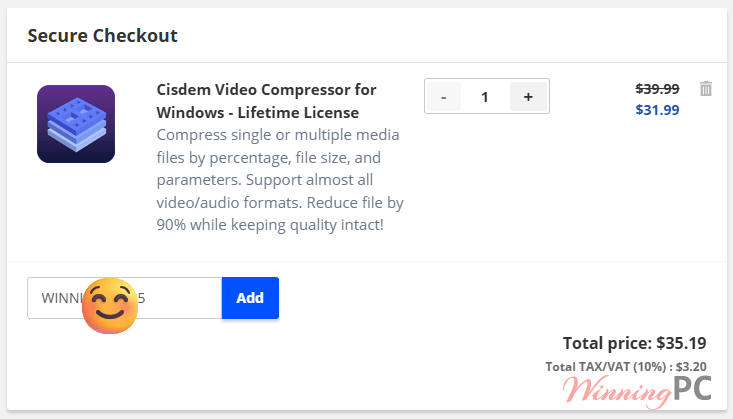
Cisdem Video Compressor for Windows - Lifetime License
36% off: regular price $39.99, discounted price $31.99
Cisdem Video Compressor for Windows - Lifetime License for 2 PCs
44% off: regular price $79.99, discounted price $44.79
Cisdem Video Compressor for Windows - Lifetime License for 5 PCs
60% off: regular price $199.95, discounted price $79.99
for Mac users
Cisdem Video Compressor for Mac - Lifetime License
36% off: regular price $39.99, discounted price $31.99
Cisdem Video Compressor for Mac - Lifetime License for 2 Macs
44% off: regular price $79.99, discounted price $44.79
Cisdem Video Compressor for Mac - Lifetime License for 5 Macs
60% off: regular price $199.95, discounted price $79.99
Price Comparison Table
| Plan Name | Official Price | WinningPC Price | You Save |
| Lifetime / 1 PC | $49.99 | $31.99 | $18.00 |
| Lifetime / 2 PCs | $79.98 | $44.79 | $35.19 |
| Lifetime / 5 PCs | $199.95 | $79.99 | $119.96 |
Redemption Guide
- Use any of the links above to head to the secure Cisdem checkout page (Click on the Copy Code button).
- The WinningPC discount is hardcoded into the link, so you should see the lower price immediately.
- Complete your purchase via secure encryption. Your license key will land in your inbox instantly.
What is Cisdem Video Compressor?
Cisdem Video Compressor is a lightweight, no-nonsense utility designed for one thing: making massive video and audio files small enough to actually use. Whether you’re a YouTuber trying to hit upload limits, a student saving space on a crowded SSD, or just someone tired of “Storage Full” warnings on your phone, this tool handles 4K and 8K files without breaking a sweat. It’s built for people who want results in three clicks, not three hours of tutorials.
In-Depth Review & Features
We tested Cisdem against several “free” online compressors. While web tools often cap your file size or leak your data, Cisdem Video Compressor runs locally and uses your computer’s actual power.
- Three Advanced Compression Methods
– Target a Percentage: Need a quick 50% reduction? Just move the slider. It’s the “fast food” of compression – quick and satisfying.
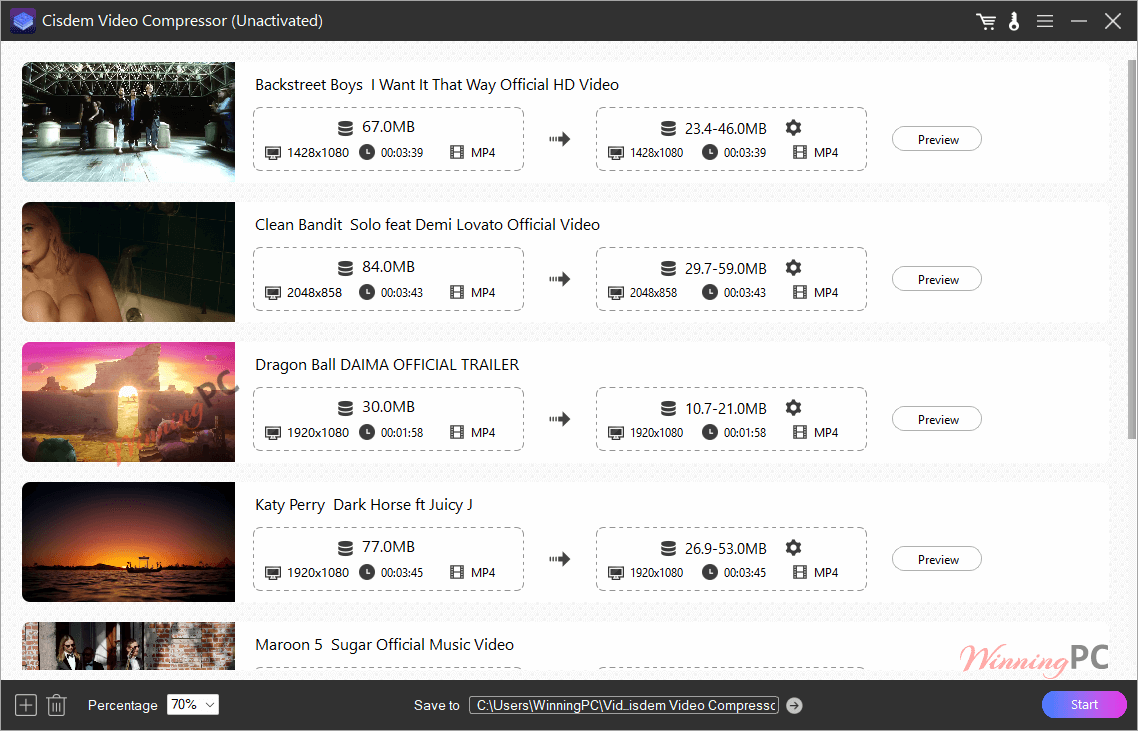
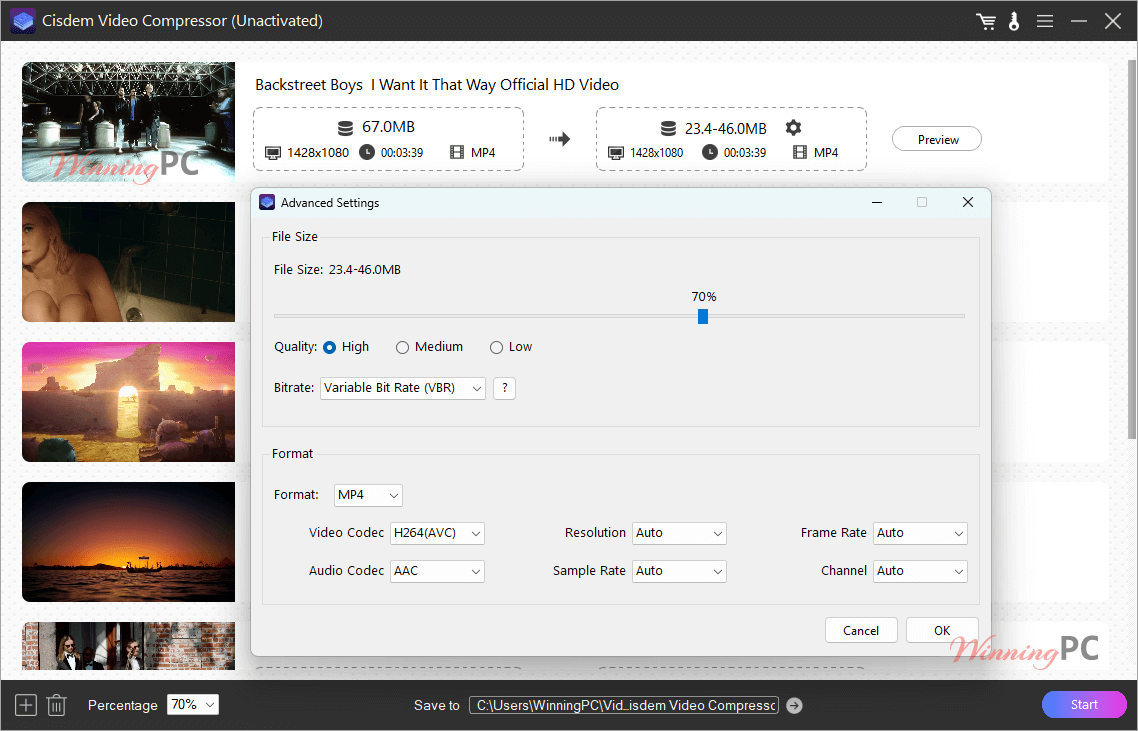
– Target a File Size: If Gmail says “Max 25MB,” you tell Cisdem “25MB.” It uses Variable Bit Rate (VBR) to intelligently shave off data from simple scenes while keeping the complex ones sharp.
– Target Parameters: For the pros. Manually switch to H.265 or AV1 codecs to get the best size-to-quality ratio known to man. - Hardware Acceleration: It taps into your NVIDIA, AMD, or Intel GPU. This means your graphics card does the heavy lifting, making the process up to 30x faster than standard CPU-only encoding.
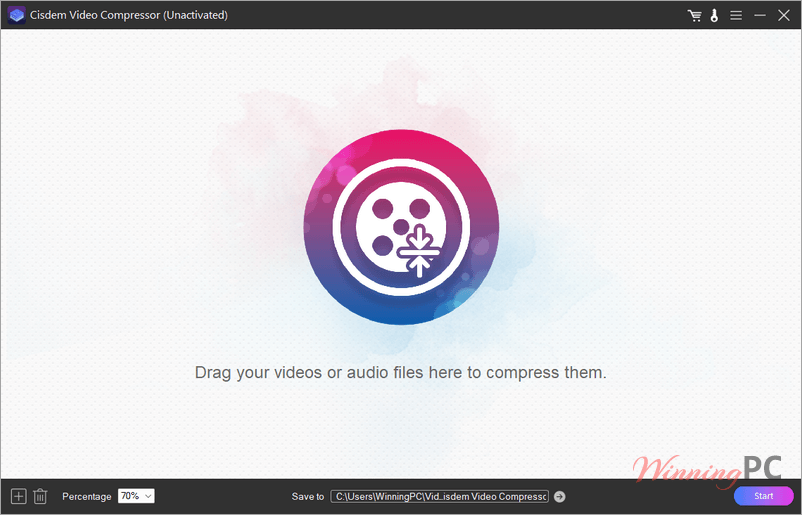
- Batch Processing: Don’t do it one by one. Drag an entire folder of vacation videos into the app, set your target, and let it run in the background while you grab coffee.
Pros & Cons
More screenshots
Frequently Asked Questions
Is this a subscription or a one-time buy?
These are Lifetime Licenses. You pay once, and you own that version forever with no monthly fees.
Can I use one license on both Mac and Windows?
No, licenses are platform-specific. Make sure you select the correct version (Win or Mac) at checkout.
What are the trial limits?
The trial lets you compress 3 files to test the speed, but it will add a “Cisdem” watermark. The paid version removes all watermarks and limits.
Is my data safe?
Yes. Unlike online compressors where you upload your private videos to a random server, Cisdem Video Compressor works 100% offline on your machine.
Technical Specifications
| System Requirements | Windows: 10, 11 (64-bit), 1GHz+ Processor, 512MB RAM. Mac: macOS 10.13 through macOS 15.0 (Sequoia). Works natively on Intel and M-series chips. |
| Supported Formats | Inputs: Virtually everything (MP4, MKV, AVI, MOV, MTS, TS, ISO, and 300+ more). Outputs: Optimized formats including MP4, MKV, AVI, WMV, WEBM, and MP3/WMA for audio. |
| Languages Supported | English, German, French, Italian, Spanish, Portuguese and Japanese. |