Cathryn Lee
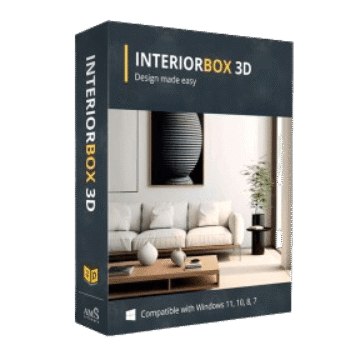
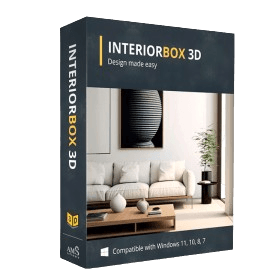
InteriorBox 3D (Interior Design 3D) is a 3D design software for creating floor plans and home interiors on a PC. With the current InteriorBox 3D coupon code, you can get 85% off selected licenses.
Status: ✅ Active & Verified
Last Checked: October 2026
Offer: 85% Off
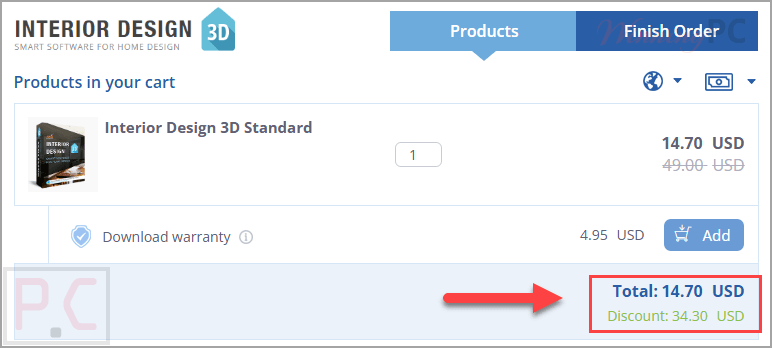
Interior Design 3D Standard
70% off coupon code: regular price $49.0, discounted price $14.70
Interior Design 3D Deluxe
70% off coupon code: regular price $65.0, discounted price $19.50
Interior Design 3D Gold
85% off coupon code: regular price $83.0, discounted price $12.45
📄 Licensing & Support Details
- Instant license delivery
- Secure checkout
- Life-long license
- Enjoy free updates to future versions
- Get free technical support.
📝 How to apply
By clicking the “Copy Code” button to get your discount, you will be taken to the official InteriorBox 3D checkout where the promotional code is automatically entered and the cost reduced.
What is InteriorBox 3D?
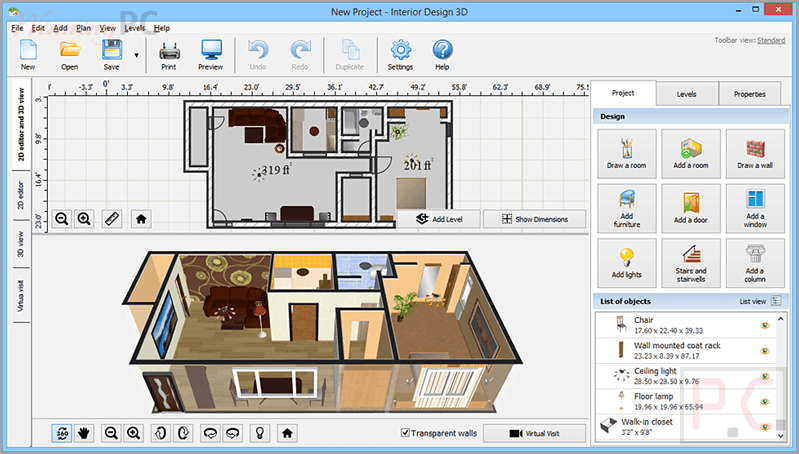
AMS InteriorBox 3D is a home design and floor plan creation program that lets users build layouts in 2D and 3D, decorate rooms, arrange furniture, and preview the result with a virtual walkthrough. The software is aimed at both professional designers and DIY users, and its simple interface makes it approachable for people who want to plan or remodel a space without spending too much time learning complicated tools.
In-Depth Review & Features
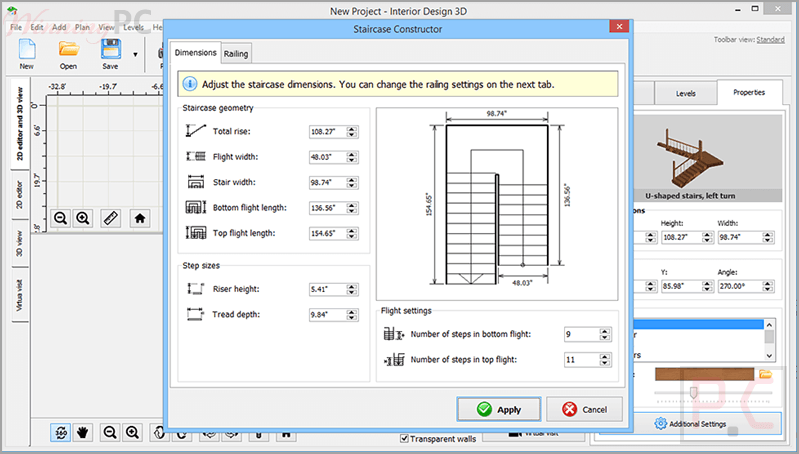
- 2D and 3D floor plan creation: lets you build house plans, multiple levels, and staircase models with exact dimensions.
- User-friendly interface: includes a simple layout and on-screen prompts that help shorten the learning curve.
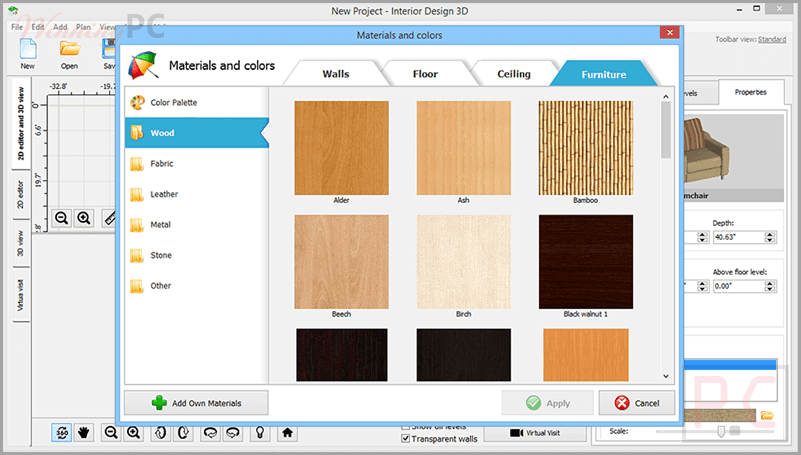
- 1700+ decoration materials: offers wallpapers, flooring, ceiling coverings, stone, tile, carpet, and other materials for detailed interior work.
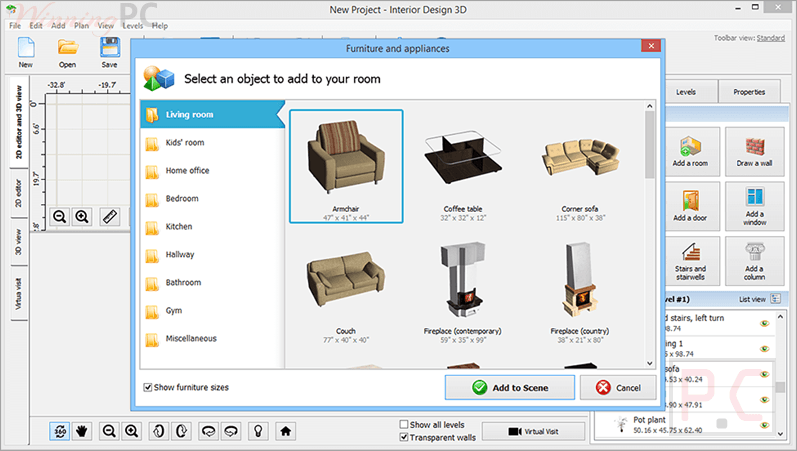
- Built-in furniture collection: includes furniture for spaces like bedrooms, kitchens, bathrooms, dining rooms, gyms, and home offices.
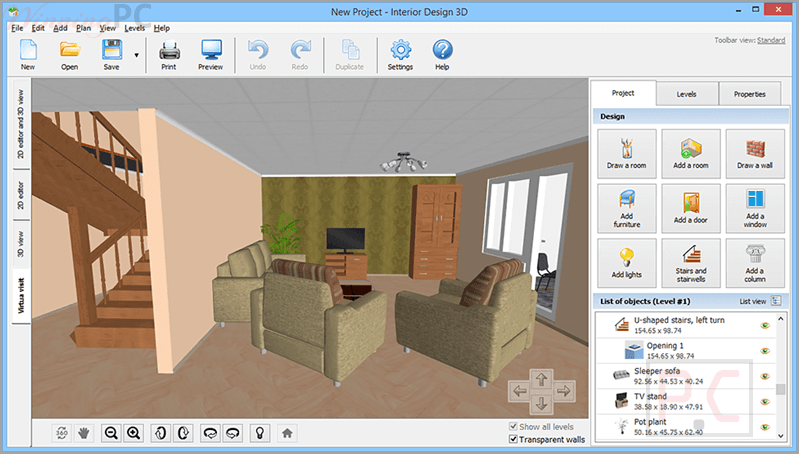
- Real-time 3D walkthrough: allows you to move through the designed home and check spacing, placement, and overall look.
- Import of hand-drawn plans: helps turn a paper sketch into a digital layout by tracing over the original plan.
- Measurement support: shows wall lengths and floor space in metric or imperial units.
- Project export options: supports exporting projects to JPG, PNG, and PDF.
- Customizable surfaces: allow users to adjust furniture materials and surface textures.
- Windows compatibility: works with Windows 11, 10, 8, and 7.
Pros & Cons
More screenshots:
Frequently Asked Questions
How do I make a 3D interior design on my PC?
Install InteriorBox 3D, then choose a ready-made template or create a floor plan yourself. After that, add doors and windows, select decoration materials, and place furniture and light fixtures.
Can I import an existing house sketch?
Yes. You can upload a hand-drawn plan, set the scale, and trace over it to digitize the layout.
Does InteriorBox 3D require professional skills?
No. The software is presented as suitable for amateur users and includes an intuitive interface with prompts.
Can I view my project in 3D?
Yes. The software supports both 2D and 3D views, and it also includes a real-time virtual walkthrough mode.
Can I use it for professional projects?
Yes. It can be used for both personal and professional projects.
What hardware do I need?
InteriorBox 3D is compatible with Windows 11, 10, 8, and 7, so it can run on older Windows computers as well.
What file formats does it support?
The software can export projects as PDF, PNG, JPG, BMP, and DAE. It also supports importing floor plans in formats including TIFF, PNG, and JPEG.
How can I get a discount on InteriorBox 3D?
By applying the IDBJ***EC-85 voucher code from WinningPC, you can receive a discount of up to 85% on what you buy.
Technical Specifications
| Supported OS | Windows 11, Windows 10, Windows 8, Windows 7 |
| View modes | 2D view and 3D view |
| Units | metric and imperial |
| Import support | hand-drawn plans and floor plans in formats including TIFF, PNG, and JPEG |
| Export formats | PDF, PNG, JPG, BMP, DAE |