
 Chris Bruner
SysTools PST Viewer Pro Plus is an advanced Outlook PST file viewer and recovery tool that helps users open, read, search, recover, and export PST files without installing Microsoft Outlook. It supports multiple PST files, damaged PST recovery, advanced search filters, and export to several formats including PDF, EML, MSG, and MBOX.
SysTools PST Viewer Pro Plus
Single Machine License | 1 Year Free Product Updates
Bundle Offer License
3 plans · best save 25%
SysTools MBOX Viewer Pro Plus + Outlook PST Viewer Pro Plus ★ Best Deal
Single User License
SysTools MSG Viewer Pro Plus + PST Viewer Pro Plus
Single User License
📄 Licensing & Support Details
- License Type: Commercial License
- Demo Limitation: Exports only 25 items per folder
- Delivery Method: Instant electronic delivery via email
- Support: Technical support available
- Activation: Download link and activation key delivered after purchase confirmation
📝 How to apply
- To use this offer, press the “Copy” button above.
- Your coupon code will be applied instantly, and the checkout page will open automatically.
In-Depth Review & Features
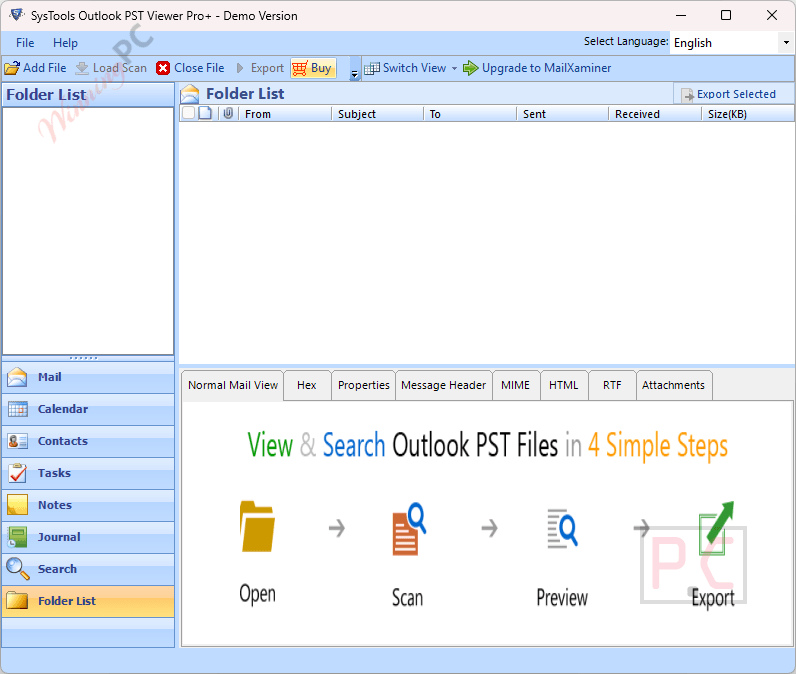
Key Features
- Load, view, and read multiple ANSI and Unicode data files simultaneously.
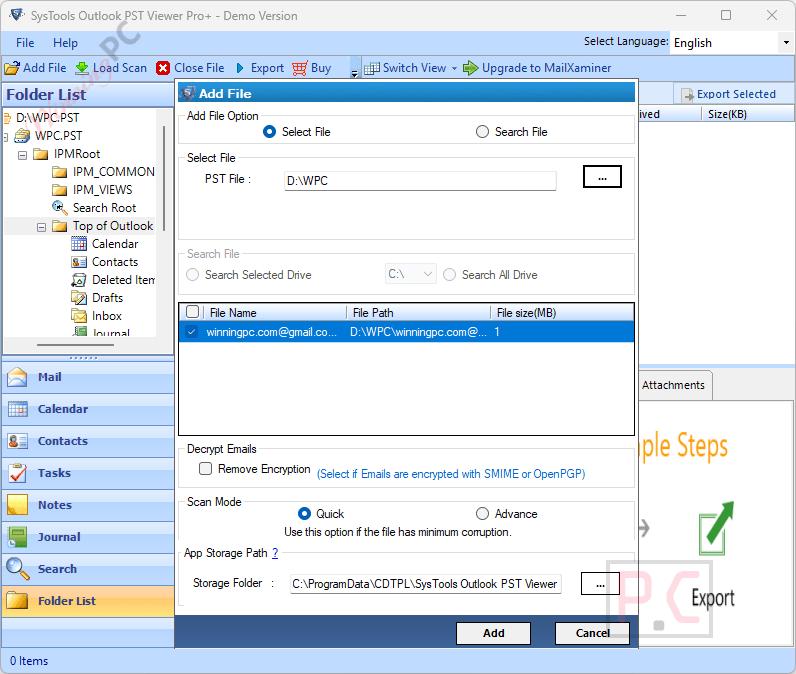
- Dual scanning modes (Quick and Advance) to process both healthy and damaged files.
- Direct printing for emails, calendars, contacts, journals, tasks, and notes.
- Advanced search options to locate specific emails, attachments, and calendar entries.
- Bulk date filter to isolate and export messages falling within a specific timeframe.
- Export capabilities for EML, EMLX, PDF, MSG, MBOX, PST, and CSV formats.
- Eight unique preview modes, including Normal, Hex, Property, MIME, and Message Header.
- File splitting option to break down large exported PST files up to 200GB by size.
- Selection of multiple items using standard keyboard shortcuts (Shift + Arrow keys).
Pros & Cons
More SysTools PST Viewer Pro Plus screenshots
Frequently Asked Questions
Are there any promo codes for SysTools PST Viewer Pro Plus?
Yes, if you are looking for valid coupons and promotional offers, WinningPC is the best place to check. We partner directly with developers to provide verified discounts alongside their official channels.
How do I get the lowest price right now?
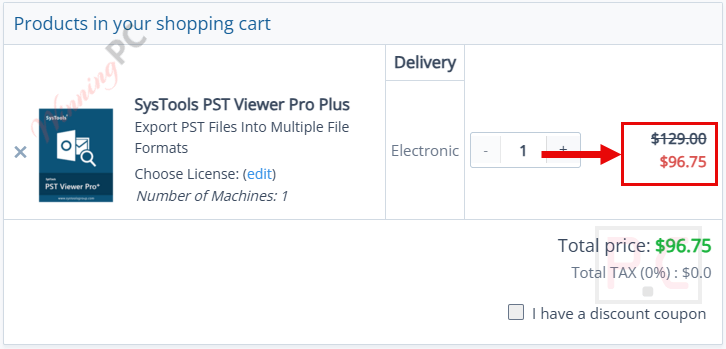
Currently, the best savings you can secure is a 25% OFF discount. You can grab this exclusive deal directly through the coupon box provided on WinningPC.
Does Microsoft Outlook need to be installed to open multiple files?
No, the software operates independently. You do not need to install or configure MS Outlook to view or export your data.
Can I use this software to recover a severely damaged data file?
Yes, the utility features an Advanced Scan mode specifically designed to restore and recover corrupted or damaged Outlook data without data loss.
How does the program handle email attachments when exporting to PDF?
It will not place attachments into a separate folder. Instead, it embeds the attachments into the corresponding email’s PDF file in their native format. You can access them by clicking the paperclip icon in the exported PDF.
Is it possible to search only for calendar events within my data?
Yes, you can utilize the Advance Search option to filter and locate specific data, including isolating just your calendar items.
My anti-virus is blocking the export process; what should I do?
If the export is being blocked, you should temporarily disable your anti-virus or add the software to your anti-virus settings’ whitelist to allow proper background access.
Why am I unable to create the output file in my chosen destination?
To ensure a successful migration, avoid setting your output destination to a NAS, SAN, Network, or Shared Drive. Both the source file and destination must be on the local migration machine.
Does the program support filtering emails by a specific time period?
Yes, it includes a Date Range filter. You can set specific “From” and “To” dates to export only the messages that fall strictly within that timeframe.
System Requirements & Details
| Feature | Specifications |
|---|---|
| Language Support | Multiple foreign languages on Application UI |
| Operating System | Windows 7, 8, 10, 11 (32/64 bit), Windows Server 2008 to 2022 |
| Processor | Intel Core 2 Duo CPU E4600 @ 2.40GHz or higher |
| RAM & Storage | 4 GB RAM recommended; 200 MB free hard disk space |
| Supported Input | ANSI & Unicode PST (Outlook 2000 to 2021) |
| Supported Output | PST, EML, EMLX, PDF, MBOX, MSG, CSV |





