Chris Bruner
Connection Explorer is a network monitoring tool that visualizes every connection your PC makes, showing you exactly where your applications are sending and receiving data. It allows you to monitor bandwidth usage, create custom alerts for suspicious network activity, and instantly block problematic processes from accessing the internet.
Stardock Connection Explorer - 1 Year Subscription
Up to 5 active installs | 1 year of support
You may also like:

📄 Licensing & Support Details
- License: 1 Year Subscription
- 1 year of support
- Up to 5 active installs
- Money-Back Guarantee: 30 Days
📝 How to apply
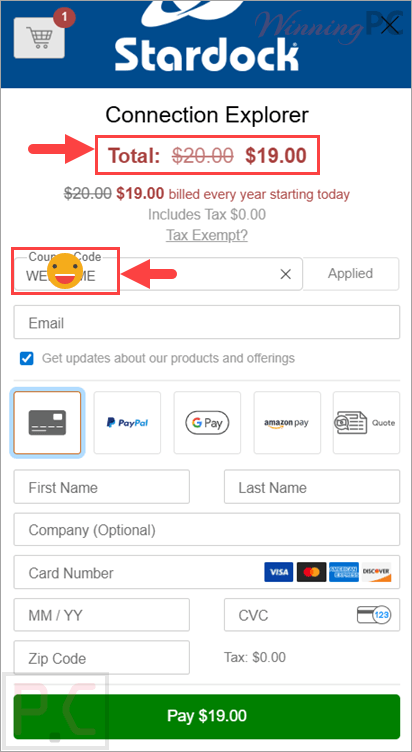
Click the ‘Copy Code’ button in the coupon box above. You will be redirected to the checkout page, where you can secure your discounted price.
Connection Explorer: In-Depth Review & Features
Key Features
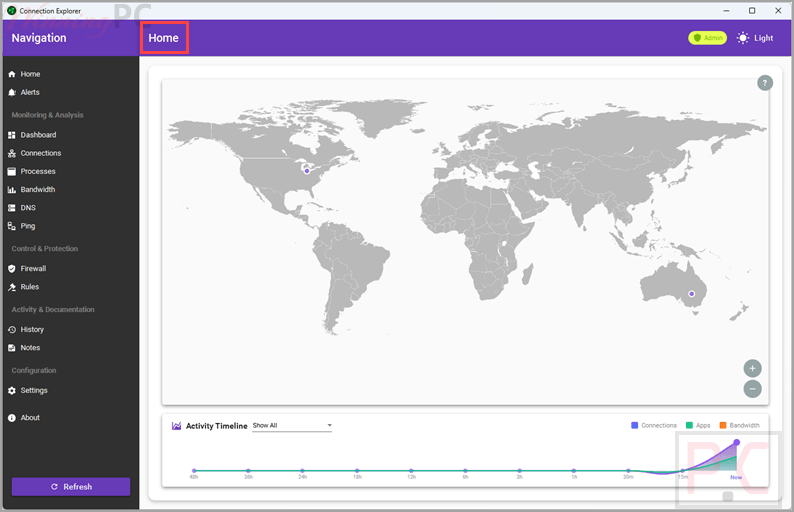
- Interactive Map: View active connections and their geographic locations, run traceroutes, and search for specific IP addresses.
- Smart Alerts: Create rules to receive notifications based on geographic locations (such as connections outside your home country) or specific port activities.
- Bandwidth Monitoring: Track the apps sending and receiving data, view upload and download activity, and identify the location of origin.
- Connection Sorting: Easily sort active connections to see exactly which applications and processes are reaching out to the Internet.
- One-Click Blocking: Stop any application or process from connecting to the Internet instantly.
- Research Notes: Add and export notes to DNS data or specific connections, using smart logic that automatically applies your notes to matching data points.
- Full History Log: Explore a complete log of your device’s connection data to identify normal trends and spot abnormal patterns.
Pros & Cons
More screenshots:
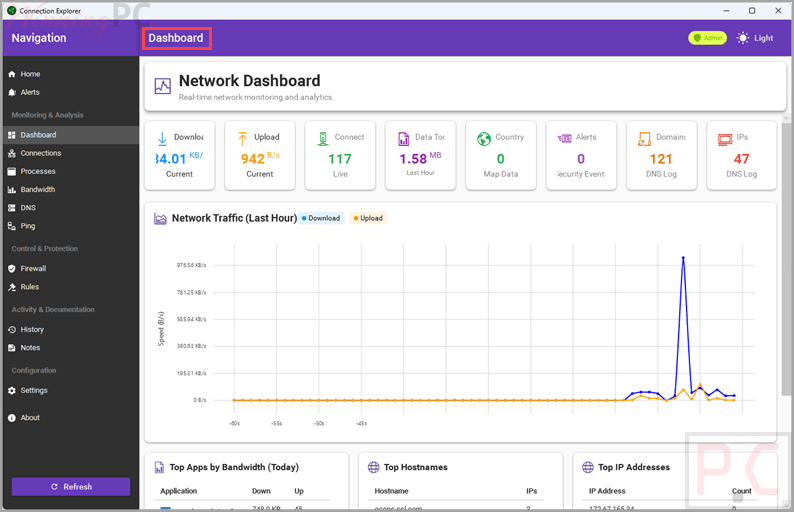
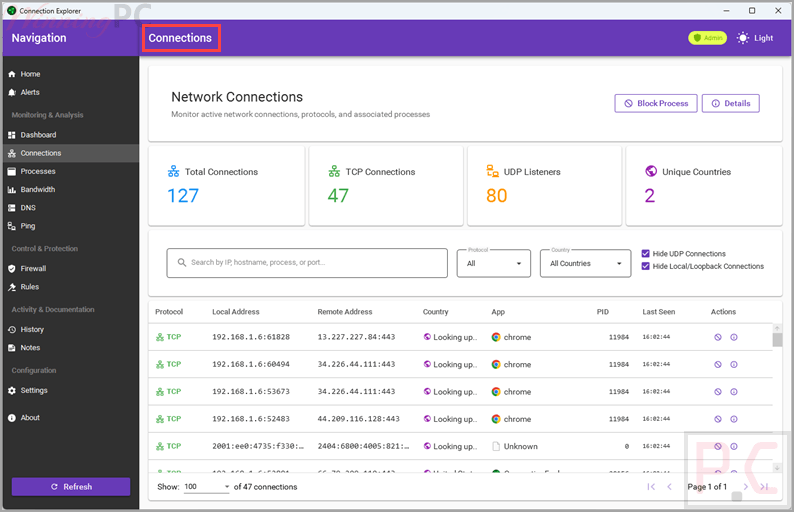
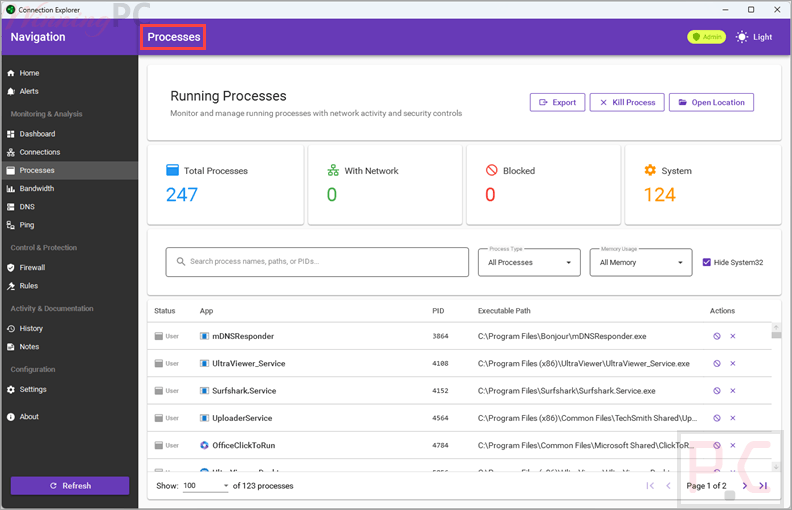
Frequently Asked Questions
Where can I find a coupon code or deal for Connection Explorer?
The latest and best deals can be found on WinningPC, alongside the official software website or the developer’s social media channels.
Can I block a specific application from accessing the Internet?
Yes, you can easily block any problematic process or application from connecting to the Internet with a single click.
Will Connection Explorer alert me if my PC connects to a foreign country?
Yes, you can establish a “home country” and create custom rules that will alert you anytime a connection is made outside of that defined area.
Does the software save a log of my past network activity?
Yes, the history view keeps a full log of the connection data your device creates, allowing you to search past activities and spot trends.
What is the best price currently available for Connection Explorer?
The best current price discount is $19 for a 1 Year Subscription, available directly on WinningPC.
System Requirements & Details
| Feature | Specifications |
|---|---|
| Language Support | English, French, German, Japanese, Korean, Portuguese-Brazil, Simplified Chinese, Spanish, Russian, and Traditional Chinese. |
| Operating System | Windows 11. |