
On this page
Nero BackItUp 2026 Giveaway
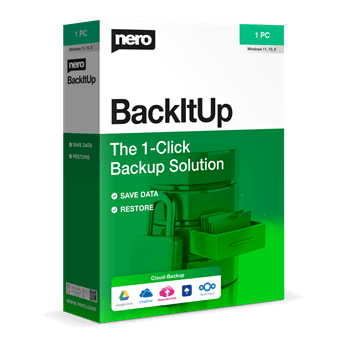
Nero BackItUp 2026
Creates your backup quickly and easily to an external hard drive, optical media or the cloud.
- Product
- Nero BackItUp 2026
- Product website
- nero.com
- License
- 1-Year
- Platform
- Windows 11/10/8.1/8/7 SP1 (32/64-bit)
- Updates
- Free updates for 1 year
- Support
- No free support included
- Updated
- 2026-09-04
Continue on apps.microsoft.com
Share to reveal the official giveaway page, then register there to receive your license.
The limited-time giveaway!
The free license is no longer available.
Nero BackItUp Discount & Coupon Code
You may also like

Nero Platinum Suite 2026 - 1 Year
1 PC - 1 year license | Updates & upgrades included with automatic renewal
Nero Platinum Suite 2026 + 3 Free Gifts!
3 Free Gifts includes: Steganos Data Safe, Abelssoft Easy PDF, 3D Chess.
How to Get the Nero BackItUp 2026 License Key for Free
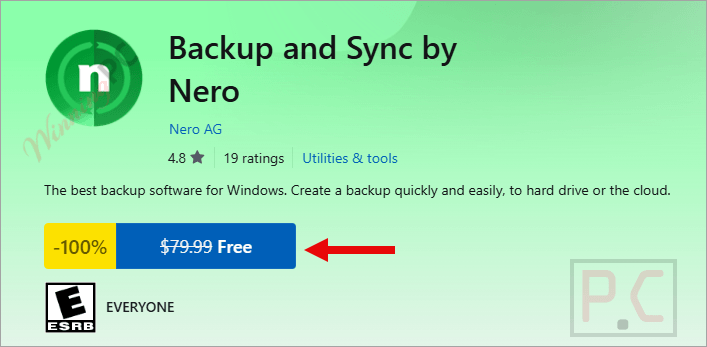
- Click the giveaway link above to go to the official Nero BackItUp 2026 giveaway page, then click Free.
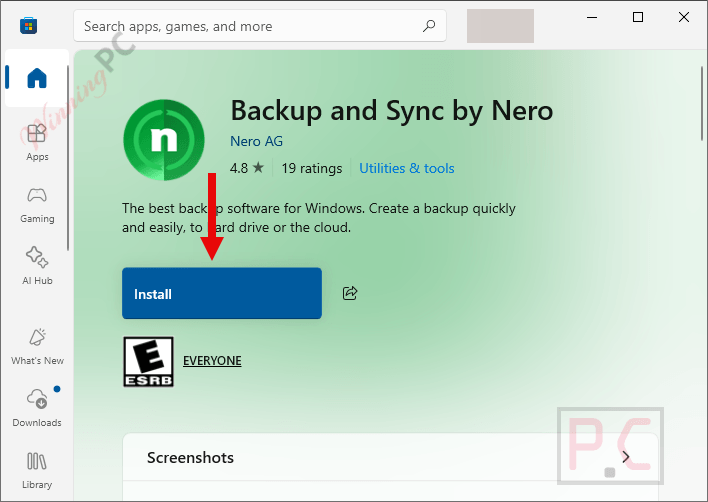
- Open the Microsoft Store when prompted and click Installer to download the Nero BackItUp 2026 setup file. You’ll need to be signed into your Microsoft account.
- Run the installer and complete the setup on your Windows PC.
- Launch Nero BackItUp 2026 – your 1-year license activates automatically through your Microsoft Store account. No separate activation code needed.
Is this Nero BackItUp 2026 giveaway safe to use?
Yes – this is a fully legitimate promotion from Nero AG, and the delivery method adds an extra layer of reassurance that most software giveaways don’t have.
No crack or keygen
The app installs directly from the Microsoft Store using Nero’s official build. Nothing is patched, repackaged, or modified.
Official publisher giveaway
Nero AG authorizes this promotion directly. You’re getting a genuine 1-year license, not a grey-market key scraped from somewhere else.
Microsoft Store delivery
The installer passes through Microsoft’s own security vetting before it ever reaches your machine – that’s a meaningful trust layer on top of Nero’s own legitimacy.
30-day money-back on paid plans
If you decide to purchase instead, Nero covers it with a 30-day refund window. The giveaway key costs nothing, so there’s no financial risk either way.
What Nero BackItUp 2026 actually does well
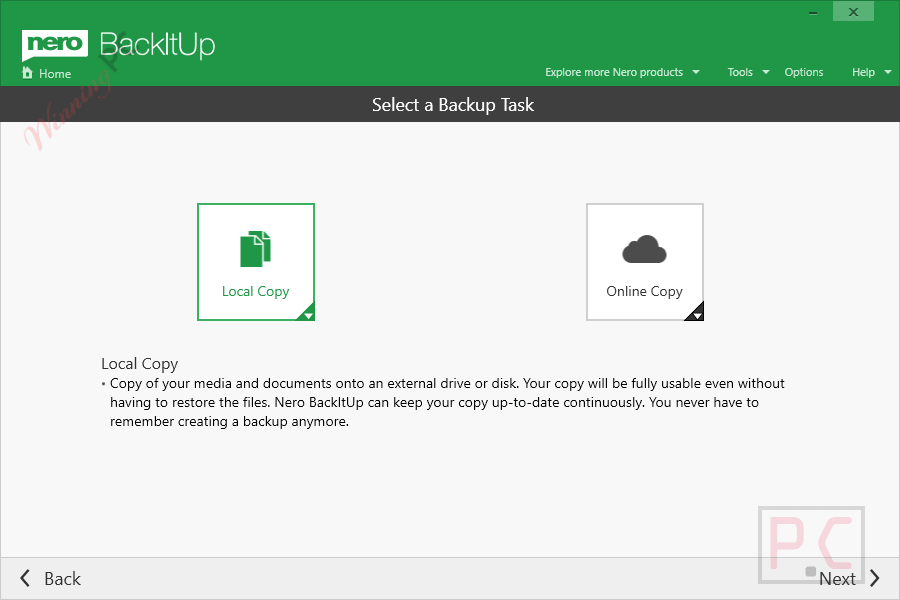
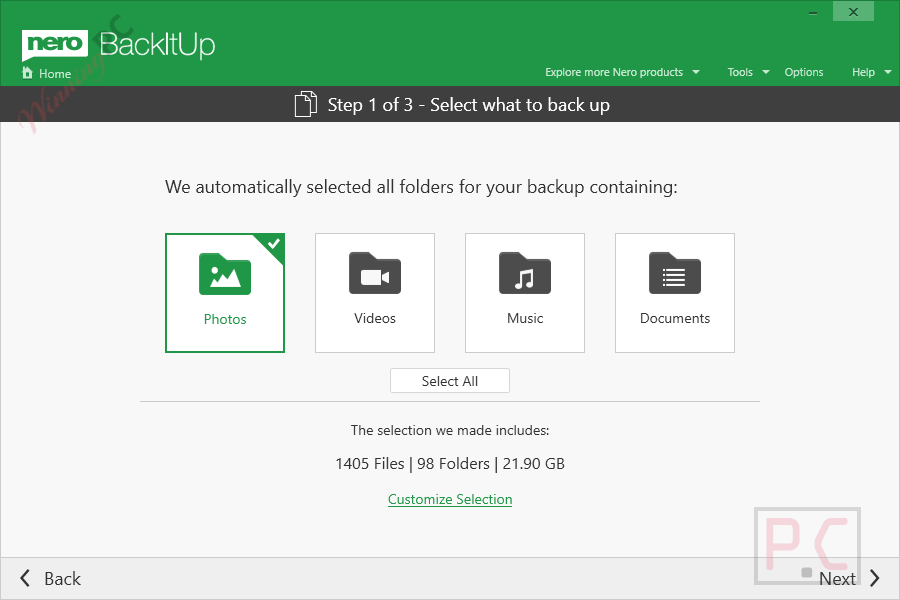
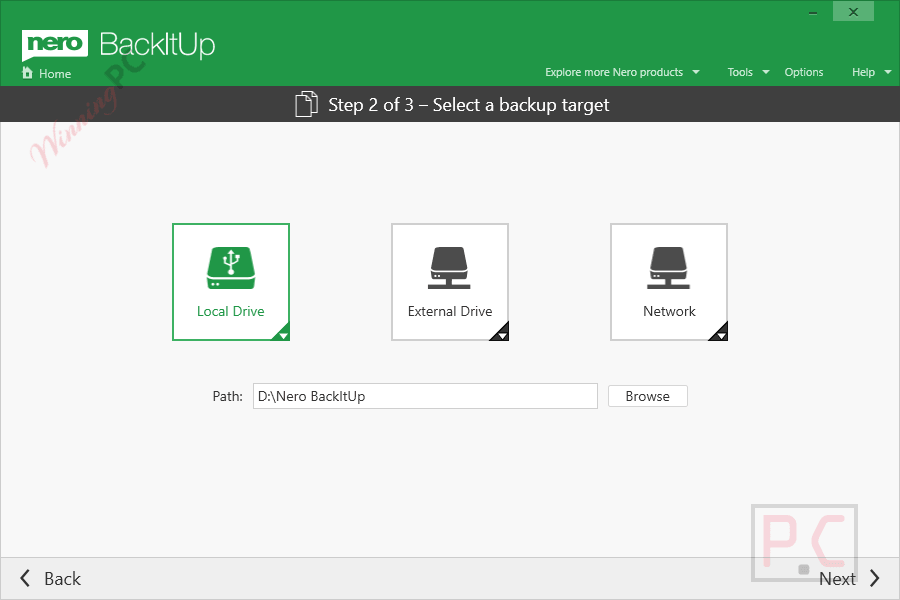
Nero BackItUp 2026 covers the backup destinations that matter to most Windows home users: local external drives, NAS, and the two dominant cloud platforms. What sets it apart from simpler tools is the combination of continuous backup mode and genuine version history. Continuous backup watches for file changes and saves them as they happen, so you’re not waiting for a scheduled job to protect work in progress.
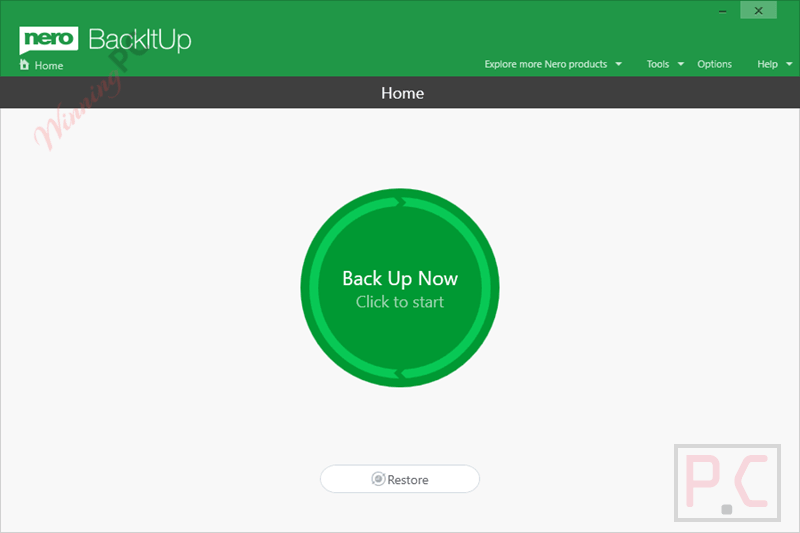
Version history goes a step further by keeping older copies of changed files rather than just the most recent one – useful if you need to roll back to something from last week, not just yesterday. AES 256-bit encryption is hardware-accelerated, which means it won’t noticeably slow down large backup jobs. The main limitation: cloud support covers only OneDrive and Google Drive, so if your offsite storage runs through Backblaze, Dropbox, or another provider, this tool won’t reach it.
Key features
- Automated scheduling: daily, weekly, monthly, or continuous backup as files change.
- Multiple destinations: external USB drives, additional hard disks, NAS, OneDrive, Google Drive.
- Version history: keeps multiple older versions of changed files, not just the latest copy.
- AES 256-bit hardware-accelerated encryption with password protection.
- Compression: reduces file size when storing backups to USB or external storage.
What we think
Screenshots
Nero BackItUp 2026 vs the alternatives
| Tool | Price | Key strength | Best for |
|---|---|---|---|
| Nero BackItUp 2026 | $47.96/yr with code | Version history + dual cloud targets | Home users wanting scheduled backup with encryption |
| AOMEI Backupper Professional | $25.97/yr with code | Disk imaging + cloning | Users who also want full drive image backups |
| EaseUS Todo Backup Home | $11.98/yr with code | Disk/system backup + cloning + broad cloud support | Users needing Dropbox or other cloud targets |
| Windows Backup (built-in) | Free | Already installed, zero setup | Basic file history with no extra software |
If you only need simple file history and you’re on Windows 10 or 11, the built-in Windows Backup covers the basics at no cost. Nero BackItUp earns its place when you want version management, encryption, and cloud backup in one place.
Frequently Asked Questions
Can I use this for business or commercial work?
No – the giveaway license covers personal, non-commercial use only. For business machines or professional use, you’d need to purchase the paid license and confirm its commercial-use terms with Nero.
Does Nero BackItUp 2026 work on Windows 11?
Yes. It supports Windows 11 (32/64-bit), and also runs on Windows 10, 8.1, 8, and 7 SP1.
Which cloud storage services does Nero BackItUp 2026 support?
Nero BackItUp 2026 supports Microsoft OneDrive and Google Drive for direct cloud backup and restore. Dropbox, Backblaze, and other cloud storage providers are not listed as direct backup destinations.
Is there a free version of Nero BackItUp available outside this giveaway?
There isn’t a standalone free version from Nero. Windows users with basic needs can use Windows’ built-in Backup and Restore (or File History on Windows 10/11) at no cost, though it’s more limited on version management and cloud options.
System Requirements & Details
| Field | Value |
|---|---|
| Operating system | Windows 11/10/8.1/8/7 SP1 (32/64-bit) |
| Processor | 2 GHz AMD or Intel processor (minimum) |
| RAM | 1 GB minimum |
| Storage | 1 GB hard drive space for installation |
| Optical drive | CD/DVD/Blu-ray with recording capability (for disc backup, optional) |
| Internet | Required for installation and for cloud backup (OneDrive, Google Drive) |
| Cloud accounts | Separate OneDrive or Google account required for cloud backup |
| Microsoft account | Required to install via Microsoft Store |
| Supported input formats | N/A – Nero BackItUp backs up files and folders, not a format converter |
| Supported output formats | N/A – backup destinations: local drive, external USB, NAS, OneDrive, Google Drive |




Far better off with ashampoo backup pro 26 lifetime license giveaway or bought newer version and supports far more cloud providers than just the big two and is not bloatware like nero software installing lots of other ancillary programs to create their own control environment.