Proton Drive Coupons & Pricing
Proton Drive
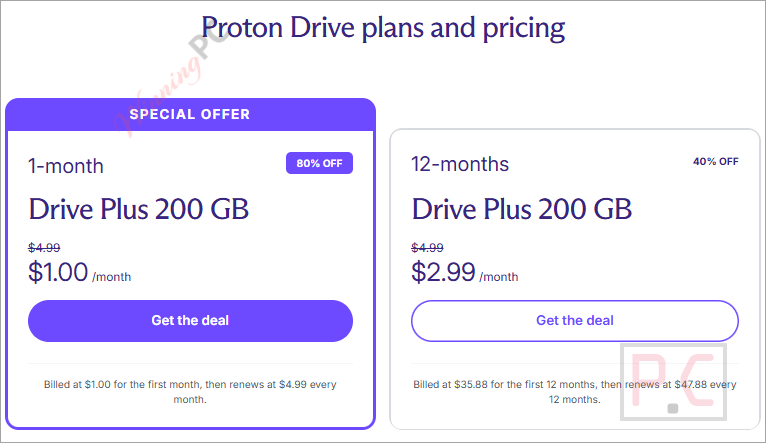
2 plans · best save 80%
1 month - Drive Plus 200 GB ★ Best Deal
200 GB storage | 10-year file version history
12 months - Drive Plus 200 GB
200 GB storage | 10-year file version history
Proton Unlimited
3 plans · best save 92%
1-month ★ Best Deal
500 GB storage, Proton Mail, Proton Calendar, Proton Drive, Proton VPN, Proton Pass, Proton Wallet
12-month
500 GB storage, Proton Mail, Proton Calendar, Proton Drive, Proton VPN, Proton Pass, Proton Wallet
24-month
500 GB storage, Proton Mail, Proton Calendar, Proton Drive, Proton VPN, Proton Pass, Proton Wallet
How to Use the Proton Drive Coupon Code
- Open the Proton Drive pricing page through our link and select the Drive Plus 200 GB plan with your preferred billing period.
- The coupon code is applied automatically. Make sure the total shows $1.00 (monthly) or $35.88 (yearly) before making a payment.
- Sign in to your Proton account or create a new one. Complete the payment. Your Drive Plus storage will be linked to your Proton account and accessible through the web, desktop, and mobile apps.
Is this Proton Drive coupon legit?
Yes. Both codes are redeemed on Proton’s own checkout, so you end up with a normal Proton subscription, not a resold or shared account.
Official Proton checkout
The discount applies on proton.me itself, not through a reseller, key shop or gift-card site.
Your account, nobody else’s
The plan attaches to your own Proton login. No shared credentials, no “family slot” bought from a stranger.
Secure HTTPS checkout
Payment is processed on Proton’s encrypted store. Your card details never pass through WinningPC.
30-day money-back guarantee
If Drive Plus doesn’t suit the way you work, you can ask Proton for a refund within 30 days.
How well does Proton Drive actually work?
Proton Drive’s headline feature is that encryption happens on your device before anything uploads, and it covers the metadata too: file names, folder structure, sizes and modification dates. That last part matters more than it sounds. Plenty of “secure” services protect the contents but can still see that your folder is called “Tax returns 2026”. Proton can’t.
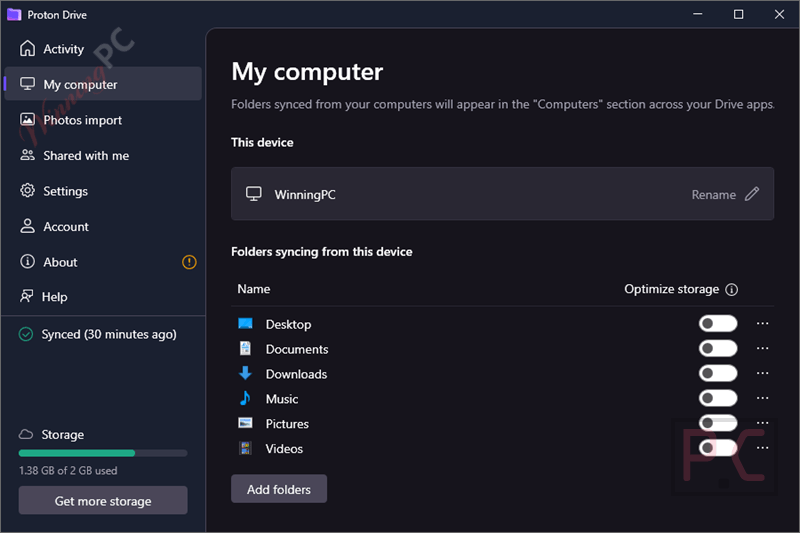
Large files get a smart treatment as well, split into 4 MB signed chunks so a big video uploads and rebuilds in the correct order, and you never handle a single encryption key yourself. Where it falls short is platform coverage. Windows (including ARM laptops) and Mac have full desktop apps, but Linux users still rely on the web app and a command-line tool while a native client is in development. And 200 GB is a one-person amount of space; anyone backing up 4K video will hit it.
Key features
- Zero-access encryption on files and metadata. Not even Proton can open your files or read their names, and recipients of a shared link never see your IP address.
- Version history you can actually use. Drive Plus keeps up to 200 versions of a file going back 10 years, versus 10 versions over 7 days on the free tier.
- Sharing with real controls. Add a password, set an expiry date, see how many times a file was downloaded, and revoke access in one click. The person you share with doesn’t need a Proton account.
- Automatic photo backup in original quality from the iOS and Android apps, with private albums for organizing trips and family events.
- Proton Docs and Sheets built in, so you can write and edit spreadsheets with others in real time without leaving the encrypted space.
What we think
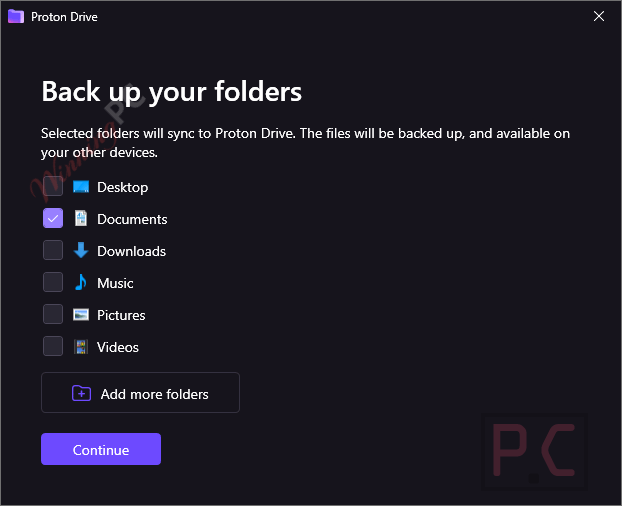
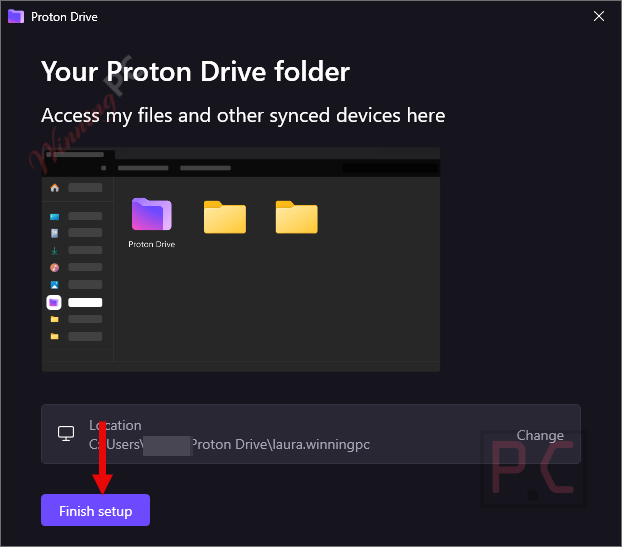
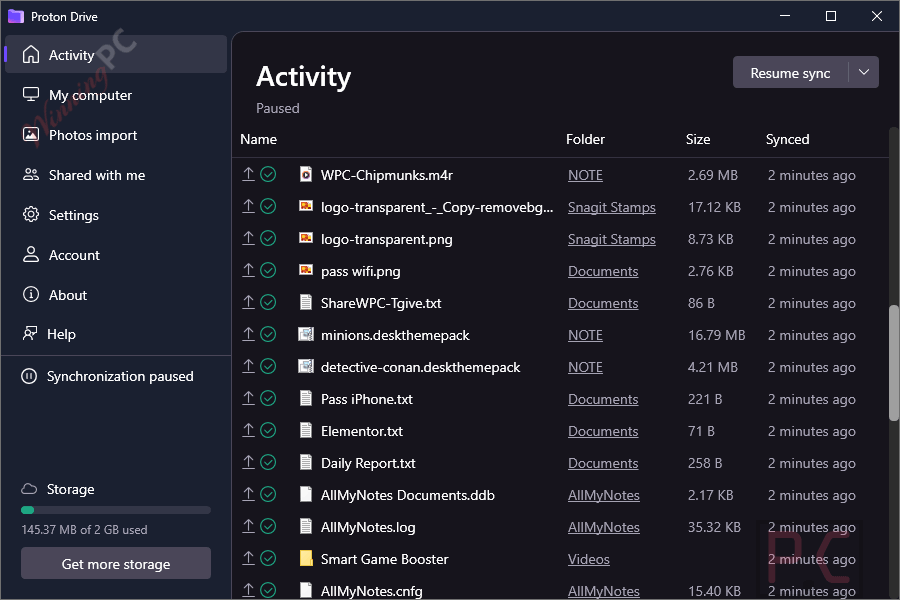
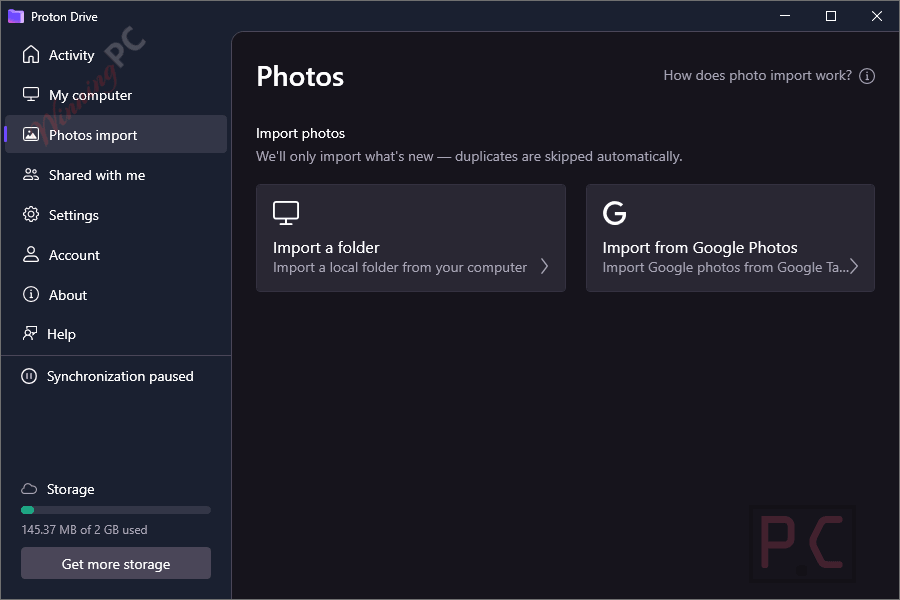
mpre Proton Drive Screenshots
Monthly or yearly: which Proton Drive deal costs less?
| Plan | Code | First payment | Cost over 12 months | Commitment | Best for |
|---|---|---|---|---|---|
| Drive Plus · 1 month | DRIVEP***TRO2024 | $1.00 | $55.89 ($1.00 + 11 × $4.99) | Cancel any month | Testing the apps before committing |
| Drive Plus · 12 months | DR***0OFF | $35.88 | $35.88 | Paid upfront for a year | Anyone already sure they’ll stay |
If you know you’ll keep it for a year, the yearly code saves $20.01 compared with staying on the monthly plan.
Proton Drive vs Other Cloud Storages
| Service | Price (approx.) | Storage | End-to-end encryption | Best for |
|---|---|---|---|---|
| Proton Drive Plus | $1 first month or $35.88 first year (with code) | 200 GB | Every file and its metadata, on by default | Privacy without touching a setting |
| pCloud Premium | $219/lifetime | 500 GB | Only inside the paid pCloud Encryption folder | Lifetime buyers who want more space |
| Drime Secure Cloud Storage | $120/lifetime | 2 TB and up | Only inside the encrypted Vault | Freelancers and small teams who want e-signatures and shared workspaces |
| Koofr | $160/lifetime | 10 GB to 10 TB | Only inside the Vault folder | Linux users and anyone juggling Dropbox, Google Drive and OneDrive in one place |
Frequently Asked Questions
Can I use both Proton Drive coupon codes together?
No. Each code is tied to one plan: DRIVE***RO2024 for the 1-month plan, DRIV***OFF for the 12-month plan. Pick the billing period first, then apply its code.
What happens after the $1 month ends?
Your Drive Plus subscription renews at the regular $4.99 per month unless you cancel or change plans. If you already know you’ll keep it long term, the yearly plan with DRI***0OFF is cheaper over 12 months ($35.88 versus $55.89). Either way, the 30-day money-back guarantee applies to the first payment.
Is there a free version of Proton Drive?
Yes, every Proton account gets 5 GB of free encrypted storage with no file size limit. The free tier keeps 10 file versions for 7 days; Drive Plus raises that to 200 versions over 10 years.
Can Proton see what I store?
No. Files are encrypted on your device before upload, and that includes names, folder structure, sizes and modification dates. The apps are open source and have been audited by Securitum, so the claim can be checked by outside experts.
Is Proton Drive better than pCloud?
For privacy, yes: Proton encrypts everything end-to-end by default, while pCloud only does it inside a separate paid Encryption folder. For space and price, pCloud wins, with 500 GB on Premium, a lifetime option and a native Linux app. Pick based on which of those you care about more.
Can I share files with someone who doesn’t use Proton?
Yes. Create a sharing link, add a password and expiry date if you like, and send it by email or text. The recipient doesn’t need an account, and they never see your IP address.
System Requirements & Details
| Web | Any modern browser |
| Windows | Desktop app, including Windows 11/10 (x64), Windows 11 (ARM64) |
| Mac | Desktop app |
| iPhone / iPad | iOS 16.0 or later / iPadOS 16.0 or later |
| Apple Vision | visionOS 1.0 or later |
| Android | Android 10 and up |
| Storage | 5 GB free · 200 GB with Drive Plus |
| File types and size | Any file type, no file size limit |
| Other requirements | A Proton account and an internet connection (files can be viewed offline in the mobile apps) |