On this page
GetMyDrivers Coupons & Pricing

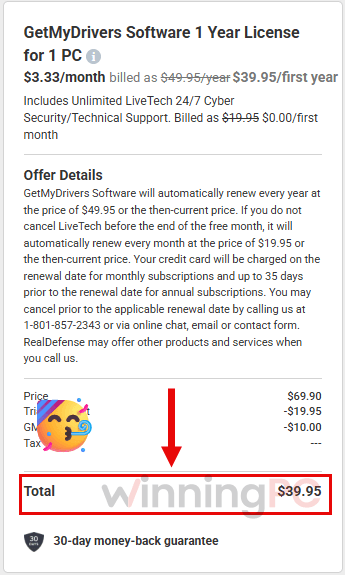
GetMyDrivers - 1 Year License for 1 PC
Includes Unlimited LiveTech 24/7 Cyber
Is GetMyDrivers safe to install?
It’s legitimate paid software, not malware, but go in knowing a couple of things.
Official source, genuine license
You buy and download from getmydrivers.com and activate with your own email and license key. No cracked builds, no resold keys.
Malwarebytes labels it a PUP
Malwarebytes detects it as “PUP.Optional.GetMyDrivers”, a potentially-unwanted-program tag it gives many driver updaters because the category has a history of overstating scan results. It isn’t a virus warning, but it’s a fair reminder to judge the scan list yourself.
It starts with Windows by default
GetMyDrivers launches at startup and runs a scan. If that bothers you, untick “Launch at Windows startup and start a driver scan” under Settings > General.
You can undo changes and your money
Backups let you roll a driver back, and paid plans carry a 30-day money-back guarantee.
How to Use the GetMyDrivers Coupon Code
Open the GetMyDrivers homepage using the link provided on this page.
Scroll down and select “How to Update Drivers.” Then, click “Start Now” to purchase the software at a discounted price.
GetMyDrivers Review & Features
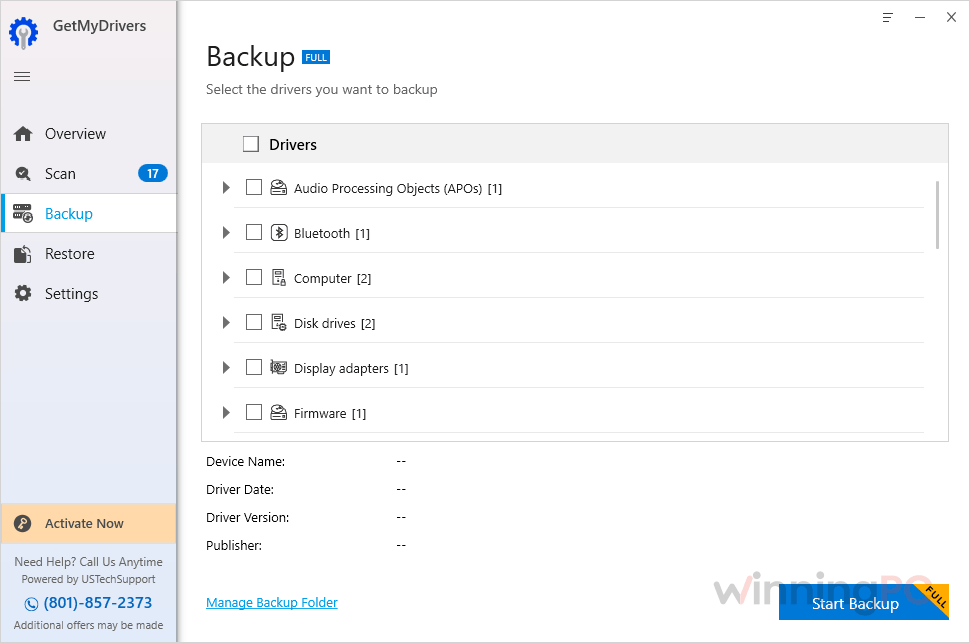
GetMyDrivers keeps the job about as simple as it gets: scan, look at the list, hit Update All. The part genuinely worth paying for is the safety net. It can back up your drivers, and the Restore tab rolls back one specific device instead of undoing everything, which matters because a new driver occasionally breaks the very hardware it was meant to fix (the vendor’s own help pages cover exactly that scenario).
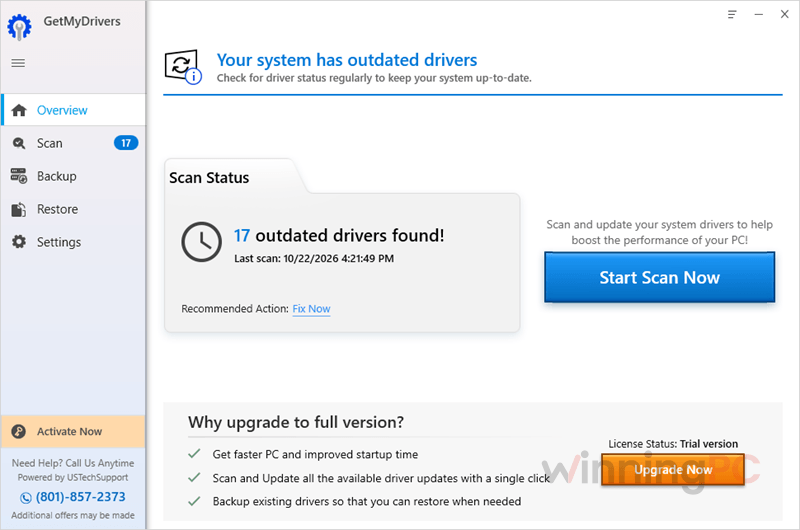
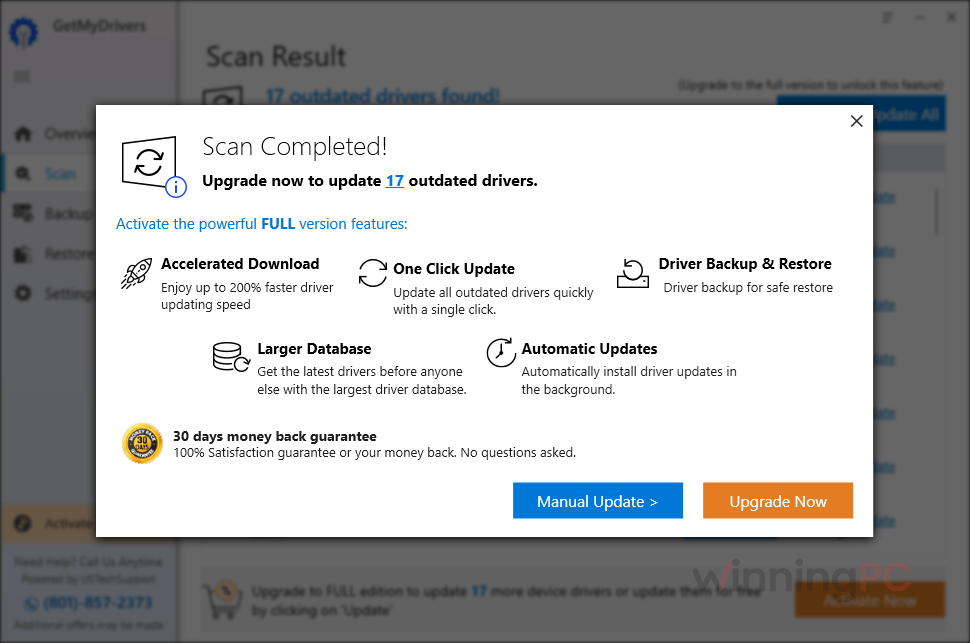
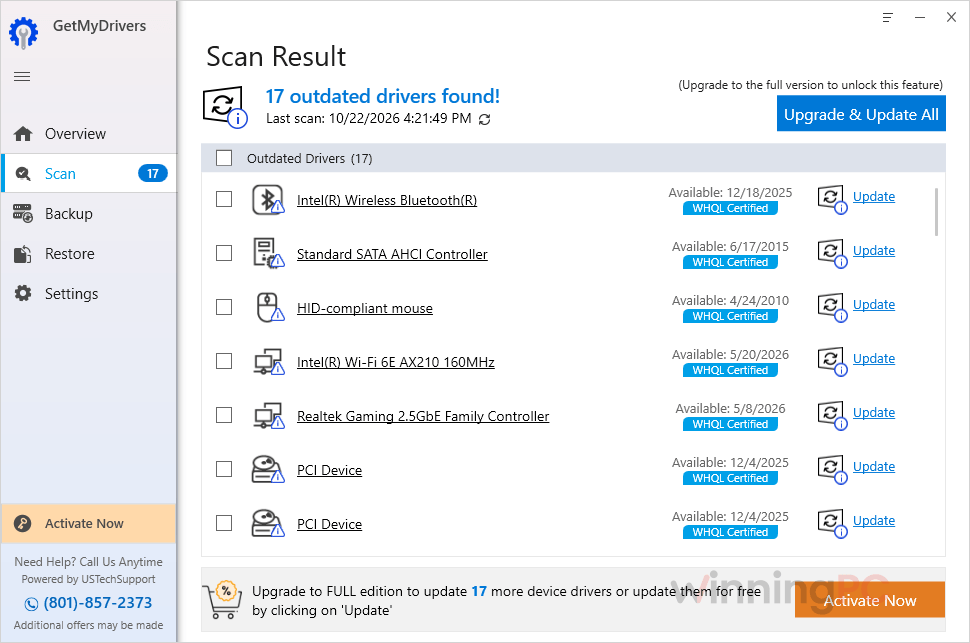
The Ignore option is the other quietly useful touch. If a scan keeps flagging a driver you deliberately kept on an older version, you can drop it from future results. The weak spot is the free download. It only scans, so the results screen doubles as a sales pitch, and like any driver updater it deserves a bit of skepticism before you assume your PC is in trouble.
Key features
- Update All in one click: once registered, it installs every newer driver it finds in a single pass instead of one device at a time.
- Full or selective driver backups: save everything, or just the drivers you’re about to touch, before making changes.
- Per-device rollback: load a dated backup from the Restore tab and restore only the device that misbehaves.
- Exclusion list: click Ignore under any driver and it stops appearing in scans and won’t be updated.
- Startup scans you can switch off: it scans automatically when Windows starts, and one checkbox in Settings > General turns that off.
What we think
More GetMyDrivers Screenshots
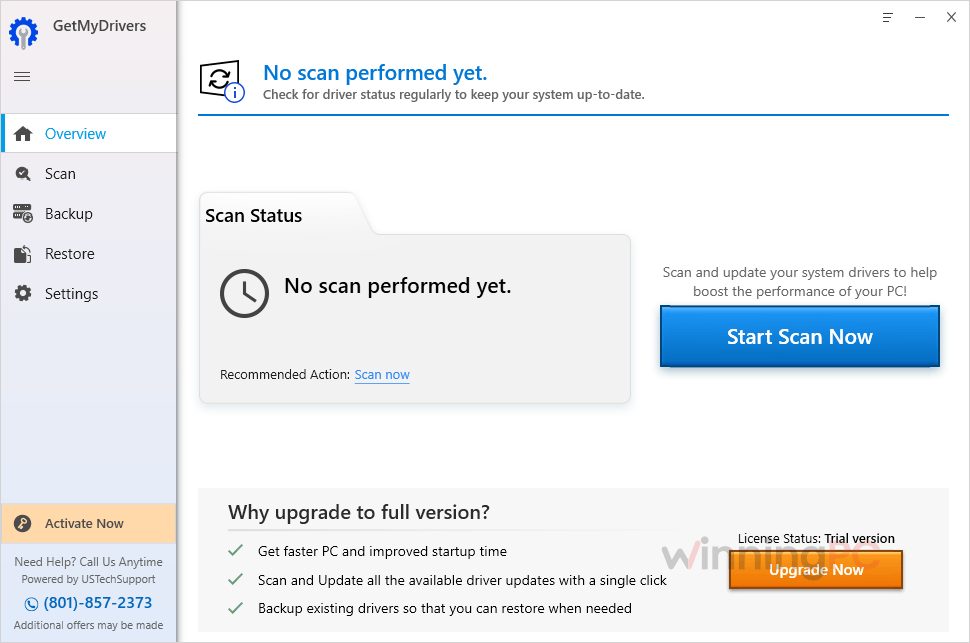
Is there a cheaper or free way to update drivers?
| Tool | Price | Covers | Best for |
|---|---|---|---|
| GetMyDrivers (with GMD2025) | $39.95 first year, then $49.95/year | 1 PC | One-click updates with easy per-device rollback |
| IObit Driver Booster Pro | $11.96/yr/PC | Up to 3 PCs | Households with several PCs, gamers |
| Driver Easy Pro | $23.96/yr/PC | Up to 100 PCs | Finding a network driver on a PC with no internet |
| Windows Update (optional driver updates) | Free | Built into Windows | Most people; drivers are vetted by Microsoft |
| NVIDIA app / AMD Software / Intel Driver & Support Assistant | Free | That maker’s own hardware | Graphics cards, Intel Wi-Fi and chipsets |
| Snappy Driver Installer Origin | Free, open-source | Offline driver packs | Technicians and offline PCs |
Honest take: if your PC works fine and you only care about the graphics driver, Windows Update plus your GPU maker’s app covers it for free. GetMyDrivers earns its price when you want everything handled in one place with a reliable undo button.
Questions people ask about GetMyDrivers
Is GetMyDrivers free?
Only for scanning. The free download shows which drivers are outdated or missing, but updating them, including the Update All button, needs a paid license.
Does GetMyDrivers auto-renew, and how do I cancel?
Yes, and two things renew. The license renews every year at $49.95 (or the then-current price), with the charge landing up to 35 days before your renewal date. The LiveTech support month that comes free at checkout becomes $19.95 a month unless you cancel before that month ends. To cancel either, call 1-801-857-2343 or use RealDefense’s online chat, email or contact form. If you phone, expect an offer for other products; you can simply decline.
Can I get a refund?
Yes. Paid GetMyDrivers plans come with a 30-day money-back guarantee.
How many PCs can I use one license on?
One. The discounted plan is the 1 Year License for 1 PC, so a second computer needs its own license.
A device stopped working after an update. How do I roll it back?
Open GetMyDrivers, go to the Restore tab, pick the backup from the right date and click Load Backup. Tick the device you want to fix and click Restore, and the previous driver goes back in.
Why does it say “Check your internet connection” when my internet works?
Your firewall or antivirus is usually blocking it. Add adu.exe to the allow list or exclusion list in your security software, then run the update again.
Does GetMyDrivers work on Windows 11?
Yes. It supports Windows 11, 10, 8/8.1, 7 and Vista, in both 32-bit and 64-bit versions.
System Requirements & Details
| Field | Value |
|---|---|
| Operating system | Windows 11, 10, 8/8.1, 7, Vista (32-bit & 64-bit) |
| Processor | Intel or AMD dual-core or higher |
| RAM | 2 GB |
| Disk space | 100 MB free |
| Graphics | Microsoft Windows-compatible video card |
| Other requirements | Internet connection, full administrator rights |
| Device types covered | Laptops, netbooks, tablets, printers, scanners, multifunction printers, hard drives, optical drives, wireless network cards, Bluetooth, monitors, video cards, audio cards |