On this page
DirEqual Coupons & Pricing
DirEqual
3 plansIs buying DirEqual through this page safe?
Yes. You’re buying straight from the developer’s own store through its authorized checkout.
Official build, no crack
You download DirEqual from naarakstudio.com and unlock it with a genuine license key. Nothing is patched or repackaged.
Authorized checkout
Payment runs through PayPro Global, the authorized reseller Naarak Studio uses for its store. Your card details never pass through WinningPC.
Try before you pay
The 14-day free trial lets you confirm it handles your folders before you spend anything.
A safety net for your files
With “Archive items” switched on, anything DirEqual deletes or overwrites goes to the Trash, so one wrong click during a sync can be undone.
How to Use the DirEqual Coupon Code
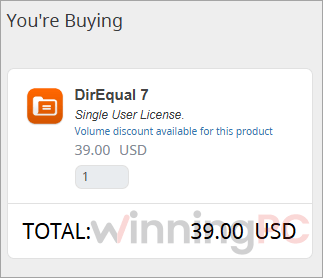
On the DirEqual Coupons & Pricing, select the plan you want to own then click on the “Get Deal” button.
You will be directlt to the checkout page and get the software at the best price
DirEqual Review & Features
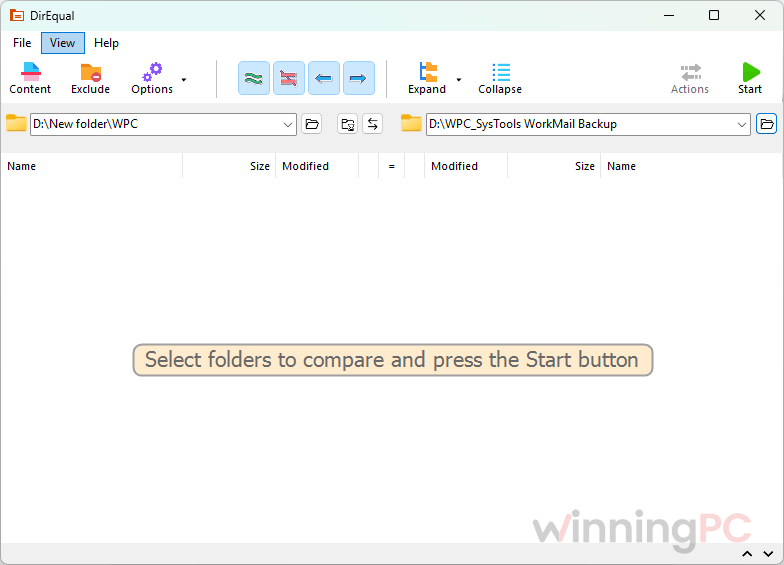
DirEqual‘s best idea is that nothing happens until you say so. You compare two folders, click the small dot between matching items to queue a copy or delete, and only the Execute button actually touches your files. For backups that’s exactly the right model, because one careless mirror sync can wipe out the wrong side. The “Compare file content” option is worth understanding too. It reads files byte by byte, but only pairs with the same name and size, and it stops at the first difference, so it gets a definite answer faster than tools that checksum every file in full.
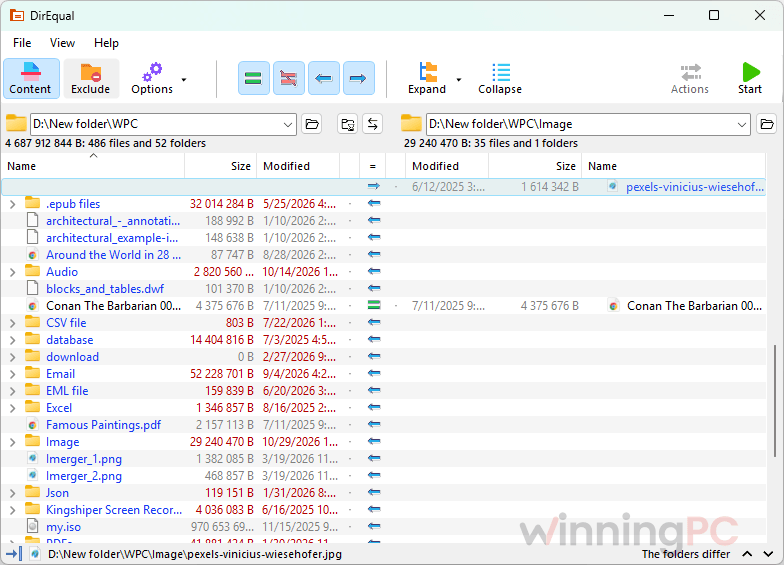
It still slows a big scan down, so leave it off when a quick date-and-size pass is enough. The catch is the modifier keys: Shift, Option and Shift+Command each change what a click does, and it took us a session or two before that felt natural. Snapshots are the sleeper feature. Save a folder’s state on one Mac, then compare it against a folder on another machine without the two ever being connected.
Key features
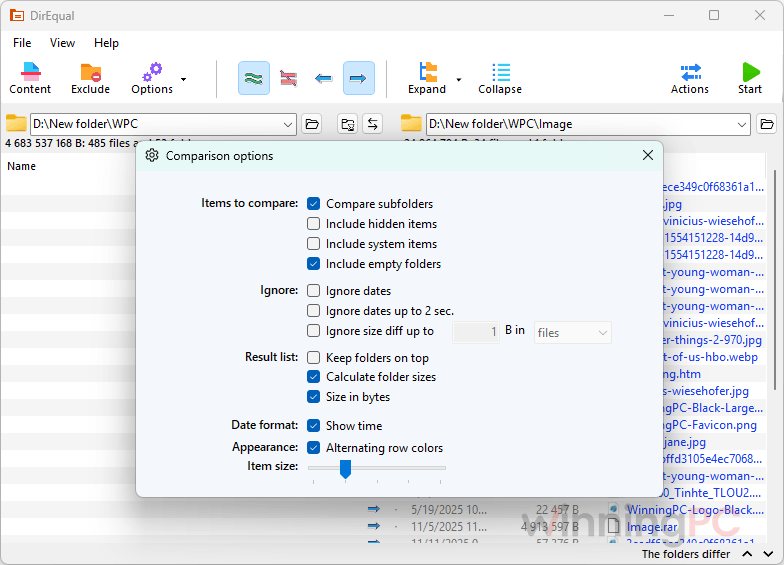
- Side-by-side expandable folder trees, with colours and icons showing whether a file differs in size, date or content, plus filters to ignore dates, tiny size gaps, 2-second timestamp drift or file extensions.
- File comparison for text (down to line, word and character level, with a minimap) and for binary files.
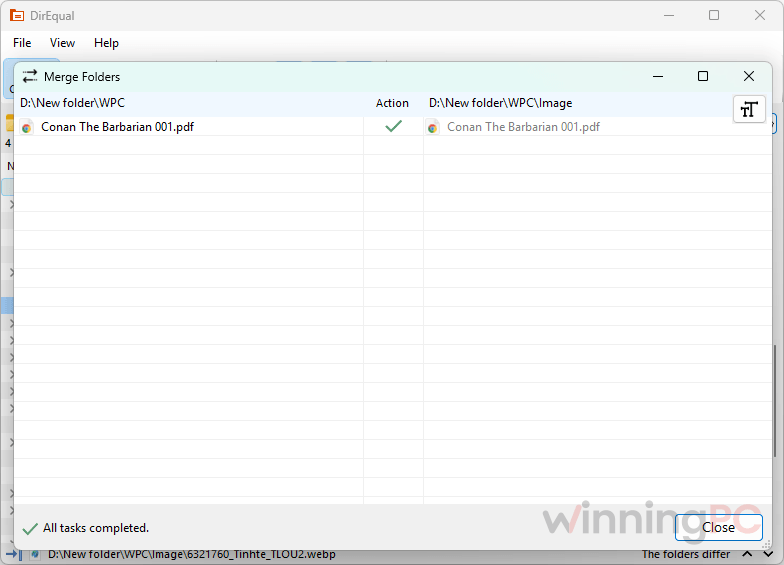
- Update sync (one-way or two-way) and Mirror sync, both previewed as an action list you approve before anything runs.
- Folder snapshots that record names, sizes, dates, tags and optional checksums, so you can track changes over time.
- Automation hooks: an AppleScript dictionary, Terminal launch with a –start flag, a “Compare with DirEqual” Finder service, and CSV export of results.
What we think
More DirEqual Screenshots
Which DirEqual Plan Should You Buy?
| License | Who it covers | Commercial use | Best for |
|---|---|---|---|
| Single User License | One person, up to 3 Macs in your household | 1 computer only | Home users, or a freelancer with one work Mac |
| Small Business License | 5 Macs in your company | Yes, 5 Macs | Small studios and teams |
| Site License | Every Mac in your company | Yes, all Macs | Offices and IT departments |
Need a seat or two more than your license covers? You can add extra seats during checkout instead of jumping a whole tier.
DirEqual vs Other Alternatives
| Tool | Price | Platforms | What it’s built for | Best for |
|---|---|---|---|---|
| DirEqual | $39 one-time (Single User License) | macOS (separate Windows edition) | Side-by-side folder comparison, then sync you approve item by item | Mac users checking backups and drives by eye |
| SmartSync Pro | $36.0/lifetime | Windows | Scheduled backup and sync to local drives, NAS, FTP and cloud | Set-and-forget backups on a PC |
| EaseUS EverySync | $11.98/lifetime | Windows | One-way and two-way sync, including FTP and cloud storage | Simple automatic sync on a budget |
| ASCOMP Synchredible Professional | $13.96/lifetime | Windows | Wizard-driven sync jobs for folders, USB and network drives | Home users who want a free starting point |
| 2BrightSparks SyncBackPro | $59.95/lifetime | Windows | Advanced backup with versioning, compression, encryption and scripting | Power users and businesses |
| FreeFileSync | Free, open source | Windows, macOS, Linux | Sync and mirror jobs | Anyone on a zero budget |
Honest take: the four paid rivals are Windows backup-and-sync tools, built to run jobs automatically in the background. If that’s what you want on a PC, SyncBackPro is the most capable and Synchredible costs nothing for home use. DirEqual plays a different game. It’s for Mac users who want to see every difference and approve it by hand before anything is copied or deleted. And if you only sync now and then on any platform, try free FreeFileSync first.
Frequently Asked Questions
Is DirEqual a one-time purchase?
Yes. The Single User License ($39), Small Business License ($129) and Site License ($499) are all one-time payments with no annual renewal fee.
How many Macs can I install a Single User License on?
Up to 3 Macs in your household for personal use. For commercial use, the same license covers one computer in your office, so a team should look at the Small Business License or add seats at checkout.
Does the Mac license also work with DirEqual for Windows?
Not as far as the official store shows. The license page only lists Mac licenses and Windows is a separate download, so check with Naarak Studio support before buying if you need it on a PC.
Can I try DirEqual before I buy?
Yes, every version includes a 14-day free trial.
Why does DirEqual show some files as 0 B?
It’s almost always a macOS permissions issue. Add DirEqual under Full Disk Access in your Mac’s Privacy & Security settings, or reset its permissions in Terminal with tccutil reset All com.naarak.DirEqual, then log out and back in.
Can DirEqual compare external and network drives?
Yes. It works with local folders, external drives, network locations and backup copies. You can even pair several folders on each side and compare them all in one pass, which helps when checking a whole drive against its backup.
Does DirEqual run on Apple Silicon and the latest macOS?
Yes. It’s a native build for both Intel and Apple Silicon Macs, and the developer lists it as fully compatible with macOS 27.
Is there a discount for schools or nonprofits?
Yes, 40%. Nonprofits, schools and universities can request it by contacting Naarak Studio. Whether it stacks with this deal isn’t stated, so ask when you get in touch.
System Requirements & Details
| Field | Value |
|---|---|
| Operating system | macOS 10.13 or later, fully compatible with macOS 27. Windows edition: Windows 7 or later, including Windows 11 |
| Processor | Mac: Intel and Apple Silicon (M-series). Windows: x32, x64 and ARM |
| RAM / disk | Not specified |
| Supported input formats | Any files and folders. Text files are compared at line, word and character level; binary files at byte level. Saved folder snapshots can also be opened for comparison |
| Supported output formats | Comparison results export to CSV; folder snapshots save as snapshot files |
| Other requirements | Full Disk Access permission on macOS for complete results. AppleScript and Terminal launch are optional |