On this page
AMS Interior Design 3D Coupons & Pricing
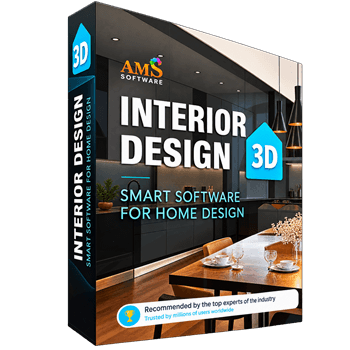
Interior Design 3D Standard
1 year license | FREE tech support & updates to future versions
Interior Design 3D Deluxe
1 year license | FREE tech support & updates to future versions
Interior Design 3D Gold
Lifetime license | FREE tech support & updates to future versions
How to Use the AMS Interior Design 3D Coupon Code
Optional but smart: grab the 5-day free trial from AMS Software first and make sure the program runs well on your PC.
Choose Standard, Deluxe or Gold, and click the AMS Interior Design 3D coupon link on this page.
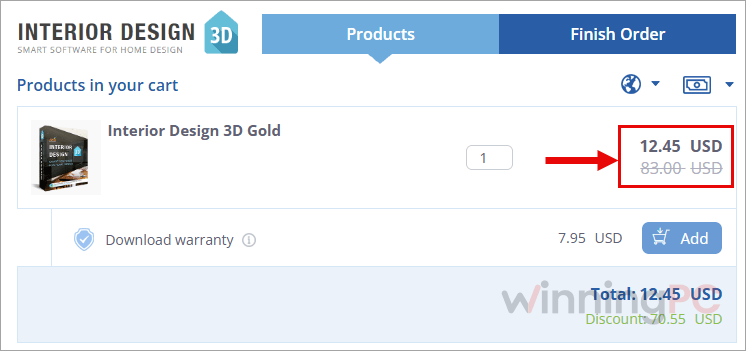
You land on the Interior Design 3D checkout with code AMS-***-WEB70 already applied. There’s nothing to paste.
Complete the payment. AMS delivers the license instantly.
Is this Interior Design 3D coupon legit?
Yes. The discount runs on AMS Software’s own checkout, and you get the same license as anyone paying full price.
Official publisher, official installer
You download the program from AMS Software and activate it with a genuine key. No crack, no keygen, nothing repackaged.
Card details never touch WinningPC
Payment goes through the publisher’s checkout and its payment partner. We only send you to the page.
Try it before paying
The 5-day free trial is the full program, so you can check compatibility first. That matters because of the next point.
The refund policy is narrow. Read it before you buy
AMS doesn’t offer a no-questions money-back guarantee. Refunds or exchanges apply in three cases only.
AMS Interior Design 3D Review & Features
AMS Interior Design 3D‘s real strength here is how little it asks of you. Draw a wall and the program works out lengths and floor area as you go, so you’re thinking about the layout rather than the maths. The feature that surprised us at this price is utility planning: you can lay plumbing, wiring, heating and drainage onto the same plan. That’s what turns a pretty mood board into something a contractor can actually use. The limits are just as clear. It’s Windows only, and it targets home projects rather than professional CAD. AMS’s own site doesn’t say what Gold adds over Standard, which makes the tier choice guesswork.
Key features
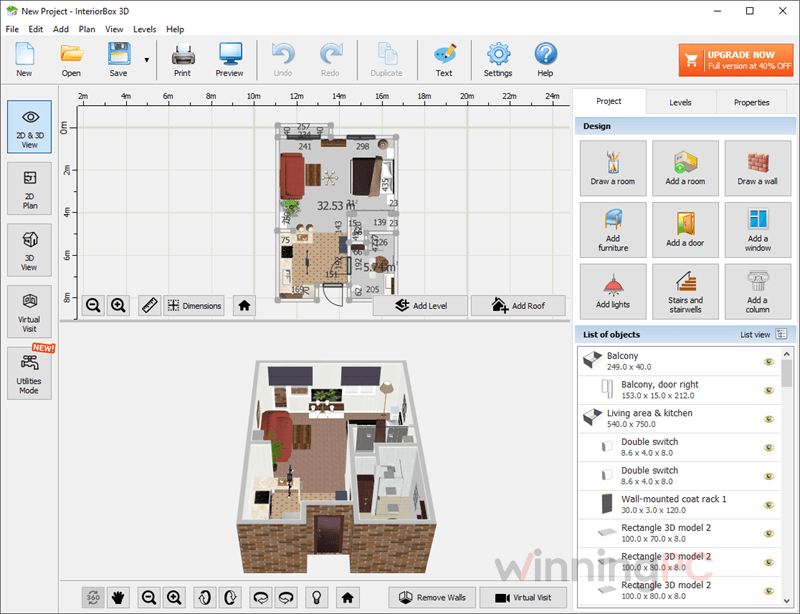
- Floor plans that measure themselves. Draw rooms or drop in a ready-made one, and dimensions appear in metric or imperial.
- Turn a paper sketch into a digital plan. Import a hand-drawn layout, set the scale and trace over it.
- 1,000+ furniture models and 1,700+ materials. Wallpaper, tile, parquet, laminate, carpet and stone, plus your own textures and FBX objects.
- Utilities and lighting on the plan. Map plumbing, electrical outlets, heating and light fixtures, then see the result in 3D instantly.
- Multi-story homes and a live walkthrough. Add stairs, attics and custom roofs, walk through the result in real time, then export JPG, PNG, PDF or DAE files for your builder.
What we think
More AMS Interior Design 3D Screenshots
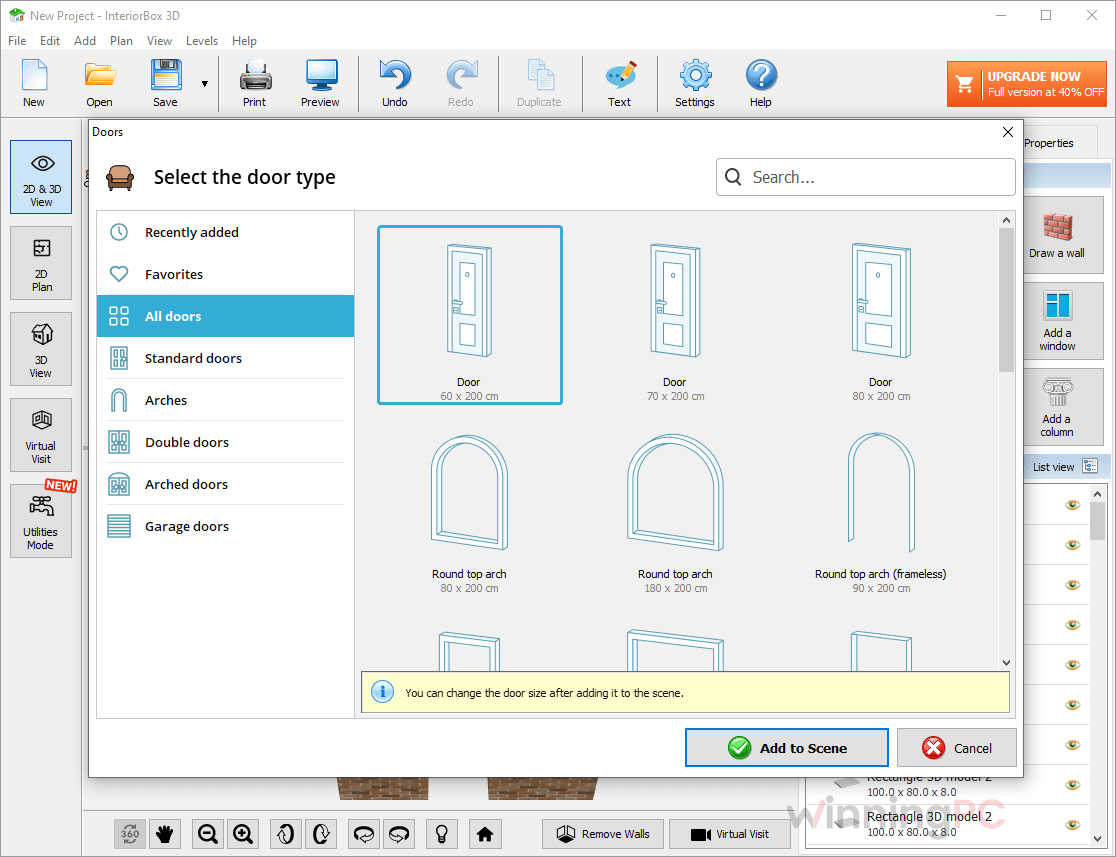
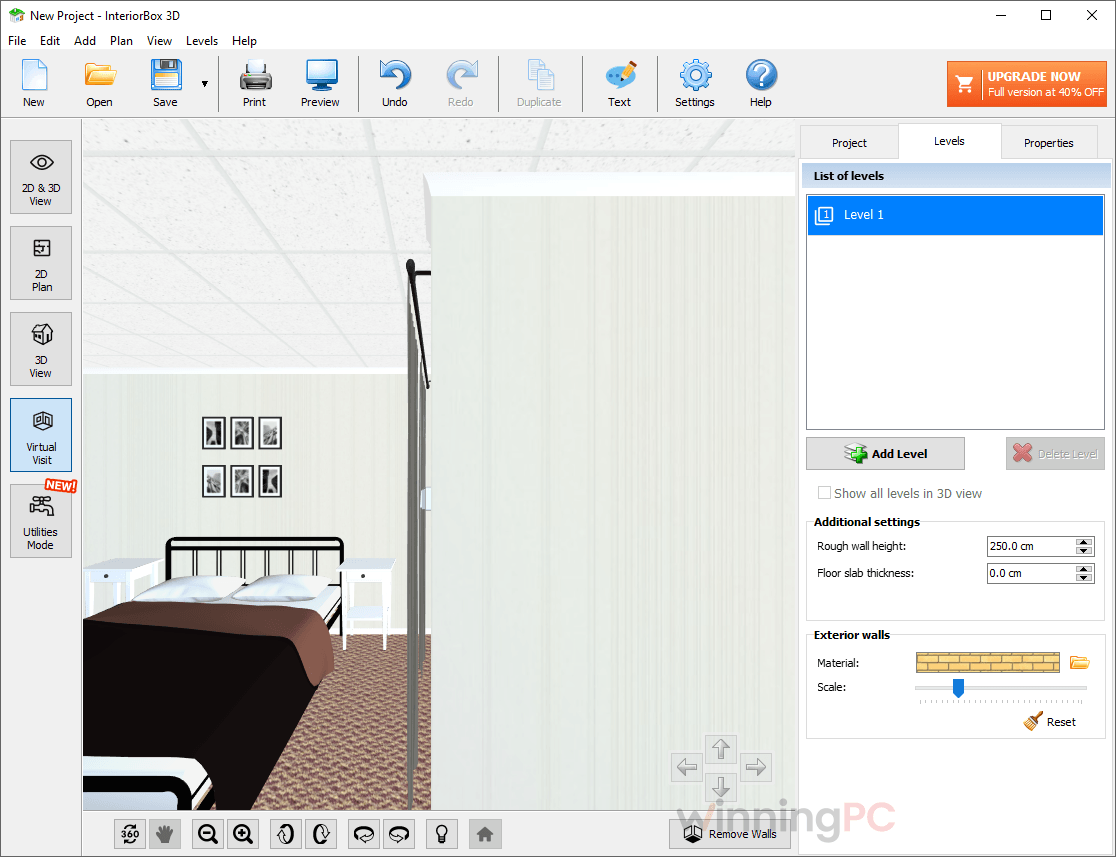
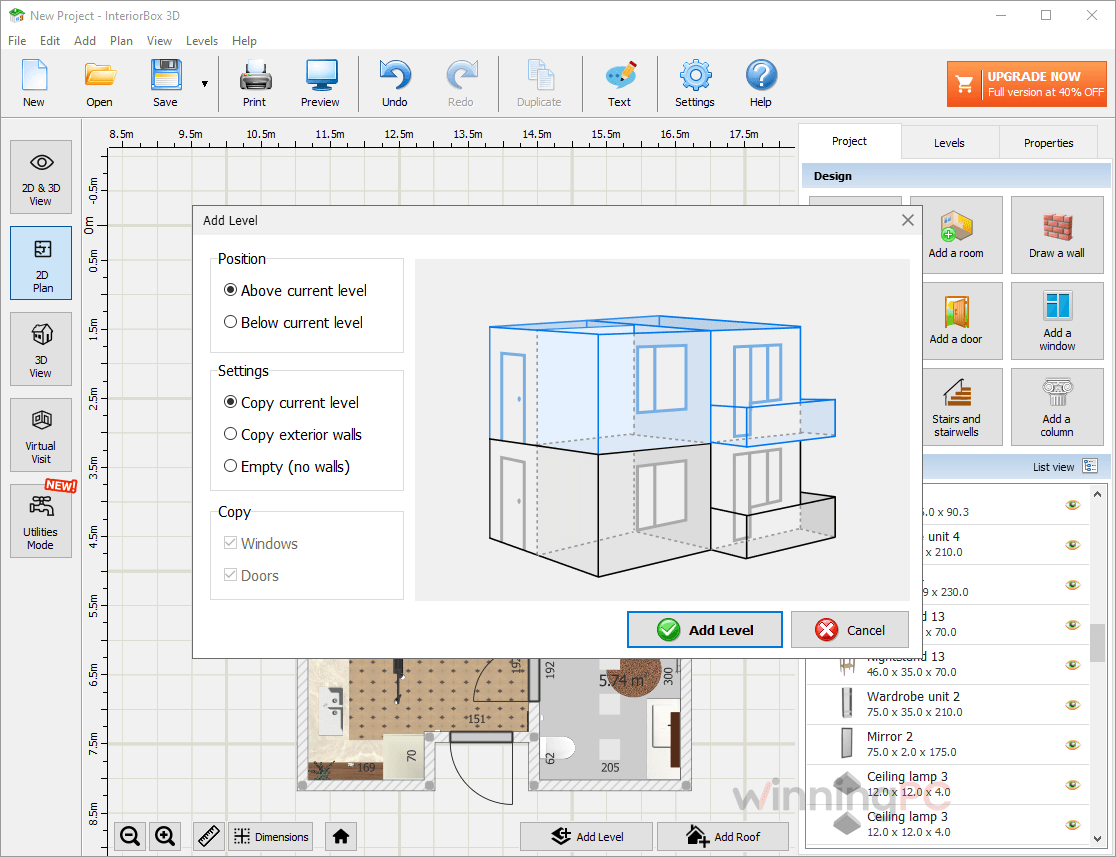
Interior Design 3D vs. Alternatives
| Tool | Price | Platforms | Learning curve | Best for |
|---|---|---|---|---|
| AMS Interior Design 3D | $12.45 (Gold)/yr | Windows 11/10/8/7 | Low | Homeowners who want floor plans plus plumbing and wiring layouts offline, even on an old PC |
| Homestyler | $202.30/yr | Web browser, iOS, Android | Low | Quick online room makeovers and shareable renders, if you’re happy with a subscription |
| Ashampoo 3D CAD Professional 11 | $31.99/lifetime | Windows 11/10 (no ARM) | Medium to high | Self-builders and small architecture jobs that need technical drawings, roofs and electrical plans |
| Sweet Home 3D | Free, open source | Windows, macOS, Linux | Low to medium | Anyone on a zero budget who can live with a plainer interface |
Honest take: Ashampoo is the more serious CAD tool, with proper technical drafting, but you pay for it in money and learning time. Homestyler costs nothing to start and looks great, but rendering and watermark removal sit behind a monthly plan, and you work online. Interior Design 3D sits in between: a one-off payment, offline, simple enough for a first-timer. And if you just need one room laid out, Sweet Home 3D does it for free.
Frequently Asked Questions
Is AMS Interior Design 3D the same as InteriorBox 3D?
Almost certainly, yes. AMS Software’s current product page uses the InteriorBox 3D name, but checkout still lists the plans as “Interior Design 3D Standard, Deluxe and Gold”. Same developer, same feature set.
Is it a one-time purchase or a subscription?
It’s a one-time license. AMS includes free tech support and free updates to future versions, so there’s no yearly renewal to cancel.
Does it work on Mac or in a web browser?
No. It’s Windows only (11, 10, 8 and 7).
Is there a free version?
No, but there’s a 5-day free trial of the full program. You need a paid license to keep using it after that.
Does the AMS Interior Design 3D coupon work on all three plans?
Yes. Our link applies AMS-***-WEB70 to Standard, Deluxe and Gold. The saving differs by plan: 77%, 80% and 91% respectively.
Can I send my plans to a contractor?
Yes. Export to PDF and you can put the 2D plan and the 3D model on the same sheet. That’s handy when a builder needs to see both the measurements and the finished look.
Is it good enough for client presentations?
For homeowners, students and real estate agents showing a space, yes: the virtual walkthrough lets you show rooms from any angle. Professional studios that need photorealistic renders will probably want a more advanced tool.
System Requirements & Details
| Operating system | Windows 11, 10, 8, 7 |
| Processor | 1 GHz or faster (Intel, AMD) |
| RAM | 256 MB or more |
| Disk space | 500 MB or more (installer is 54.9 MB) |
| Interface language | English |
| Supported input formats | FBX (custom 3D objects), JPEG and PNG (custom textures and materials), hand-drawn floor plan images (format not specified) |
| Supported output formats | JPG, PNG, PDF, DAE |
| Other | Not available for Mac or web browser |