On this page
ThunderSoft Giveaway
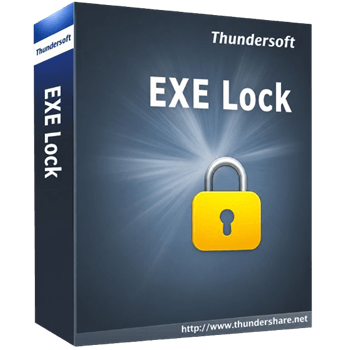
ThunderSoft EXE Lock
Lock specified Windows Apps with a password.
- Product
- ThunderSoft EXE Lock
- Website
- thundershare.net
- License
- Lifetime
- Platform
- Windows 11/10
- Usage
- Non-commercial only
- Updates
- No future upgrades
- Support
- No support
- Updated
- November 6, 2026
Get your unique code by email
License key delivered free to your inbox within minutes.
Protected by Cloudflare Turnstile · Email quality checked by Reoon
All codes have been claimed or the giveaway has closed.
How to Get the ThunderSoft EXE Lock License Key for Free
Enter your email address in the giveaway form on this page. Your free license code is sent to that address.
Click the giveaway download link to grab the ThunderSoft EXE Lock installer. Run the installer and finish setup on your Windows 11 or 10 PC.
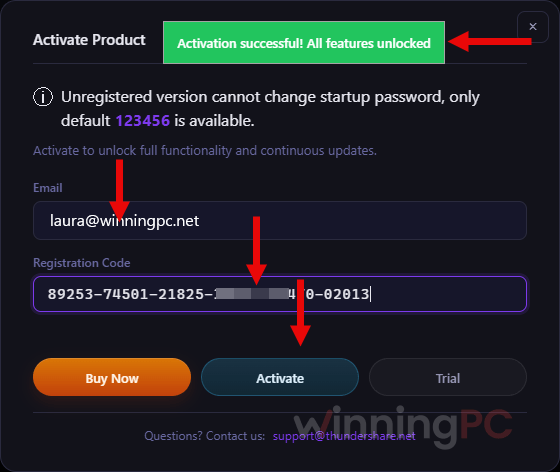
Launch the software and paste your free license code into the activation field and confirm.
That’s it, you’re activated. Now, set your password to use the software.
Top File/Folder Lock Software Coupon Code Nov 2026

QILING Safe Disk Standard
Lifetime license | Free updates & tech support


NewSoftwares Folder Lock
1-Year License | Unlimited Locker Size | Unlimited Share Users


Is this ThunderSoft EXE Lock giveaway safe and legit?
Yes. This is a genuine license from ThunderSoft’s own promotion, and you activate it inside the official installer.
No crack or keygen
You install ThunderSoft’s own build and activate it with a real license code. Nothing is patched or repackaged.
Official publisher license
The code comes from ThunderSoft for this giveaway, not from a reseller or a grey-market key site.
No card, no payment
You only hand over an email address. There’s no checkout and nothing to cancel later.
The catches are stated upfront
Non-commercial use only, no future upgrades, no support. Better to know that now than after you’ve set it up on a work PC.
How well does ThunderSoft EXE Lock work?
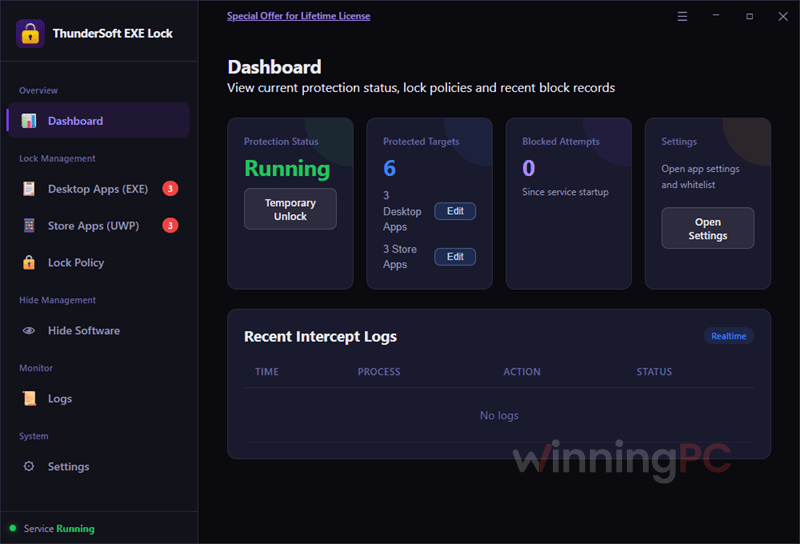
ThunderSoft EXE Lock does one job and keeps it simple. You pick an app, decide whether it should ask for a password or just refuse to open, and you’re done. The smartest design choice is that it never modifies the original EXE file. Some older lockers encrypt or wrap the program itself, so a failed unlock can leave you with a broken app. That risk isn’t here. The trade-off is worth knowing, though: EXE Lock controls launches rather than encrypting anything. It’s a good fit for keeping kids or casual users out of certain apps, but it isn’t a substitute for a separate Windows account if the person you’re worried about has admin rights.
Key features
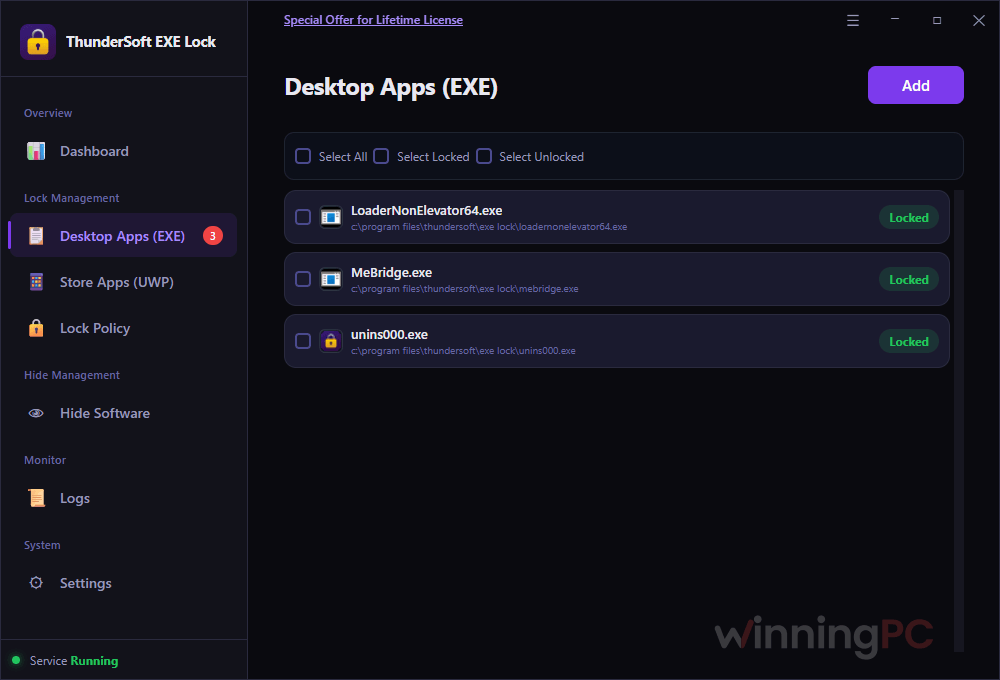
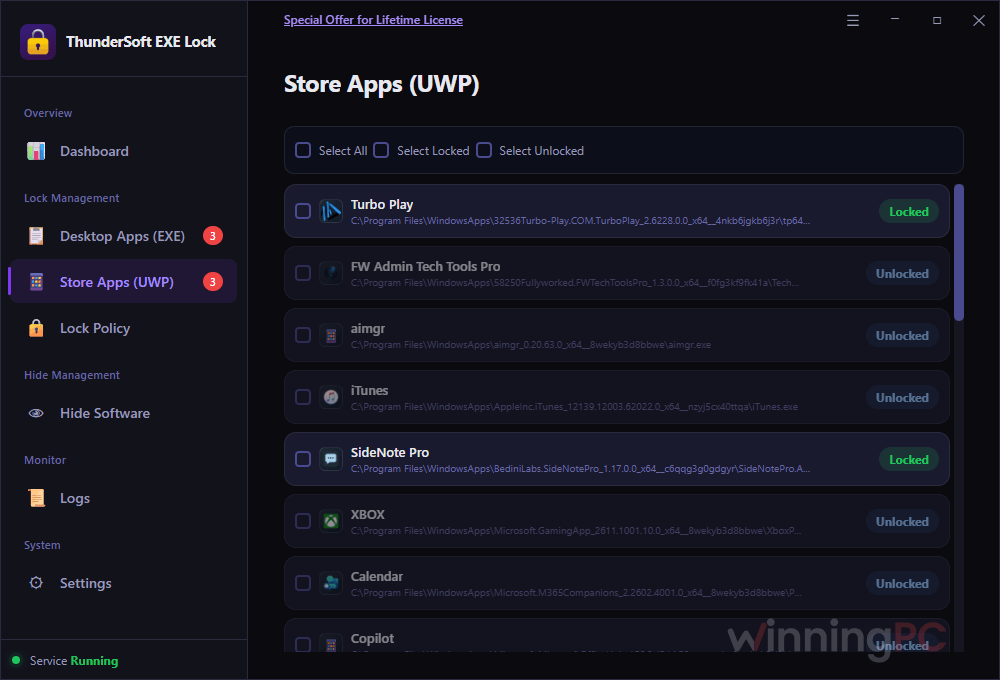
- Lock desktop programs and Store apps. Browsers, games, finance tools and admin utilities, plus Microsoft Store (UWP) apps that classic EXE lockers don’t cover.
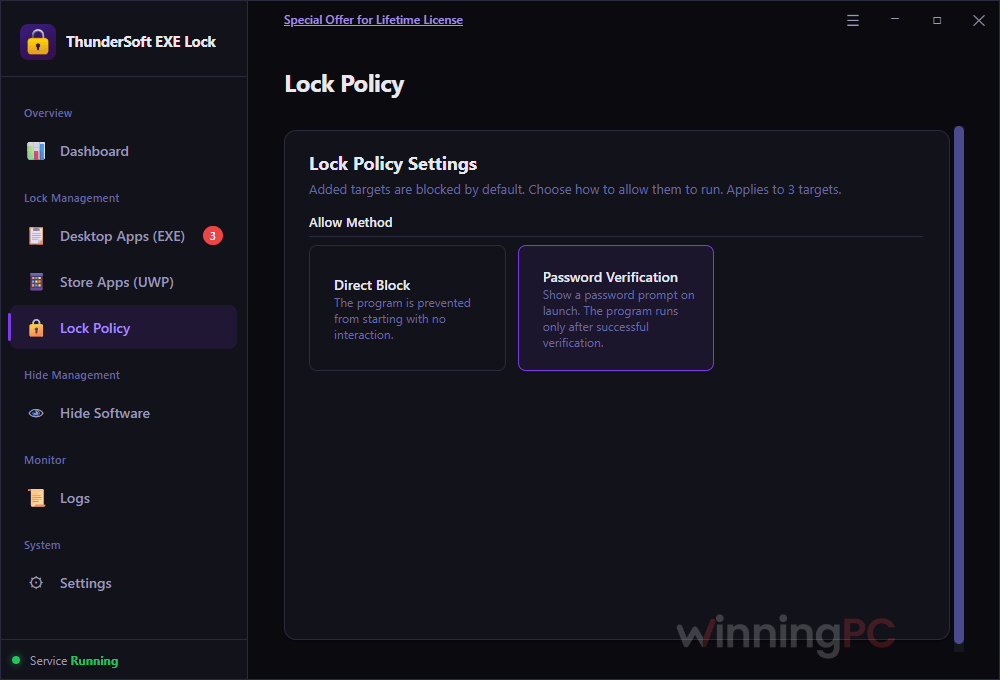
- Two lock styles. Password Verification asks for the password at launch. Direct Block simply stops the app from opening.
- Timed unlock. Open an app for a set period, say an hour of browser time for homework, and it locks itself again afterwards.
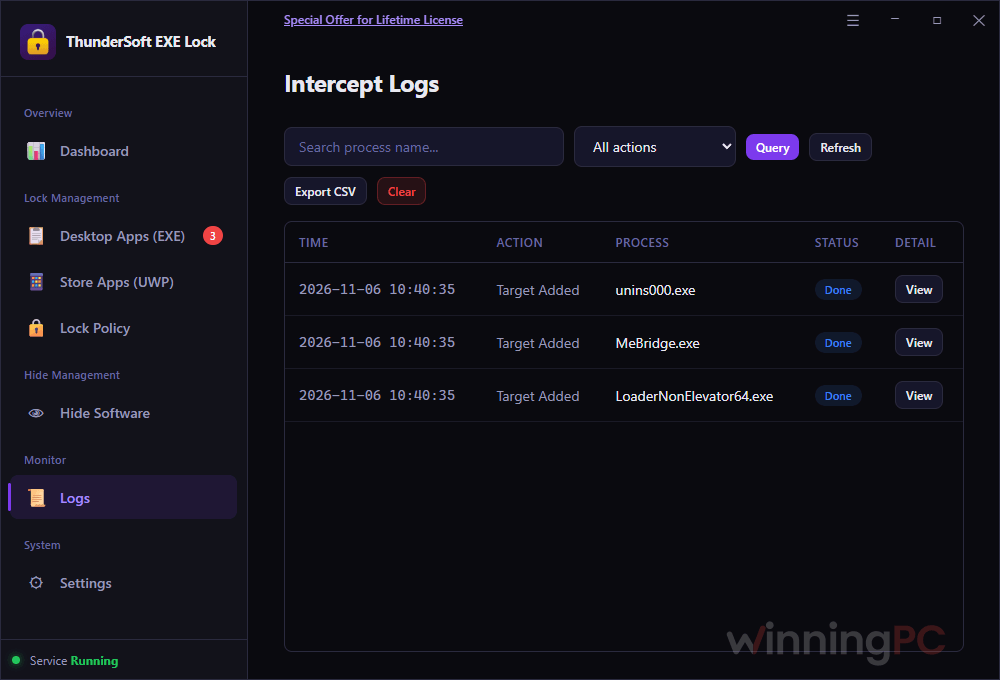
- Intercept logs. Review which locked apps someone tried to open, and export the log if you want a record.
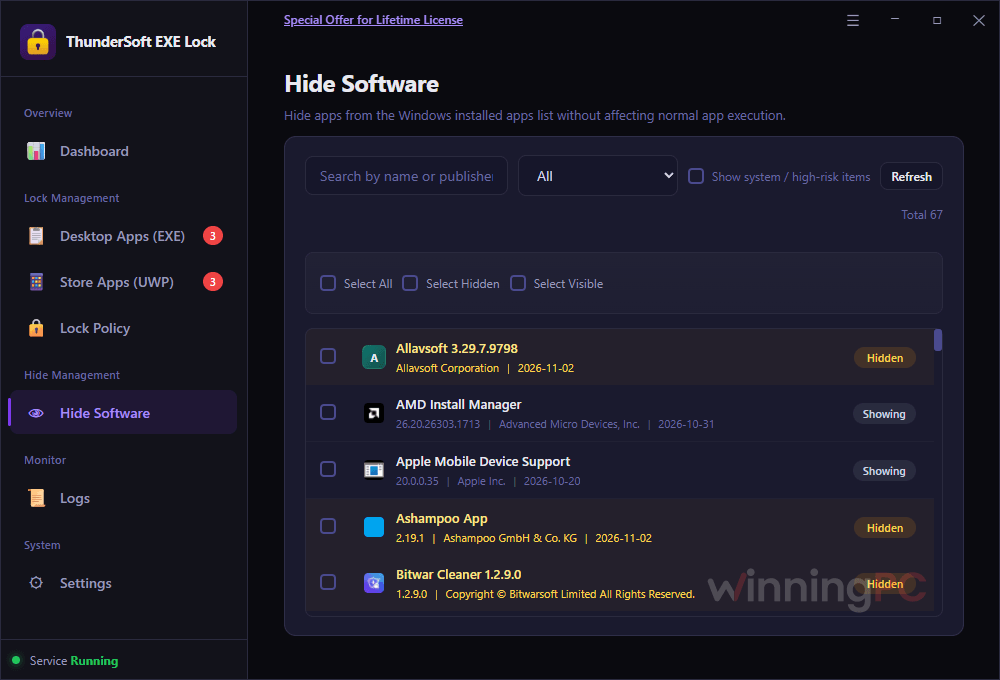
- Tamper resistance. Hide EXE Lock from the Windows installed-programs list, require a password to uninstall it, and recover a forgotten password by email.
What we think
More ThunderSoft EXE Lock Screenshots!
Is there a free or better option?
Most tools people compare with EXE Lock are file and folder lockers. They’re good at protecting documents, but they don’t stop anyone from launching a program. Here’s how the options actually split.
| Tool | What it protects | Locks apps? | Price | Best for |
|---|---|---|---|---|
| ThunderSoft EXE Lock | Desktop programs + Microsoft Store apps | Yes (password or block) | Free via this giveaway (normally $19.99) | Home PCs shared with kids or housemates |
| Windows Group Policy (built in) | Desktop programs, by file name | Block only, no password | Free (Windows Pro and up) | Admins who just want an app gone |
| Microsoft Family Safety | Apps and games on child accounts | Block or time limits | Free | Parents already using Microsoft family accounts |
If what you really need is to protect files, a folder locker from this list is the better pick. If you want to stop a specific app from opening, EXE Lock is the one built for that, and right now it costs nothing.
Frequently Asked Questions
Does ThunderSoft EXE Lock work on Windows 11?
Yes. ThunderSoft lists Windows 11 and Windows 10 as supported. Older versions such as Windows 8 or 7 aren’t listed, so don’t count on them.
Can it lock Microsoft Store apps?
Yes. Version 12.1 locks Microsoft Store (UWP) apps as well as classic desktop programs.
What’s the difference between Password Verification and Direct Block?
Password Verification lets the app open once the correct password is entered. Direct Block stops the app from launching at all, with no prompt. Use the first for apps you still need now and then, the second for apps nobody on that PC should run.
What happens if I forget my EXE Lock password?
You can recover it by email. Set this up with an address you actually check, since it’s your way back in.
Can I use the free license on a work computer?
No. The giveaway license is for non-commercial use only. For an office or business PC, you’d need the paid license.
Will the free key get upgrades to newer versions?
No. The giveaway includes no future upgrades, so you stay on version 12.1 for as long as you use it. It keeps working, it just won’t get new features or fixes.
Do I have to activate it before the giveaway ends?
You need to download and install it before the offer ends. The safest move is to install and activate on the same day you get your code, rather than leaving the installer sitting in your Downloads folder.
System Requirements & Details
| Field | Value |
|---|---|
| Operating system | Windows 11/10 |
| Version | 12.1 |
| Download size | 12.2 MB |
| Interface language | English |
| Other requirements | An email address to receive the free license code |