On this page
TeraBox Coupons & Pricing
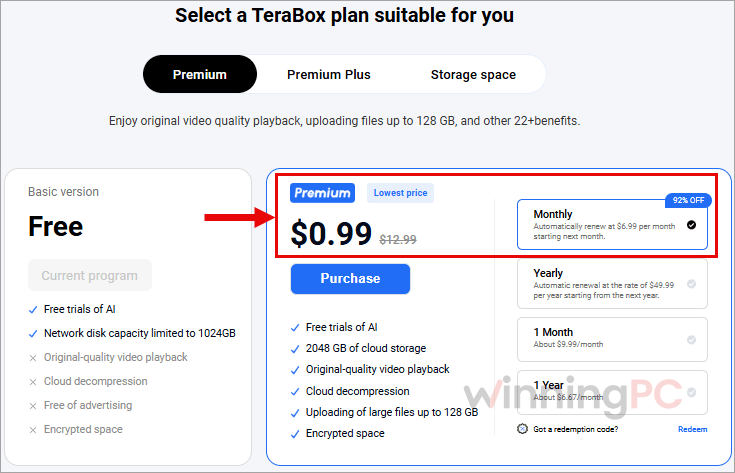
TeraBox Premium
4 plans · best save 92%
Monthly ★ Best Deal
Automatically renew at $6.99 per month starting next month.
Yearly
Automatic renewal at the rate of $49.99 per year starting from the next year.
TeraBox Premium Plus
4 plans · best save 73%Yearly ★ Best Deal
Automatic renewal at the rate of $109.99 per year starting from the next year.
How to Get the TeraBox Discount
Click Get Deal: In the Coupons & Pricing box above, click Get Deal next to the offer you want. On the TeraBox homepage, click Pricing to see the plans.
Sign in before choosing a plan: Use the TeraBox account where you store your files. If you’re new to TeraBox, create an account. The prices shown before sign-in may differ from the offers you see afterward.
Choose your plan and billing option, check what you’ll pay now and at renewal.
Complete your purchase: Once payment goes through, the upgrade is applied to the TeraBox account you signed in with.
Is this TeraBox deal safe and legit?
Yes. The discount runs on TeraBox’s own pricing page, so you’re buying a genuine Premium subscription from the company itself.
Official source
You pay TeraBox directly, not a reseller or someone selling shared logins.
No modded “Premium APK“
Search results are full of cracked TeraBox Premium apps and “downloader” sites promising Premium for free. They’re unofficial, and nothing protects your files or your device if you use them. Get the app only from terabox.com, the Microsoft Store, Google Play or the App Store.
Payment stays with TeraBox
Checkout happens on TeraBox’s store, and your card details never pass through WinningPC.
Know the privacy model
TeraBox says it encrypts files at rest. For sensitive files, use a free desktop tool like Cryptomator before uploading, since standard TeraBox storage lacks zero-knowledge encryption.
TeraBox Review & Features
TeraBox Premium is a storage locker first, and a good one if your files are big. The 128 GB single-file upload limit is the detail that matters most. Raw camera footage, disk images, and full phone backups can go up in one piece if they fit within that limit. Video is the other strong suit, since you can stream supported uploads at original quality and change playback speed without downloading them first.
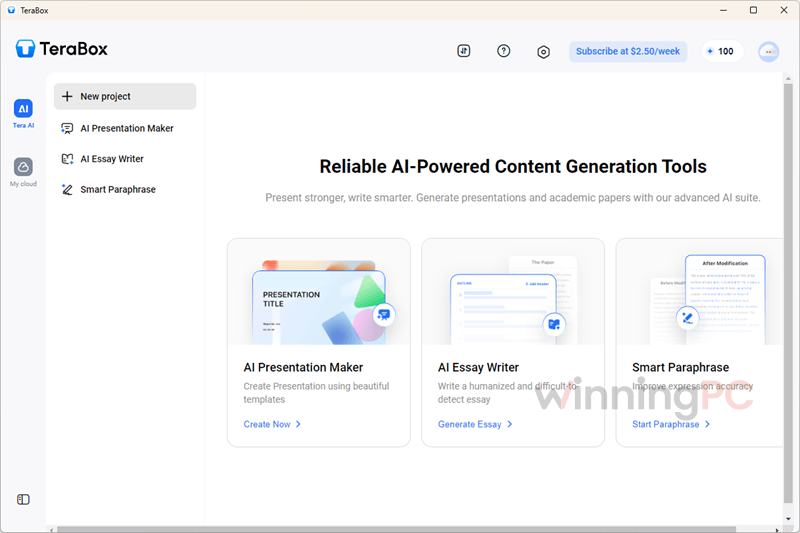
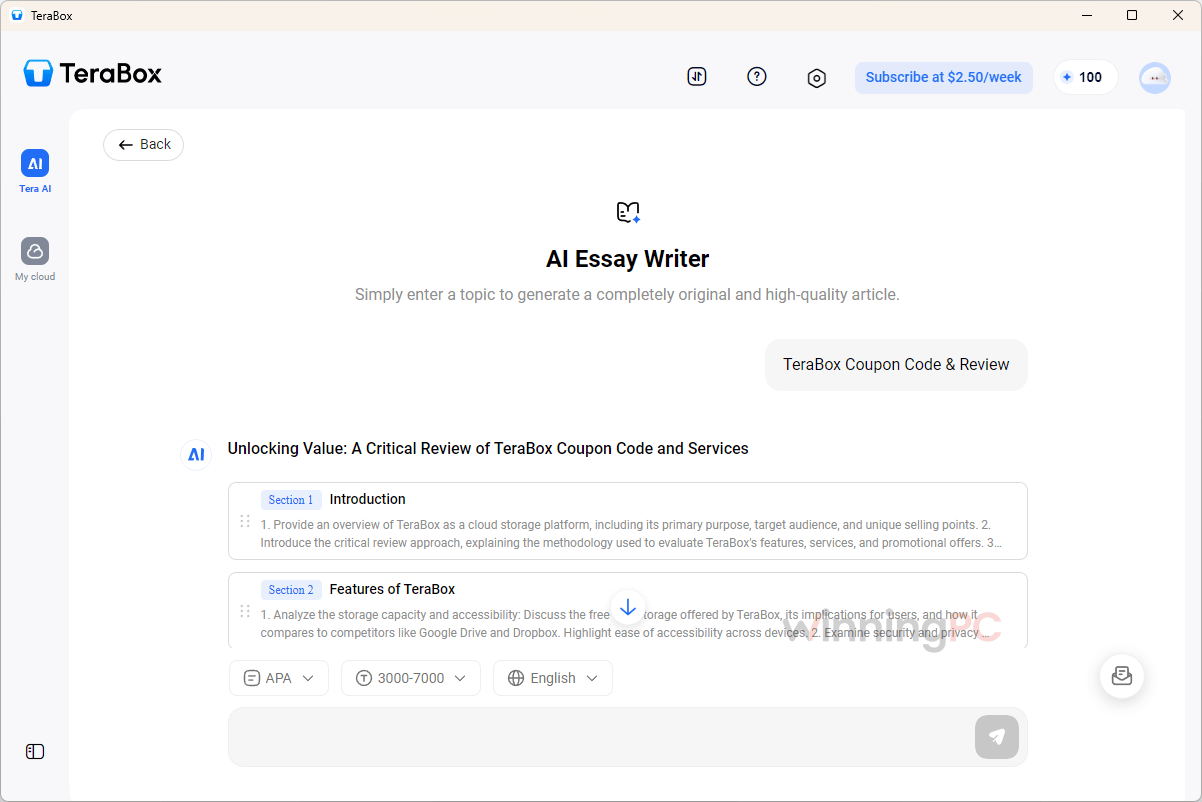
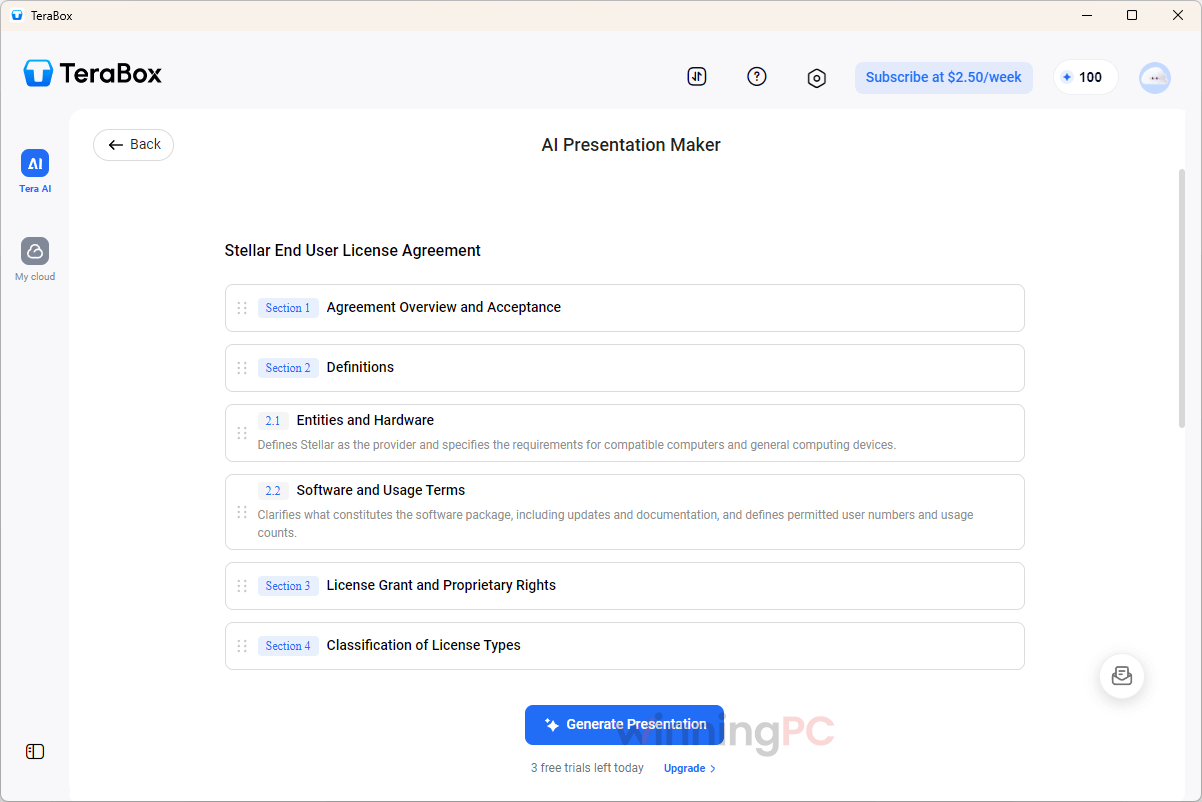
The bigger question is collaboration. TeraBox lets you share files and folders and edit AI-generated slides online. If your team needs to edit the same documents in real time, I’d still use Google Drive or OneDrive. And Premium Plus? The AI bundle is broad, and how far its 200 credits stretch depends on which tools you use.
Key features
- 2TB of space with uploads up to 128GB per file, so large video projects and backups fit without workarounds.
- Original-quality video playback with HD 1080P selection and speed control for both video and audio.
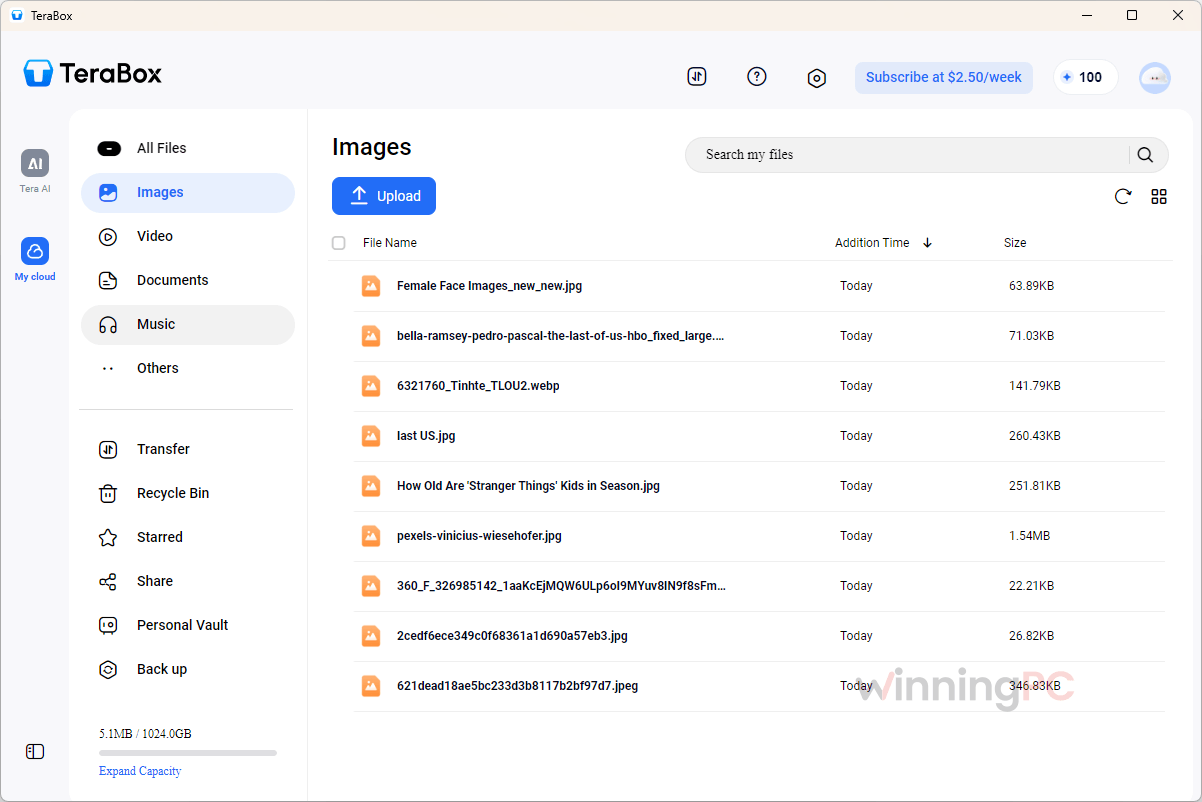
- Automatic backup of videos and folders, plus a 30-day Recycle Bin on Premium (free accounts get 10 days).
- Locked Vault, cloud decompression and high-speed batch downloads, all with no ads.
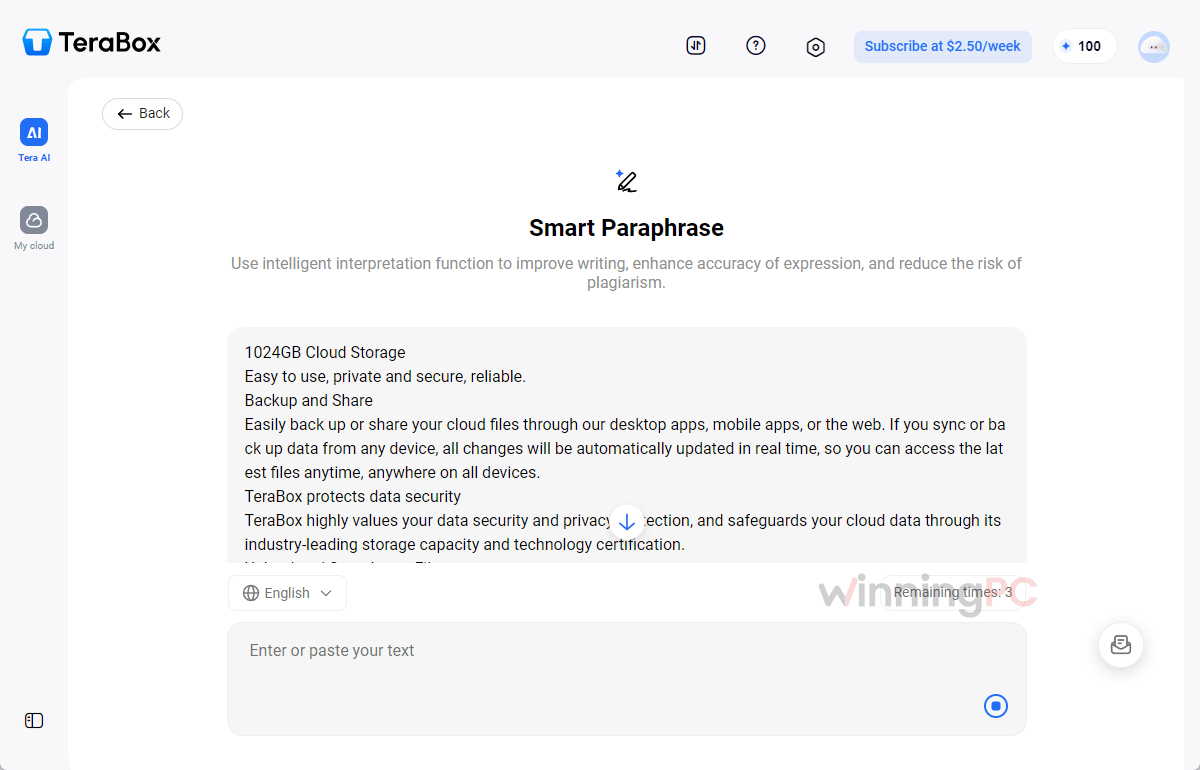
- Premium Plus adds AI tools: paper writing, PPT creation, transcription, subtitles, translation, smart rewriting, text extraction, batch scanning and Convert to Word, with 200 credits.
What we think
More TeraBox Screenshots
Which TeraBox Plan Should You Buy?
| Plan | Year 1 cost | Year 2 onward | Per month (year 1) | Best for |
|---|---|---|---|---|
| Premium Yearly | $29.99 | $49.99/yr | $2.50 | The best value for 2TB |
| Premium Monthly | $77.88 ($0.99 + 11 × $6.99) | $83.88/yr ($6.99/mo) | $6.49 | A one-month test, then cancel |
| Premium 1 Year, single payment | $79.99 | $6.67 | Paying once, no subscription to manage | |
| Premium Plus Yearly | $95.99 | $109.99/yr | $8.00 | Regular users of the AI tools |
| Premium Plus Monthly | $152.88 ($9.99 + 11 × $12.99) | $155.88/yr ($12.99/mo) | $12.74 | Trying the AI tools for a month |
| Premium Plus 1 Year, single payment | $139.99 | $11.67 | AI tools without a subscription |
The $0.99 first month grabs the headline, but it isn’t the cheapest year: kept for 12 months, Premium Monthly costs $77.88 against $29.99 for Premium Yearly, and Yearly stays ahead even at its $49.99 renewal rate. Premium Plus costs about three times as much as Premium in year one, so buy it for the AI tools or not at all. The 1 Month single payments ($9.99 and $15.99) only suit a one-off job, like moving files off an old phone.
How does TeraBox compare with Google One, OneDrive and pCloud?
| Service | Paid storage | Price | Free tier | End-to-end encryption | Best for |
|---|---|---|---|---|---|
| TeraBox Premium (this deal) | 2TB | $0.99 first month, then $6.99/mo; or $29.99 first year, then $49.99/yr | 1TB | Not for regular files | Cheap bulk space for photos, video and backups |
| Google One | 2TB | $9.99/mo or $99.99/yr | 15GB | No | Android and Gmail users |
| Microsoft 365 Personal | 1TB + Office apps | $9.99/mo or $99.99/yr | 5GB | No | People who need Word and Excel anyway |
| pCloud Premium Plus | 500GB | $49.99/yr | 10GB | Paid add-on | Avoiding subscriptions long term |
| Proton Drive Plus | 200GB | $23.88/yr | 5GB | Yes, by default | Sensitive documents |
TeraBox wins on price per terabyte by a wide margin, even at its renewal rates. It loses on privacy: for confidential files, Proton Drive is the safer pick even though you get far less space for similar money.
One thing to know about TeraBox’s own comparison: its pricing page lists OneDrive at $6.99 and Google Drive at $12, but the consumer plans most people actually buy are $9.99 for 1TB (Microsoft 365 Personal) and $9.99 for 2TB (Google One).
Frequently Asked Questions
Do I need a TeraBox coupon code for this deal?
No. There’s nothing to copy: the discounted prices appear on TeraBox’s pricing page when you arrive through the Get Deal link. TeraBox confirms the final price after you log in, so check the total before paying.
Is the “up to 92% off” real?
Yes, on one plan. Premium Monthly costs $0.99 for the first month against a $12.99 regular price, which is 92% off, but it renews at $6.99 a month after that. Every other plan saves between 50% and 81%. TeraBox’s regular yearly prices are the monthly list price times 12, so yearly discounts are measured against paying full price month by month.
Does TeraBox Premium renew automatically, and how do I cancel?
Yes, and not at the deal price. Premium renews at $6.99 a month or $49.99 a year, and Premium Plus at $12.99 a month or $109.99 a year. TeraBox charges within the 24 hours before your plan expires, so turn renewal off at least a day early. On a phone, cancel through your App Store or Google Play subscriptions. On the web, log in and open Personal Center. You keep every Premium feature until the paid period ends.
Can I get a refund on TeraBox Premium?
Usually not. TeraBox’s policy says it generally can’t refund a membership once it has been activated or used. If you’re unsure, try the free plan first, or take the $0.99 first month and switch off renewal straight away. You still keep Premium until that month ends.
Is the free TeraBox plan enough?
For pure storage, it might be: you get 1TB at no cost. You give up original-quality video playback, cloud decompression, the encrypted space, high-speed batch downloads and an ad-free experience, and deleted files stay in the Recycle Bin for 10 days instead of 30.
What is a TeraBox “single privilege”?
A 24-hour pass for one specific feature, not a membership. It expires automatically after 24 hours and unlocks nothing else, so make sure you’re buying a Premium or Premium Plus plan if you want the full feature set.
I paid, but Premium isn’t showing. What should I do?
Wait a few minutes and refresh. Activation is normally instant, though TeraBox says short delays happen. Still nothing? Check you’re signed in to the account you paid with, then use “View Purchase History” to confirm what you bought.
System Requirements & Details
| Field | Value |
|---|---|
| Operating system | Windows 7/8/10/11 (desktop app v1.49.5.183, 79MB); macOS; Linux (.deb and .rpm); Android (v4.26.5, 334MB); iOS; any web browser |
| Download sources | terabox.com, Microsoft Store, Google Play, App Store |
| Max upload size | Up to 128GB per file (Premium) |
| Other requirements | Internet connection; a TeraBox account (Google, Facebook, Apple, email or phone sign-in) |