WinningPC
To be able to develop project ideas from ideas into concrete drawings, you definitely need software to help you do it. This is not difficult to understand because these third-party software will have tools and features that allow you to develop ideas and implement them in the most intuitive way. With the main purpose of helping customers to easily visualize the works, you can rely on the lines in the drawings to convert them into 2D or 3D models. For those who work in the manufacturing industry of mechanical components or construction designers, this process is not too strange, especially when working with AutoCAD.
AutoCAD is an extremely famous software from Autodesk. Nowadays, it is becoming extremely popular because of what this software can do for many professionals to apply in many different industries. With the history of formation and development from the 80s of the last century, it has a very long history, so its quality and prestige will not be in dispute. Simplicity, closeness, and focus on technical factors are the strong points of AutoCAD. Compared to other competitors, AutoCAD is developed on a technology-intensive platform, so it can easily meet all the strict requirements of users or designers.
Autodesk AutoCAD Discount Codes
Autodesk AutoCAD - 1 year subscription
15% Off coupon code: regular price $1,955, discounted price $1,662
Autodesk AutoCAD LT - 1 year subscription
20% Off coupon code: regular price $485, discounted price $388

Autodesk Promotions - Product Discounts & Coupons
Find the best deals and special offers on Autodesk products.
AutoCAD Features & Screenshots

- AutoCAD is a computer-aided design (CAD) software that is used to design and convert geometry to 2D and 3D drawings, models, and designs. With its help, you can convert objects from basic formats, and conventional symbols into more vivid models. Not only that, the size and details will also be converted to the correct proportions of the drawing to help produce a final and most accurate drawing.
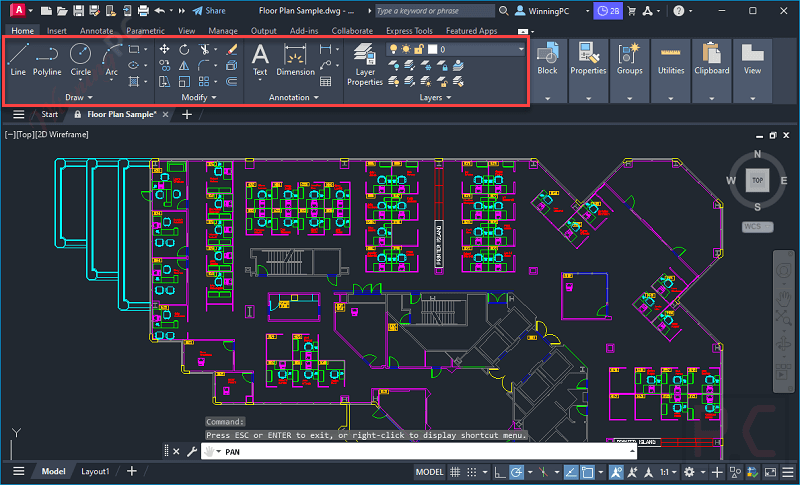
- AutoCAD is very intelligent, it can automatically locate the specific blocks you need and easily replace them using machine learning-powered recommendations, recently accessed blocks, or by manually selecting a substitute block. Besides, it also helps you save time and reduce the number of clicks needed by having the software automatically position and scale the blocks in the appropriate location within your drawing based on where you’ve previously inserted them within your DWG file. This efficient feature streamlines the block placement process and speeds up your workflow.
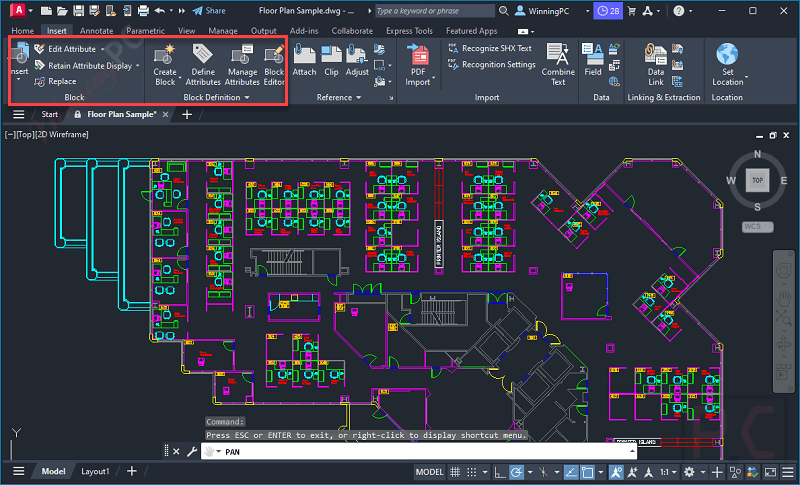
- With the annotations feature, designers can create specific notes and explanations in drawings with an extremely high level of detail. It will be very convenient for drawing readers or machining people because they can understand the parameters most accurately so that they can start production. This will avoid problems related to misinterpreting the figures in the drawings.

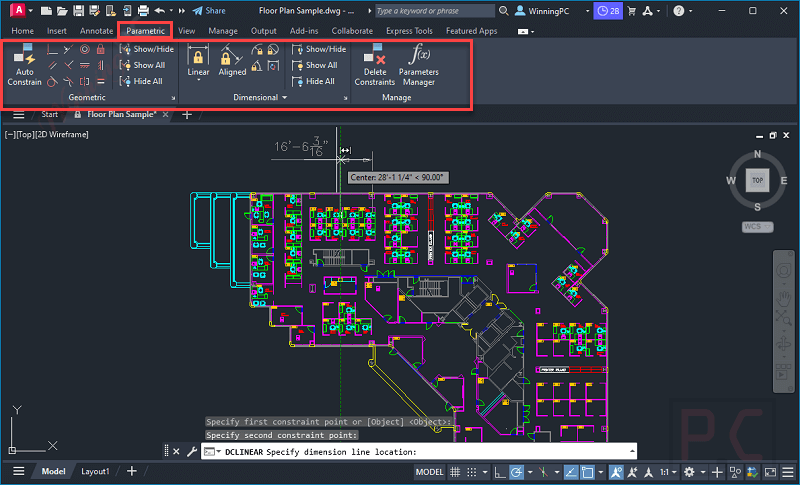
- AutoCAD offers the Parametric Drawing and Constraints function to assist you in accurately and effectively creating and altering drawings. This tool will assist you in understanding the relationships between the various elements in your drawing and ensuring that they all share the same geometric or dimensional characteristics. This enables you to make changes quickly and precisely because as you edit one object, all of its connected objects alter as well. You may increase the precision of your designs and optimize your workflow by being able to control and alter drawings using parametric relationships.
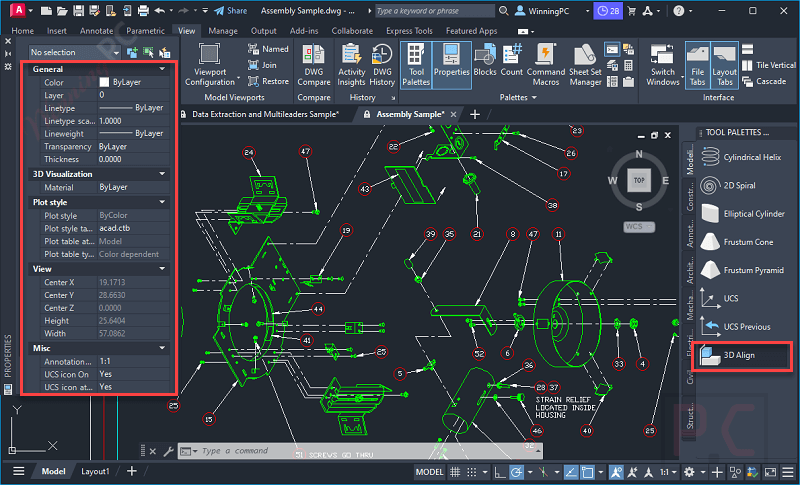
- You may develop complicated 3D models such as solid, surface, and mesh modeling with the help of the 3D modeling tools offered by AutoCAD, including extrude, revolve, sweep, loft, and many others. You can orbit, swivel, stroll, and fly around a 3D model to present your idea using 3D viewing and navigation features. You can also use visual styles to modify how your 3D model displays its edges, lighting, and shading. The AutoCAD 3D toolset also enables you to generate section planes to present cross-sectional views through solids, surfaces, meshes, or regions, whether you need to design infrastructure or analyze data.
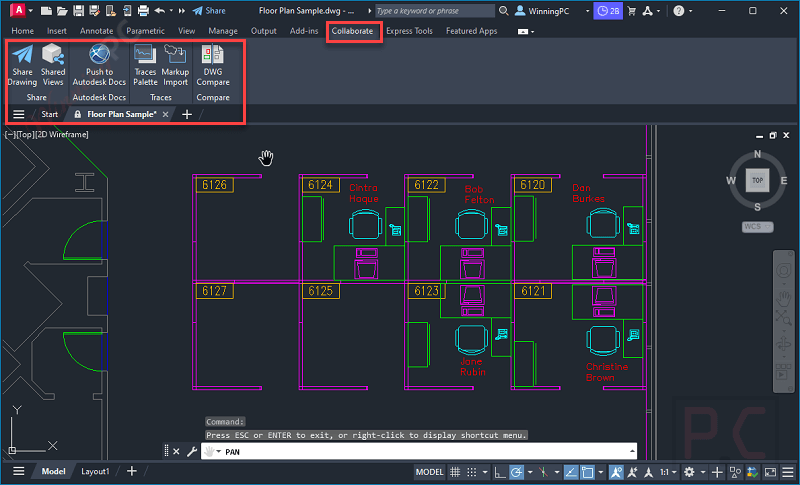
- AutoCAD offers a variety of capabilities for collaboration, including the capacity to share drawings with others, annotate drawings, and work collaboratively in real time. You can use it to exchange and reuse data from PDF/DGN files by importing, exporting, or attaching them as underlays, comparing two versions of a drawing without leaving your current window, and including external references (xrefs). The tool can also be used to insert geographic location data into a drawing as well as view, access, organize, and plot numerous drawings as sheet sets.


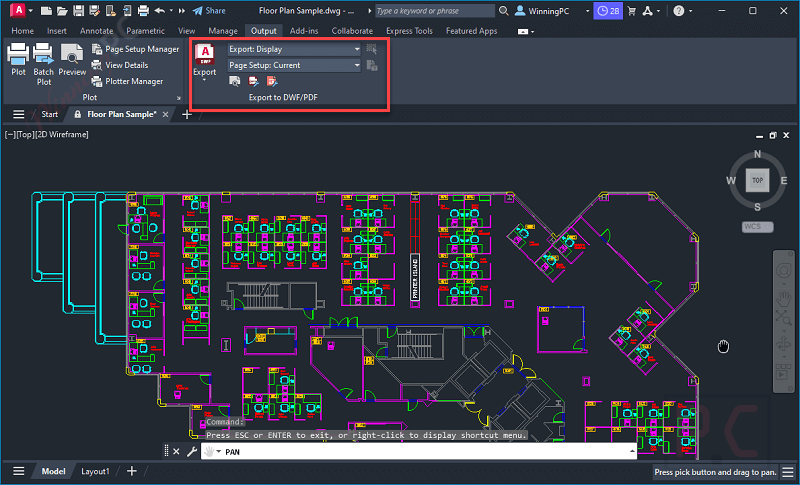
- To help architects and building professionals create and edit architectural designs more efficiently, AutoCAD provides the Architecture toolset. This toolset delivers automated floor plans, walls, doors, and windows, specialized tools for creating and managing schedules, sections, and elevations as well as extensive libraries of building components and materials to aid in the design process. Revit and Navisworks also are integrated to help architects get a more seamless workflow between the design and construction phases.
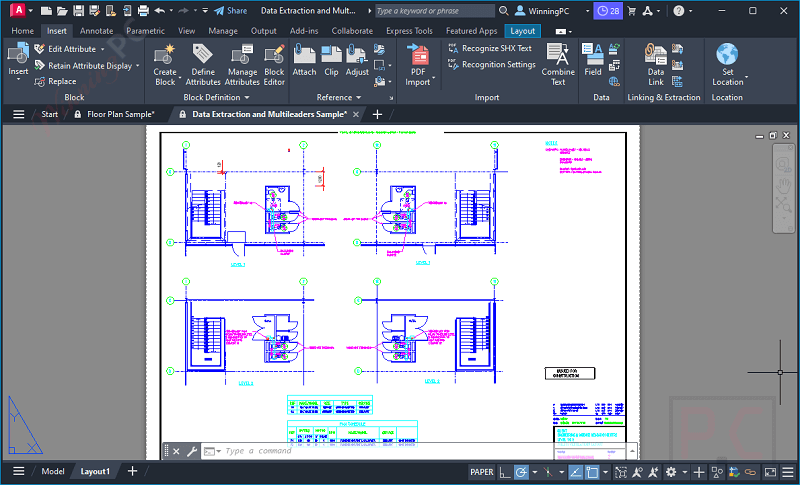
- Calculation of the quantity of production materials will support interior designers, they can rely on their drawings to determine the specific amount of materials needed to build a project. This feature not only gives accurate predictions, but it can also automatically adjust according to changes in design details. This will definitely help customers to best manage possible costs to help them save the most.
Frequently asked questions
Frequently asked questions
Technical Details
| Language Support | English, Français, Italian, Spanish, Swedish, and more… |
| Money Back Guarantee | 30-Day |
| Operating System | Windows 11 and Windows 10 version 1809 or above macOS Ventura v13, Monterey v12, Big Sur v11 |
| Shipping | Register code will be sent to your email in minutes |
| Subscription | 1-Month, 1-Year, 3-Year |
| Support Services | Tickets, Phone, Forums |