Laura Marano
Adobe Express Premium is a quick and easy app designed to empower everyone to create stunning, on-brand content backed by cutting-edge, commercially safe generative AI.
Status: ✅ Active & Verified
Last Checked: October 2026
Offer: 17% Off Annual, prepaid; 50% Off with Creative Cloud Pro

Adobe Express Premium
17% off: regular price $9.99/mo, discounted price $8.33/mo; pay annual, prepaid $99.99/yr
Creative Cloud Pro
Save 50%. Get 20+ apps, including Photoshop, Express, After Effects, and Premiere, plus Adobe Firefly creative AI. Pay <del>US$69.99/mo</del> US$34.99/mo for the first 3 months and US$69.99/mo after that. New subscribers only.
You may also like

Adobe Special Offers
Shop and save with the latest deals and promotions on Adobe creativity and design products.
Adobe for Education
We offer tailored solutions and education discounts for individuals and institutions.
📄 Licensing & Support Details
- Subscription: Monthly and Annual, prepaid.
- 100GB of cloud storage
- 250 monthly generative credits per month with generative AI designed to be commercially safe
- Secure transaction
- 24×7 technical support
📝 How to apply
- Access the Adobe Express Premium shop by clicking the “Coupon Code” link provided above.
- Pick the premium plan and hit the “Start 30-day free trial” option. Select either a monthly or a prepaid yearly subscription, then press “Continue.”
- If there is a “Enter Coupon Code” box, type in your code to have the price lowered instantly.
- Finish the transaction to get your license details.
What is Adobe Express Premium?
Adobe Express Premium is an advanced, all-in-one content creation application built for individuals, teams, and enterprises. It’s designed to help you quickly make ads, videos, social posts, presentations, and pitch decks using millions of premium templates and assets. The integration of Adobe’s Firefly AI models allows users to safely generate images, text effects, and templates for commercial use.
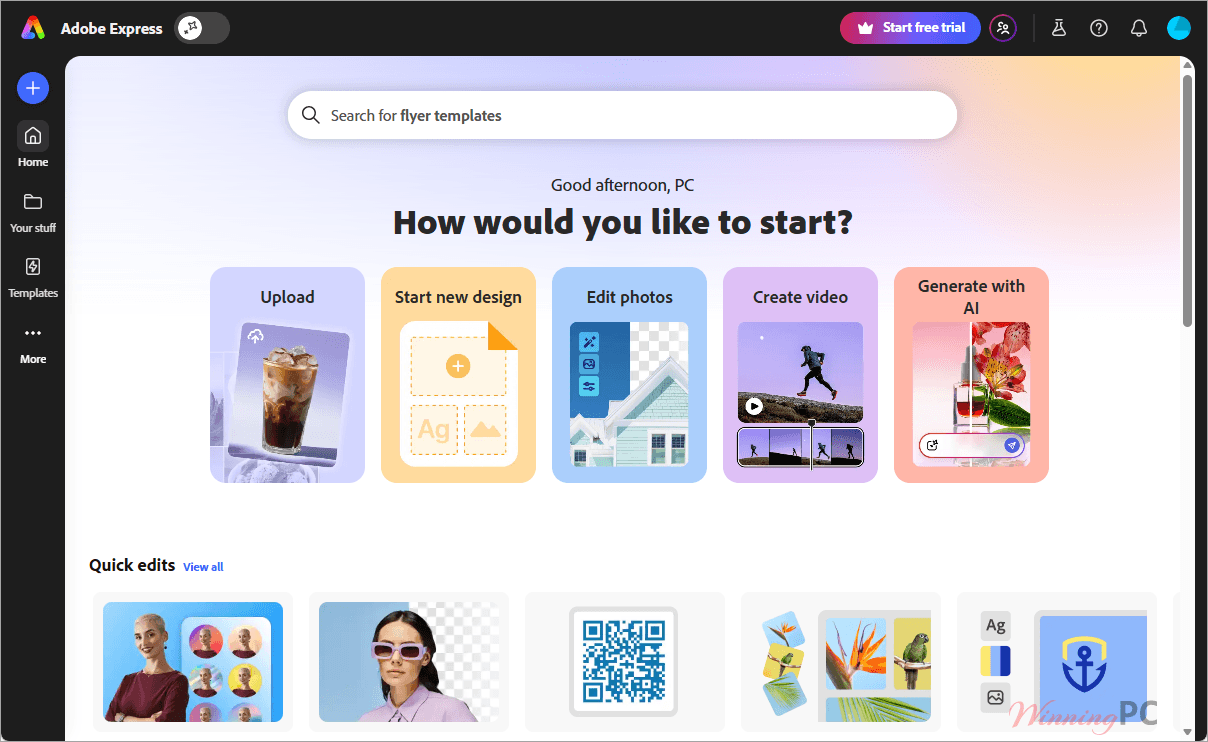
In-Depth Review & Features
In my hands-on time with Adobe Express Premium, I found it incredibly efficient for bridging the gap between complex design software and basic social media tools. The all-new AI Assistant (beta) completely shifts the workflow, allowing you to prompt, create, and edit with sweeping changes while keeping your core design intact.
Here are the standout features I tested:
- Generative AI & Firefly: You get 250 generative credits per month. I love that Adobe emphasizes these models are safe for business use, allowing you to confidently generate images, add/remove objects, and create templates.
- Massive Premium Assets: The jump from the free tier is massive. You unlock over 200 million royalty-free Adobe Stock photos, videos, music tracks, and design elements, plus the complete collection of 30,000+ Adobe Fonts.
- Video Made Easy: Video editing here is strictly drag-and-drop. Tools like the Clip Maker, Remove Video Background, and TikTok Symphony Assistant Add-on (with 1M+ songs) make assembling social clips painless. You can even export in 4K.
- Seamless Adobe Integration: If you use other Adobe apps, this is a massive win. I was able to add .psd and .ai files directly to my design; any edits made in Photoshop or Illustrator sync automatically without needing to reimport.
- Content Scheduling: Beyond just designing, the Content Scheduler lets you plan and publish paid ads or organic posts directly to up to 3 accounts per social network.
Pros & Cons
More screenshots
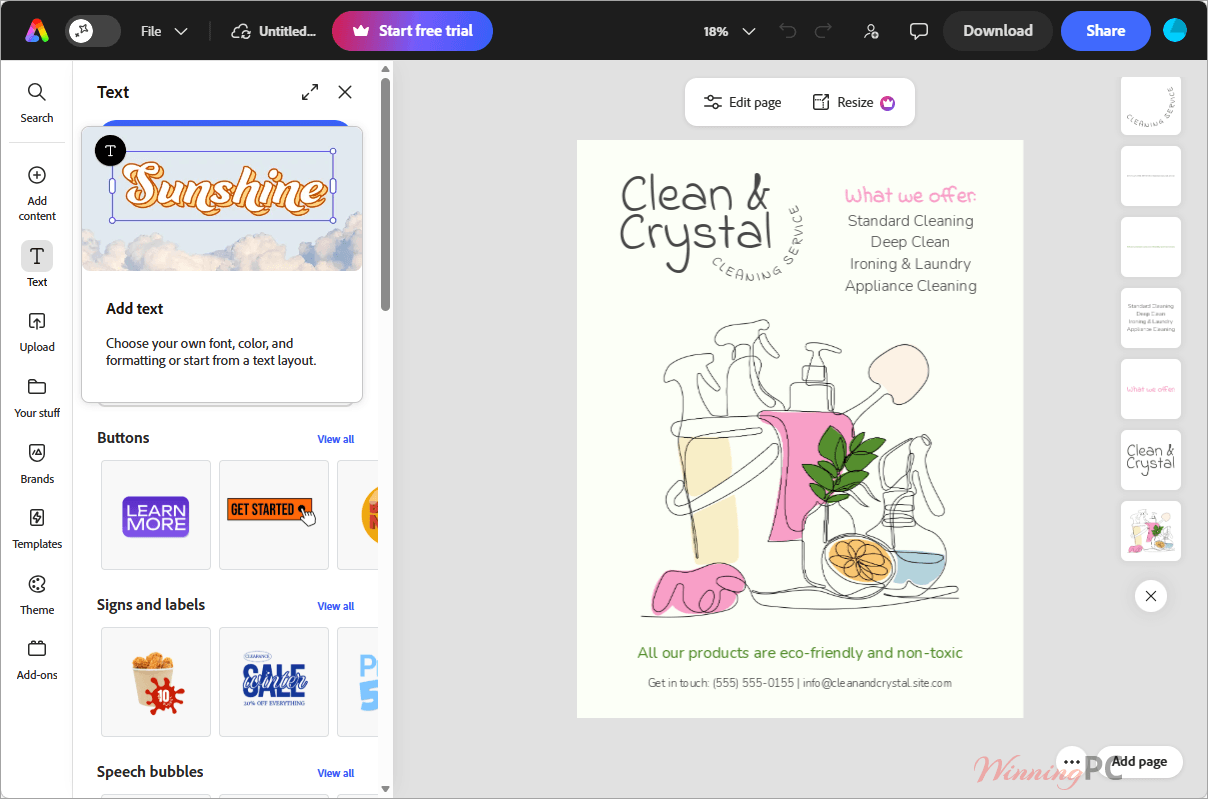
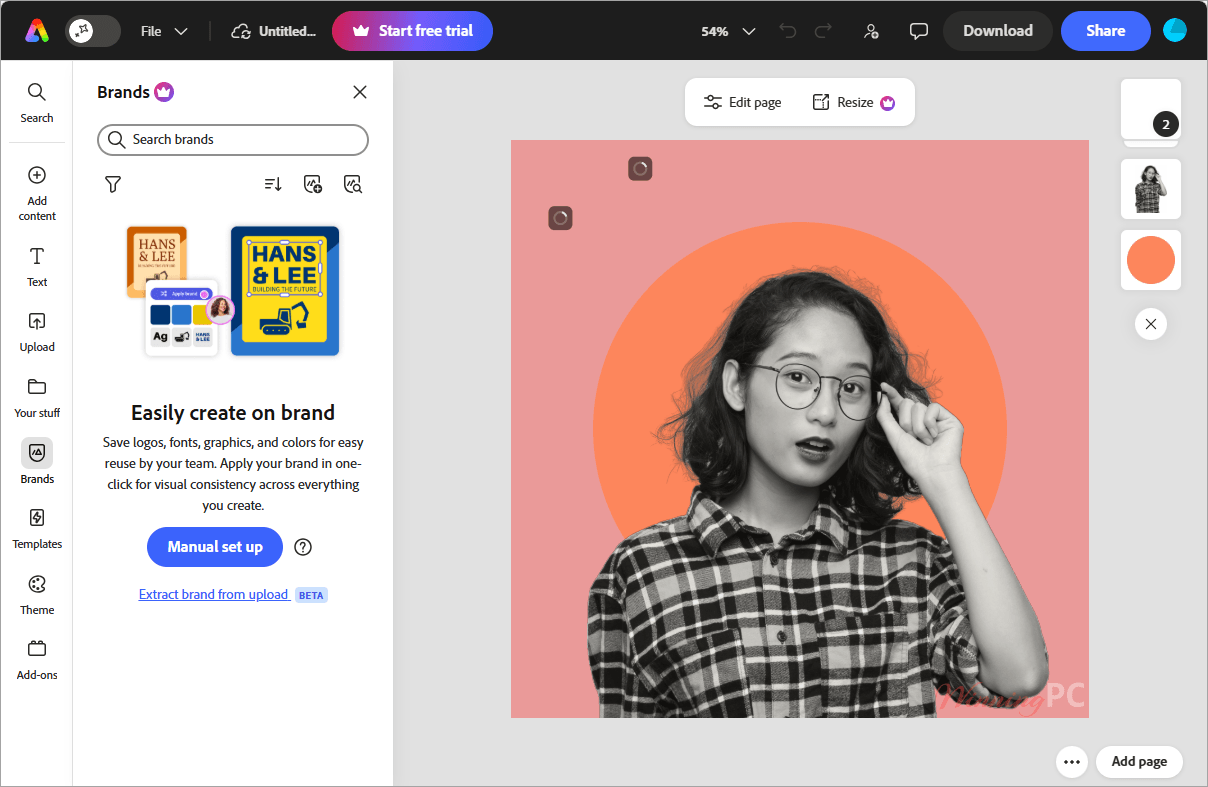
Frequently Asked Questions
Where can I find the best coupon code for Adobe Express?
WinningPC is currently the best place to find the verified coupon code and promotional links for this product, offering the highest verified direct deals and auto-applied discounts on the market.
How many generative AI credits are included in the Premium plan?
You receive 250 generative AI credits per month, per user, to use on features like generating images, video, templates, and text effects.
Is the AI-generated content safe for my business to use?
Yes. The generative AI features are powered by Adobe Firefly, which is specifically designed to be commercially safe.
What kind of stock assets do I get access to?
Premium unlocks over 200 million royalty-free Adobe Stock photos, videos, music tracks, and design elements, along with over 30,000 fonts.
Can I edit Photoshop or Illustrator files in Adobe Express?
Yes! You can add .psd or .ai files to your design. If you make edits in Photoshop or Illustrator, they will sync automatically in Express.
Does Adobe Express Premium include social media scheduling?
Yes, the Content Scheduler allows you to plan, publish, and schedule your content to up to 3 accounts per social network.
Can I export videos in high quality?
Absolutely. The software supports video exports up to 4K resolution.
What happens if I make a mistake and need to revert my design?
Adobe Express Premium includes a version history feature that saves your project states for up to 30 days.
Technical Specifications
| Operating Systems | Works seamlessly on desktop browsers and mobile phones. |
| RAM/Hardware Requirements | Not specified (Cloud-based operation). |
| Supported Import Formats | Start from JPG, PNG, PSD, and AI files. |
| Supported Export Formats | JPEG, PNG (with transparent background), PDF, GIF, PPT, and MP4 (up to 4K video export). |