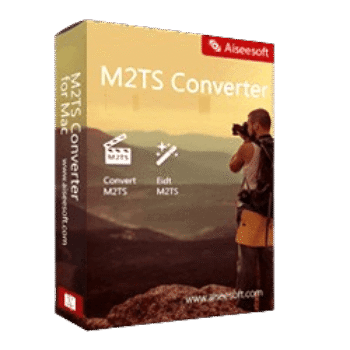
Aiseesoft M2TS Converter converts M2TS/MTS files recorded by AVCHD camcorders into popular video and audio formats. It helps users play, edit, share, and transfer camcorder footage across computers, mobile devices, gaming consoles, and editing software.
Aiseesoft M2TS Converter for Windows
2 plans · best save 50%
Aiseesoft M2TS Converter for Mac
2 plans · best save 50%
📄 Licensing & Support Details
- License Type: 1 Year, Lifetime license.
- 30-Day Money-Back Guarantee
- Free Upgrades
- 24/7 Customer Support
- 100% Secure.
📝 How to apply
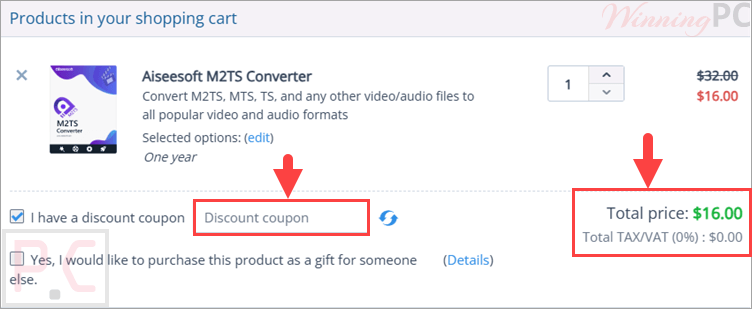
Select the ‘Copy Code’ button located in the coupon box. The code will be saved, and you’ll be sent to the checkout page to use it for your discount.
Aiseesoft M2TS Converter: In-Depth Review & Features

Key Features:
- Convert M2TS/MTS files to MP4, MKV, AVI, MOV, WMV, FLV, MPEG, VOB, 3GP, and more.
- Extract audio from M2TS videos and save as MP3, AAC, WMA, OGG, AC3, ALAC, or FLAC.
- Supports footage recorded by Sony, Panasonic, Canon, JVC, Hitachi, Leica Camera, and other AVCHD camcorders.
- Preserves original HD and 4K video quality during conversion.
- Device-ready profiles for iPhone, iPad, Samsung Galaxy, PS3, PS4, Xbox 360, Wii, HTC, LG, and more.
- Export presets for Adobe Premiere Pro, iMovie, Final Cut Pro, Sony Vegas Pro, and Magix Video Pro.
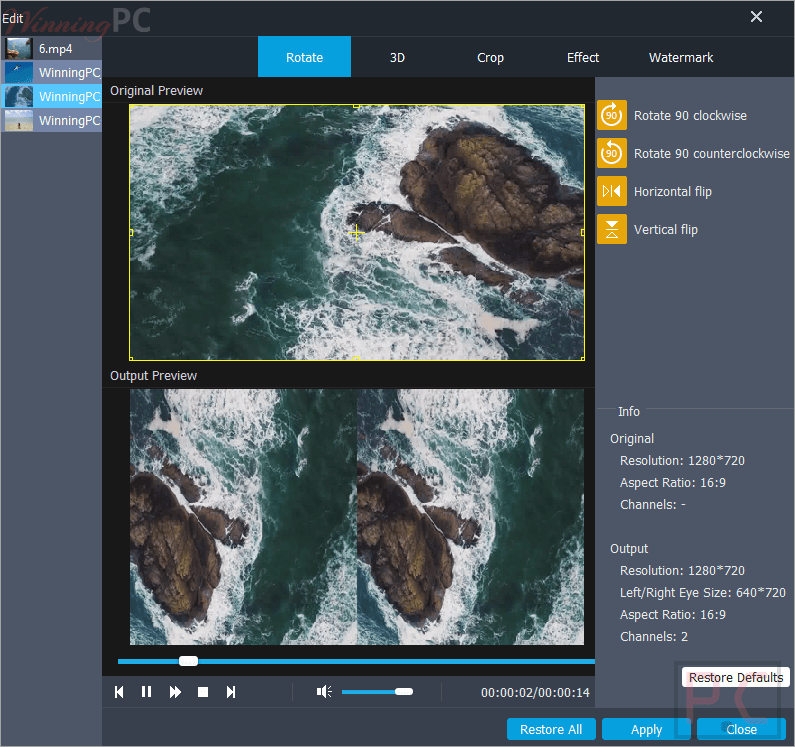
- Rotate, flip, crop, trim, merge, and enhance video files before conversion.
- Add text or image watermarks to videos.
- Adjust encoder, resolution, frame rate, bitrate, sample rate, and audio volume.
- Real-time preview while editing videos.
- Convert M2TS videos to 3D formats.
- Capture snapshots from video frames.
- Hardware acceleration support with AMD APP, NVIDIA CUDA, and multi-core CPU optimization.
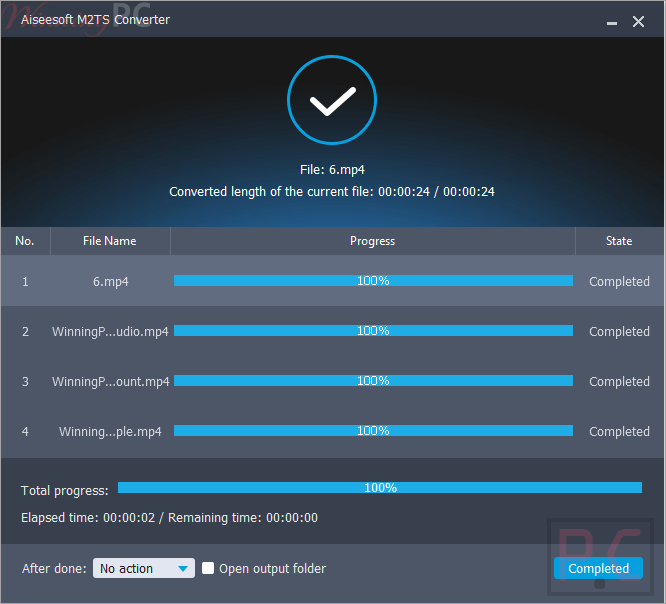
- Up to 10X faster conversion speed.
Pros & Cons:
More Aiseesoft M2TS Converter screenshots:
Frequently Asked Questions
Where can I find a coupon code for Aiseesoft M2TS Converter?
You can check WinningPC for updated promotions, coupon codes, and special pricing offers. It’s also worth checking Aiseesoft’s official website for seasonal sales and limited-time deals.
What’s the biggest discount currently available?
The current best offer is 50% OFF, reducing the 1-Year License from $32.00 to $16.00 and the Lifetime License from $45.00 to $22.50 through the deal featured on WinningPC.
What is Aiseesoft M2TS Converter used for?
It is used to convert M2TS and MTS camcorder videos into more compatible video and audio formats for playback, editing, and sharing.
Can it convert M2TS files to MP4?
Yes. MP4 is one of the supported output formats, alongside MKV, AVI, MOV, WMV, and many others.
Does it support 4K videos?
Yes. The software is designed to preserve the original HD and 4K quality of supported source files.
Can I extract audio from M2TS videos?
Yes. You can convert M2TS audio tracks into formats such as MP3, AAC, FLAC, WMA, OGG, and AC3.
Does the software include video editing features?
Yes. It includes tools for rotating, flipping, cropping, trimming, merging videos, adding watermarks, and adjusting effects.
Which camcorder brands are supported?
It supports videos recorded by Sony, Panasonic, Canon, JVC, Hitachi, Leica Camera, and other AVCHD camcorders.
Can I use the converted videos on mobile devices?
Yes. The software provides profiles optimized for iPhone, iPad, Samsung Galaxy devices, and many other smartphones and tablets.
System Requirements & Details
| Operating System | Windows 11/10/8/7/Vista/XP (SP2 or later) macOS Sequoia, Sonoma, Big Sur, Catalina, Mojave, High Sierra, Sierra, El Capitan, Yosemite, Mavericks, Mountain Lion |
| Processor | Windows: 1GHz Intel/AMD CPU or above Mac: 1GHz Intel processor and Apple M-series chips |
| RAM | 1GB RAM or more |
| Supported Input | HD Video, SD Video, and Audio formats including M2TS, MTS, MP4, MOV, AVI, MKV, WMV, FLV, MP3, AAC, FLAC, WAV, OGG, AC3, and more. |
| Supported Output | Video: MP4, MKV, AVI, MOV, WMV, FLV, WebM, MPEG, 3GP, VOB, TS, DV, 3D formats; Audio: MP3, AAC, AC3, OGG, WMA, FLAC, WAV, AIFF, AU. |
| Hardware Acceleration | AMD APP, NVIDIA CUDA, Multi-core CPU Support |