Cathryn Lee

AKVIS SmartMask AI is an object selection and masking tool that uses artificial intelligence to quickly extract complex objects from images. It handles both sharp and soft edges, allowing you to remove backgrounds or isolate specific areas for photo collages and corrections without manual hassle.

AKVIS SmartMask AI - Home Standalone
Personal use only | Free updates.
AKVIS SmartMask AI - Home Deluxe Plugin+Standalone
Personal use only | Free updates.
AKVIS SmartMask AI - Business Plugin+Standalone
Commercial use allowed | Free updates.
📄 Licensing & Support Details
- License Type: Lifetime License.
- Secure checkout.
- Free technical support
- Register code will be sent to your email in minutes.
- A license includes 1 year of free updates to any new versions of the product.
- A license allows registering and using the software on 2 computers.
- AKVIS SmartMask AI has a refund policy, primarily for technical issues.
📝 How to apply
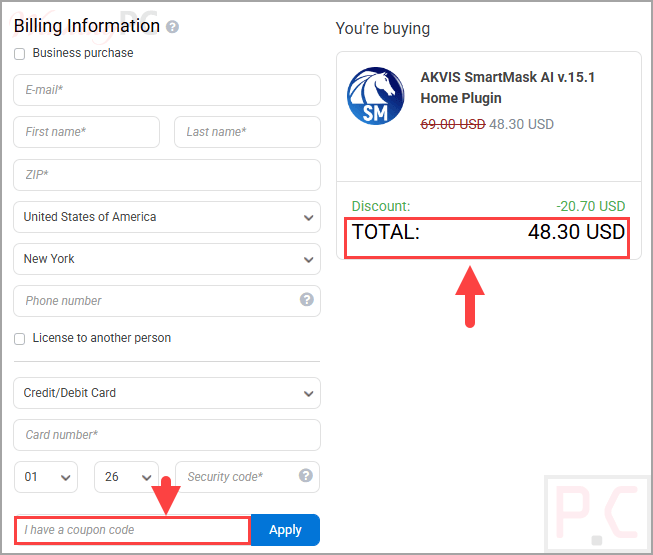
- Click the ‘Copy Code’ button in the coupon box above.
- The code will be copied, and you will be redirected to the checkout page, where you can apply it to secure your discounted price.
AKVIS SmartMask AI: In-Depth Review & Features

Key Features:
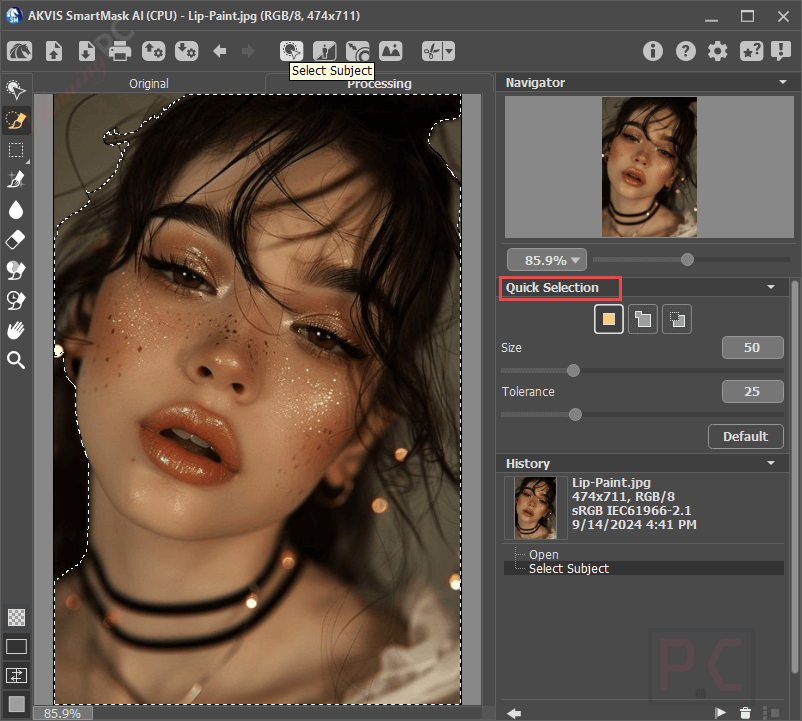
- AI-Powered Point Selection: Uses neural network technology to automatically select areas when you simply mark them with points.
- Edge Processing: Extracts objects with clear boundaries as well as blurred, semi-transparent edges.
- Chroma Key Technology: Automatically removes solid background colors from your photos.
- Touch-Up Tools: Includes a Magic Brush and Background Eraser to manually fix selections against similar background colors.
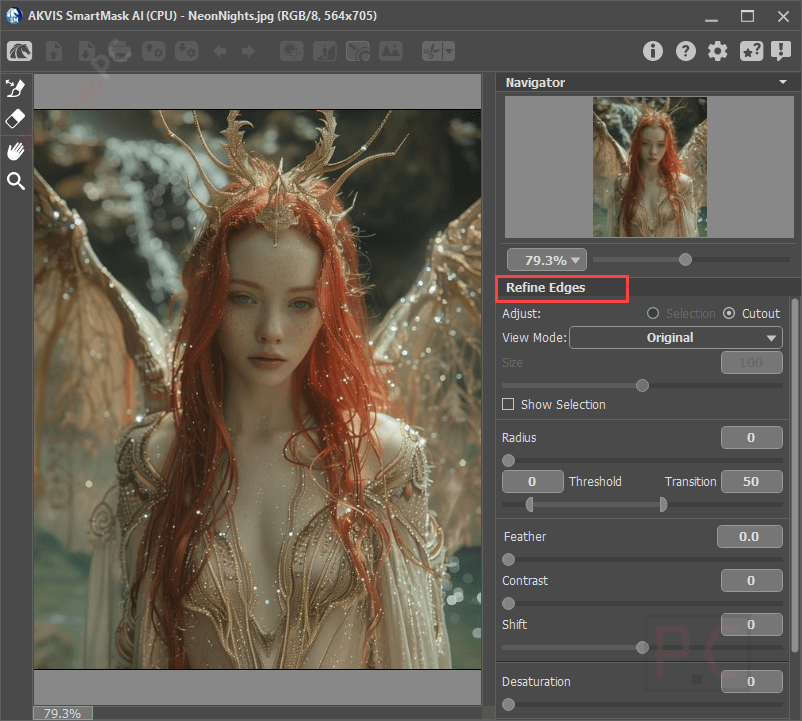
- Refine Edges: Allows for additional adjustments to the boundaries of your cut-out object.
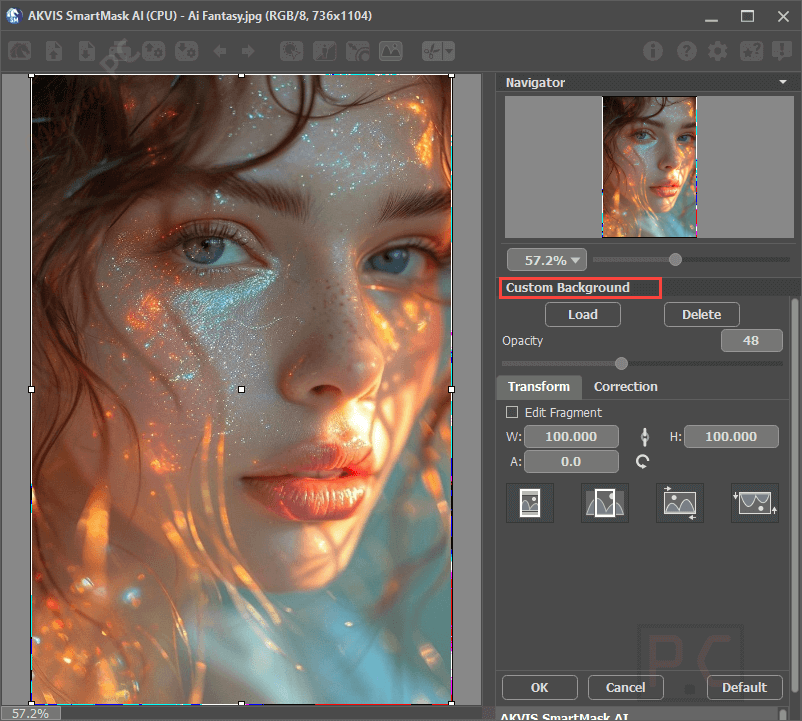
- Custom Background Replacement: Lets you easily place your newly cut-out object onto a completely new background.
- Project Saving: Saves your working draft as an .akvis file, preserving the original image, current parameters, and settings.
Pros & Cons
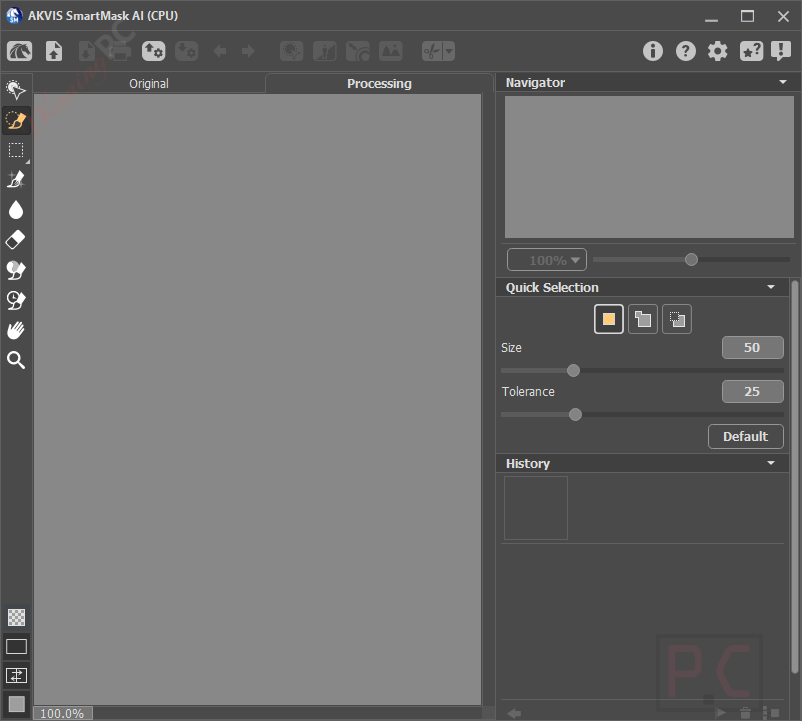
More screenshots:

Frequently asked questions
Where can I find a coupon code or deal for AKVIS SmartMask AI?
The latest and best deals can be found on WinningPC, alongside the official software website or the developer’s social media channels.
What does AKVIS SmartMask AI actually do?
It is a tool designed to select and mask objects in an image, helping you extract items and remove unwanted backgrounds quickly.
Can it handle soft or semi-transparent objects?
Yes, the software processes both sharp edges and blurred, semi-transparent edges efficiently.
Does it remove solid color backgrounds?
Yes, it features Chroma Key technology designed specifically to automatically remove solid background colors.
What is the Point Selection tool?
It is an AI-powered feature where you mark an area with points, and an intelligent algorithm automatically builds the selection for you.
How do I fix a selection if the background color is too similar to the object?
You can use the included touch-up brushes, such as the Magic Brush and Background Eraser, to manually correct the selection.
Can I save my work for later?
Yes, you can save your project in an .akvis file, which includes all settings and checkpoints for future editing.
Are there discounts available for AKVIS SmartMask AI?
Yes, WinningPC offers a coupon code “AKVA**0” that provides a 40% discount on the software.
System Requirements & Details
| Language Support | English, German, French, Spanish, Portuguese, Italian, Japanese, Chinese (Simplified), Russian. |
| Operating System | Windows 10-11 – 64-bit; macOS 10.15 (Catalina) – 26 (Tahoe) – 64-bit; Linux – 64-bit (Debian/Ubuntu/Red Hat/CentOS/Fedora/openSUSE). |
| Processor | Intel Core Duo / i3 (Minimum) to Intel Core i5 / M1 (Recommended) |
| RAM & Storage | 8 GB RAM / 8 GB HDD (Minimum) up to 16 GB RAM / 10 GB HDD (Recommended) |