Cathryn Lee
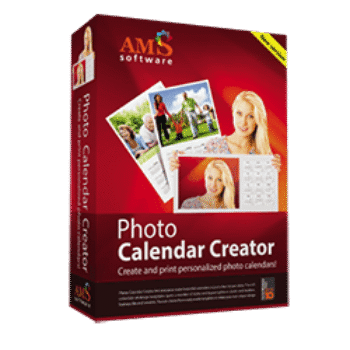
Photo Calendar Creator is a Windows program for making personalized photo calendars, planners, and printable calendar gifts. With the coupon code AMS***WEB70, you can get up to 70% off the available licenses.
Status: ✅ Active & Verified
Last Checked: October 2026
Offer: 70% Off
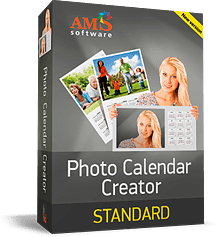
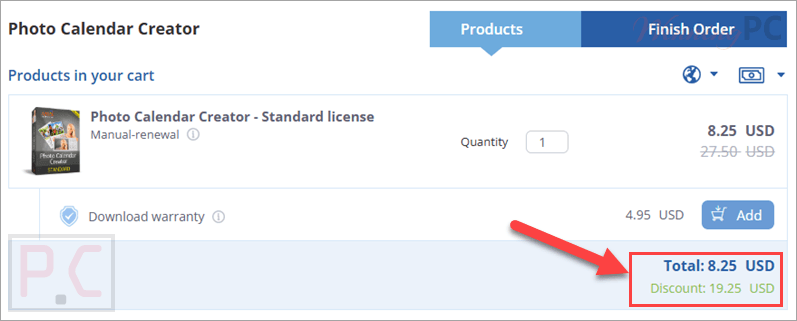
Photo Calendar Creator - Standard license
70% off coupon code: regular price $27.50, discounted price $8.25
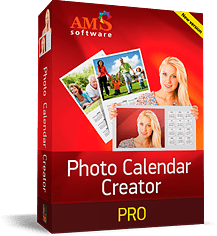
Photo Calendar Creator PRO - Lifetime license
70% off coupon code: regular price $85.0, discounted price $25.50
Photo Calendar Creator - Deluxe license
70% off coupon code: regular price $56.0, discounted price $16.80
📄 Licensing & Support Details
- Private and secure
- Always delivered on time
- Free updates
- Free technical support
📝 How to apply
- Click the “Copy Code” button to get the discount code
- You will be redirected to the official Photo Calendar Creator checkout page.
- Check the “Billing Information”
What is Photo Calendar Creator?
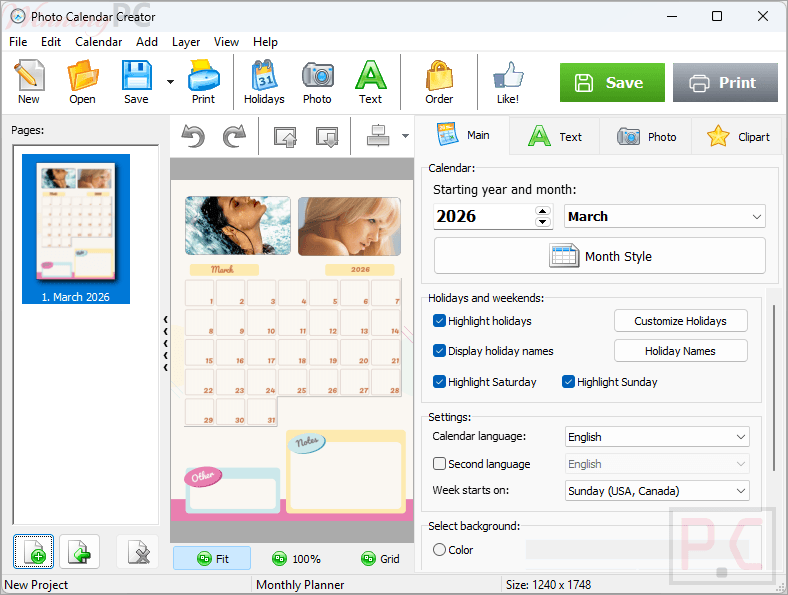
AMS Software Photo Calendar Creator is a custom calendar maker for Windows that helps you design and print your own wall calendars, desk calendars, booklet calendars, pocket calendars, and planners. It includes a large template library, photo editing tools, collage options, holiday databases, and flexible print settings, so it can fit both family projects and more polished printable designs. If you already plan to make personalized calendars, using the current discount can make the purchase more appealing.
In-Depth Review & Features
- 300+ calendar templates: includes wall, desk, pocket, booklet, folding desk, monthly, weekly, quarterly, perpetual, and lunar calendar layouts.
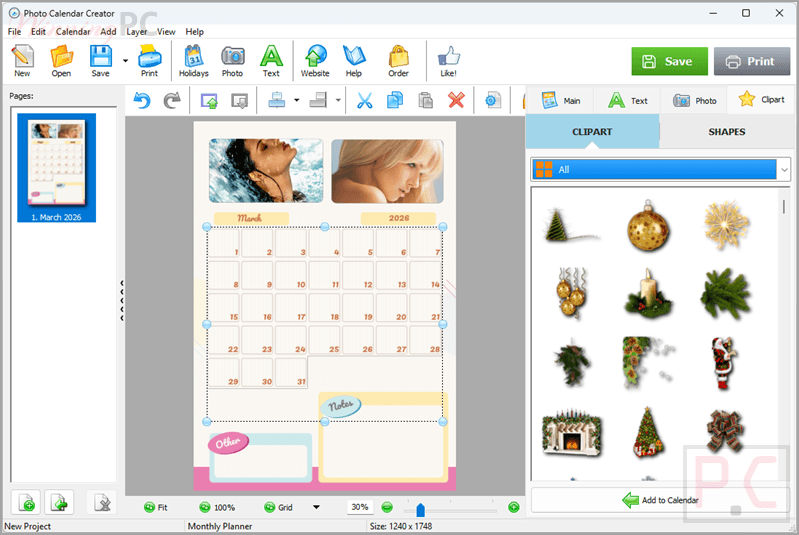
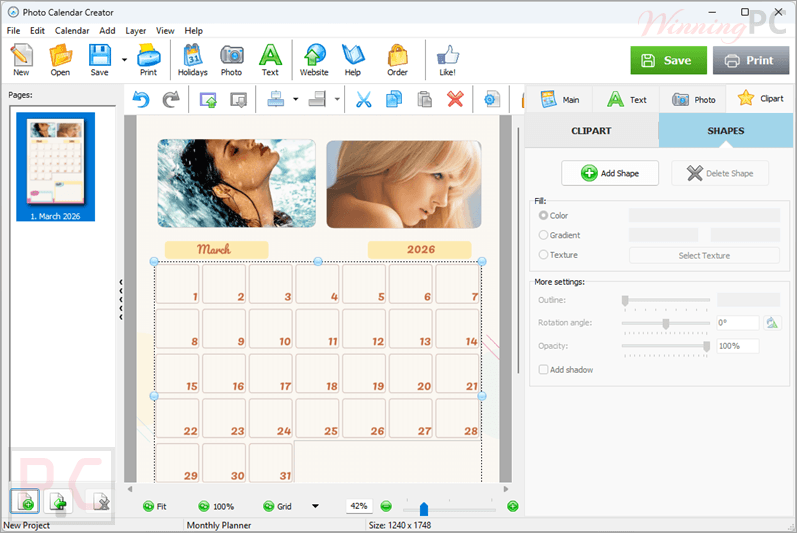
- Photo personalization: lets you add your own photos, create collages, use themed backgrounds, and insert pictures into calendar cells.
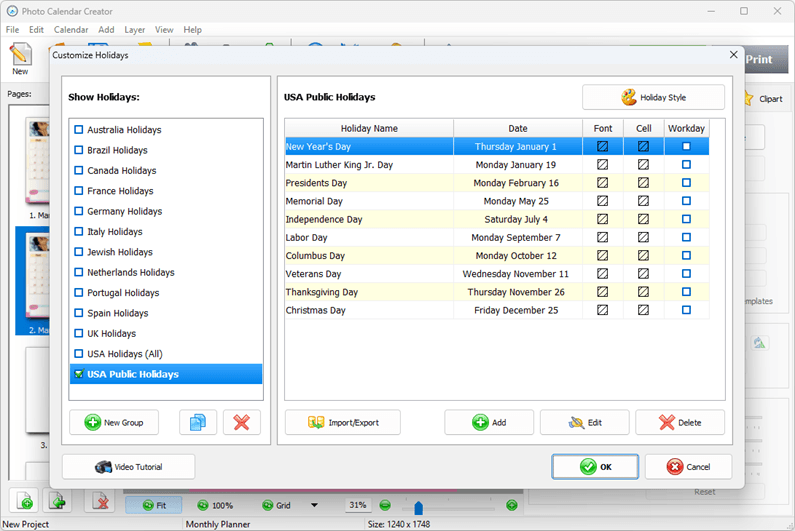
- Holiday and event marking: supports public holidays, religious holidays, birthdays, anniversaries, and recurring events.
- Import for event lists: allows long lists of dates to be imported from Excel or CSV.
- Editable calendar design: lets you change fonts, colors, week numbers, and cell styles, including shape and color.
- Language editor: makes it possible to create calendars in any language or even in two languages at once.
- Step-by-step wizard: guides you through template choice, starting year and month, paper size, and print settings.
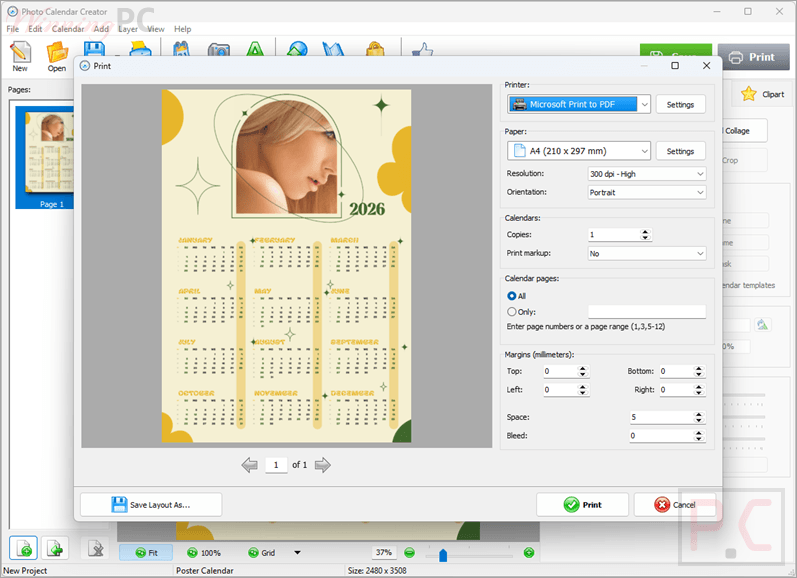
- Multiple export options: supports JPEG, PNG, PDF, and TIFF (CMYK).
- Flexible printing: works with common and custom paper sizes and supports 300 to 600 dpi output.
- Windows compatibility: fully compatible with Windows 11, 10, 8, and 7.
Pros & Cons
More screenshots
Frequently Asked Questions
What does AMS Photo Calendar Creator do?
It is a Windows application for designing and printing personalized photo calendars, planners, and similar printable projects.
What kinds of calendars can I make?
It is a Windows application for designing and printing personalized photo calendars, planners, and similar printable projects.
Can I import event lists?
Yes. Birthdays and anniversaries can be imported from Excel or CSV.
Can I use Photo Calendar Creator in different languages?
Yes. The software includes a language editor that allows you to make calendars in any language, including bilingual calendars.
Can I install the software on more than one computer?
A license allows installation of one copy on one computer. It can be transferred to another computer in emergency cases, but regular use on more than one machine requires a separate license.
How long can I get free updates?
You can update to the latest version for free within 12 months after purchase.
Where can I find the best Photo Calendar Creator coupon code?
The current deal provided on WinningPC is AMS***WEB70, which gives up to 70% off Photo Calendar Creator licenses.
Technical Specifications
| Supported OS | Windows 11, 10, 8, 7. |
| Export Formats | JPEG, PNG, PDF, TIFF (CMYK) |
| Delivery | Instant delivery |
| Print resolution | 300 to 600 dpi |
| Import support | Excel, CSV |
| Paper sizes | 8.5″x11″, 12″x12″, 11″x17″, A4, A3, custom sizes |