Laura Marano
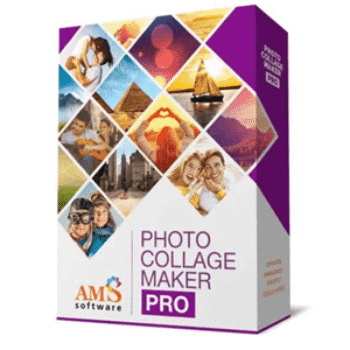
Photo Collage Maker is a Windows program for creating digital collages, photo books, postcards, invitations, and other picture-based projects on a PC. This WinningPC deal lets you save up to 85% on selected editions.
Status: ✅ Active & Verified
Last Checked: October 2026
Offer: 85% Off
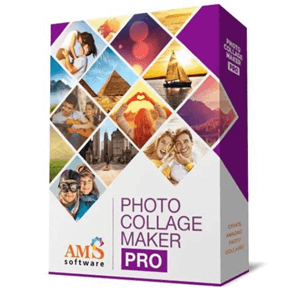
Photo Collage Maker PRO
85% off coupon code: regular price $70, discounted price $10.5
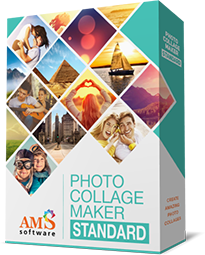
Photo Collage Maker Standard
70% off: regular price $42.0, discounted price $12.60
📄 Licensing & Support Details
- Secure Order
- Instant Delivery
- Life-long license
- FREE updates to future versions
- FREE technical support
📝 How to apply
- Click the “Copy Code” button to get the discount code
- You will be redirected to the official Photo Collage Maker checkout page.
- You will see the discount code is already loaded and the price slashed.

What is Photo Collage Maker?
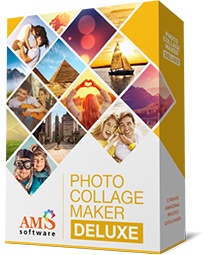
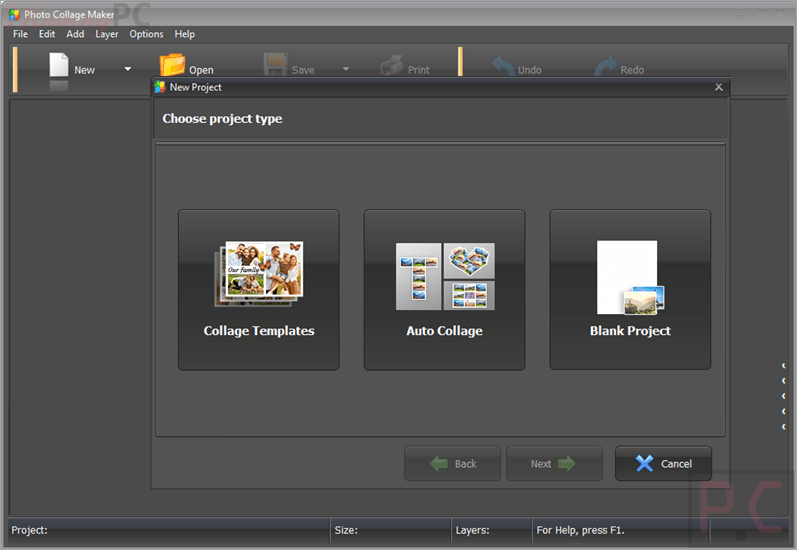
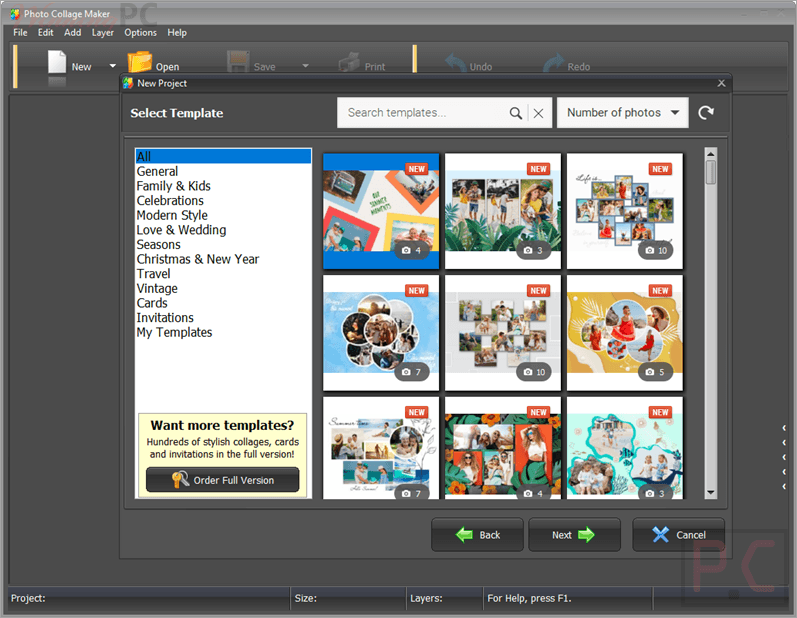
AMS Photo Collage Maker is a desktop collage and scrapbook program built for PC users who want to create photo collages, albums, invitations, postcards, posters, and similar designs without dealing with a complicated workflow. It includes a large template library, built-in decoration tools, text styling options, export choices, and print settings, so it can suit both casual personal projects and more polished printed work.
In-Depth Review & Features
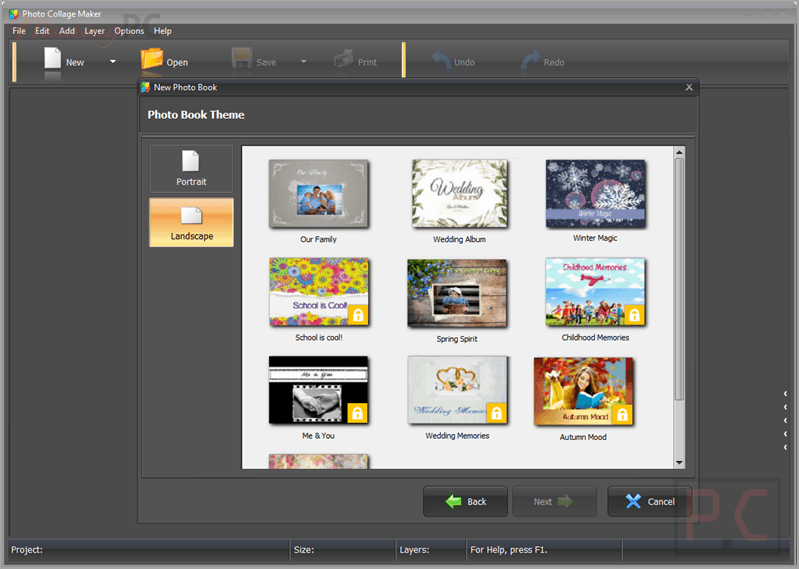
- 450+ templates and layouts: includes themed templates and grid-based collage layouts for different occasions.
- Photo books and albums: lets you build colorful albums for weddings, vacations, graduations, baby showers, and more.
- Invitations and postcards: supports custom invitations and personalized postcard designs.
- Frames, masks, and clipart: includes 60+ frames, 150+ masks, and 200+ clipart objects for decoration.
- Text styling tools: allow you to add captions with fonts, spacing, gradients, textures, outlines, and shadows.
- Basic photo editing: includes crop, flip, rotate, align, layer tools, plus brightness, contrast, saturation, and color adjustments.
- Filters and effects: offers creative filters such as sepia, colorization, inversion, pencil drawing, and geometric effects.
- Flexible export options: supports JPEG, PNG, GIF, BMP, TIFF, and PDF for multi-page photo books.
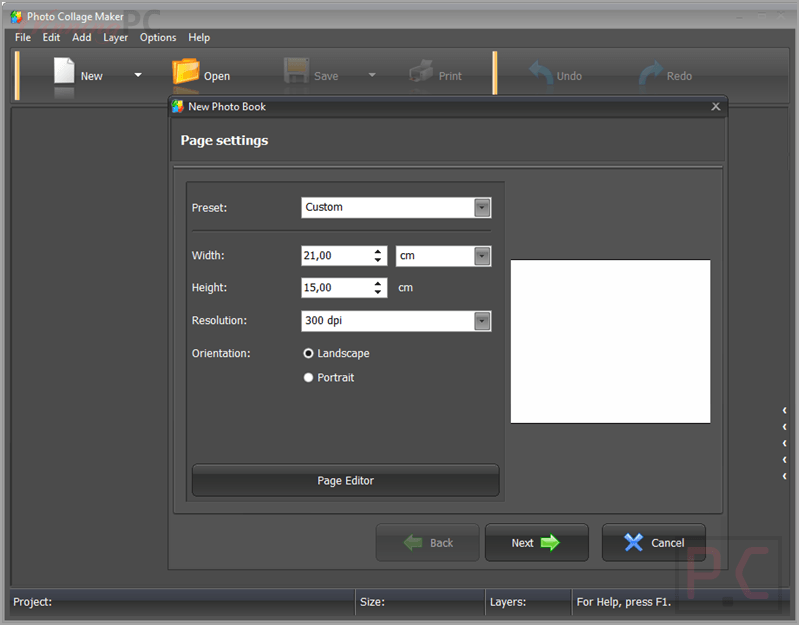
- Print support: offers paper presets, custom page dimensions, and print resolution up to 600 dpi.
- Windows compatibility: fully compatible with Windows 11, 10, 8, and 7.
Pros & Cons
More screenshots
Frequently Asked Questions
What is the best Photo Collage Maker deal available here?
The biggest listed discount on WinningPC is for the Standard edition, which drops from $70 to $10.5, equal to 85% off. The Pro and Deluxe editions are both listed at 70% off.
Does it include a free trial?
Yes. There is a free trial version, which you can use to test the software before buying.
What can I make with Photo Collage Maker?
You can create photo collages, photo books, scrapbooks, postcards, invitations, posters, and other personalized image projects.
Is Photo Collage Maker easy for beginners?
Yes. It is a user-friendly program with a clear interface, intuitive workflow, and a collage design wizard that guides you through layout, paper settings, dimensions, and resolution.
Can I install it on more than one computer?
A standard license allows one copy on one computer. You can transfer it to another computer in emergency situations, such as a hard drive crash or when replacing your computer. For regular use on multiple machines, a separate license is required.
Does it work on Mac?
It is designed for Windows. It may work on a Mac if you use a Windows emulator such as Parallels, and trying the free trial first is recommended.
What file formats can I export to?
The software supports export to JPEG, PNG, GIF, BMP, and TIFF. Multi-page photo books can also be saved as a PDF.
Can I print my projects?
Yes. You can print collages, albums, postcards, invitations, posters, and other designs. The program supports common paper presets, custom paper sizes, and print resolutions up to 600 dpi.
How do I update to the latest version?
You can update to the latest version for free within 12 months after purchase by using Help > Check for Updates inside the program.
What should I do if I cannot find my license key?
Your license key should be in your order confirmation email. You can search for an email from sales@payproglobal.com
Check your spam folder, and contact support with your order ID if needed.
Technical Specifications
| Platform | Windows PC |
| Supported OS | Windows 11, 10, 8, 7 |
| Export formats | JPEG, PNG, GIF, BMP, TIFF |
| Print resolution | Up to 600 dpi |