On this page
Apeaksoft Android Data Backup & Restore Coupons & Pricing
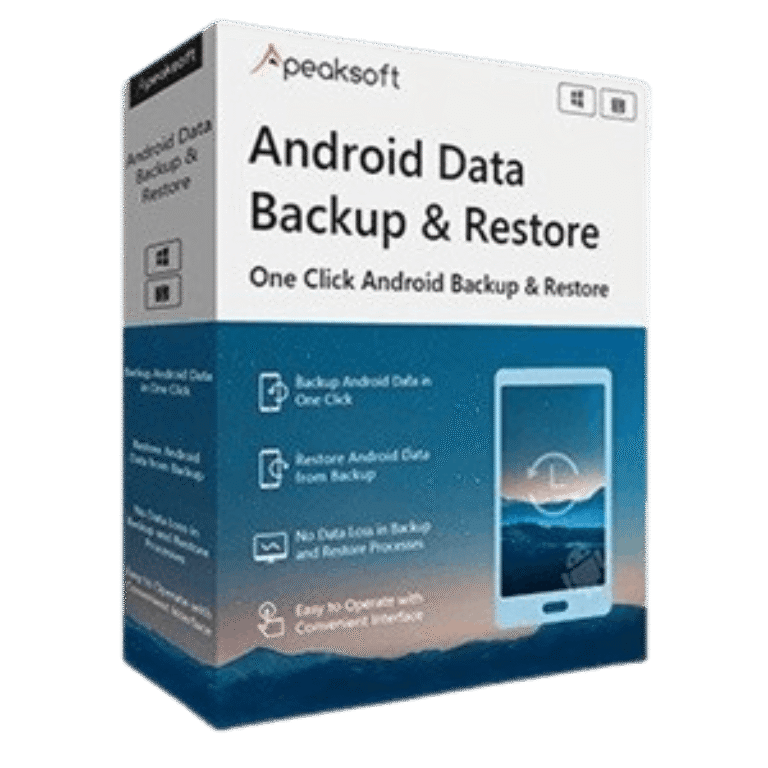
Apeaksoft Android Data Backup & Restore for Windows
8 plans · best save 50%
1 Month ★ Best Deal
Use for 1 device on 1 PC | 1 month access | Free updates & support for 1 month
1 Month/2 Devices
Use for 2 devices on 1 PC | 1 month access | Free updates & support for 1 month
Lifetime License
Use for 6 devices on 1 PC | Lifetime access | Free updates & support for lifetime
Lifetime License /3 PCs
Use for 6 devices on 3 PCs | Lifetime access | Free updates & support for lifetime
Apeaksoft Android Data Backup & Restore for Mac
8 plans · best save 50%1 Month ★ Best Deal
Use for 1 device on 1 Mac | 1 month access | Free updates & support for 1 month
1 Month/2 Devices
Use for 2 devices on 1 Mac | 1 month access | Free updates & support for 1 month
Lifetime License
Use for 6 devices on 1 Mac | Lifetime access | Free updates & support for lifetime
Lifetime License /3 Macs
Use for 6 devices on 3 Macs | Lifetime access | Free updates & support for lifetime
Full Review & Features
Apeaksoft Android Data Backup & Restore is an easy-to-use tool for securely backing up and restoring Android data. It supports contacts, messages, call logs, photos, videos, audio, documents, and more. With one-click or selective backup, encrypted protection, preview before restoration, and broad Android device compatibility, it helps keep your important data safe and accessible.
Key features
- Back up Android data in one click.
- Restore Android data from backup quickly.
- Supports contacts, messages, call logs, photos, videos, audio, and documents.
- Offers standard and encrypted backup modes.
- Password-protected backup option for added privacy.
- Selectively choose files before backup.
- Selectively restore specific data types.
- Preview data before restoring.
- Store backup files locally on your computer.
- Create multiple backup versions without overwriting previous backups.
- Compatible with Android phones and tablets.
- Supports more than 8,000 Android devices.
- Works with Samsung, Huawei, Xiaomi, LG, HTC, Motorola, Sony, ZTE, Google phones, and more.
What we think
Screenshots
Frequently Asked Questions
Where can I find a discount for Apeaksoft Android Data Backup & Restore?
You can often find the latest promotions on WinningPC, alongside offers available through Apeaksoft’s official website and seasonal sales events.
What is the biggest discount currently available?
The best deal currently available is 50% OFF the 1 Month License through the coupon offer listed on WinningPC.
How do I back up my Android data?
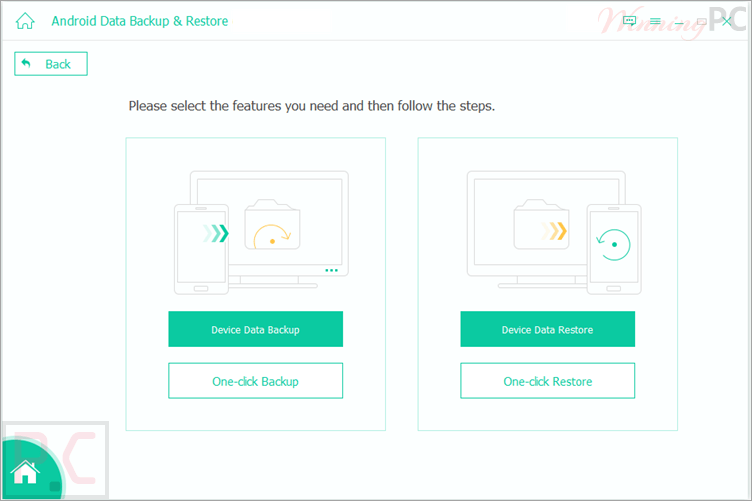
Connect your Android device to your computer using a USB cable, launch the software, select Device Data Backup, choose the data types you want to save, and start the backup process.
Is my backup data secure?
Yes. Backup files are stored locally on your computer, and the software also provides an encrypted backup mode protected by a password.
What data types can be backed up?
You can back up contacts, messages, message attachments, call logs, photos, videos, audio files, and documents.
How do I restore data to my Android device?
Connect your device, choose Device Data Restore, select a backup file, and restore either all data or selected items.
Does the software support selective restoration?
Yes. You can choose specific file types and data categories to restore instead of restoring everything.
Where are backup files stored?
Backup files are stored on your computer in a folder that you can choose and manage yourself.
Will new backups overwrite existing backups?
No. Every backup creates a separate folder, allowing you to keep multiple backup versions.
System Requirements & Details
| Operating System | Windows 11/10/8.1/8/7/Vista/XP Mac OS X 10.7 or later |
| Android Compatibility | All Android OS versions, including Android 16 |
| Processor | 1GHz Intel/AMD CPU or above; Apple M1/M2/M3/M4/M5 supported |
| RAM & Storage | 1GB RAM or more; 200MB free disk space |
| Supported Input | Contacts, Messages, Message Attachments, Call Logs, Gallery, Picture Library, Videos, Audio, Documents. |
| Supported Output | Backup and restoration of supported Android data types. |