
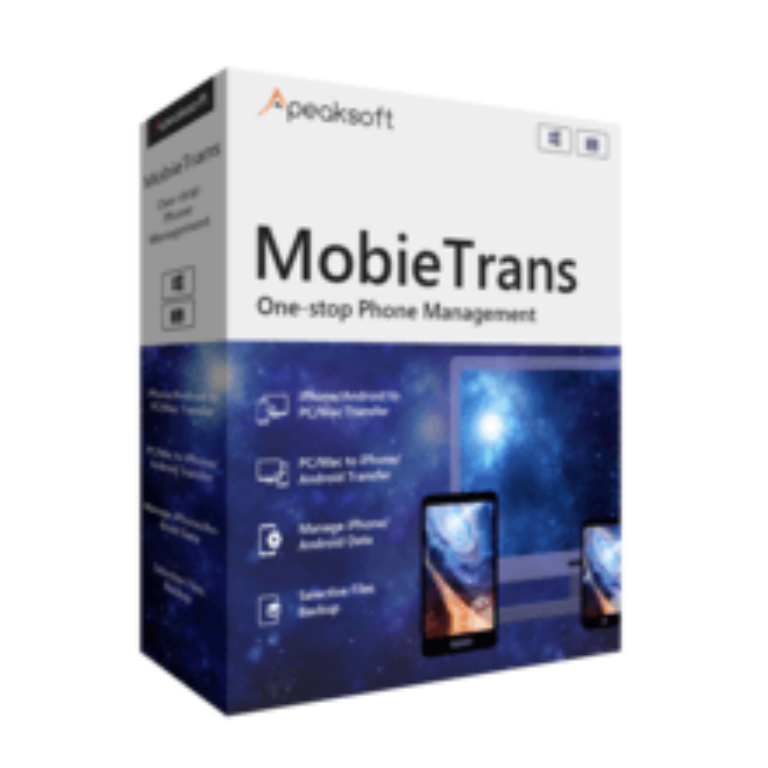

Apeaksoft MobieTrans Giveaway

Apeaksoft MobieTrans
Backup files between your iOS devices, Android phones, and PC.
- Product
- Apeaksoft MobieTrans
- Product website
- apeaksoft.com
- License
- 1-Year
- Platform
- Windows 11/10/8. /8/7/Vista/XP
- Usage
- Non-commercial only
- Updates
- No future upgrades
- Support
- No support
- Updated
- 2026-09-24
Continue on apeaksoft.com
The publisher handles registration and license delivery on its official website.
The free license is no longer available.
Apeaksoft MobieTrans Plans & Coupon Codes

Apeaksoft MobieTrans - Lifetime License
Free updates & support for lifetime
Apeaksoft MobieTrans - Lifetime/3 PCs
Free updates & support for lifetime
Is this Apeaksoft MobieTrans giveaway safe and legit?
Yes. This is an official giveaway run directly by Apeaksoft, with a genuine 1-Year license key delivered to your registered email.
No crack or keygen
You download MobieTrans from Apeaksoft’s official installer and activate it with a real license key. Nothing is patched, modified, or repackaged from a third-party source.
Official authorized source
This giveaway runs through Apeaksoft’s own publisher page -not a grey-market key reseller or unofficial mirror.
Secure HTTPS checkout
If you choose to purchase a paid plan instead, payment is handled on Apeaksoft’s encrypted store. Your card details never touch WinningPC.
30-day money-back guarantee
The Lifetime plan comes with a 30-day refund window. The giveaway key is free, so there’s nothing to lose either way.
How to Get the Apeaksoft MobieTrans Key Free?
- Open the official Apeaksoft MobieTrans giveaway page and enter your name and email address.
- Check your inbox for the registration code email from Apeaksoft -it usually arrives within a few minutes.
- Download and install MobieTrans on your Windows PC from the link provided in the email or on the giveaway page.
- Open the software, locate the registration or activation screen, and enter the same email address plus the license code from your email.
- Done. Your 1-Year license is now active and the app is ready to use.


Apeaksoft MobieTrans: In-Depth Review & Features
Apeaksoft MobieTrans covers the core phone-data problem most people hit at least once: switching from Android to iPhone (or vice versa) and needing to bring everything across cleanly. The five-category scope – photos, music, videos, contacts, SMS – is wide enough to handle the vast majority of switching scenarios in a single session. The part that works better than iTunes is the selective approach: you pick exactly which playlists, albums, or contact groups to move rather than syncing the whole device.

There’s also a HEIC converter and a ringtone maker built in, which means fewer separate utilities cluttering your PC. The honest limitation worth flagging: SMS transfer is one-directional. You can pull SMS history from a phone to your PC, but you cannot push messages from a PC back to a device – a detail that most reviews don’t mention, and that matters if you’re trying to restore a message archive to a new phone.
Key features
- Bidirectional phone-to-phone and phone-to-PC transfer. Move photos, music, videos, contacts, and SMS from any supported iOS or Android device to your PC; import photos, music, videos, and contacts from PC back to any device.
- Cross-platform support. Works between iOS and Android (both directions), between two iOS devices, and between two Android devices – all over USB, without needing to log into Apple ID or Google.
- HEIC Converter. Batch convert iPhone photos from HEIC to JPG or PNG, keeping EXIF metadata (timestamps, camera settings) intact for viewing on non-Apple devices.
- Ringtone Maker. Trim any audio or video file to a custom ringtone and push it directly to your phone – useful for anyone who’s tired of the same default tones.
- Contact deduplication. Scans and merges duplicate contacts in one click, which is especially useful after years of syncing across multiple platforms.
pros & cons
more Apeaksoft MobieTrans screenshots!

Frequently Asked Questions
What happens when the 1-year giveaway license expires?
When the year is up, the license deactivates and the app stops working. Files you’ve already transferred stay exactly where you put them – MobieTrans doesn’t touch data it has already moved. To keep using it, you’d need to purchase a plan; at that point the Lifetime license at $31.22 (code APKSUR) is the most cost-effective path.
Does Apeaksoft MobieTrans transfer text messages and SMS history?
Yes, but with one important catch. It can copy SMS messages from an iPhone or Android phone to your PC, preserving the full message thread with timestamps. However, the reverse direction (PC to device) only supports photos, music, videos, and contacts – SMS cannot be pushed from a PC back to a phone. If restoring a message archive to a new device is your goal, verify this limitation with Apeaksoft first.
What’s the cheapest way to buy after the giveaway ends?
The lowest verified price is $31.22 for the Lifetime license (1 PC) using coupon code APKSUR – 50% off the regular $62.45. That’s a one-time payment with no subscription fees. The 1-Month plan comes out to $17.95 with the same code, but two months of it already exceeds the Lifetime price.
Does it work on Windows 11 and the latest iPhone models?
Yes to both. Apeaksoft MobieTrans supports Windows 11, 10, 8.1, 8, 7, Vista, and XP. On the iOS side, it covers the full iPhone lineup including the iPhone 18 series, all current iPad models, and iOS 5 and above. Android support covers all major versions and brands – Samsung, Pixel, Huawei, OnePlus, and more.
System Requirements & Details
| Field | Value |
|---|---|
| Operating system | Windows 11 / 10 / 8.1 / 8 / 7 / Vista / XP |
| Processor | 750 MHz Intel or AMD |
| RAM | 512 MB or above |
| Hard disk | 1G RAM or more |
| iOS compatibility | iOS 5 and above (including iOS 27, iPadOS 27) |
| Android compatibility | All Android OS versions (including Android 17) |
| iOS/Android → PC | Photos, Music, Videos, Contacts, SMS |
| PC → iOS/Android | Photos, Music, Videos, Contacts (no SMS) |
| iOS → iOS | Photos, Music, Videos, Contacts |
| Android → Android | Photos, Music, Videos, Contacts |
| Android → iOS | Photos, Music, Videos, Contacts |
| Connection | USB cable (required for all transfers) |
Note: MobieTrans is a device transfer tool, not a file format converter, so traditional “input/output format” rows don’t apply. The data type matrix above covers what can move in each direction.




