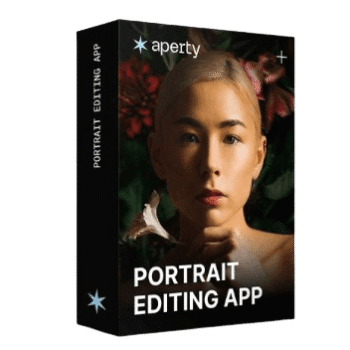
Aperty Portrait Photo Editor edits and retouches portrait photos. It detects facial features and skin tones to adjust skin smoothness, remove blemishes, brighten eyes, refine facial contours, and apply light makeup effects while keeping natural skin texture. Useful for fashion, wedding, family, and studio portraits. Supports batch processing for editing many images at once and non-destructive editing so original photos remain unchanged while adjustments are applied.

Skylum Black Friday Sale: Up to 77% Off
It’s time to save this Black Friday! Choose between Desktop Only ($99), All Platforms ($139), or Max ($159). Starting at 5 a.m. EDT on October 19, 2026, these deals will be available. Don't overlook this sale!
Aperty Photo Editor
3 plans · best save 40%
Monthly Plan ★ Best Deal
Billed monthly | Get started and see if it fits
Annual Plan
Best for long-term use | Includes all updates and works on 2 devices.
Perpetual Plan
Own it forever | Includes 1 year of updates. After that, updates cost extra.
Aperty Portrait Photo Editor Key Features
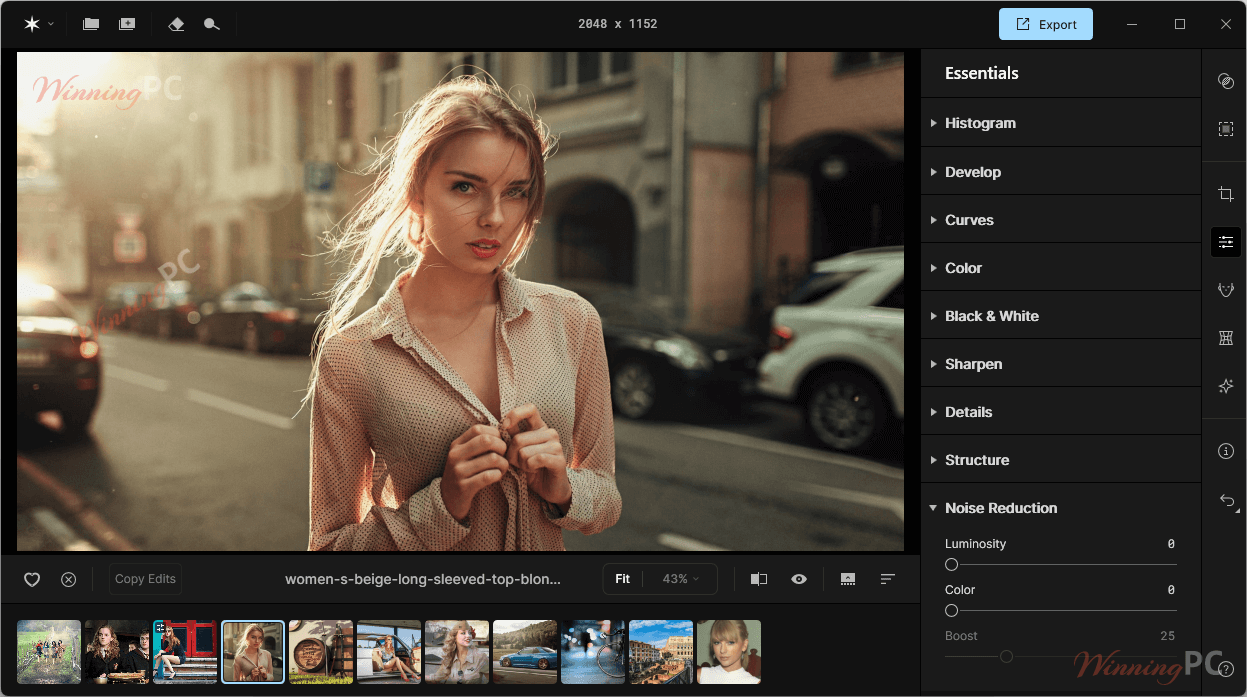
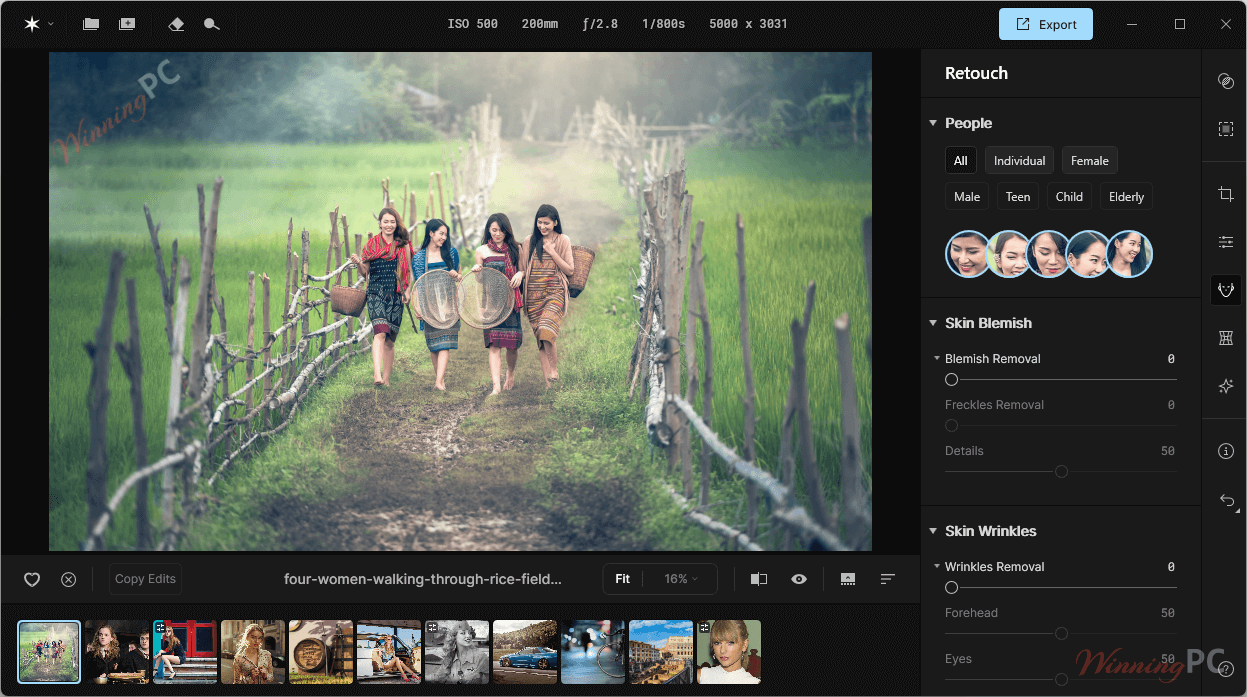
- AI-Powered Retouching: automates portrait retouching tasks such as smoothing skin, reducing fine lines, removing blemishes, and correcting skin tones.
- Batch Editing & Presets: edits multiple images at once and applies custom presets to maintain consistent results across entire portrait sessions.
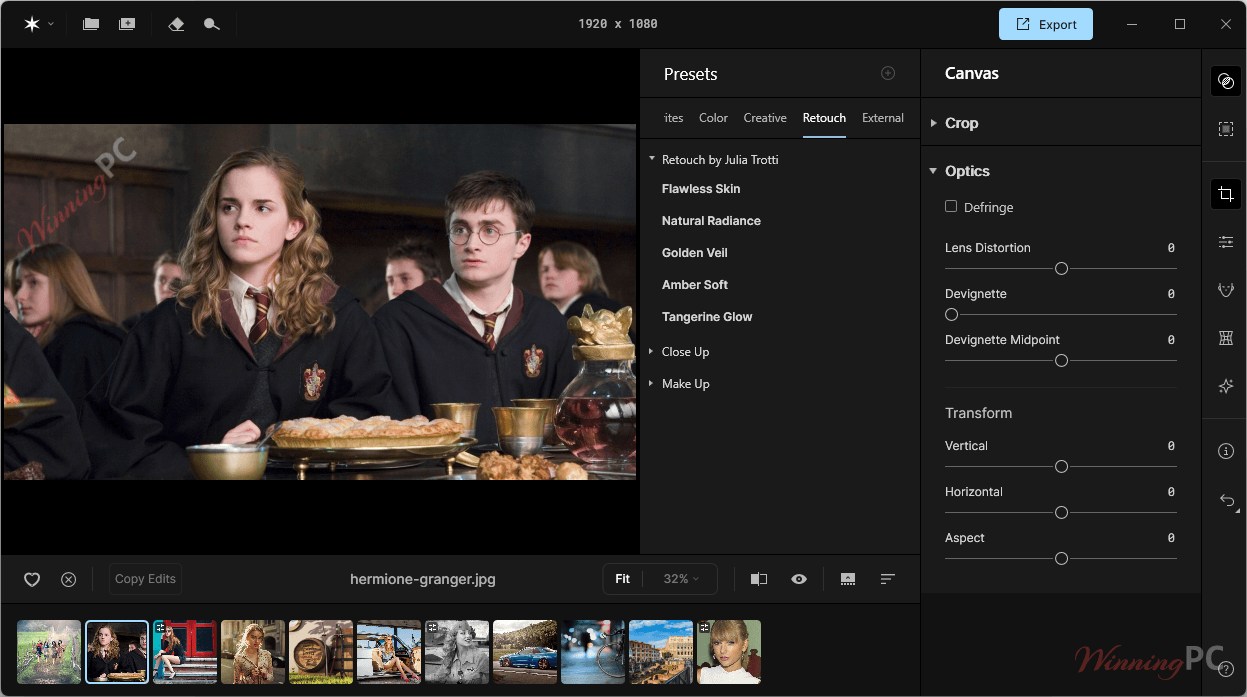
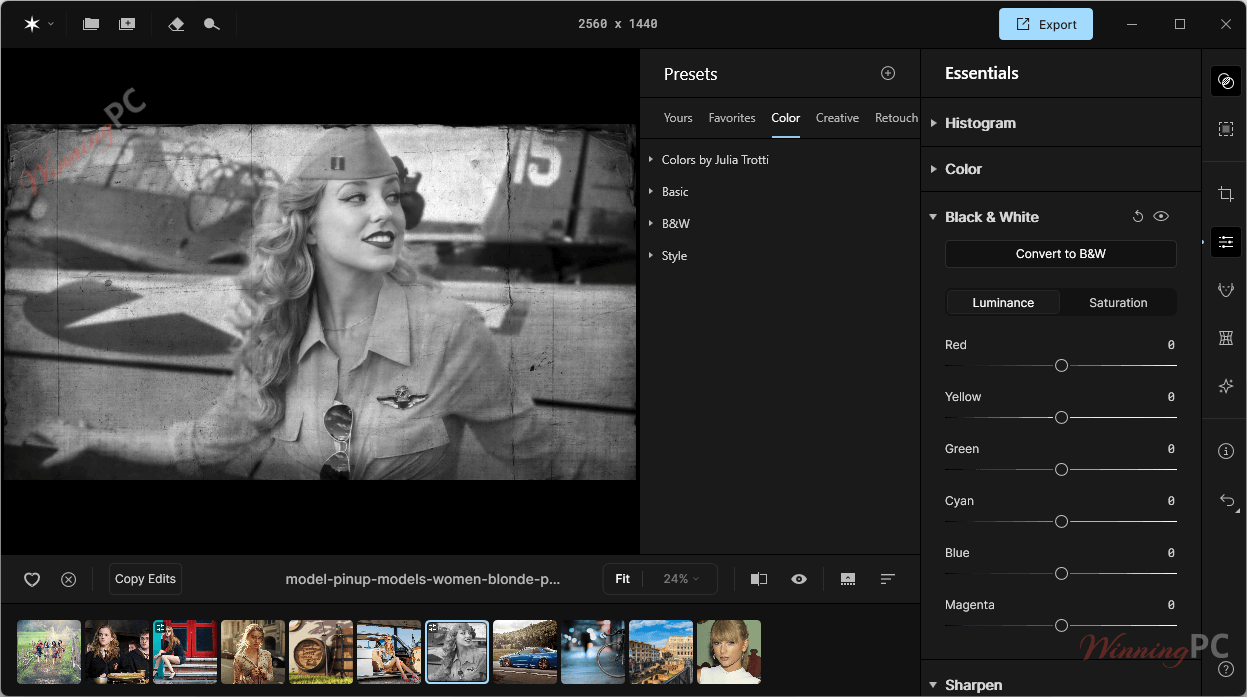
- Custom & Built-in Presets: includes over 50 constantly updated presets and supports creating or importing custom presets for consistent portrait retouching.
- Plug-in Support: integrates with Adobe Photoshop and Adobe Lightroom to fit naturally into existing photo editing workflows.
- Creative Enhancements: simulates studio lighting, adds dynamic lighting effects, creates blurred backgrounds, and applies vignette or high key styles.
- Face Mesh Technology: maps more than 4,000 facial control points using high-resolution face mesh detection for precise feature and contour adjustments.
- Light Control & Reshaping: adjusts lighting effects and reshapes facial features, including cheekbones, nose structure, and lips, for refined portrait edits.
- AI Masking & Makeup Tools: applies AI-generated masks for selective edits and provides makeup tools like blush, contour, and highlights.
More Screenshots:
Pricing Plans & Conclusion
Pricing plans:
| Plan Type | Price | Details |
|---|---|---|
| Yearly Plan | $199/year | Best for long-term use. Includes all updates and works on 2 devices. |
| Lifetime License | $399/ one-time | Own it forever. Includes 1 year of updates. After that, updates cost extra. |
Optional Updates After Year 1
- Auto-renew: $99/year
- Manual renewal (if you don’t choose auto-renew): $119/year
Free Trial & Refund
- Free Trial: 7-day full-feature trial
- Money-back Guarantee: 14-day refund if you’re not satisfied
Review
Conclusion:
If you’re a portrait-focused pro or enthusiast handling large image volumes—especially wedding, fashion, or headshot photography. Aperty can drastically accelerate your workflow while maintaining top-tier quality. Its batch tools, realistic retouching, and flexible interfaces make it compelling. The privacy-first design and robust support are added bonuses.
However, it’s a significant investment. The subscription and lifetime price point put it in the premium bracket—so unless you’ll consistently use it, it may not justify the cost. There are alternative tools (Aperty alternatives) that offer lower price options, though often with narrower feature sets.
Frequently asked questions
Can Aperty remove blemishes and skin imperfections?
Yes! This tool uses AI to smooth skin, remove acne, reduce shine, and eliminate wrinkles, giving your portrait a natural yet retouched finish.
Does the software allow for background editing?
Absolutely. With its help, you can blur, replace, or enhance the background to create a more professional-looking composition.
Can I use this tool as a plug-in with other software?
Yes, It works both as a standalone application and as a plug-in for Photoshop, Lightroom, and macOS Photos, allowing you to integrate it into your existing editing workflow.
Does this tool offer batch editing?
Currently, it focuses on single-image editing to ensure personalized and accurate portrait retouching.
What file formats does Aperty support?
This photo editing tool supports RAW images from over 1000 camera types, including CR2, CR3, NEF, ORF, and RAF formats. It also works with JPEG, PNG, and TIFF files.
How can I get a discount on Aperty Portrait Photo Editor?
You can save 40% on your purchase by using the coupon code provided by WinningPC during checkout.
Technical Details
| Language Support | English, Français, Italian, Spanish, Swedish, and more… |
| Money Back Guarantee | 14-Day |
| Operating System | Windows 10 version 1909 or higher (only 64-bit OS) macOS 12.0 or higher. |
| Shipping | Register code will be sent to your email in minutes |
| Subscription | 1-Year, Lifetime |
| Support Services |