
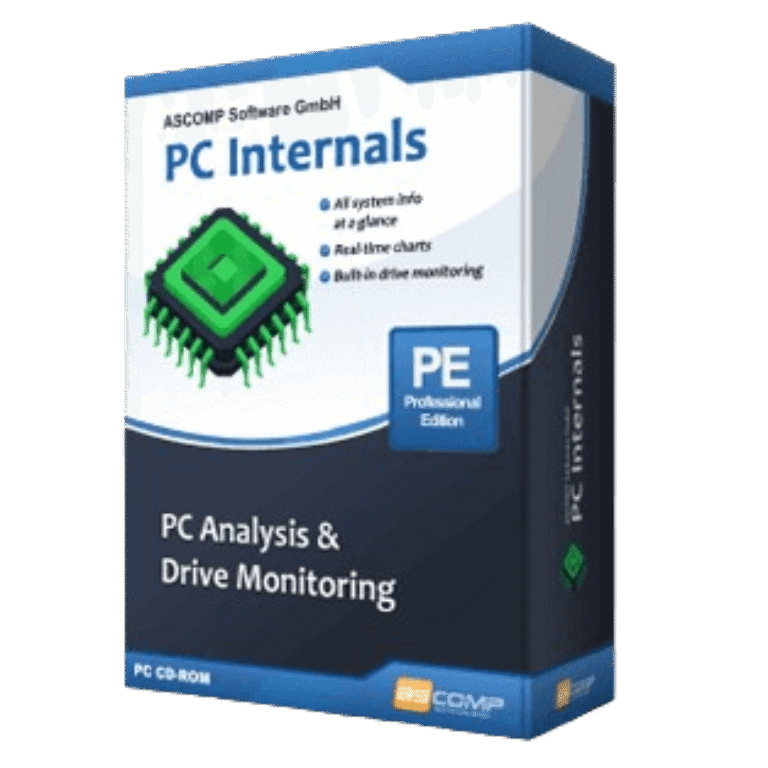

Ascomp PC Internals Giveaway
Ascomp PC Internals
Monitor hardware, analyze system information and run SSD health checks.
- Product
- Ascomp PC Internals
- Product website
- ascompsoftware.com
- License
- Lifetime
- Platform
- Windows 11, 10, Server 2022/2025, Server 2016/2019
- Updates
- Free updates for one month
- Support
- Free tech support for one month
- Updated
- 2026-07-27
Continue on ascompsoftware.com
Share to reveal your license code and the official claim page.
The free license is no longer available.
Ascomp PC Internals Pro Key Free
- Fill in the blanks in the giveaway form with the Ascomp PC Internals Professional license key above.
- Check your mailbox for the ASCOMP login information.
- Log in to the reseller area, where you can download any registered full versions.
- Download and install the program on your PC, then enter your customer ID to unlock the program.


Ascomp PC Internals Plans & Discount Codes (100% Working)
Ascomp PC Internals Pro
Lifetime license (lifelong use; including updates, download & support for two years)

ASCOMP All-in-One Pack
Free update & Free technical customer for 24 months

What Ascomp PC Internals Pro is good at
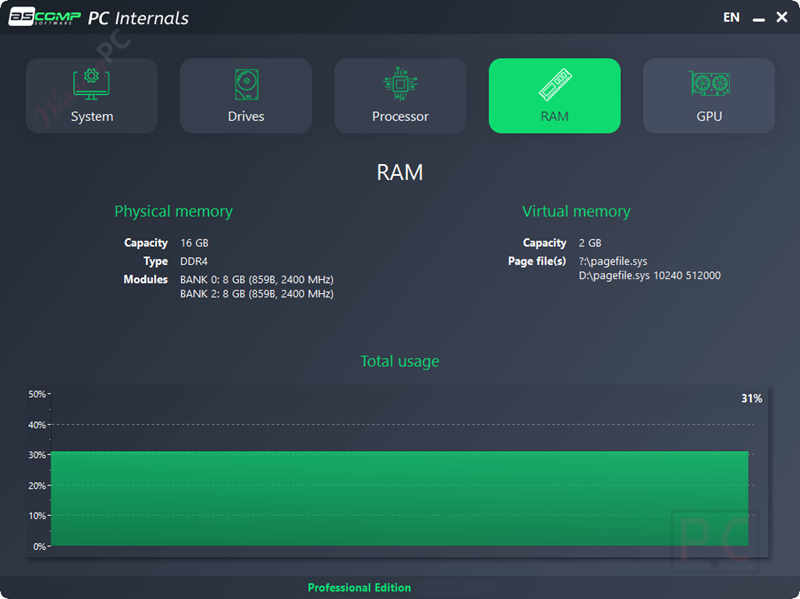
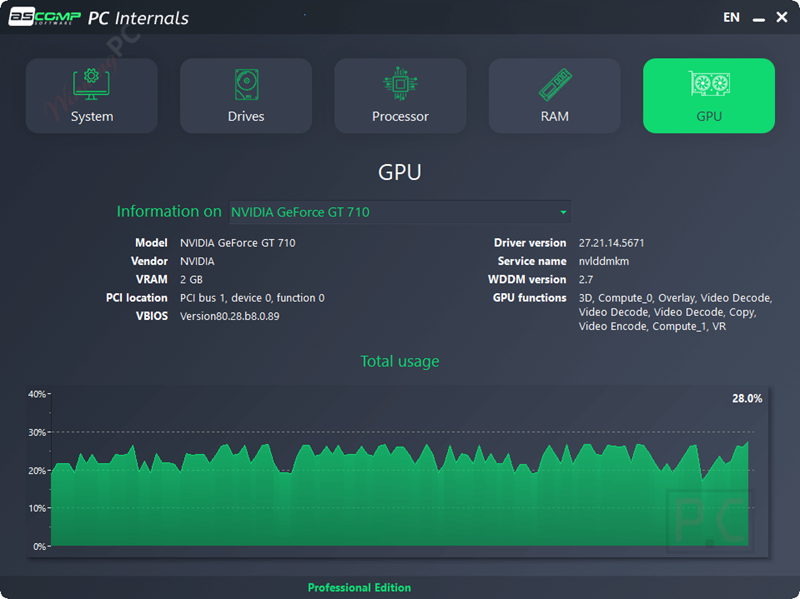
Ascomp PC Internals is a Windows system monitoring and hardware analysis tool that helps users inspect PC components, monitor SSD and HDD health, view SMART data, track temperatures, and analyze real-time system performance. It provides an easy-to-read overview of CPU, RAM, GPU, motherboard, storage devices, drivers, and system status.

Key features
- System Overview: Instantly identify your installed CPU, RAM, motherboard, graphics card, and check your current driver or BIOS versions.
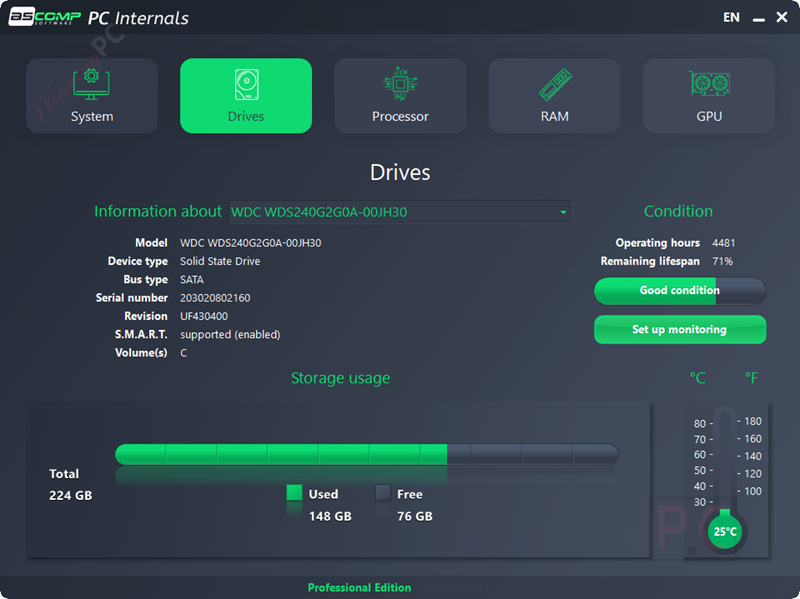
- Drive Status & SMART Monitoring: Read SMART values to track operating hours, hardware temperatures, and the remaining lifespan of your storage devices.
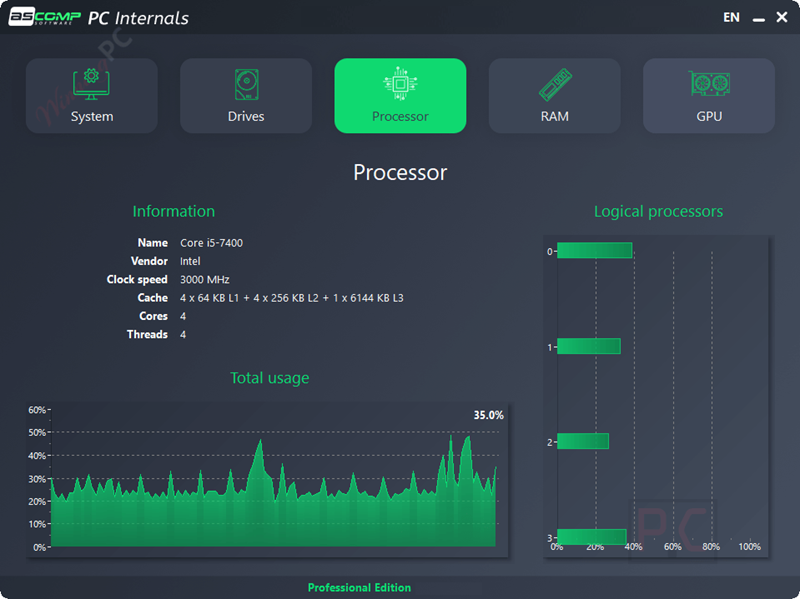
- Live Performance Tracking: Monitor hardware load, clock speeds, and temperatures as they fluctuate in real-time.
- Automatic Alerts: Ascomp PC Internals runs silently in the background and pushes instant Windows or email notifications if your hardware hits critical wear or heat thresholds.
- Wide Storage Compatibility: Supports all common storage drives, spanning from classic HDDs to modern NVMe SSDs and external media.
pros & Cons
more Ascomp PC Internals screenshots
Frequently Asked Questions
What kind of hardware information does PC Internals provide?
Ascomp PC Internals delivers detailed reports on your system’s processor, memory, drives, graphics card, and driver versions, along with real-time usage and temperature data.
Can I set custom thresholds for drive monitoring?
In the Professional Edition, users can define custom thresholds for drive operating hours or remaining lifespan, enabling proactive maintenance and timely alerts.
What is the difference between the Standard and Professional Editions?
The Standard Edition is free for personal use and provides basic hardware analysis features. The Professional Edition, available for purchase, includes additional functionalities such as automatic monitoring, alerts for critical conditions, and permission for business use.
Does PC Internals provide real-time monitoring?
Yes, Ascomp PC Internals offers real-time monitoring of various hardware components, displaying current usage, temperatures, and other vital statistics.
Is there a discount available for the Professional Edition?
Yes, you can use the coupon code UMA65-85****RBX-ME5L provided by WinningPC to receive a 65% discount on your purchase.
System Requirements & Details
| Feature | Specifications |
|---|---|
| Language Support | English, Français, Italian, Spanish, Swedish, and more… |
| Operating System | Windows 11, Windows 10, Windows Server 2022/2025, Windows Server 2016/2019 |
| Processor | Intel compatible, Windows on ARM |
| RAM & Storage | 2 GB minimum (4 GB recommended) & 50 MB hard disk space |
| Supported Input | SMART data, hardware sensors, system information |
| Supported Output | Hardware diagnostics, SMART reports, temperature data, utilization statistics, health status monitoring |





Thanks, so is it just free updates for 6 months but it will continue to work after the subscription expires?
does it support multi GPU systems and display them individually? like Task Manager in |Windows 10 or above and CPUID HWMonitor does? the screenshots look like it only supports a single GPU display.