Chris Bruner
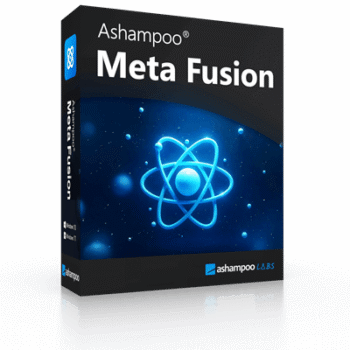
In my experience, Ashampoo Meta Fusion is the go-to tool when I need to fix missing metadata from Google Takeout exports. As you guys know, Google often separates that data into JSON files, and a lot of it gets lost during export. Ashampoo Meta Fusion solves this by merging everything – EXIF, IPTC, XMP, and more – right back into the image files. That way, I still have all the important details like camera settings, capture dates, and GPS locations. It makes managing my photos so much easier and far more accurate.
Ashampoo Meta Fusion License Code for Free
- Product name: Ashampoo Meta Fusion
- Website: https://www.ashampoo.com/en-us
- License type: lifetime
- Platform: Windows
- Giveaway download link: ashampoo_meta_fusion_46760.exe
Click on the giveaway download link to download and install the software on your computer.
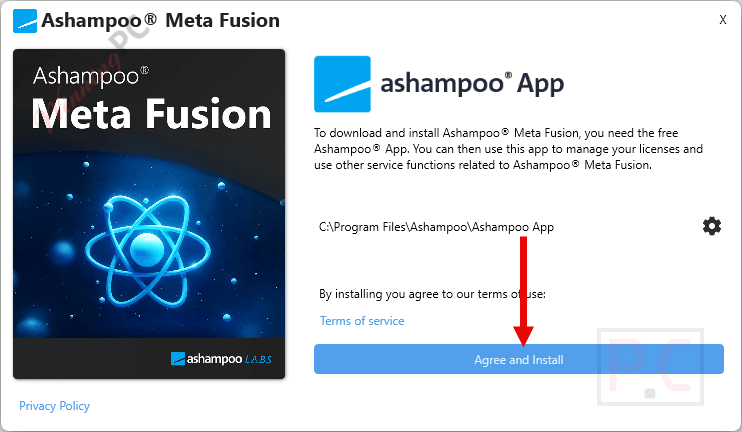
If you don’t already have an Ashampoo account, please create one or log in using your current one.

Please click the “Get” button to proceed with the installation after logging in successfully.
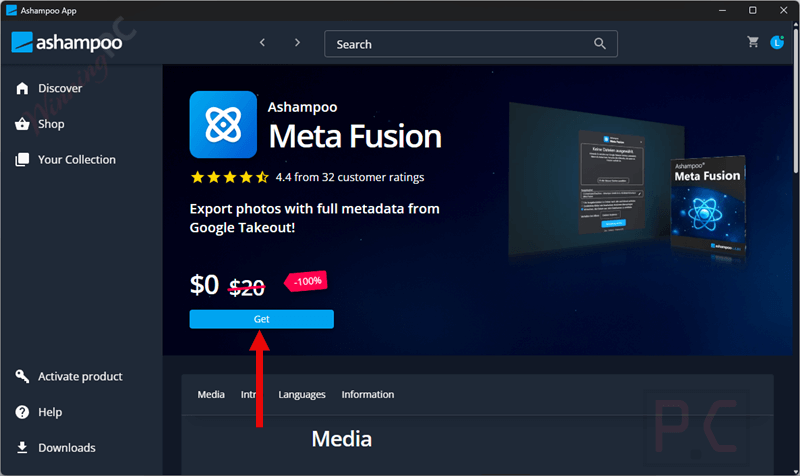
After installation is complete, launch it and get it for free for a lifetime!

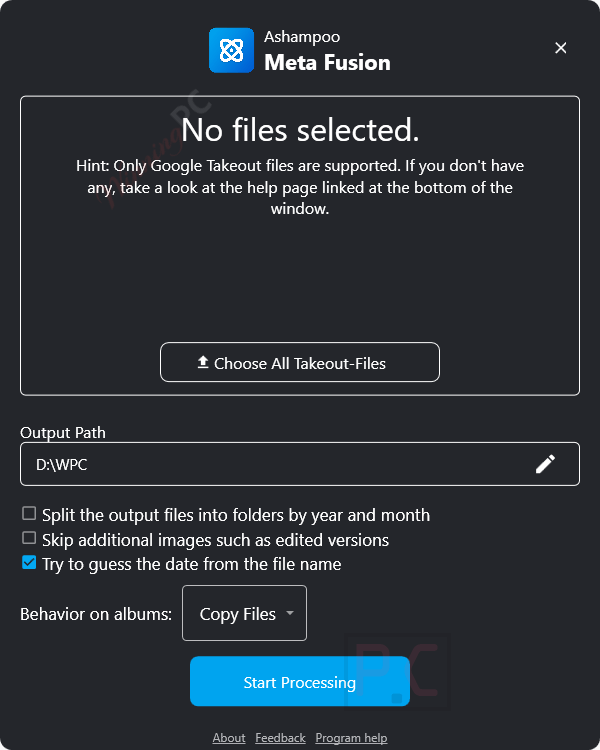
Ashampoo Meta Fusion main screenshot.
Main Features
- Merges your Google Takeout JSON files with the actual photos, ensuring details like dates, GPS coordinates, and camera settings are preserved.
- Instead of leaving metadata separate, the program embeds it directly into your images, making them universally compatible with photo editors and organizers.
- Supports batch processing to handle large photo collections efficiently.
- Helps you organize, filter, and sort photos based on complete metadata information.
- Allows seamless photo management after exporting or backing up Google Photos archives.
Technical Details
| Language Support | English, Français, Italian, Spanish, Swedish, and more… |
| Money Back Guarantee | 30-Day |
| Operating System | Windows 11, Windows 10 (x64) |
| Shipping | Register code will be sent to your email in minutes |
| Subscription | Lifetime |
| Support Services | Tickets |