Laura Marano
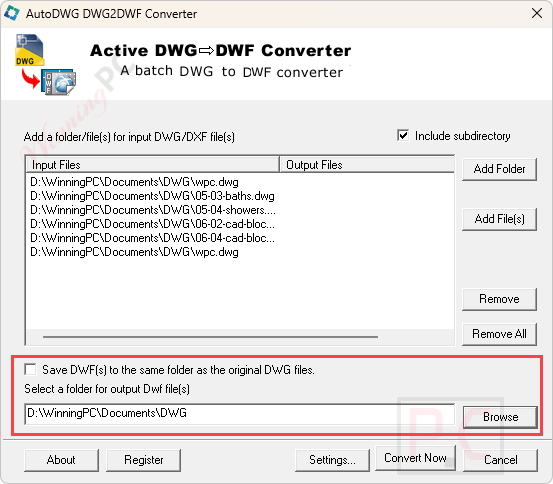
AutoDWG DWG to DWF Converter turns DWG and DXF files into DWF format in bulk. It works as a standalone utility, meaning you don’t need to have AutoCAD installed on your computer to use it.
- Status: ✅ Active & Verified
- Last checked: October 2026
- Offer: Up to 55% Off
- Coupon code: Auto***42
AutoDWG DWG to DWF Converter Standard
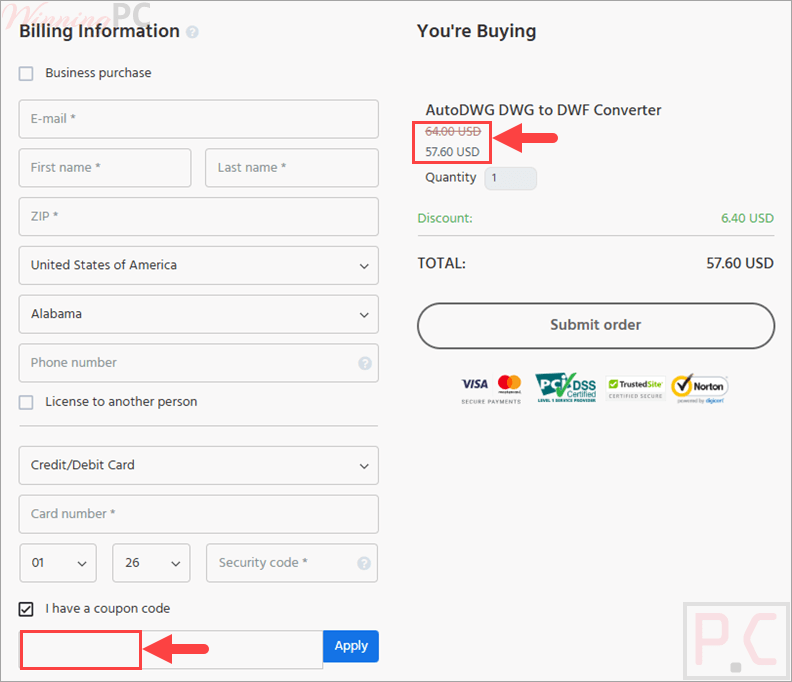
55% off coupon code: regular price $128, discounted price $57.60
AutoDWG DWG to DWF Converter Server
10% off coupon code: regular price $990, discounted price $891
📄 Licensing & Support Details
- License Types: Standard, Server.
- 1-year free updates
- Free technical support.
- Secure Payment.
- 30-day money-back guarantee.
📝 How to apply
Click ‘Copy Code’ in the coupon box above. You’ll be redirected to checkout, where you can apply the code to get your discount.
AutoDWG DWG to DWF Converter: Review & Features
Key Features
- No AutoCAD Needed: Works independently to convert design files without expensive CAD software.
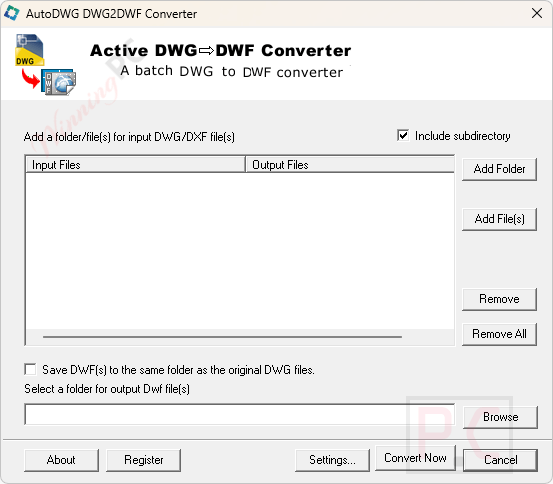
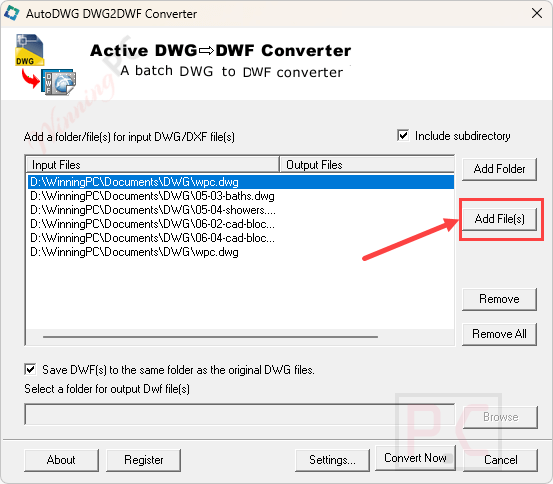
- Batch Processing: You can select entire folders or subfolders to convert many files at once.
- 3D DWF Publishing: Includes a new function to publish 3D DWF files.
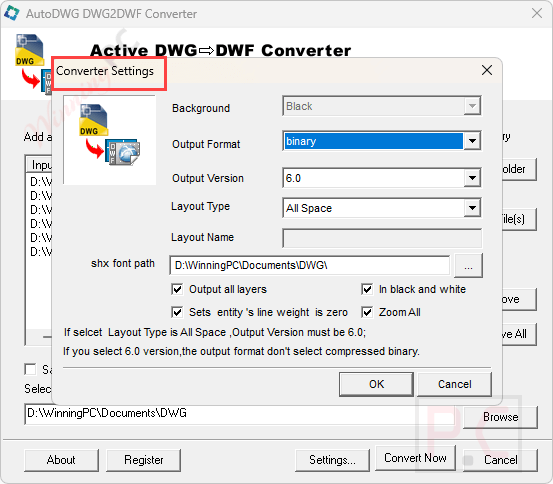
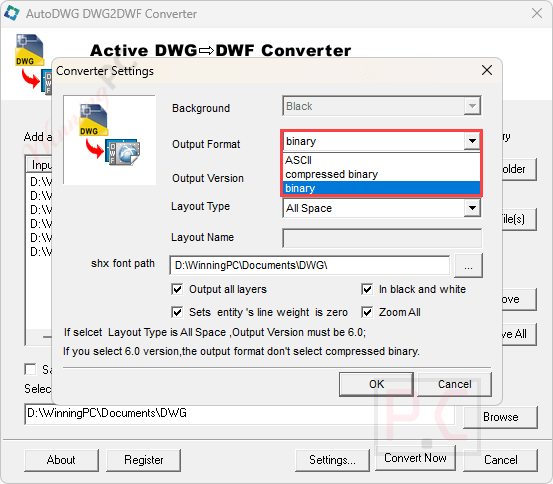
- Customizable Output: Choose between ASCII, Binary, or Compressed Binary formats.
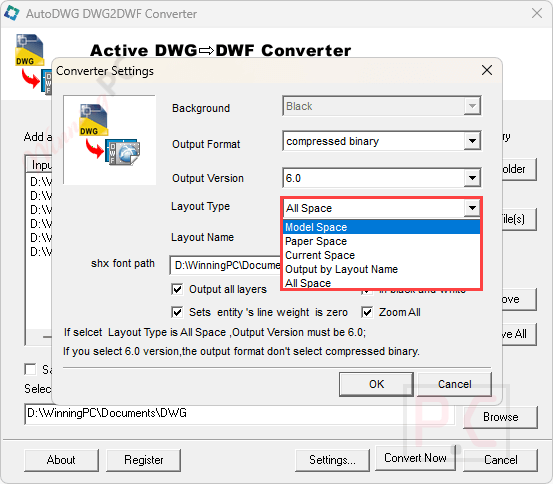
- Layout Integration: Supports multi-sheet DWF 6, allowing you to merge all layouts into a single file.
- Detail Control: Adjust SHX, Xref, and line widths, or customize background colors and file quality.
- Silent Mode: Supports command-line conversion for automated workflows.
Pros & Cons
AutoDWG DWG to DWF Converter screenshots:
Frequently Asked Questions
Where can I find a coupon or deal for AutoDWG?
The latest and best deals can be found on WinningPC, alongside the official AutoDWG website or the developer’s social media channels.
What is the best discount for AutoDWG DWG to DWF Converter?
The best current discount is 55% OFF for the Standard version, available directly on WinningPC.
Will this software work on a 64-bit computer?
Yes, the program is fully compatible with 64-bit Windows systems.
Can I get help if I am only using the free trial?
Yes, technical support is provided to both trial and registered users. You can expect an answer within 24 to 48 hours.
How do I update the software to the latest version?
You can download the newest version of the program directly from the AutoDWG update page.
System Requirements & Details
| Language Support | English, Français, Italian, Spanish, Swedish, and more… |
| Operating System | Windows Vista, Windows 7, Windows 8/8.1, Windows 10/11 |
| RAM & Storage | 1024MB RAM or greater; 40MB free disk space |
| Supported Input | DWG, DXF (AutoCAD 2026~R14) |
| Supported Output | DWF (ASCII, Binary, Compressed Binary, 3D DWF) |