Laura Marano
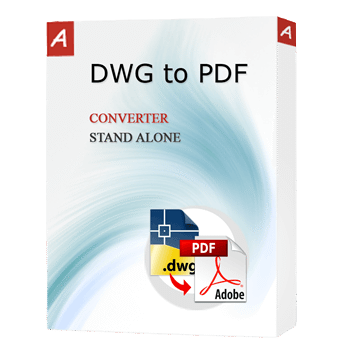
AutoDWG DWG to PDF Converter is a utility that converts AutoCAD drawings (DWG, DXF, and DWF) into high-quality PDF files without requiring Autodesk products.
- Status: ✅ Active & Verified
- Last Checked: October 2026
- Offer: 10% Off All Plans
- Coupon code: Auto***42
AutoDWG DWG to PDF Converter Standard
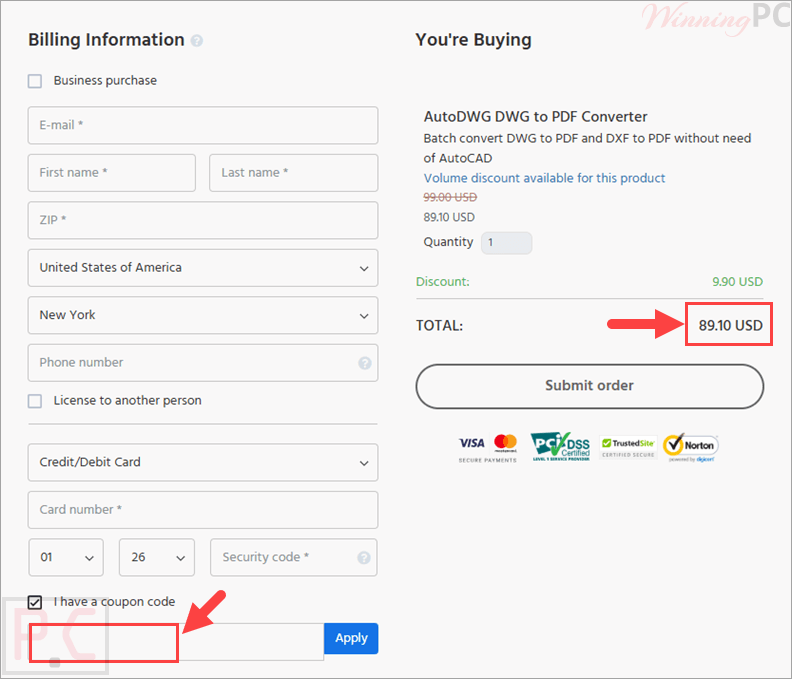
10% off coupon code: regular price $99, discounted price $89.1
AutoDWG DWG to PDF Converter Pro
10% coupon code: regular price $129, discounted price $116.1
AutoDWG DWG to PDF Converter Server
10% discount coupon code: regular price $990, discounted price $116.1
📄 Licensing & Support Details
- Lifetime license with 1-year free updates
- Free technical support within the major version
- The code will be automatically emailed to you in 5 minutes after the purchase
- Secure payment
📝 How to apply
Click the ‘Copy Code’ button in the coupon box above. The AutoDWG DWG to PDF Converter code will be copied, and you will be redirected to the checkout page, where you can apply it to secure your discounted price.
AutoDWG DWG to PDF Converter: Review & Features
Key Features
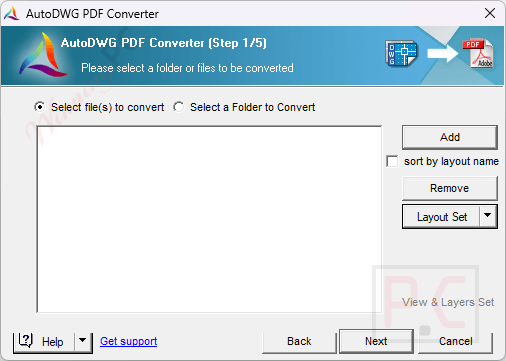
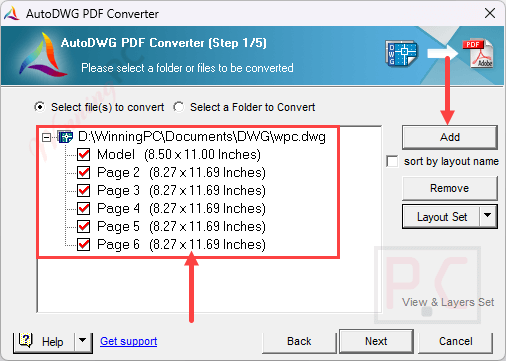
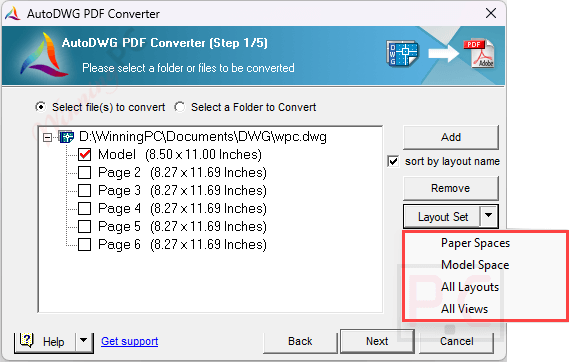
- Convert specific drawing layouts or layers.
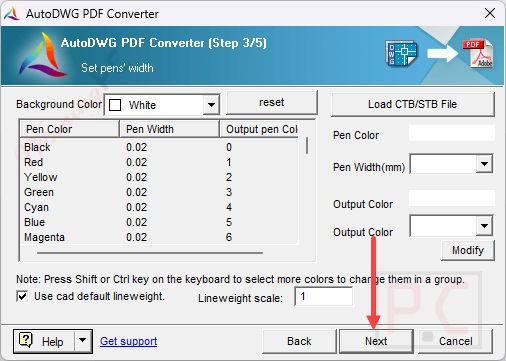
- Manage line widths with CTB file support.
- Compatible with OLE entities.
- Works with AutoCAD versions from R14 up to 2027.
- Add custom watermarks to output PDFs (Pro version only).
- Command-line support for automating tasks and saving system resources (Server version).
Pros & Cons
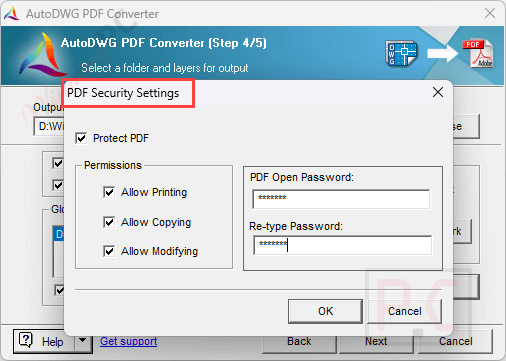
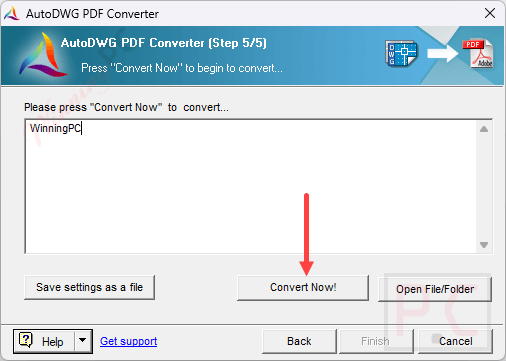
More screenshots:

Frequently Asked Questions
Where can I find a coupon code or deal for AutoDWG?
The latest and best deals can be found on WinningPC, alongside the official software website or the developer’s social media channels.
What is the best discount currently available for this product?
The best AutoDWG DWG to PDF Converter discount is 10% OFF, available directly on WinningPC.
How do I print a DWG file without AutoCAD?
You can use a free viewer program like DWGSee, which lets you open, print, and export DWG and DXF files directly as PDFs.
Can I run a command line with the desktop version?
Yes, the desktop server version supports command-line functionality to help save system resources and automate conversion operations.
Is there an SDK solution available for this converter?
Yes, there is an SDK solution that you can integrate into your own software to add DWG, DXF, or DWF to PDF conversion features.
System Requirements & Details
| Language Support | English, Français, Italian, Spanish, Swedish, and more… |
| Operating System | Windows XP, Vista, 7, 8, 10, 11 (32-bit or 64-bit) |
| RAM & Storage | 1 GB or more RAM (executable program takes 27 MB); 40 MB of free hard drive space. |
| Supported Input | DWG, DXF, DWF |
| Supported Output |